





mikiunraid
Members
-
Joined
-
Last visited
-
Hallo, Unraid 8 steht ja vor der Tür. Dort soll sich in Bezug auf PlugIns einiges und vor allem gravierendes ändern. Wird dieses PlugIn auch in Unraid 8 funktionieren?
-
Ich habe den Fehler gefunden. das Log hat volle 128M gebraucht. Das ist passiert weil ein DOCKER Container ein beschädigtes ICON hat. Habe das Log gelöscht und jetzt funktioniert das PlugIn wieder. Jetzt muss ich das mit dem DOCKER Icon erst einmal in den Griff bekommen.

-
Das LOG ist leer
-
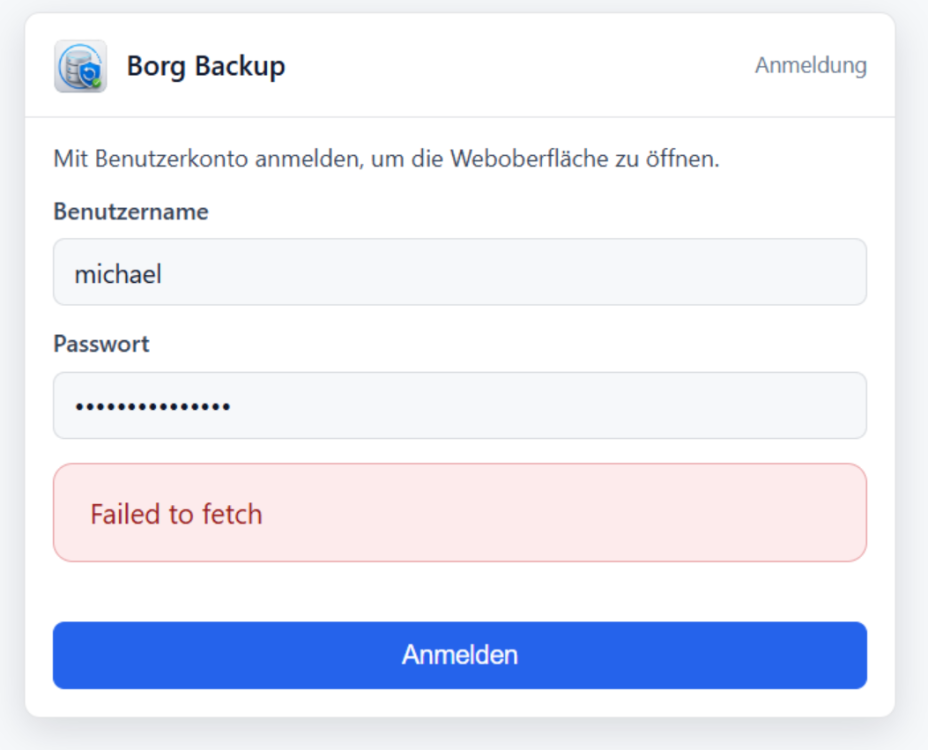
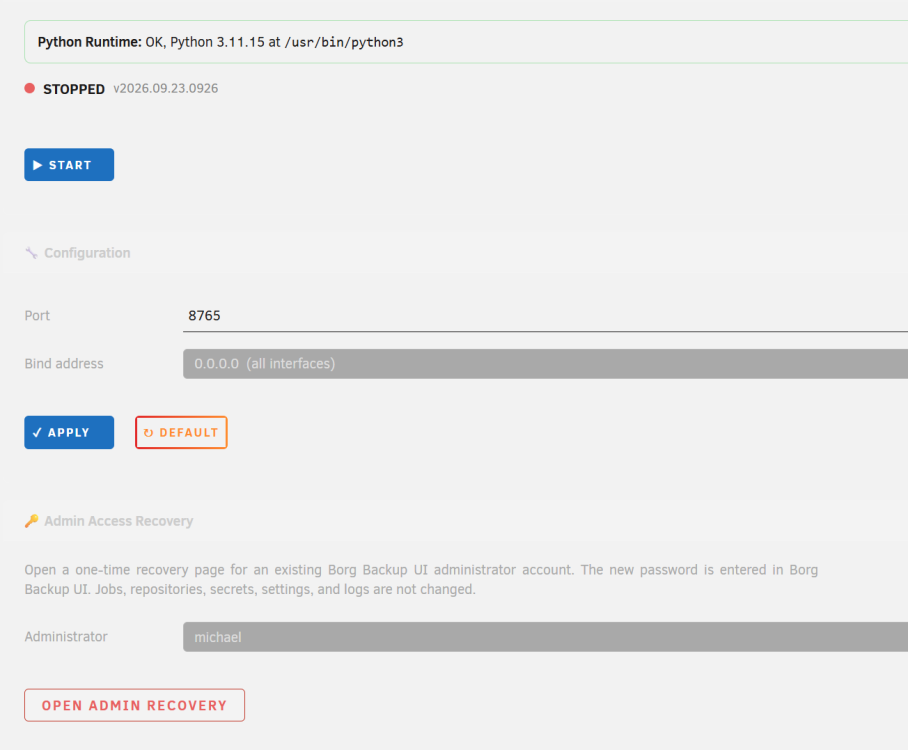
Hallo, ich habe schon wieder genau das gleiche Problem Unraid schon neu gestartet Das PlugIn schon deinstalliert und neu installiert Jetzt startet es nicht mehr.
-
Habe ich dir gerade geschickt.
-
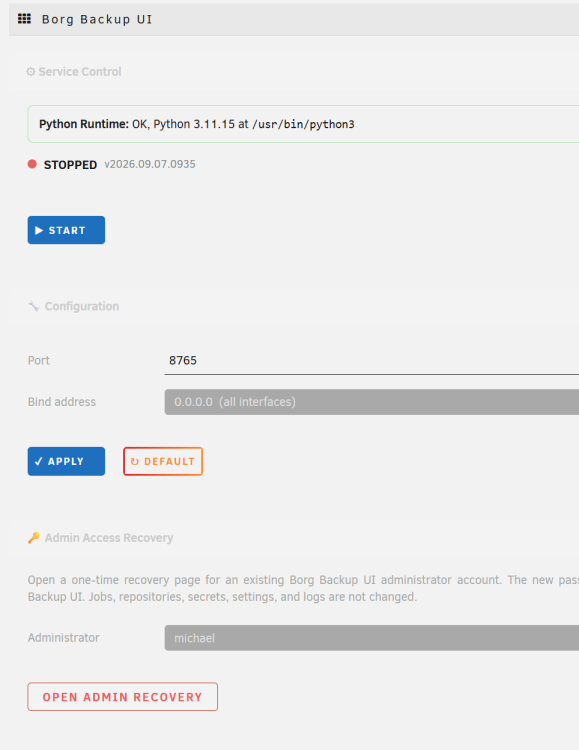
Geht nicht das Webinterface ist nach dem Restart nicht mehr erreichbar.
-
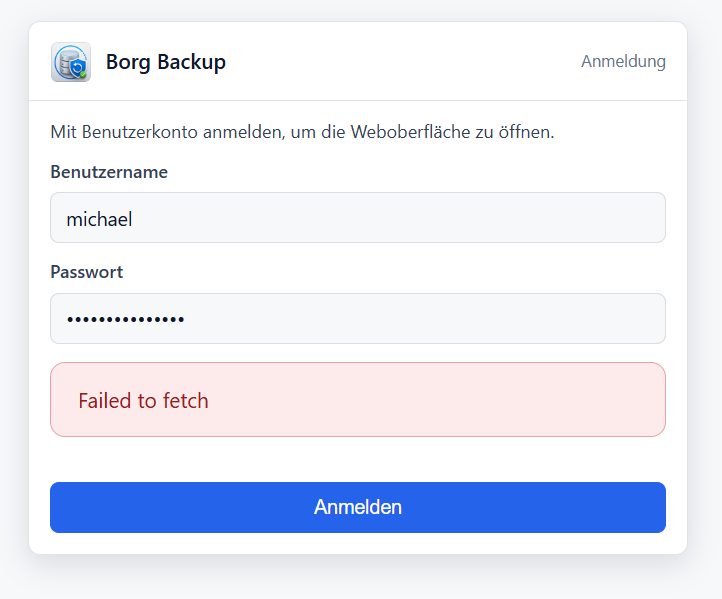
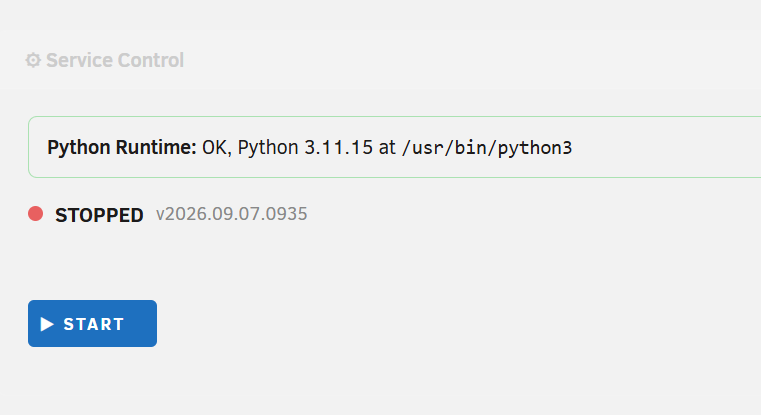
Hallo, ich habe heute schon zum zweiten mal das Problem Ich habe nichts verändert. Benutzername und Password wurden wie immer durch den Passwortmanager ausgefüllt. Ein Restart hat zur Folge das man das Plugin nicht mehr starten kann. Beim ersten mal musste ich Unraid komplett runterfahren.
-
Habe es gerade getestet. Die Anpassung hat sehr gut funktioniert. DANKE
-
Ich habe dir eine PM geschrieben. Das den APPDATA Ordner habe ich ausgeklammert.
-
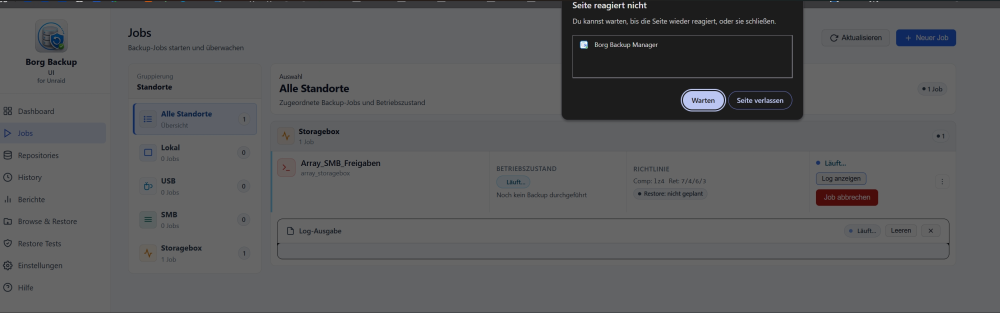
Hallo, ich habe einen Job erstellt und die neue Funktion „Dateiaktivität im Live-Log“ aktiviert. Nachdem der Job bereits mehrere Minuten gelaufen war, wollte ich mir das Live-Log ansehen. Das Log wurde jedoch nicht mehr angezeigt. Gleichzeitig war es nicht mehr möglich, irgendeine Aktion im Webinterface auszuführen. Die Oberfläche reagierte nicht mehr. Zusätzlich habe ich beobachtet, dass meine UniFi ebenfalls nur noch eine Upload-Geschwindigkeit von unter 10 Mbps angezeigt hat. Nachdem ich den Job beendet und die Funktion „Dateiaktivität im Live-Log“ deaktiviert hatte, normalisierte sich die Verbindung wieder und der Upload erreichte erneut über 300 Mbps. Im Browser wurde währenddessen ein „Timeout“ angezeigt. Es scheint daher einen Zusammenhang zwischen der aktivierten Funktion „Dateiaktivität im Live-Log“, der starken Beeinträchtigung der Netzwerkgeschwindigkeit und dem nicht mehr reagierenden Webinterface zu geben. Hello, I created a job and enabled the new “File Activity in Live Log” feature. After the job had been running for several minutes, I wanted to take a look at the live log. However, the log was no longer displayed. At the same time, it was no longer possible to perform any actions in the web interface. The entire interface became unresponsive. I also noticed that my UniFi system was showing an upload speed of less than 10 Mbps. After I stopped the job and disabled the “File Activity in Live Log” feature, the network performance immediately returned to normal, with upload speeds of more than 300 Mbps. During this time, the browser displayed a “Timeout” error. It therefore appears that there may be a connection between the “File Activity in Live Log” feature, the significant reduction in network performance, and the web interface becoming unresponsive.
-
Vielen Dank, dass du meinen Wunsch, die Logs um die Dateiaktivitätsausgabe zu erweitern, so schnell umgesetzt hast. Ich habe gestern ein 1,2-TB-Archiv erstellt und zu Hetzner hochgeladen. Es hat alles absolut reibungslos funktioniert. Die Funktion von bastl wäre sehr schön. Vielleicht könnte man auch gleich direkt eine EXCLUDE-Datei einbinden. Dann müsste man nicht in jedem Ordner eine .nobackup-Datei anlegen, sondern könnte Dateien bzw. Ordner direkt darüber ausschließen. Ich habe schon echt ein schlechtes Gewissen, hier noch mehr Funktionen anzufragen. 🫣 Thank you very much for implementing my request to add file activity output to the logs so quickly. Yesterday, I created a 1.2 TB archive and uploaded it to Hetzner. Everything worked absolutely flawlessly. The feature suggested by bastl would be really nice. Perhaps it would also be possible to directly include an EXCLUDE file. That way, you wouldn’t have to create a .nobackup file in every folder, but could exclude files or folders directly through it. I already feel a little guilty asking for even more features. 🫣 Translated with ChatGPT.
-
@Thorsten Vielen Dank für die Klarstellung und für die schnelle Anpassung des Plugins. Ja, stimmt – ich verwende --keep-daily="$KEEP_DAILY". Ich habe mir das Ganze anschließend noch einmal in der Borg-Dokumentation angesehen. Da hatte ich tatsächlich etwas falsch verstanden. Ich habe inzwischen alle Einstellungen noch einmal auf die Werkseinstellungen zurückgesetzt. Allein die Möglichkeit, dies direkt über das Plugin machen zu können, ist wirklich klasse. Dadurch konnte ich verschiedene Einstellungen testen und ausprobieren und anschließend wieder mit einer sauberen Ausgangsbasis neu konfigurieren. Ich habe allerdings noch eine weitere Frage bzw. Beobachtung: Bei meinem früheren, manuell über User Scripts gesteuerten Borg-Backup hatte ich immer wieder das Problem, dass Borg sehr viele Dateien als neu bzw. geändert erkannt und erneut verarbeitet hat, obwohl sich deren eigentlicher Inhalt nicht verändert hatte. Bei der Analyse bin ich darauf gestoßen, dass dies möglicherweise mit den von Unraid bereitgestellten Dateimetadaten zusammenhängt. Da ich meine Backups über /mnt/user/... erstellt habe, erfolgt der Zugriff über die Unraid-FUSE-/shfs-Schicht. Dadurch können sich für Borg sichtbare Metadaten wie Inode-Nummern oder ctime unter bestimmten Umständen verändern, beispielsweise wenn Dateien durch den Mover zwischen Cache und Array verschoben werden. Borg berücksichtigt standardmäßig unter anderem solche Metadaten bei der Entscheidung, ob eine Datei erneut untersucht werden muss. Wenn sich diese Werte ändern, kann Borg eine Datei deshalb als verändert erkennen, obwohl sich der eigentliche Dateiinhalt nicht geändert hat. Bei meinem damaligen manuellen Backup konnte ich dieses Verhalten durch die Verwendung von: --files-cache=mtime,sizedeutlich reduzieren. Mein damaliger borg create-Befehl sah folgendermaßen aus: borg create \ --files-cache=mtime,size \ --exclude-from "$EXCLUDE" \ --compression auto,zstd,10 \ --list --filter=AME \ --stats \ "${REPO}::{now:%Y-%m-%d__%H:%M}" \ "$SRC" Gibt es eine Möglichkeit sich bei einem laufenden Backup ebenfalls anzuschauen was Borg gerade macht?
-
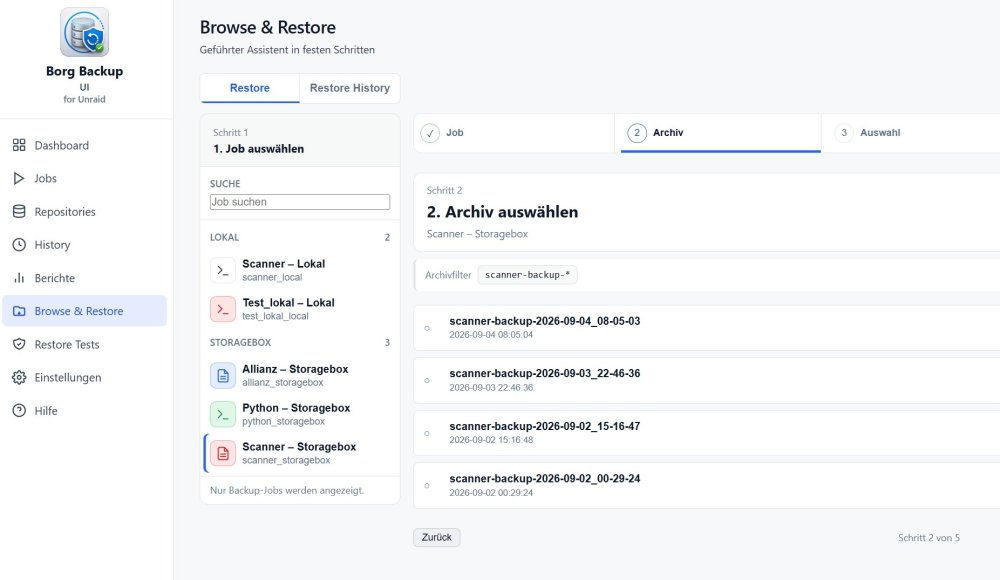
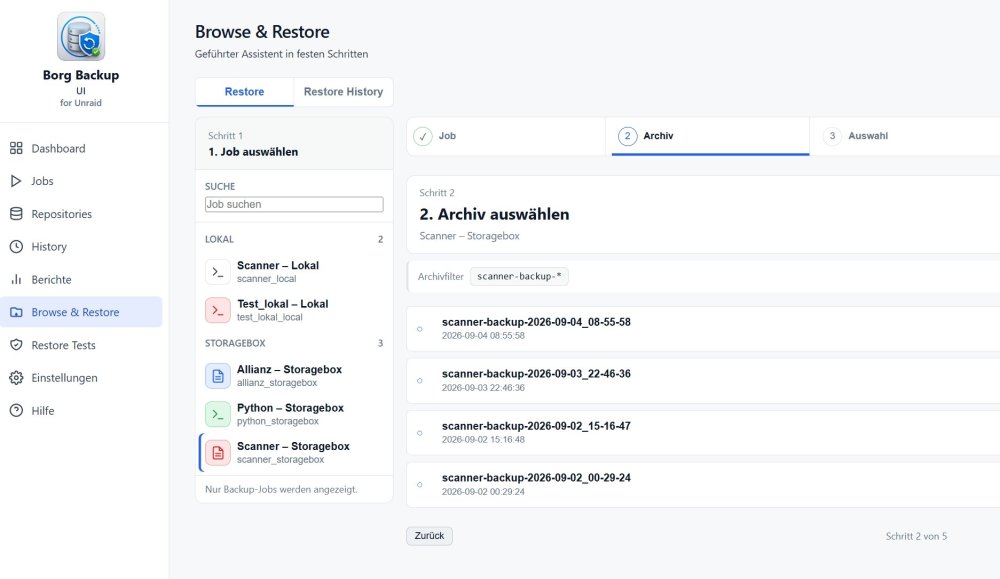
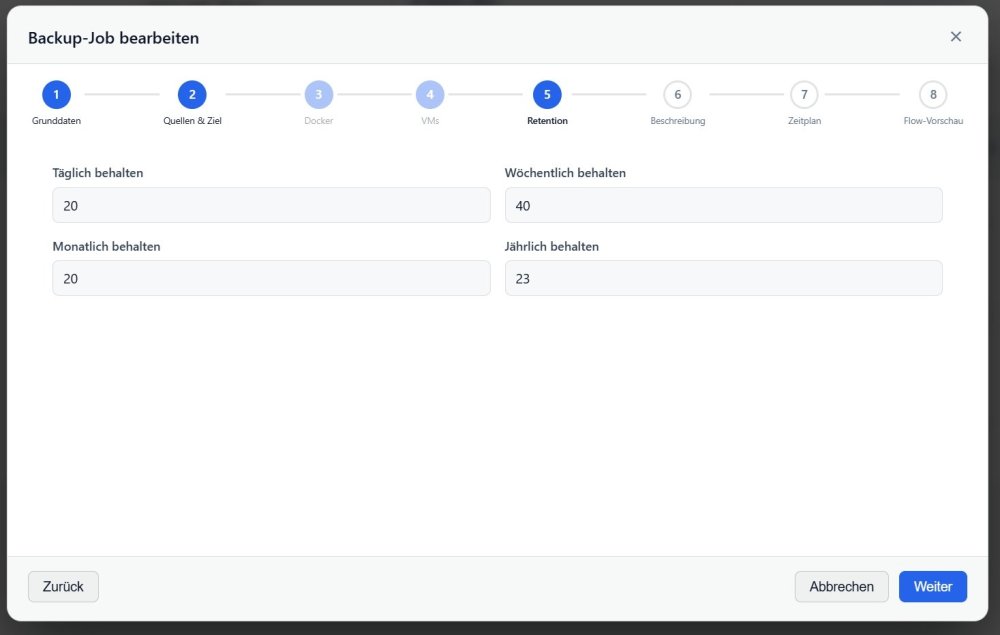
Hallo, vielen Dank zunächst für dieses tolle Plugin! Es ist genau das, wonach ich gesucht habe. Mir ist allerdings eine kleine Sache aufgefallen, bei der ich mir nicht sicher bin, ob ich die Funktionsweise richtig verstanden habe. Ich nutze Unraid 7.3.2 und habe zusätzlich einen eigenen Docker-Container für Borg Backup eingerichtet, den ich über User Scripts steuere. Wenn ich damit beispielsweise um 8:00 Uhr ein Backup erstelle und anschließend Dateien im Dateisystem hinzufüge oder lösche, kann ich um 8:30 Uhr ein weiteres Backup erstellen. In diesem Fall werden beide Backups in der Historie angezeigt. Ich kann also später auf den jeweiligen Stand von 8:00 Uhr bzw. 8:30 Uhr zugreifen. Mit dem Plugin verhält es sich bei mir jedoch anders: Wenn ich innerhalb eines Tages mehrere Backups erstelle, bleibt offenbar nur das letzte Backup erhalten. Für den betreffenden Job habe ich folgende Aufbewahrungswerte eingestellt: Täglich: 20 Wöchentlich: 40 Monatlich: 20 Jährlich: 23 Daher hätte ich erwartet, dass unter „Browser & Restore“ auch mehrere Archive desselben Tages angezeigt werden – beispielsweise das Backup von 8:00 Uhr und das von 8:30 Uhr – jeweils mit dem entsprechenden Dateistand zum Zeitpunkt der Sicherung. Genau so verhält es sich bei meinem manuell eingerichteten Borg-Backup: Mehrere Backups am selben Tag mit unterschiedlichen Dateiständen werden als separate Archive bzw. Wiederherstellungspunkte in der Historie vorgehalten. Daher meine Frage: Ist es beim Plugin beabsichtigt, dass innerhalb eines Tages nur das jeweils letzte Backup erhalten bleibt, oder müsste ich dafür eine bestimmte Einstellung ändern? Vielen Dank schon einmal für die Erklärung und natürlich auch für die tolle Arbeit an dem Plugin! Ich verwende die Storage Box von HETZNER Viele Grüße Michael Backup von 8:05 Uhr (automatisch) Backup von 8:55 Uhr (händisch gestartet) 2026-09-04__08_05_02.txt 2026-09-04__08_55_57.txt
-
mikiunraid changed their profile photo
-
@alturismo Danke
-
Wie ist es wenn du Unraid neustartest? Ist Borg dann noch installiert? Kannst du vielleicht kurz beschreiben wie du es gemacht hast.





