





vampyren
Members
-
Joined
-
Last visited
Everything posted by vampyren
-
Hi, When trying to clone my VM it always fails. I chatted in discord with some people in the know and they sort of confirmed this is a bug and suggested i report it. Below shows that i try to clone the above VM: Basically my understanding is that the clone operation fails to create the proper folder "/mnt/user/VM/Windows 11_Clone". If i on the other hand manully create the folder Windows 11_Clone and then clone it creates the clone. Since running VM is a major part of Unraid and many users would not be able to figure out how to do this work around i set this as urgent.
-
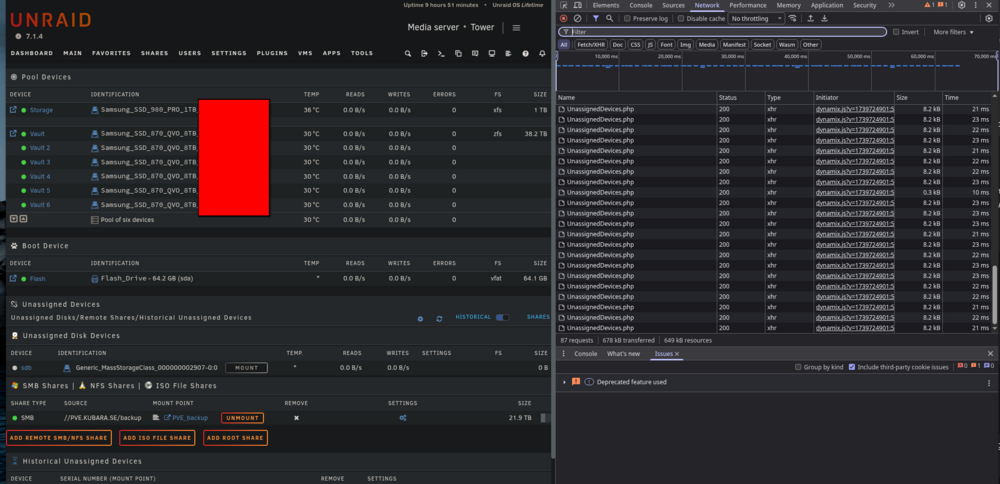
Came here to say the exact same thing! It keeps spamming every second and i actually think this is the reason why my Brave crashes after some time. I uninstall and everything is back to normal! I read LT has taken over but not sure they are actively working on this or not. Would be awesome if this was part of Unraid itself. This is a very useful and pretty much must have feature.
-
Hi all, I’m trying to run the Unraid WebGUI over HTTPS with a custom certificate for a LAN hostname. It worked briefly, but after a reboot the GUI was unreachable over HTTPS and nginx reported a key mismatch. SSH is fine. I’d like to know the supported, persistent way to do this and how to cleanly revert my ad-hoc changes. EnvironmentHardware: AOOSTAR WTR-MAX (Ryzen 7 Pro 8845HS) Unraid: current stable (7.1.x) DNS: UniFi local record → unraid.example.lan → 192.168.1.240 Goal: Serve GUI at https://unraid.example.lan:443 with a locally-trusted cert (mkcert) What I didGenerated a local CA + leaf cert with mkcert on another machine. Copied certs to Unraid and built: Bundle: /boot/config/ssl/certs/Tower_unraid_bundle.pem (leaf + mkcert root) Key: /boot/config/ssl/certs/Tower_unraid.key Switched to Custom: /boot/config/ident.cfg: USE_SSL="custom" When it worked, servers.conf looked like: server { listen 192.168.1.240:443 ssl default_server; server_name unraid.example.lan; ssl_certificate /boot/config/ssl/certs/Tower_unraid_bundle.pem; ssl_certificate_key /boot/config/ssl/certs/Tower_unraid.key; } What happens nowAfter a reboot I’ve repeatedly hit two states: Key mismatch: nginx -tnginx: [emerg] SSL_CTX_use_PrivateKey("/boot/config/ssl/certs/Tower_unraid.key") failed (SSL: error:05800074:x509 certificate routines::key values mismatch) Loopback-only bind (LAN unreachable): /etc/nginx/conf.d/servers.conf sometimes contains only: listen 127.0.0.1:443; # loChecks I ran (single-step commands)Files exist ls -l /boot/config/ssl/certs/Tower_unraid_bundle.pem ls -l /boot/config/ssl/certs/Tower_unraid.key Key ↔ cert match openssl x509 -noout -modulus -in /boot/config/ssl/certs/Tower_unraid_bundle.pem | md5sum openssl rsa -noout -modulus -in /boot/config/ssl/certs/Tower_unraid.key | md5sum# digests match when it works; mismatch triggers the nginx error aboveMode is still custom grep '^USE_SSL=' /boot/config/ident.cfg # USE_SSL="custom"Active server config sed -n '1,200p' /etc/nginx/conf.d/servers.conf DNS sanity (UniFi → LAN IP) getent hosts unraid.example.lan resolvectl query unraid.example.lan Extra logs the forum often requests tail -n 120 /var/log/nginx/error.log tail -n 120 /var/log/syslog | egrep -i 'emhttp|nginx|ssl|cert|error'QuestionsPersistent method: What’s the supported way to use a custom certificate so the WebGUI survives reboots? Which files are user-managed vs auto-generated by Unraid (e.g., does emhttp always rewrite /etc/nginx/conf.d/servers.conf)? Bundle format: Under /boot/config/ssl/certs/, should *_bundle.pem be full chain (leaf + CA) and the private key be in a separate *.key file (as above)? Or should the bundle include the key as well? Do not edit? Is directly editing /etc/nginx/conf.d/servers.conf to bind 192.168.1.240:443 unsupported (i.e., will be overwritten by emhttp), and if so, what’s the right toggle to make emhttp generate the LAN bindings? Clean revert path: Is setting USE_SSL="no" (or "auto") in ident.cfg and rebooting sufficient to return to HTTP? Anything else under /boot/config/ssl/ that should be removed to force a clean regeneration? mkcert caveats: Any known quirks using mkcert-issued certs for the WebGUI (e.g., re-provisioning actions that overwrite *_bundle.pem, or requirements about SANs / CN)? Loopback only: Under what conditions does Unraid intentionally generate loopback-only listeners for the WebGUI? I’ve seen listen 127.0.0.1:443; appear unexpectedly after toggling SSL modes. Thanks! I’m happy to re-test the “by the book” steps—just want to make it persistent and avoid servers.conf getting reset to loopback after reboots.

