






ChristianUnraid
Administrators
-
Joined
-
Last visited
-
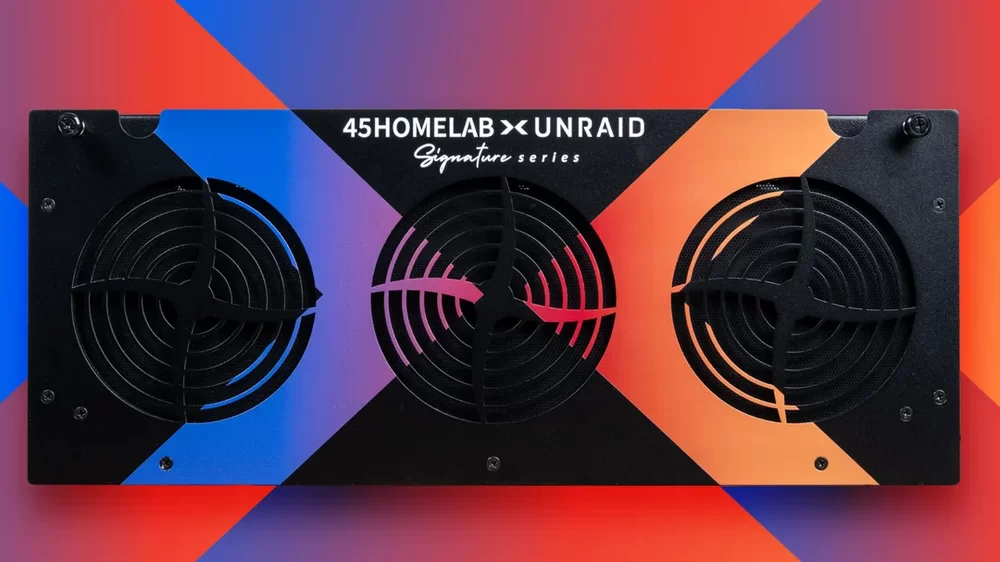
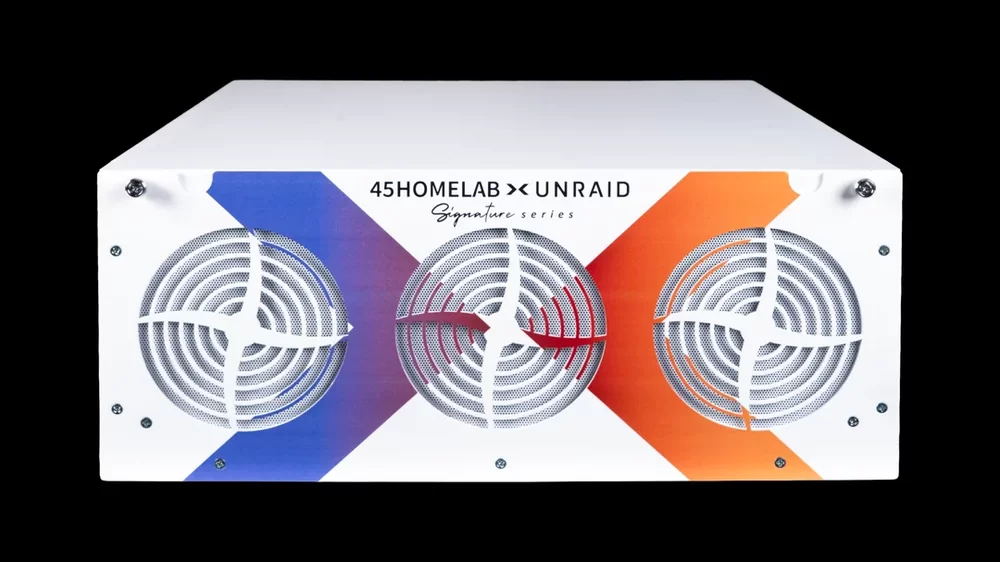
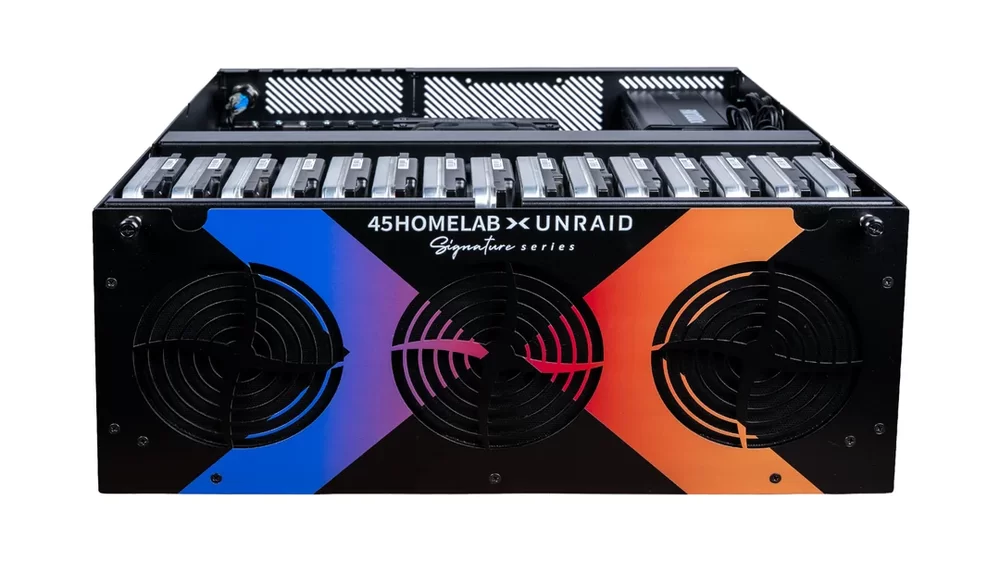
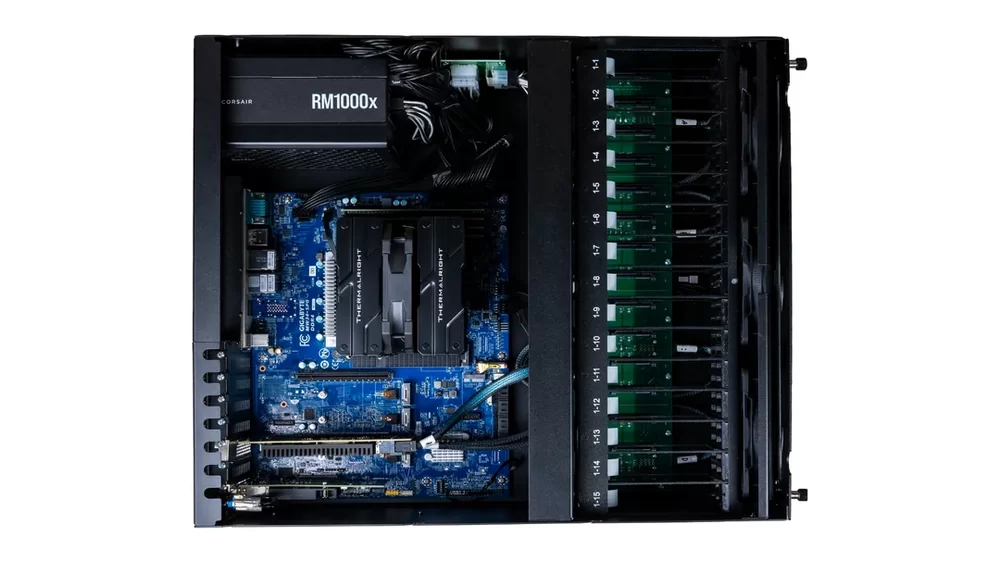
The X15 is the first product in the Unraid Signature Series: a collaboration between 45HomeLab and Lime Technology to build a server jointly engineered and validated specifically for Unraid OS. The goal was straightforward: a system where everything works together from day one, without the research and compatibility work that usually goes into a scratch build. Full specs: 15-bay direct-wired backplane (LSI 9400-16i HBA) Intel i7-14700 (20 cores / 28 threads) with integrated GPU for hardware-accelerated transcoding Dual-port 10GbE Intel x550-T2 networking ECC DDR4 (16GB standard; 8GB / 32GB / 64GB / 128GB available) Kingston NV2 1TB NVMe boot drive with Unraid pre-installed Lifetime Unraid OS license included Gigabyte MW34-SP0 motherboard Corsair RM1000x 1000W modular ATX PSU 6x Arctic P12 Pro 120mm PWM fans 16-gauge cold rolled powder coated steel chassis 4U — 20"L x 17.125"W x 7"H / 40 lbs without drives Available in black or white Built and shipped from the US and Canada Pricing: Starting at $2,999 (with 16GB ECC DDR4) Pre-deposit: $99, fully refundable at any time. Amount applies to your final purchase. Units ship in the order deposits are received. Full Details: https://unraid.net/45homelabxunraid
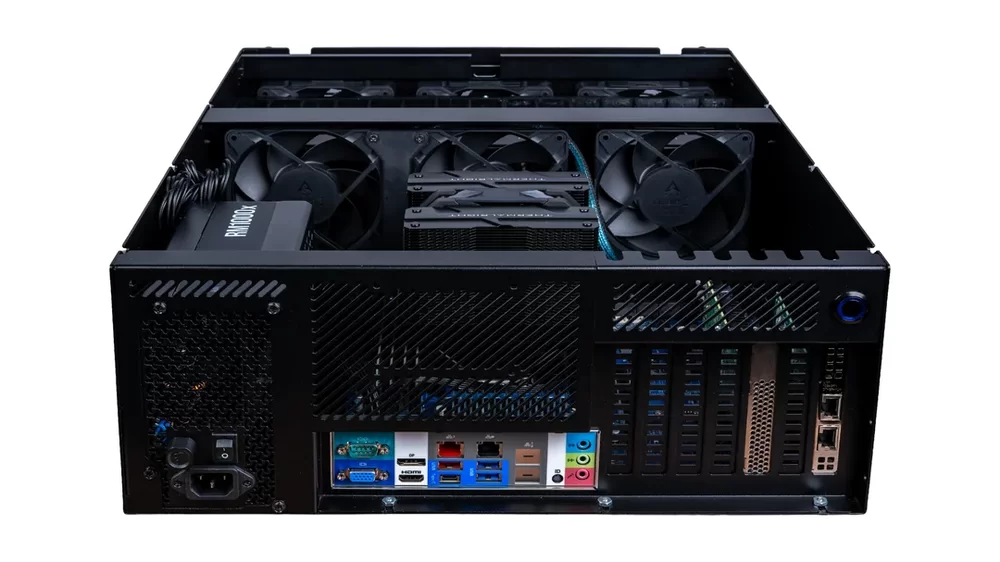
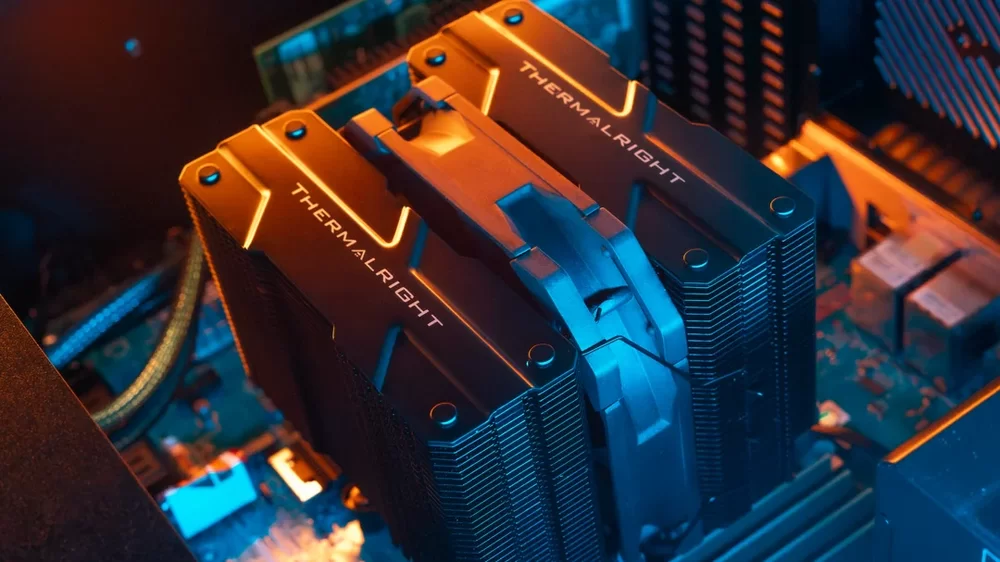
-
Hey everyone, We've just released Apprise-Go, a port of Apprise reimplemented in Go. For those unfamiliar, Apprise is very popular selfhosted notification library that supports 80+ services (Discord, Slack, Telegram, email, webhooks, and many more) through a unified API. Why we built this: While Apprise is fantastic, there are scenarios where a Python runtime isn't ideal—embedded systems, minimal containers, resource-constrained hardware, or situations where you just want a single binary you can drop anywhere and have it work immediately. What we delivered: Single binary under 4MB (compressed) Zero dependencies (no Python, no pip, no venv) True cross-platform support (Linux, Windows, macOS, ARM, x86) 1:1 compatibility with Apprise semantics and design Current status: We've achieved core feature parity, but not all notification targets have been fully tested. We're actively seeking community feedback and contributions to reach the same level of quality as the original Apprise project. Important note: This isn't a fork or competition—it's a companion implementation meant to extend Apprise's reach to environments where Go is a better fit. Massive credit to Chris Caron for years of maintaining Apprise and building such a solid foundation to work from. Links: GitHub: https://github.com/unraid/apprise-go Original Apprise: https://github.com/caronc/apprise We'd love your feedback, bug reports, and contributions. If you find issues with specific notification services, please open an issue on our repo!
-
ChristianUnraid changed their profile photo
-
Hi everyone! Thank you so much @SpencerJ for the warm welcome! I’m really excited to be here! 🤩🥳 As someone who’s always loved technology and creative problem-solving, discovering Unraid felt like unlocking a whole new way of thinking! I’m genuinely excited about the product, the mission, and the community around it. I’m looking forward to contributing to the team through strategy, design, storytelling, and a bit of creativity with a twist. Can’t wait to collaborate, learn, and build great things with you all! — Christian




