





Black Rat
Members
-
Joined
-
Last visited
-
I have had to work away for a week but will get back to it when I return. Thankyou very much for all the advice so far 🙂
-
Unless I am missing something or have the wrong end of the stick, that appears to be an issue.
-
PS I am running Nvidia Driver 580.159.03 because that is the one recommended for the Quadro and newer drivers break it. If the bugs have been ironed out with later drivers, that would be an issue.
-
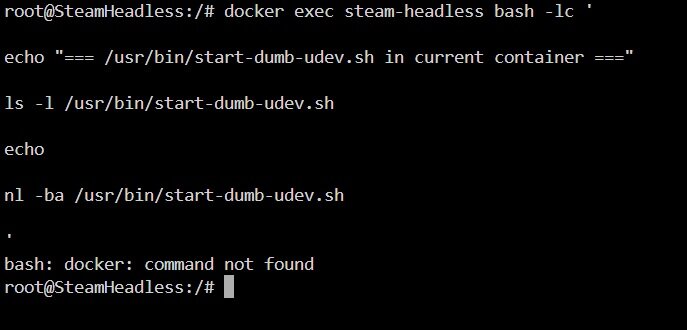
I'm guessing that's the container terminal as opposed to the Unraid terminal?
-
and system diagnostics loki-diagnostics-20260503-1327.zip
-
Docker Run.txtSteam Headless Logs.txt Run file and Logs for your perusal
-
Thankyou, much appreciated 🙂
-
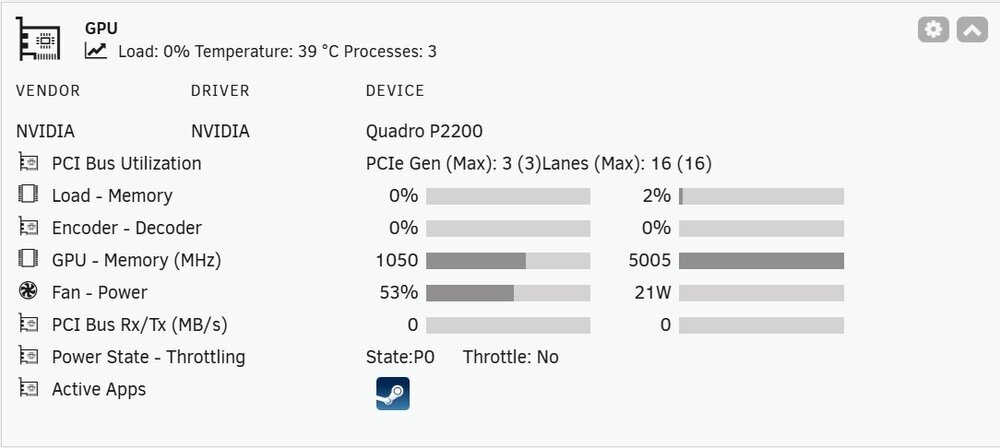
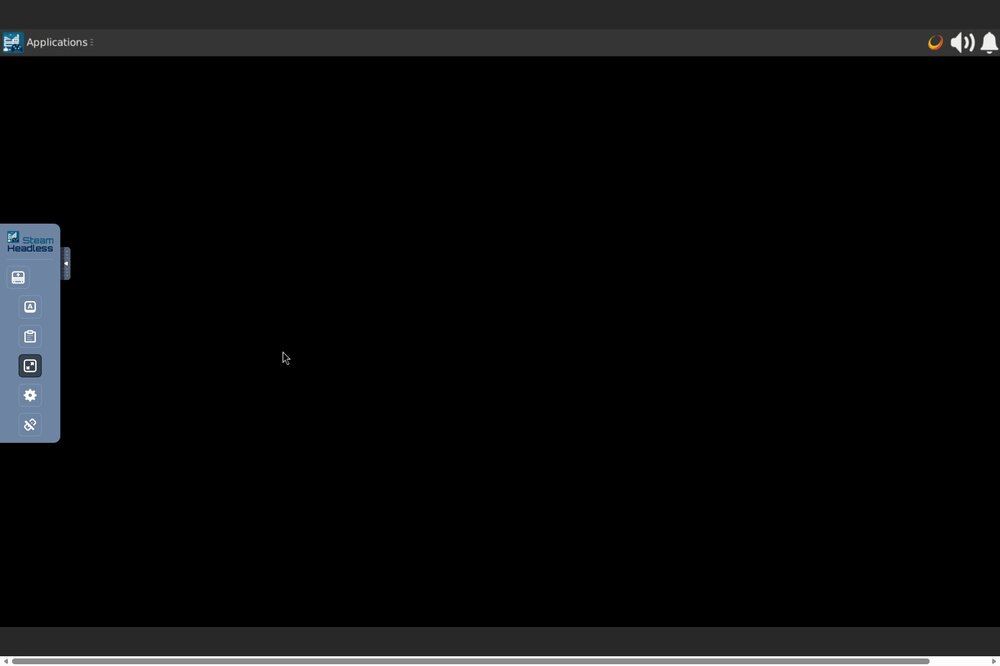
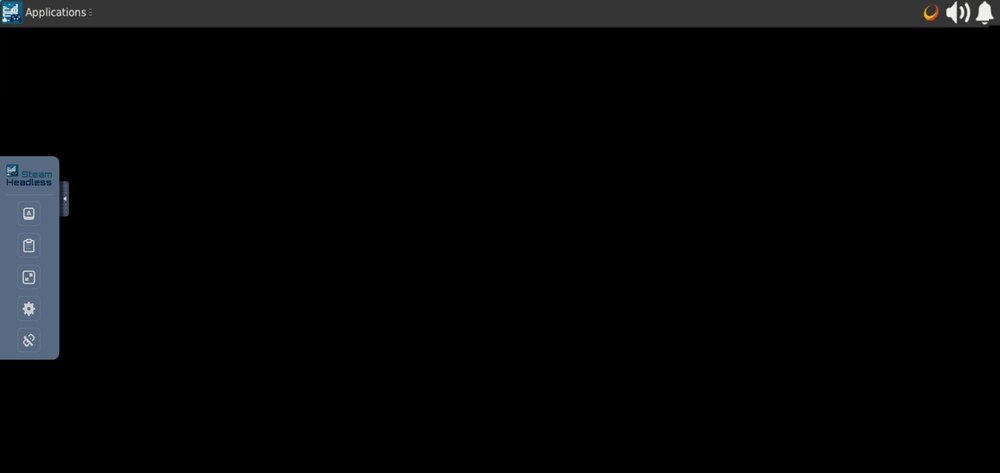
Dear All, I was wondering if one of you may take pity on me and steer me in the correct direction. I am trying to set up the Steam Headless container. I believe I have followed the instructions and set up my container to work with my Nvidia GPU (Quadro P2200). Unfortunately, after I connect to the server and install Steam, the screen is blank barring the usual container tools options around the frame. I can also see that on the GPU Statistics App that Steam Headless is utilising the GPU as it is supposed to. I am open to all thoughts/solutions. Unraid 7.2.5 Ryzen 5700X Nvidia Driver 580.159.03 Thankyou Black Rat
-
Dear All, I was wondering if one of you may take pity on me and steer me in the correct direction. I am trying to set up the Steam Headless container. I believe I have followed the instructions and set up my container to work with my Nvidia GPU (Quadro P2200). Unfortunately, after I connect to the server and install Steam, the screen is blank barring the usual container tools options around the frame. I can also see that on the GPU Statistics App that Steam Headless is utilising the GPU as it is supposed to. I am open to all thoughts/solutions. Thankyou Black Rat
-
Hi bmartino1, Just a quick follow up to let you know you were right. I changed the BinHex Docher to The Linux Repository Docher and the TV adapter was seen immediately..... Everything worked a treat after that. Thank you so much for your help, I honestly think without your help I would have continued to peruse the forums wondering what I had done wrong 🤔 Thanks again. Simon
-
Excellent 🙂.... Originally when I picked the tuner I picked it from Plex's supported list and have had it running in Windows flawlessly for years. I am working away for the next couple of days but will build a Linux Repo Plex do her as soon as I get home. Thank you so much for your help and I will report on my findings when I build it (it's a shame about the metadata 😂 😂). Your time & patience is most appreciated. Simon
-
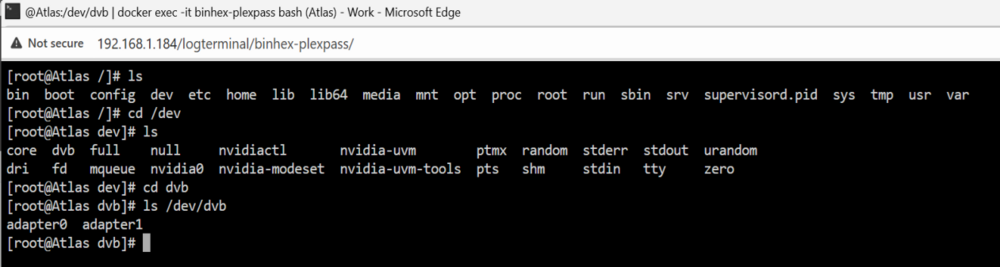
Hi bmartino1 I have copied your example and it appears to show that the Docher seems to see the both adapters....Do you agree or am I missing something?
-
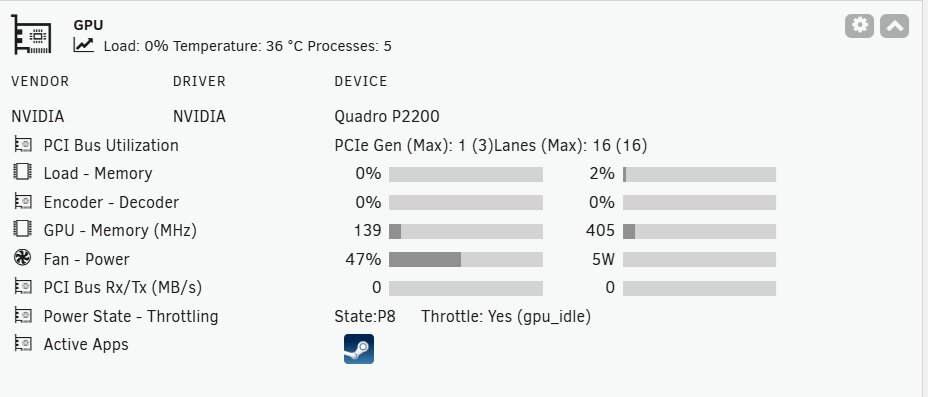
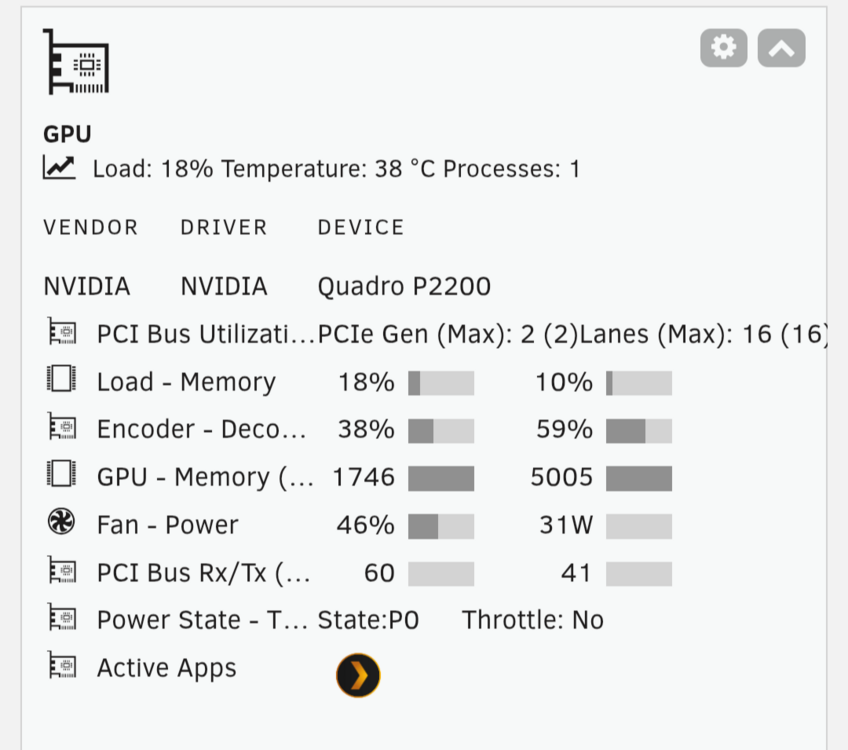
PPS....this is the Quadro doing a transcode for Plex
-
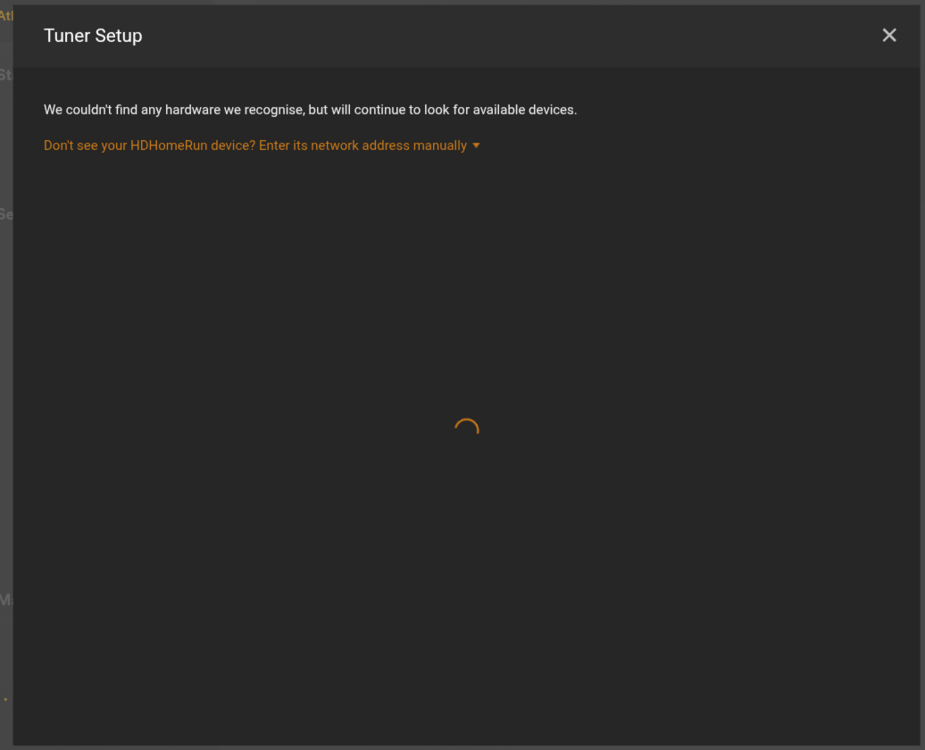
Like I said, the container just doesn't see the hardware.
-
Ps....In my original post my extra parameters shows 2 statements. The first is for the Nvidia runtime statement and the second is for the Hauppage antenna adapter. I read that you could use multiple statements as long as you left a space between statements.







