squidly
Members
-
Joined
-
Last visited
-
Still having these issues with 4.3.16.
-
run PHP VB on another machine, that's what I'm doing for now. So yes, I've been editing the file manually, however I can't get it to install the plugin and restart VMs automatically when restarting the unraid machine. Has anybody found a solution to this?
-
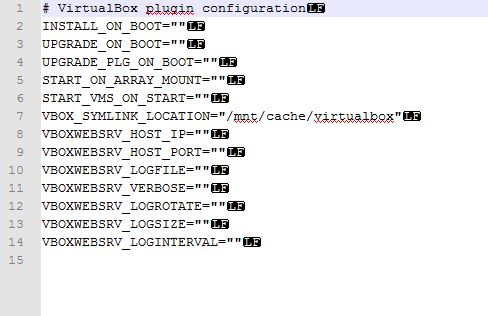
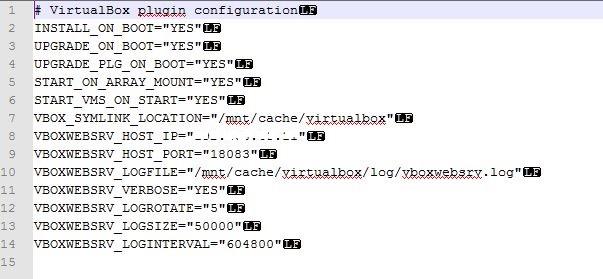
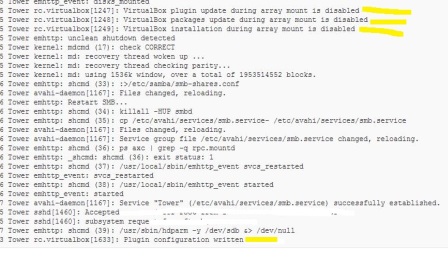
6.0 beta 4 Two issues: 1. When I "Save Below Configuration" it blanks out all the settings in the virtualbox config file, except for the symlink location, regardless of what settings I have on the webpage. 2. I 'll restore the previous settings by editing the file manually, including upgrade on boot, start on array mount, etc, however after a system restart none of the settings are followed and according to the log it says these settings are disabled? The plugin doesn't install on boot, and obviously nothing else happens either. I have to manually install it from the webpage and start everything up. Everything else works fine and I can run VMs without problems. Just wish it would survive a restart as expected.