





vandammages
Members
-
Joined
-
Last visited
-
anyone with ideas?
-
drag anarchy-diagnostics-20161019-1738.zip
-
pic2
-
pic
-
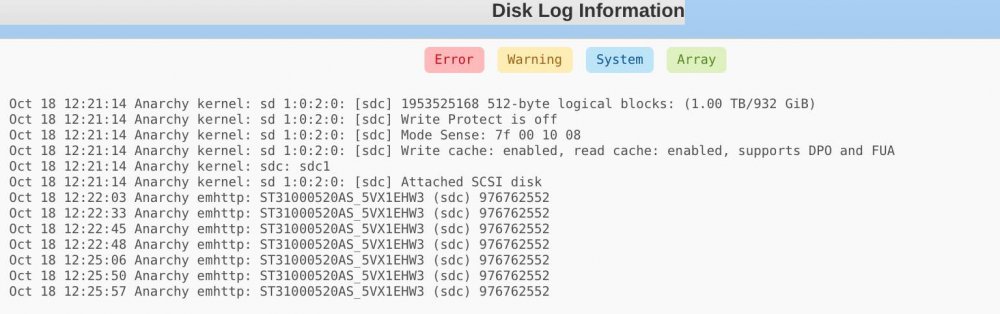
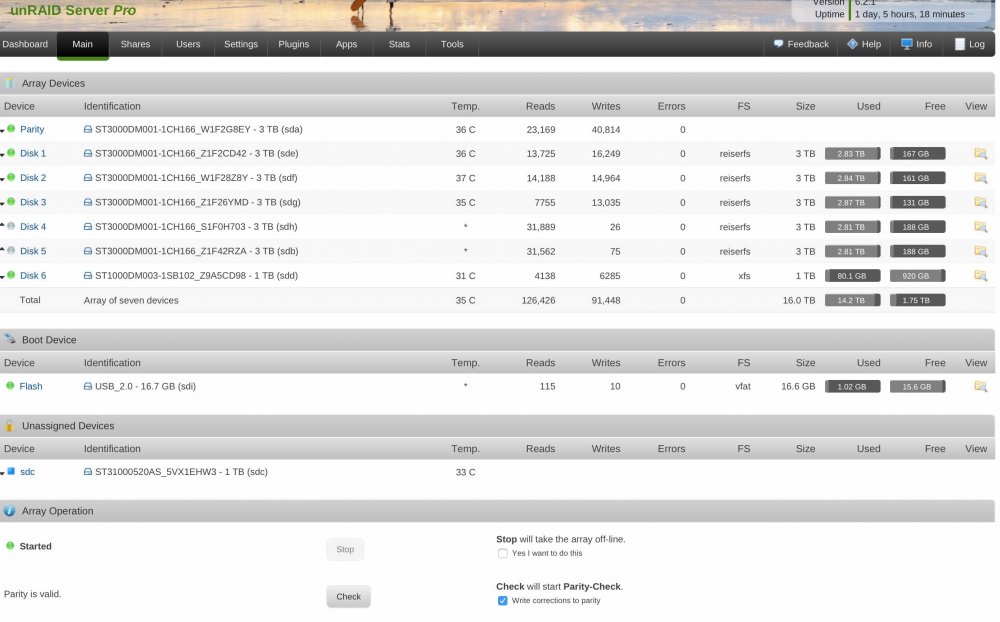
yes . I shut down. remove the drive from Drive bay.. it keeps saying is still available. reboot. still shows up in the list of available drives. and Yes i confirmed the Serial # etc.
-
Hi, I had a disk fail. so i out a new one its in position.. but unpaid was always showing the Old"bad drive". So i added the new disk to a new bay and it build parity just fine. but now the Old drives is still showing up in un-assigned devices and smarts keep saying it bad. i removed it from the bay. how do i get rid of this drive .
-
Just use the network option and point it to the ip of your ipmi.
-
This is a great plugin.. thanks so much. how do i get IPMI sensor to pass trough from ESXI6.0u2 to unraid 6.2 as guest VM MOBO = Supermicro Motherboard MBD-X9SCM-F-O suggestions or links Regards.

