spotopolis
Members
-
Joined
-
Last visited
Everything posted by spotopolis
-
HA! that worked! thank you!
-
I am trying to remember if this was the same problem I had but for the heck of it try this: chgrp nobody /var/lib/php Now try to log into the web pgae I had to put that in my go file as it turned out to be a permissions issue as the root cause and the invalid username/pwd was just a side effect Go file? can I change this through a windows explorer page on the share, or do I have to do this command through putty?
-
Yes on soap as well.
-
Yes on config.php rename. The VBOXWEBSRV is started. I am getting to the Vbox log on screen, it just wont accept a username and password. I tried admin/admin, but it says that combo is invalid. I tried the recovery.php file to reset the admin creds, but that didnt work either.
-
I am currently running the latest UNRAID 6beta9, and trying to get virtualbox 64 running using the Apache plugin for the webserver (since there isnt another 64bit webserver that I could find) . I think I have everything setup correctly, but I keep getting invalid username and password errors when trying to log into the virtualbox webserver. I tried admin\admin, but its not working. Is there something else I need to change? If anyone could point me in the right direction that would be great.
-
Username: admin Password: admin AWESOME! Thank you! up and running. Time to play around and see if I cant get this server imported.
-
Now thats done and I'm getting a credentials error using default vbox and pass
-
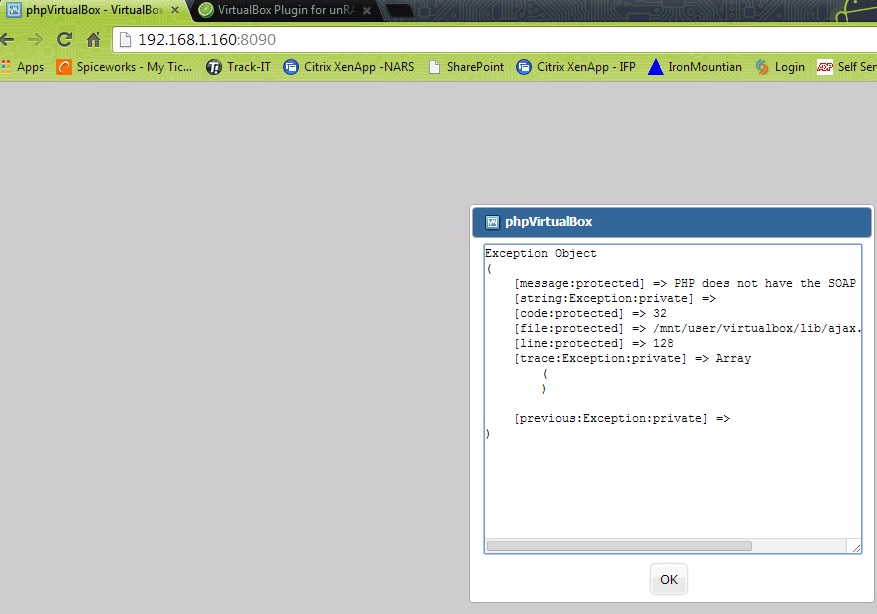
okay, so i dumped all of the contents of the phpvirtualbox.zip into my web root directory and renamed the config to config.php. now Im getting a SOAP error.
-
Where exactly are you stuck? Have you downloaded phpvirtualbox and put it in the Dynamix webserver? Is phpvirtualbox still not part of the virtualbox package? I thought it was. I thought that was one of the items that it installed from the virtualbox gui. I see it mentioned a lot but dont see how to get it or install it. EDIT: okay I got phpvirtualbox from sourceforge, and have it extracted. what do I need from here? do I dump all of it into a location, or just a select few items?
-
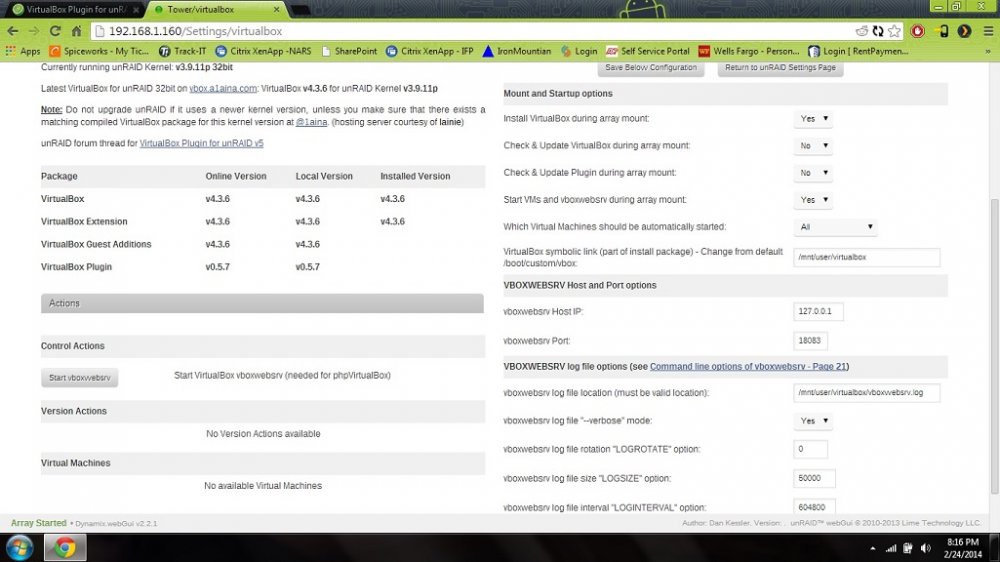
I have been trying to figure this out for 4 or 5 hours now. Im a slight noob with linux. I have had my unraid server running for about a year to run my plex media center. Now Im wanting it to run a VM as well. I have the latest virtualbox plugin installed and the Dynamix webserver installed... but I cant figure out how to launch the virtualbox web. I see people mention the config.php file but have no idea where it is. Im running unraid 5.0.4. Any help would be great. Im not one to normally ask because I like to figure things out for myself and I've Googled the hell out of this... but I'm stuck.