





zarken
Members
-
Joined
-
Last visited
Everything posted by zarken
-
I don't recall all the steps I had went through and what forum I had ended up on exactly but there are some instructions you can find on repairing the db or you can use one from built in backup you can restore by renaming the backup to the live db name.
-
Fixed it. TY for the help it turns out the Plex DB was corrupted
-
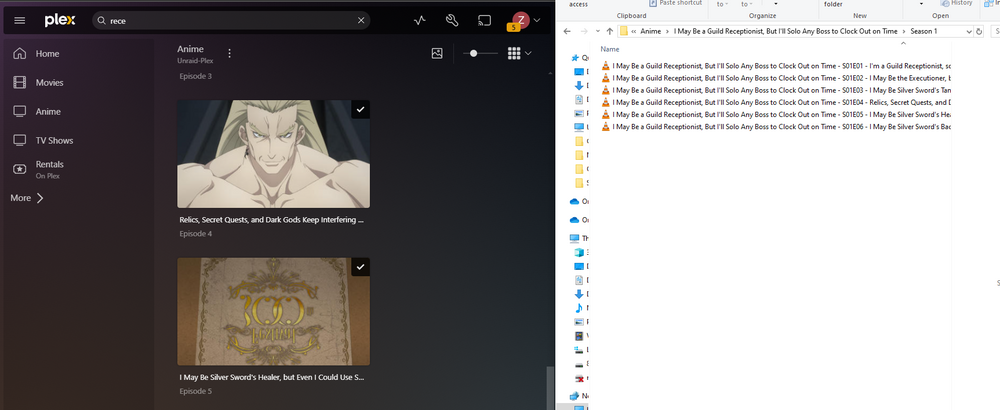
looking a bit closer and it looks like my TV and Animie sections are updating as well. see below for example
-
i tried all the stuff you mentioned above including looking for duplicates to see if it merged some data and none of that resolved my issue. i have pulled the logs from plex itself im a little unsure of whats going on here its like plex doesnt see updates to the folder. Plex Media Server Logs_2025-02-14_20-07-27.zip
-
has anyone had it where their plex docker just stopped scanning some libraries? my TV and animie is still scanning /updating but my movies just arent scanning the folders anymore i verified the data is being moved from radarr to the correct location but plex just wont find the data. i also ran the fix common problems thinking it was a permission problem but it didnt find anything. unraid-plex-diagnostics-20250214-0025.zip
-
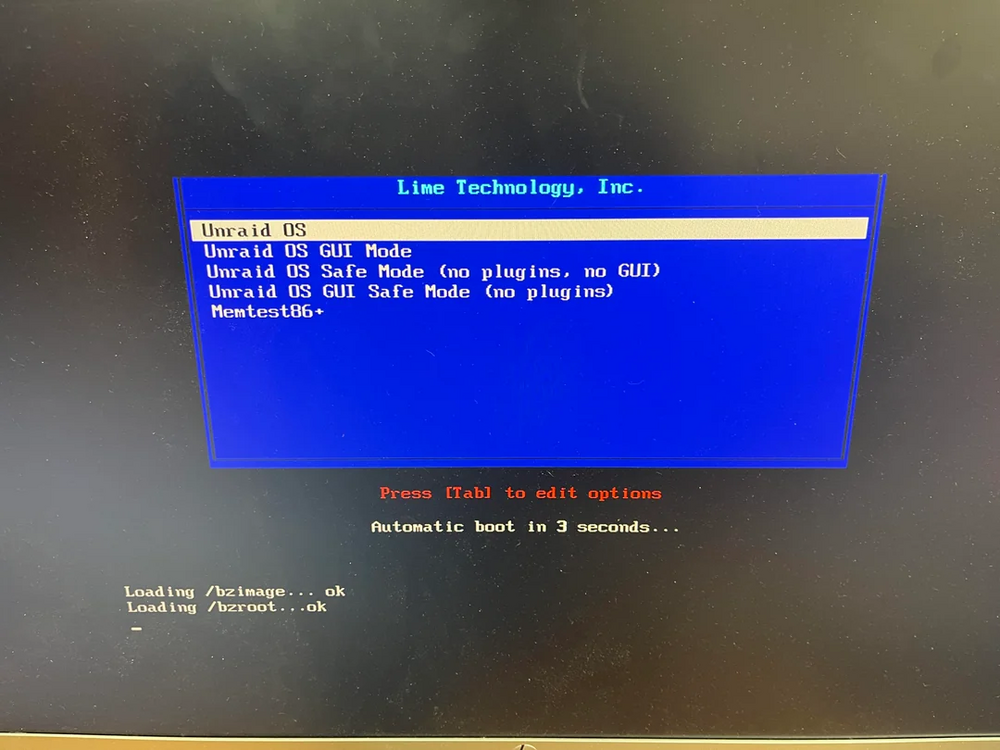
to get server ideally back up and running im trying to run 6.11.5 which is the only copy i could download that booted i cant install CA. any thoughts to why 6.12.10 or 12.9 arent working or any diagnostic i can run to get a better idea or is there another way i can get CA to work so i can rebuild my server? i should mention the times i have tried to get 6.12.x to boot after i get the loading /bzroot ...OK the screen flickers 2x like its trying to load something before rebooting

-
so i tried a separate flash drive and im experiencing the same issue with fresh copy of unraid on the 12.10 and 12.9. im assuming there was some new features that maybe caused some incompatibility.
-
im running a Dell precision tower to run my unraid setup. i was running V11 yesterday and ran the update to go to 12.10 now my server just gets to the following screen the flickers and reboots. i have tried creating a fresh copy of usb drive and V12.10 and 12.9 do the same thing. when i installed a fresh copy of 11.5 it boots fine but im unable to access some features like installing the CA addon. id like some help getting my server to 12.10
-
should i be converting my drives to a different FS?
-
ok so i ran a copy i downloaded and its done 5 passes no errors
-
did you have any other tests or repairs i can try?
-
i ran the memtest and it passed with no errors
-
can i run it via terminal or do i have to reboot server and launch memtest?
-
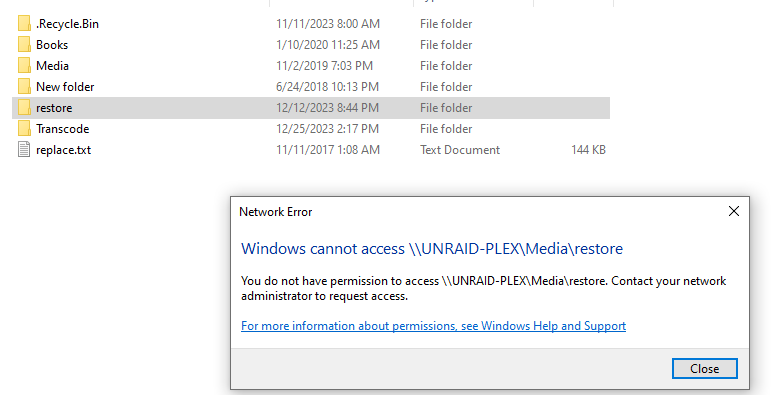
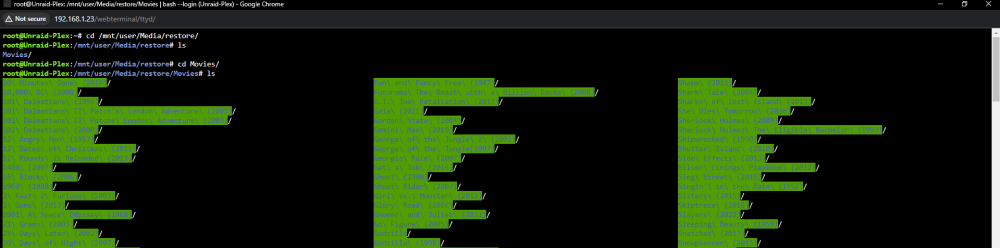
i recently had a drive fail and wasnt able to get it to come back properly i have since formatted a drive and tried restoring some of the data by copying it off of copy of the failed drive the data is there but im getting permission issues when i try to access it. i have Run the Fix common problems plugin but havent got anywhere. i do see some BTRFS errors in log file but im not the best with linux hoping to get some help unraid-plex-diagnostics-20231225-1509.zip
-
unraid-plex-diagnostics-20231210-1058.zipforgot to attach diagnostic
-
i have one of my drives in my array that is now saying Unmountable: Wrong or no file system. i have seen a few forums saying possible drive or cable issue but i have tried replacing drive and after the rebuild the new drive also says Unmountable: Wrong or no file system after the rebuild. im assuming something has become corrupt on the drive but not sure how to go about fixing



