





niietzshe
Members
-
Joined
-
Last visited
Everything posted by niietzshe
-
With the new SSd installed everything booted up as normal. Thanks all. Sent from my iPhone using Tapatalk
-
Thanks all. I mean I’ve had a good run of at least 8 years without a failure, so it’s a good thing I’ve never had to deal with this I guess. I’ve tried the SSd in multiple ports just to make sure and it’s certainly knackered. I’ve bought a new SSd and will be shopping for a ups and little monitor to go in the cupboard. Thanks for the advice Christian Sent from my iPhone using Tapatalk
-
Ohh yeah sure, I know this isn’t unraids fault, I’m just wondering if the bios or the HBA is getting in the way and how to avoid this on a hardware/firmware basis. Sent from my iPhone using Tapatalk
-
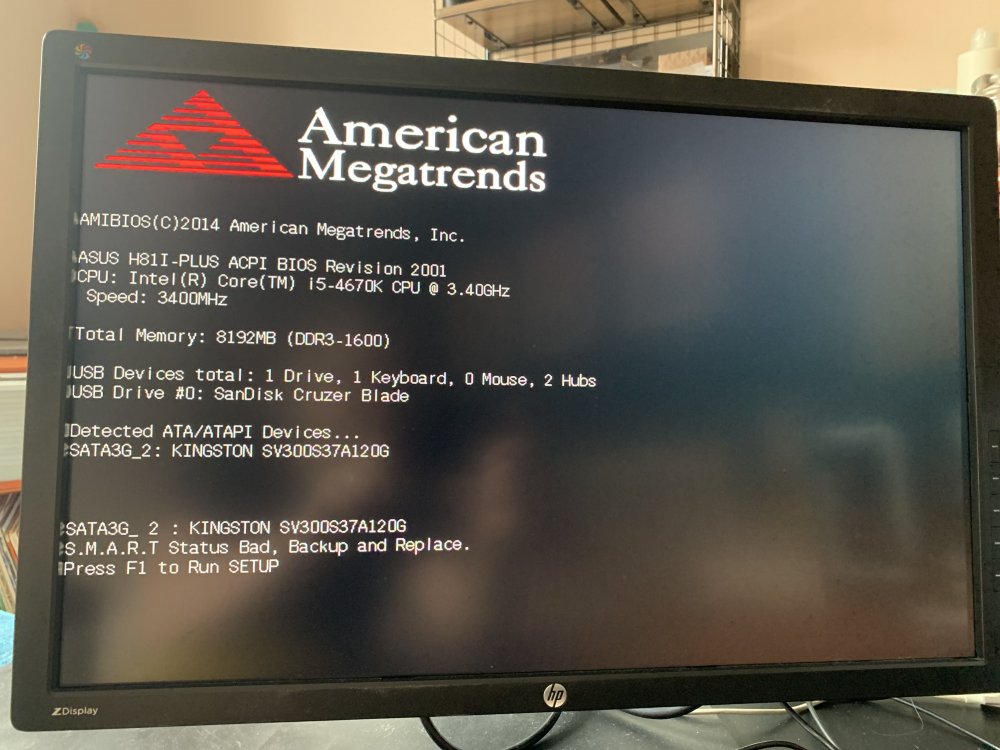
Thanks Michael, I quickly disconnected the ssd before I ran out and it booted straight into unraid, so have ordered a new SSD. Now here’s a question: Seeing as unraid is on the usb flash drive, why didn’t this boot into unraid and then I would be able to see that it’s a busted drive? I’m thinking of getting a second SSd for redundancy, but this wouldn’t really help me as it would still stop unraid from booting to discover that I need to replace the disk. As it’s totally headless I don’t see the bios boot until I move the server into my office and hook it up to a monitor. Sent from my iPhone using Tapatalk
-
Ahhh. So the Kingston drive is just my stash drive or whatever it’s called. The SSD. It might hold my VM, which will be a pain, but I can sort that out. I’ll remove it when I get back and see if that helps it. I have turned off the smart detection but that didn’t resolve the issue. Thanks for the tips. I’ll report back. Time to get a UPS! Christian Sent from my iPhone using Tapatalk
-
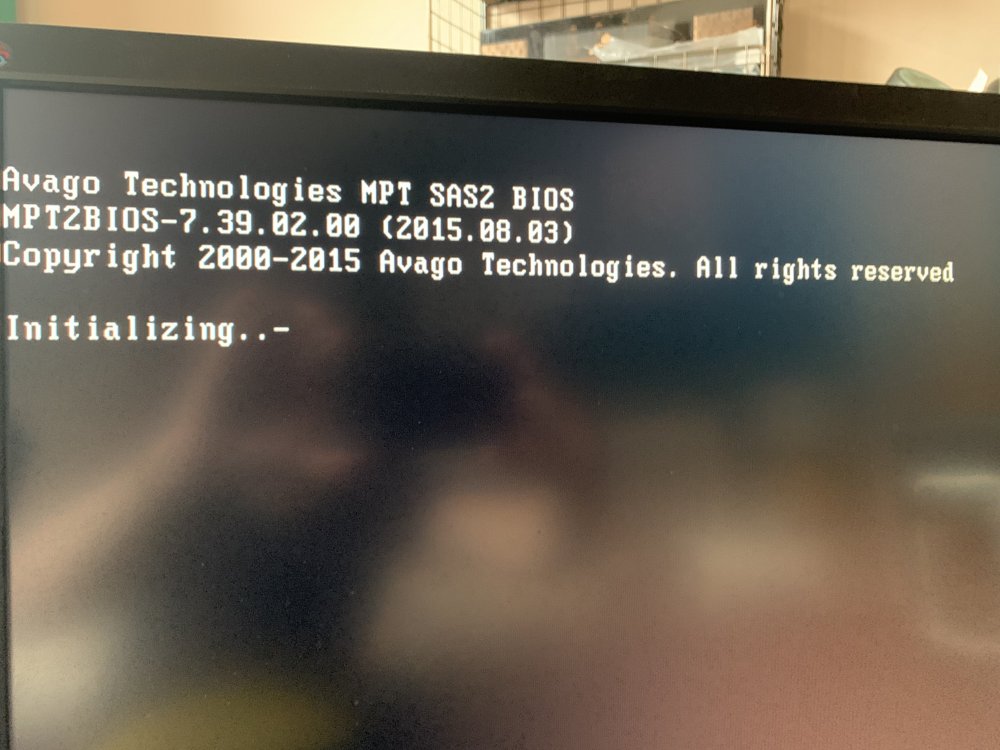
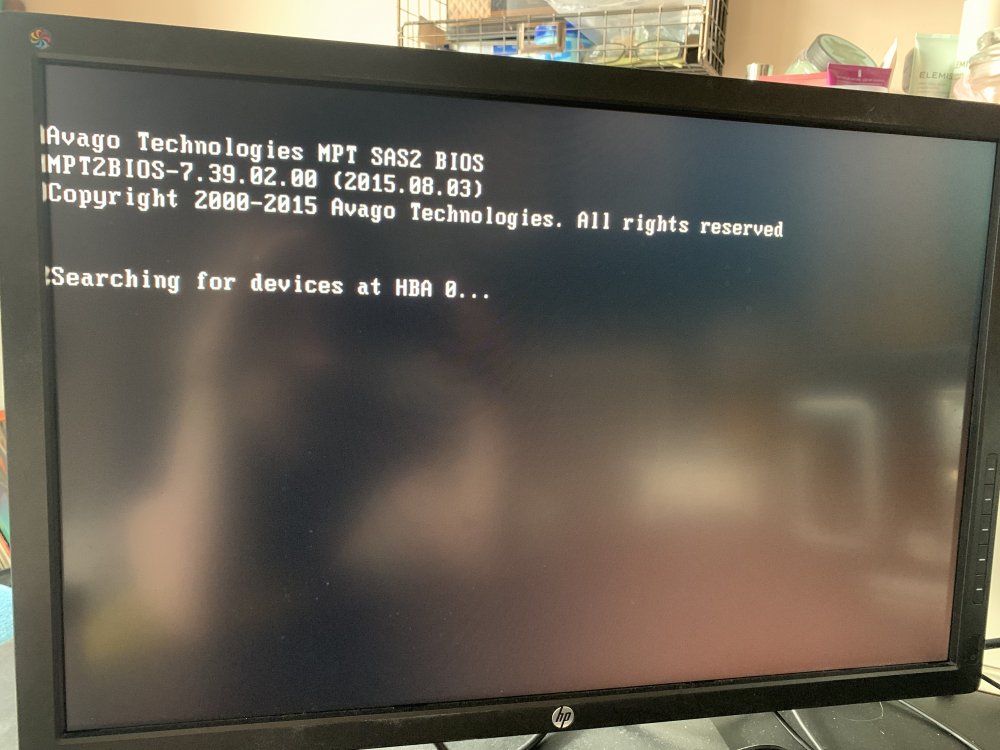
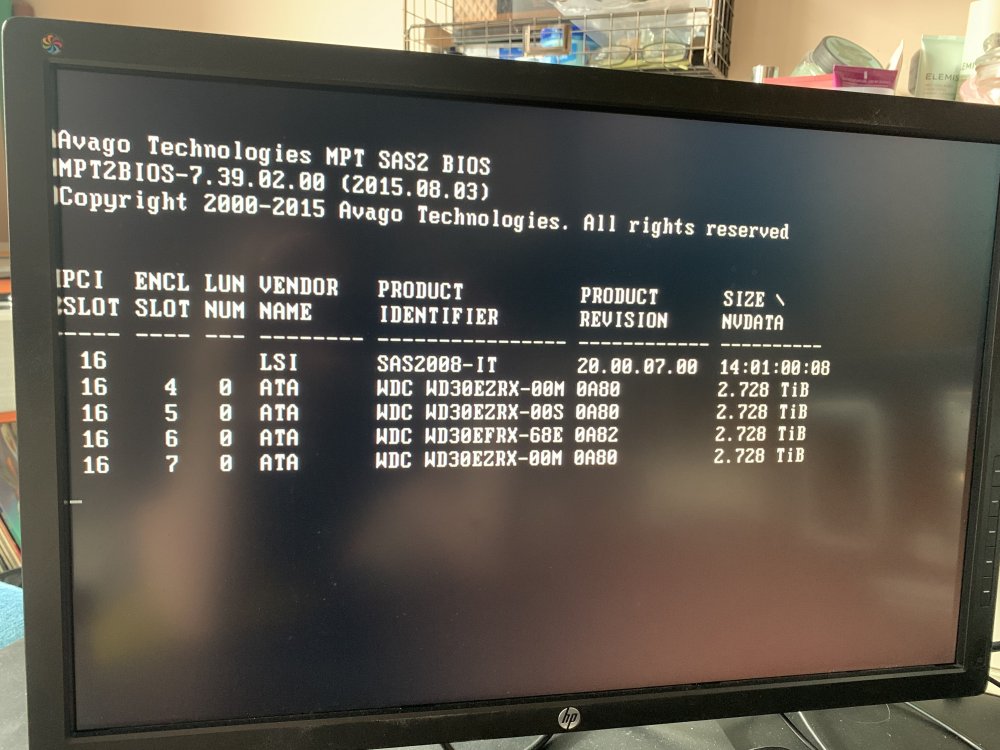
Hey all, my servers been up and running for like 8 years with no real problems, probably only restarted once or twice last year, uptime has been great. The other day we had a power cut and now i cant get it to boot into the UnRaid flash drive automatically. when it fails i can force it to start and everything is fine, but ive had to move the server away from the cupboard to do that and get a monitor connected. Any tips on how to debug this? Ive tried to force it to the sandisc in bios, but the hba always takes over and tries to boot from the raid drives. thanks christiab
-
Thanks for this. I'd upgraded my CPU to a supported chip, was going to spend money on a full build just to get an extra pci slot of graphics card, so this has saved me a lot of bother and money. C
-
Consumer user. Been using UnRaid about 6-7 years. All important backups go here as well as media, my photography workflow and docker stack for whole house automation, serving the web ui’s, media and various vms for VFX work.
-


