adoucette
Members
-
Joined
-
Last visited
Everything posted by adoucette
-
+1 +1
-
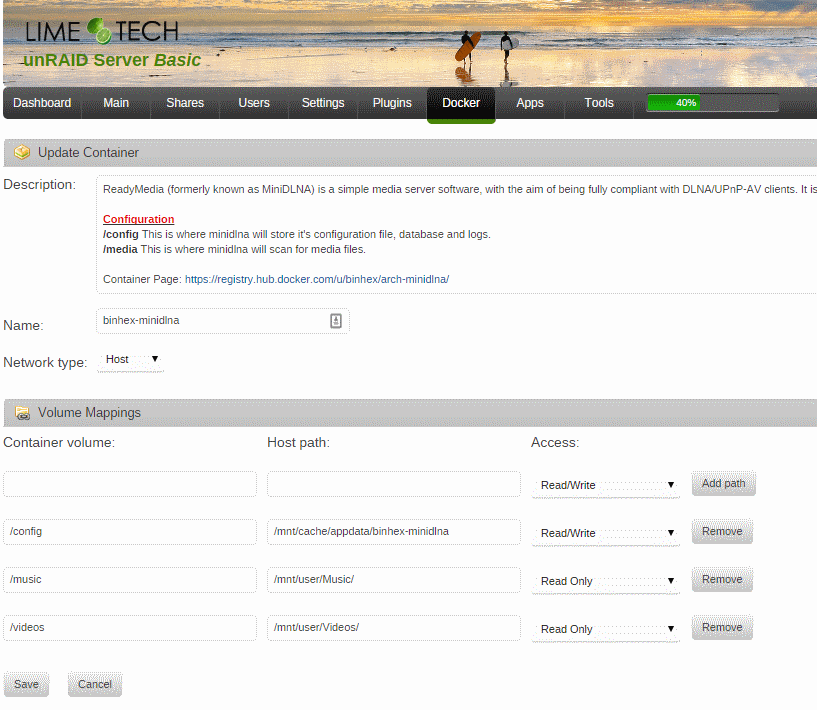
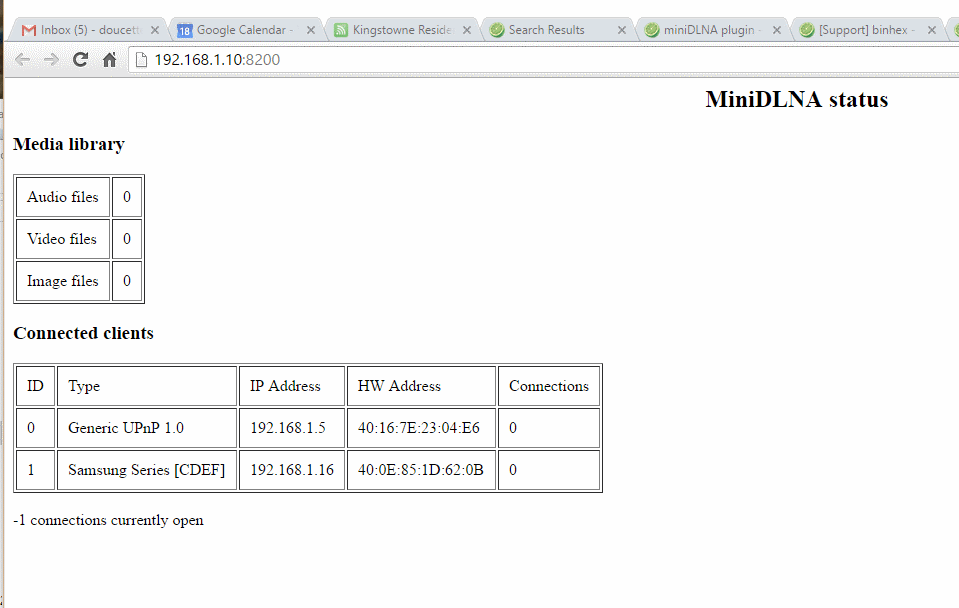
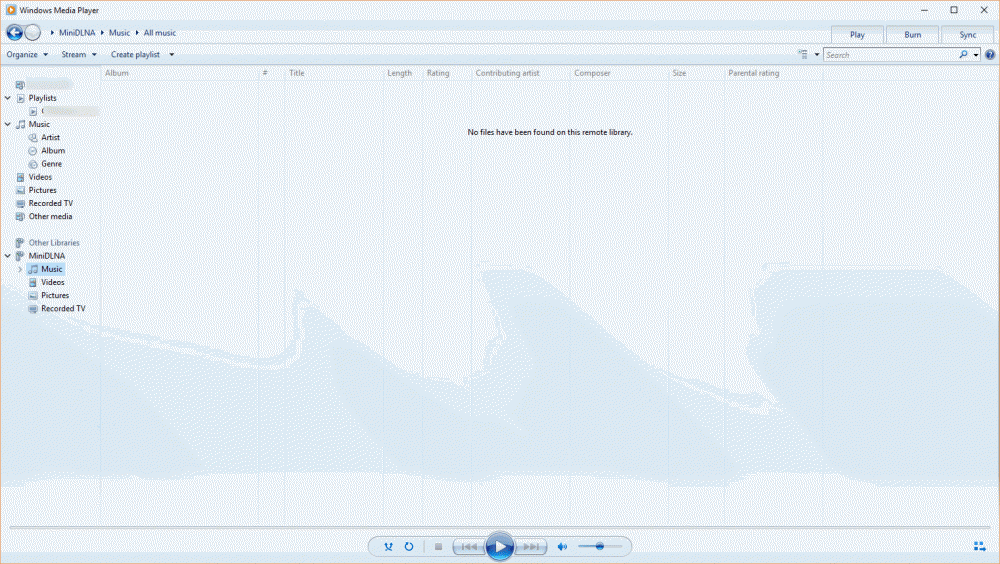
How do I get minidlna to refresh the media? I have enabled it in docker, restarted it, and while my devices see it, they do not see any media. I have attached screenshots of my docker minidlna setup and of the webpage it gives me. Thank you, Ari
-
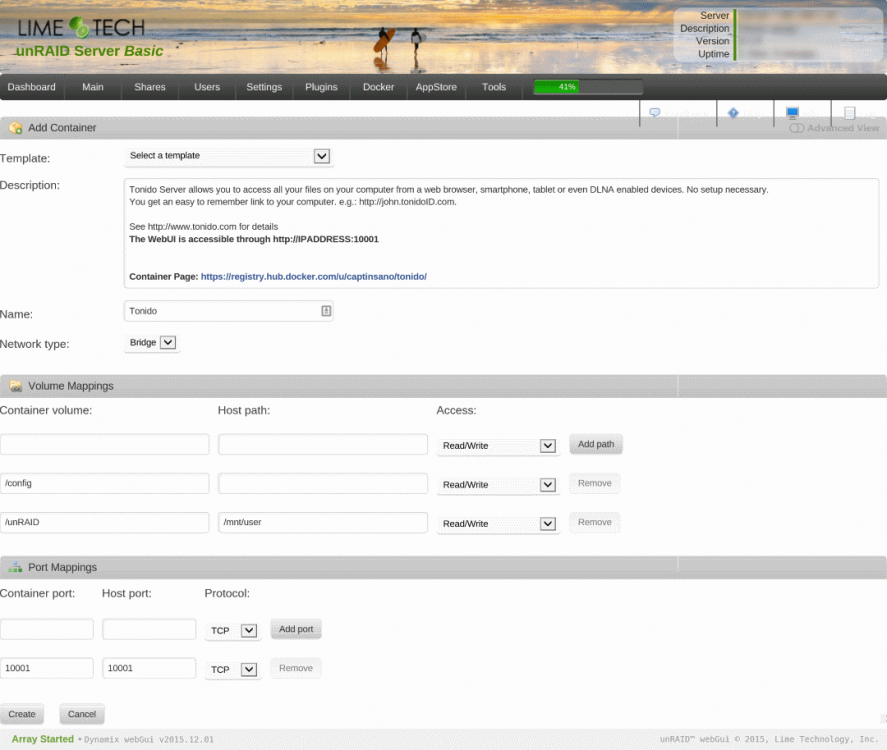
Thank you, using the defaults and then adding the following was all that was needed After that, I went into the Docker tab, clicked on the Tonido icon, and set up an account. After that, there was a wizard to guide me through the rest. Thanks for the help, Ari
-
Is there a setup guide for Tonido on unRAID? For example, could someone chime in on what values need to be entered into each of the fields in the setup page for the Tonido Docker container (see attached image)? -- I've included text headings below to facilitate easy copy/paste response. Also, I assume that port forwarding needs to be set up in each individual's network's router. To which port(s)? (multiple are listed in the setup page) Thanks, Ari -- Add Container -- Name: [does this matter?] Network Type: -- Volume Mappings -- Container Volume: Host Path: Access: Container Volume: Host Path: Access: Container Volume: Host Path: Access: -- Port Mappings -- Container Port: Host Port: Protocol: Container Port: Host Port: Protocol: