lyricmuse
Members
-
Joined
-
Last visited
-
Hello, I am a Plus user since 2016. My USB failed (RAW) and I'm trying to recover to a new GUID. The Issue: I have my original Plus.key URL, but getting "Error 8" / "Key Not Found." Trial activation is also failing on this hardware. My support portal shows 0 history, likely due to a change in email addresses over the last decade. I have already sent an email to [email protected] with my GUID and both the old/new email addresses involved. I can provide these via Private Message (PM) to any staff member who can assist. Attached are my diagnostics. I am dead in the water with all services (Nginx, BookStack) offline. Any help escalating this would be appreciated. tower-diagnostics-20260221-1749.zip
-
Having the same issue as @Built2Succeed It was working fine until an update and now it doesn't connect to the dbase anymore and renders the page as seen in the screenshots from built2succeed. I setup a domain name before hand and set the url https as the instructions stated. Setup a dbase with MariaDB and tested working about a week ago. Still muddling through how to fix it, but I think I'm going to delete the app and redo everything. Not sure how to save what I have already put into Bookstack though.
-
lyricmuse changed their profile photo
-
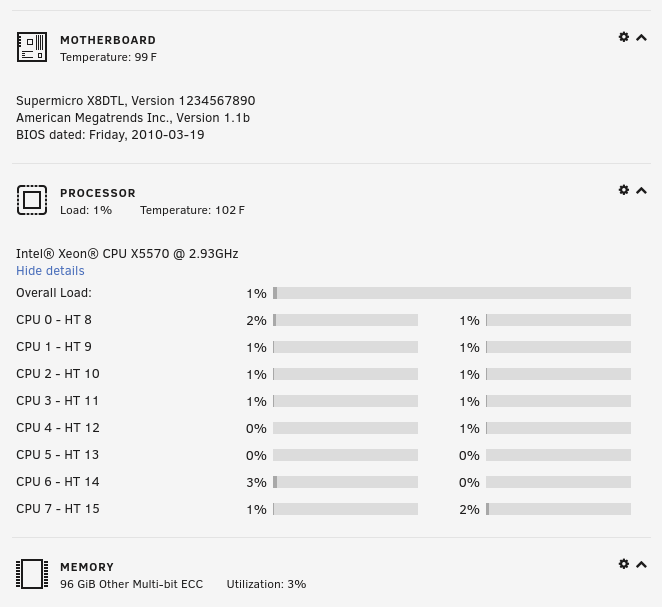
You guys make an excellent product. I plan on buying another copy for another server soon. I think I'll do some testing with the latest. I've been running unraid on the following hardware and it just kills it.