Muff
Members
-
Joined
-
Last visited
-
Hi, I couldn't do a check disk command, Nothing I tried worked(?). So I just restarted the server, and now I can update my plugins. Thank you!
-
Right, my bad. Here it is diagnostics-20250525-1329.zip
-
I get the same error for other plugins so I made another post to troubleshoot this. This is my other post: https://forums.unraid.net/topic/190534-unable-to-update-plugin-plugin-xxxx-download-failure-generic-error/
-
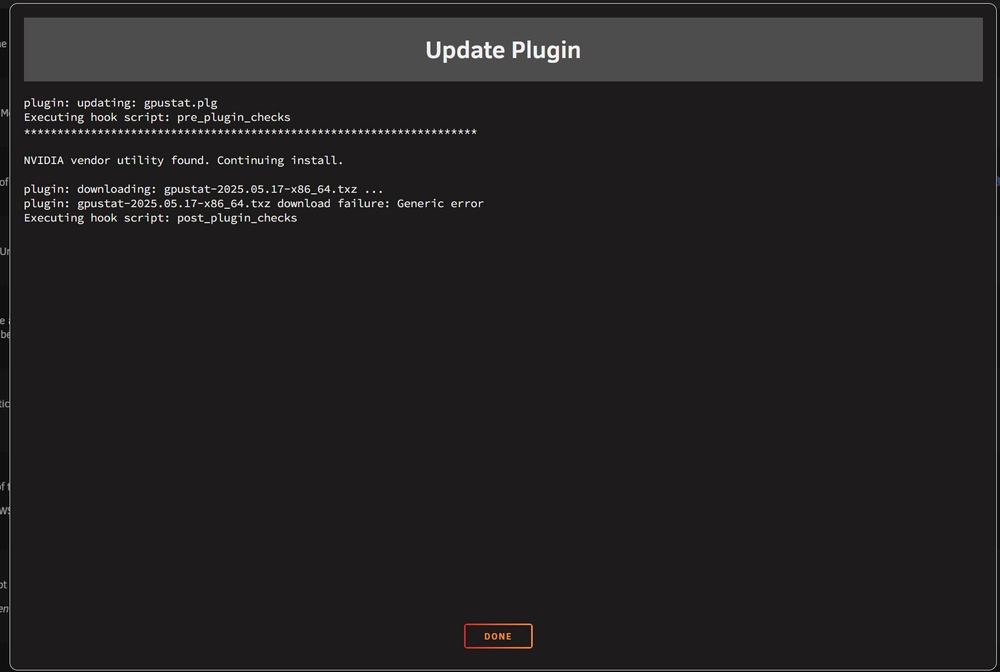
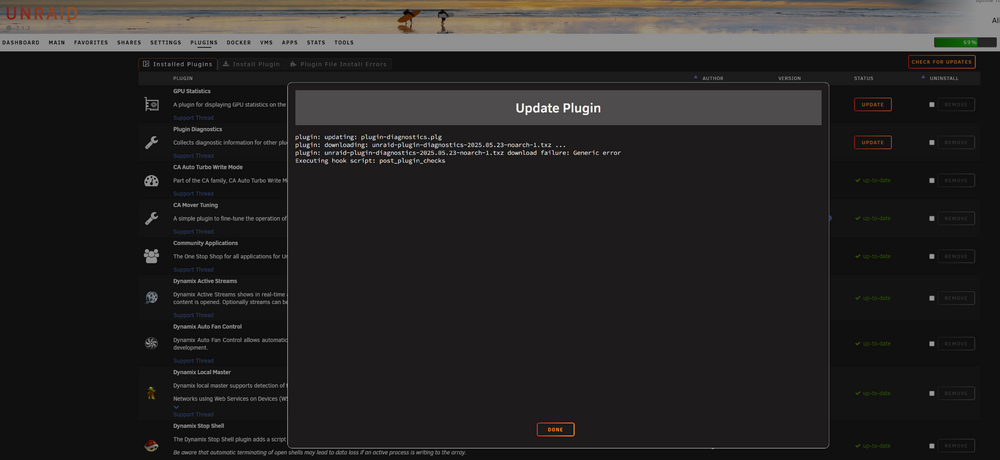
Hi, It seems that I can't update my plugins. I get the same error for different plugins. It says "plugin: [plugin name] download failure: Generic error" Examples Any idea on what I should do?
-
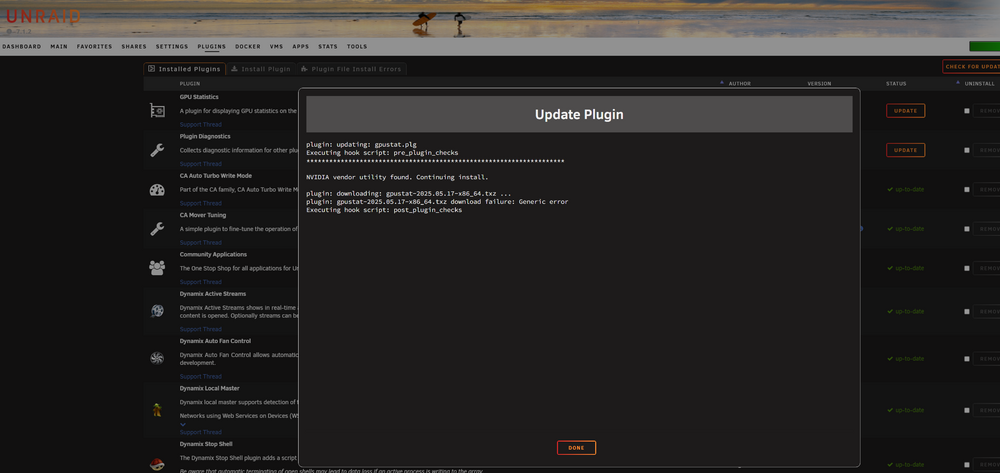
Hi, I'm trying to update this plugin, but I only get this error message: plugin: gpustat-2025.05.17-x86_64.txz download failure: Generic error And this is all it says: plugin: updating: gpustat.plg Executing hook script: pre_plugin_checks ******************************************************************** NVIDIA vendor utility found. Continuing install. plugin: downloading: gpustat-2025.05.17-x86_64.txz ... plugin: gpustat-2025.05.17-x86_64.txz download failure: Generic error Executing hook script: post_plugin_checks I have this version installed: 2025.04.27 And I'm upgrading to: 2025.05.17 Thank you!
-
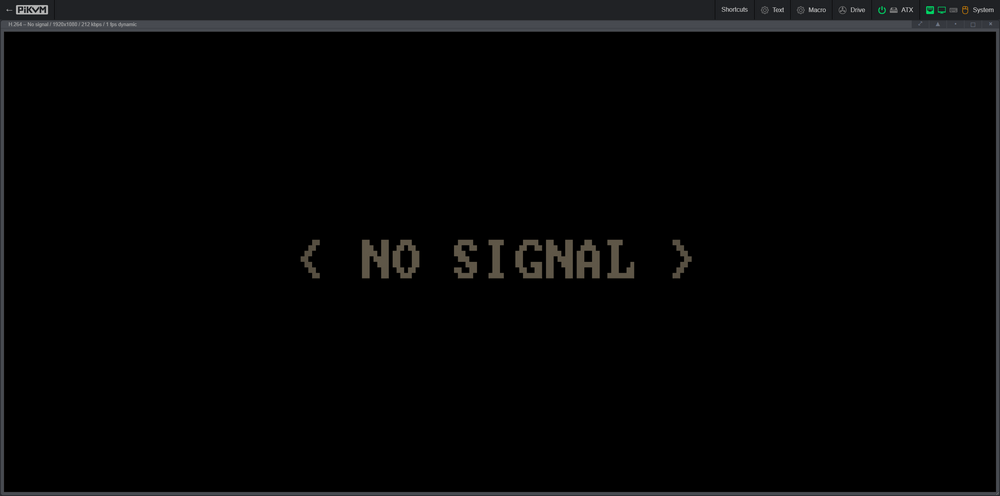
Hi, I just got my first new PiKVM v4 Plus so I can remote manage my Unraid server. But I have an issue, I don't get any video signal from my server: Everything works if I switch the HDMI cable from the server to a laptop. Then I get a video signal. I get the CLI (a video output) if I plug in a monitor to the HDMI port on the server. I found this thread: But that didn't work. Or I didn't do it correctly. Does anyone have any idea?
-
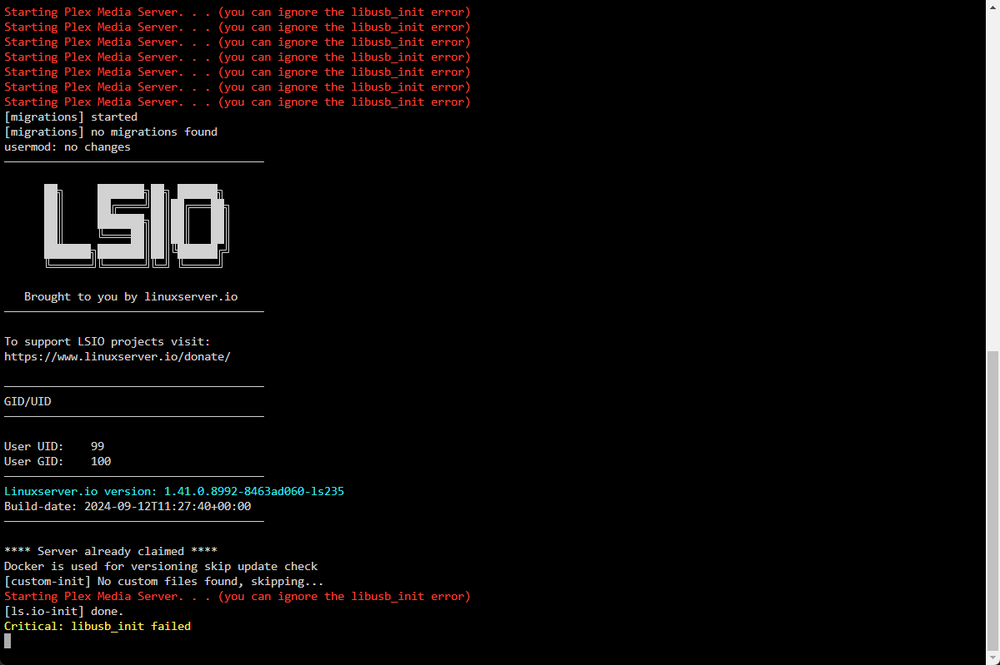
Hi, I have this is my Plex docker log: Starting Plex Media Server. . . (you can ignore the libusb_init error) Starting Plex Media Server. . . (you can ignore the libusb_init error) Starting Plex Media Server. . . (you can ignore the libusb_init error) Starting Plex Media Server. . . (you can ignore the libusb_init error) Starting Plex Media Server. . . (you can ignore the libusb_init error) Starting Plex Media Server. . . (you can ignore the libusb_init error) [migrations] started [migrations] no migrations found usermod: no changes ─────────────────────────────────────── ██╗ ███████╗██╗ ██████╗ ██║ ██╔════╝██║██╔═══██╗ ██║ ███████╗██║██║ ██║ ██║ ╚════██║██║██║ ██║ ███████╗███████║██║╚██████╔╝ ╚══════╝╚══════╝╚═╝ ╚═════╝ Brought to you by linuxserver.io ─────────────────────────────────────── To support LSIO projects visit: https://www.linuxserver.io/donate/ ─────────────────────────────────────── GID/UID ─────────────────────────────────────── User UID: 99 User GID: 100 ─────────────────────────────────────── Linuxserver.io version: 1.41.0.8992-8463ad060-ls235 Build-date: 2024-09-12T11:27:40+00:00 ─────────────────────────────────────── **** Server already claimed **** Docker is used for versioning skip update check [custom-init] No custom files found, skipping... Starting Plex Media Server. . . (you can ignore the libusb_init error) [ls.io-init] done. Critical: libusb_init failed And now I can't access my media. Plex says: XXXX is currently unavailable I've restarted the container but it didn't help.

-
Hi, I've just installed Prometheus and when I start it I get this message in the log: ts=2024-08-15T18:41:06.753Z caller=main.go:537 level=error msg="Error loading config (--config.file=/etc/prometheus/prometheus.yml)" file=/etc/prometheus/prometheus.yml err="open /etc/prometheus/prometheus.yml: no such file or directory" And I have nothing in the etc folder. Shouldn't this "/prometheus/prometheus.yml" be created during the installation of Prometheus? Thanks!
-
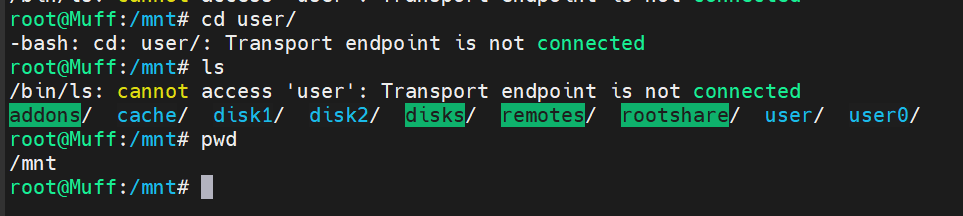
Hi, I'm unsure what happened, but I can't access the /mnt/user folder anymore. I've searched this forum but everyone seems to have their own solution. muff-diagnostics-20240615-2145.zip
-
My solution to this error message was to give ready/write permission to everyone (drwxrwxrwx)

-
Ah, I see. Nothing like that in syslog since the reboot. Thanks!
-
Hi @JorgeB, I didn't have any plugins that needed to be updated but I've rebooted the server and the Log is at 3% again Thank you!
-
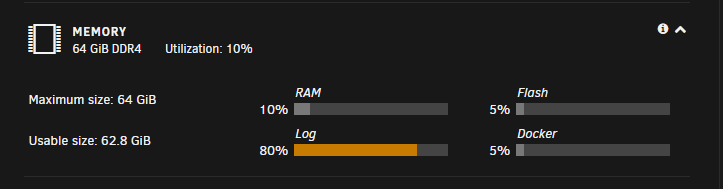
Hi, My Log is at 80%: And I don't know why and where to look. I've been googling but no answer I found so far have worked for me. I've also looked in to the diagnostic file but I couldn't see what's "wrong". I hope a 2nd or 3rd pairs of eyes can help me Thank you 🙏 muff-diagnostics-20230324-2246.zip
-
Thanks! Running: use_ssl no Worked! Now I can access the GUI and continue the investigation Thanks!
-
It's enabled but it makes no different if it's enabled or not And there is the same issue with Brave and Firefox