





knarf0007
Members
-
Joined
-
Last visited
-
Hi All, the mainboard of my UnRaid Server died today (after 11 years) and I'm currently looking for new components. I want to change mainboard, CPU and RAM only, the case and everything else should remain untouched. My requirements are: Not more than 60-70 W idle with one extra network card (PCIe) and a 8-port SAS (PCIe) card >= 6 SATA ports internal GPU I found the following components that seems to fit to my requirements: Mainboard: ASRock Z690 Extreme Intel Z690 So. 1700 Dual Channel DDR ATX CPU: Intel® Core™ i7-14700T RAM: 64GB Kingston FURY Beast DDR4-3200 DIMM CL16 Dual Kit I honestly ask for your opinion. Thank You very much!!! Best Regards Frank
-
I would also be extremely pleased if someone can create a fitting template for VWsFriend. Thanks!
-
During troubleshooting the unraid-server wasn't connected to the network. After connecting the server to the network, I was totally stunned 8-))))))))) that the GUI is accessible and also usable. Everything looks fine and after replacing the license key, everything is up and running again. I can open a working terminal via SSH. On the local screen I still see this weird screen as shown above and no local terminal. I'm not really sure that everything is fine, but for now, I'm pretty happy!!!
-
I attached the most important parts of the /config folder (removed plugin folders & Key File). Can anyone see something "corrupt"? I don't have another backup of the config 8-(( How difficult is the "recreation" of the config from scratch? Thanks a lot. Frank config_copy.zip
-
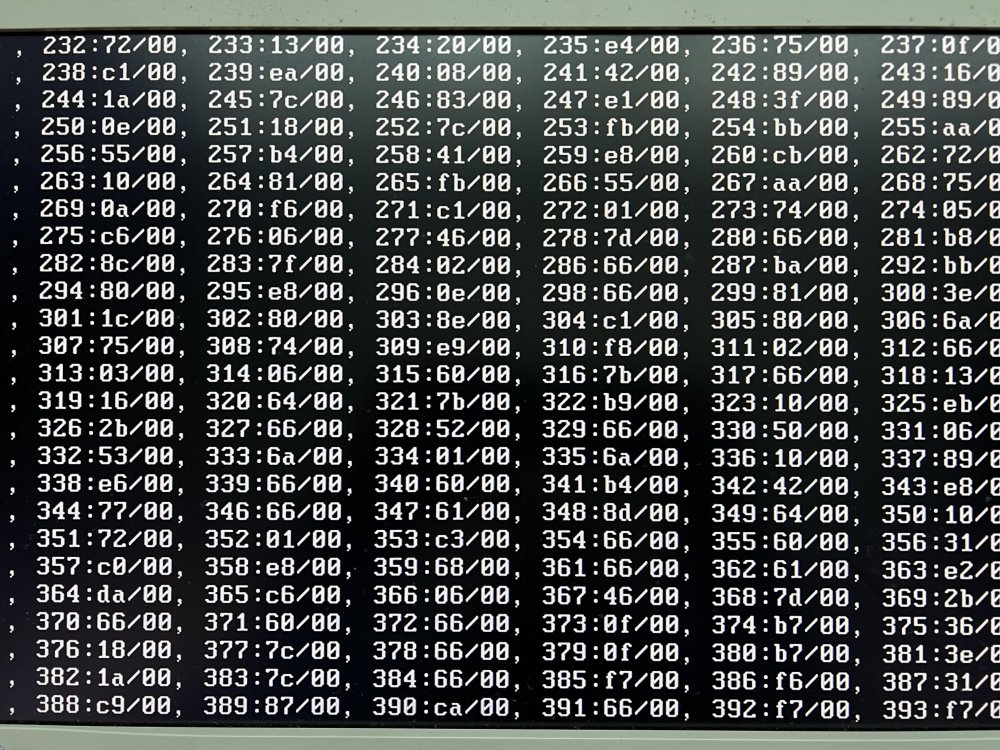
I extracted the /config folder from the current USB-Flash drive, created a new flash drive (64GB) and copied the /config to new usb stick. I ended up with a strange kind of error (see the attached picture). I booted with a different UnRaid stick and the server booted correctly. So, it seems that I haven't an hardware issue but an issue with the usb stick and the config data itself. Any idea what to do next? Thanks
-
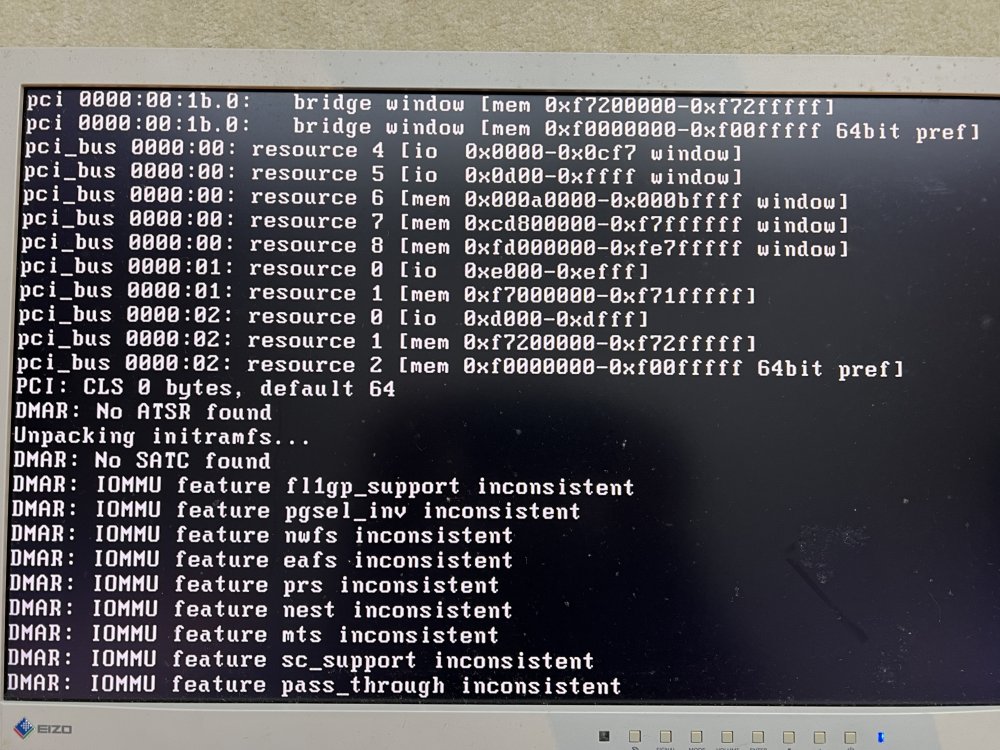
Hi Everyone, today I experianced a fundamental server crash. After reboot I don't reach the point where I can connect to the server via network. Attached you find a screenshot from the local attached screen. Can you help? What is potentially damaged? Thanks a lot!!! Frank
-
Sorry I have problems to upload the diagnostic file (error: -200)
-
Hi All, this night my zfs-Pool crashed. I had to reboot the server and now the pool can't be mounted (Unmountable: Unsupported or no file system. I attach the diags. May be someone can help. If I try to import the pool from the command line, I get the following result: root@UnRaid-Server:/# zpool import cache_docker_vm cannot import 'cache_docker_vm': I/O error Destroy and re-create the pool from a backup source. I get same result, if I try to import read only: root@UnRaid-Server:~# zpool import -o readonly=on cache_docker_vm cannot import 'cache_docker_vm': I/O error Destroy and re-create the pool from a backup source. What can I do, to at least safe the data? Thanks in advance. Frank unraid-server-diagnostics-20231008-0802.zip
-
Sorry Guys, during the "New Config" procedure a lot of other settings were changed to default values. So did the setting to pause the parity run on some temperature levels. I set the value for "Pause and resume array operations if disks overheat" to no and it seems to work now.
-
I made a mem-test with works out fine. I changed to two new SSDs. Until now, no further problems. I confess, I downgraded from 6.11.0 to 6.10.3.
-
Hi All, I shrinked my array (removed 3 disks) using the "New Configuration" method. In principle all works fine, but the current parity run pauses every few minutes with the error messages, that a few drives are overheated, which they are not (my first alert temperature is 45°C). But anyway I can't remember that a parity run ever stops because of an overheated disk. Any idea? Thanks a lot. Greetings Frank unraid-server-diagnostics-20221008-1016.zip
-
No, I didn't perform any memtests.
-
here some additional information: root@UnRaid-Server:/mnt# btrfs dev stats /mnt/cache_docker_vm [/dev/mapper/sdi1].write_io_errs 0 [/dev/mapper/sdi1].read_io_errs 0 [/dev/mapper/sdi1].flush_io_errs 0 [/dev/mapper/sdi1].corruption_errs 0 [/dev/mapper/sdi1].generation_errs 0 [/dev/mapper/sde1].write_io_errs 0 [/dev/mapper/sde1].read_io_errs 0 [/dev/mapper/sde1].flush_io_errs 0 [/dev/mapper/sde1].corruption_errs 0 [/dev/mapper/sde1].generation_errs 0 root@UnRaid-Server:/mnt# btrfs dev stats /mnt/cache [/dev/mapper/sdj1].write_io_errs 0 [/dev/mapper/sdj1].read_io_errs 0 [/dev/mapper/sdj1].flush_io_errs 0 [/dev/mapper/sdj1].corruption_errs 1298 [/dev/mapper/sdj1].generation_errs 0 [/dev/mapper/sdk1].write_io_errs 0 [/dev/mapper/sdk1].read_io_errs 0 [/dev/mapper/sdk1].flush_io_errs 0 [/dev/mapper/sdk1].corruption_errs 1010 [/dev/mapper/sdk1].generation_errs 0
-
Hi All, It seems that I have a problem with one of my SSDs. What should be the next steps? Thanks. Frank. unraid-server-diagnostics-20220926-1850.zip
-
+1 => 1.) api unraid + all plugins 2.) api VMs 3.)api dockers

