





cableshark
Members
-
Joined
-
Last visited
-
Hello I have very similar issue, first my Parity disk died, and I shut down my array. Today I power it up and I see Unmountable: No file system, I am in serious trouble . I don't want to try something I don't know anyone can look at logs and help please. I have attached my diagnostic . aliens-diagnostics-20181104-1854.zip
-
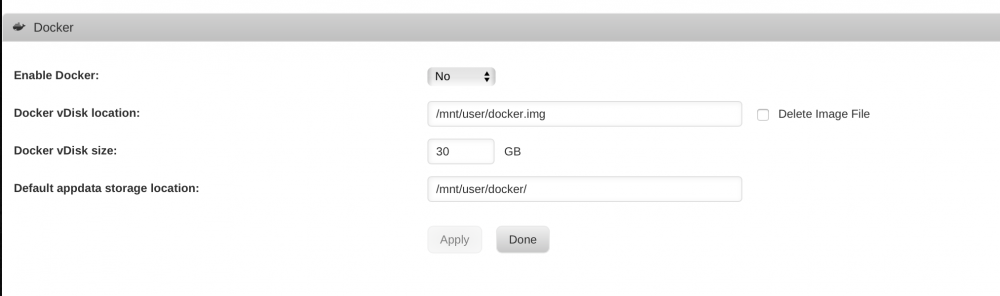
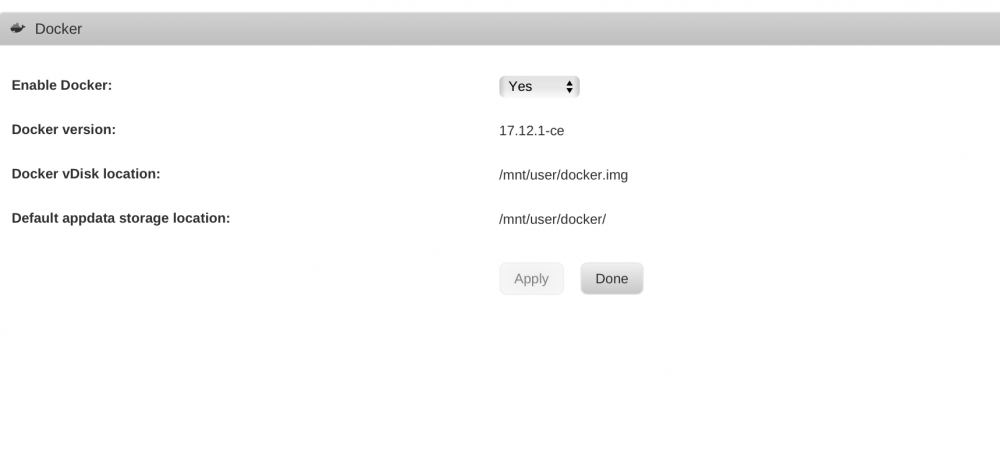
Ok My issue got resolved, by increasing Docker Virtual disk image size from 20 to 30GB Settings "Docker" --- "Enable Docker : click no, and Apply settings. Then you will see docker "image size " by increasing docker image size from 20 to 30GB, screen shot attached where you increase size
-
aliens-diagnostics-20180321-1553.zipaliens-diagnostics-20180321-1553.zipaliens-diagnostics-20180321-1553.zipI had some random issues with docker last night, where it would not start any container , today I upgraded to 6.5 and I have same message as all of you "Docker Service Fail to Start" My Disk all look good Here is diagnostic file Any help appreciated aliens-diagnostics-20180321-1553.zip syslog.txt


