





rguinn
Members
-
Joined
-
Last visited
Everything posted by rguinn
-
@binhexI was able to remove the app and delete the folder and here what i found if i uses any port other then 8080 on the reinstall it will not work. But if i uses 8080 its working fine. lucky i don't have anything using 8080 so i just do that @newoski thanks you letting me know
-
Same Here ! before wiping it out can you do a debug and upload the log just incase there a bigger problem and @binhexcan review
-
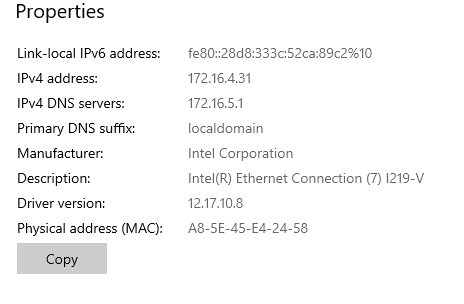
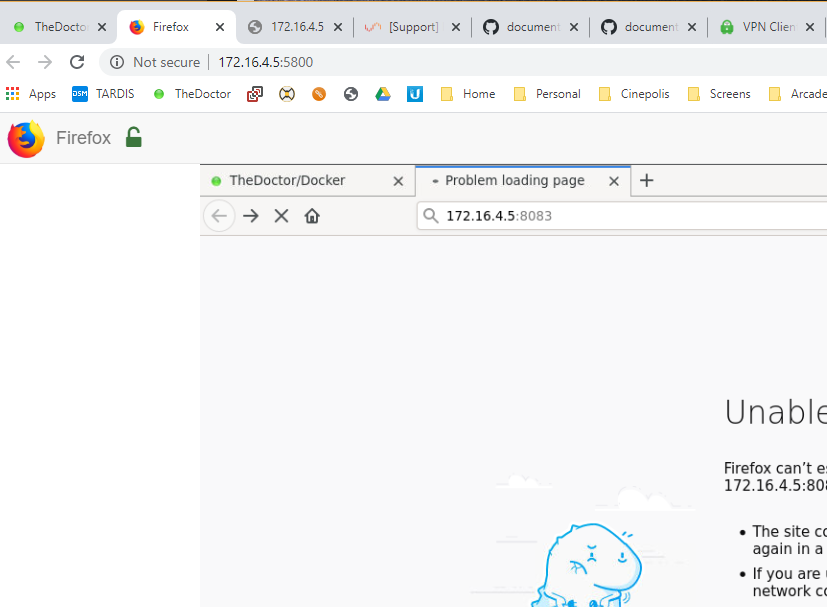
Also DL the docker for firefox on the host and attempted to connect
-
Thank you I am on a ethernet connected machine on the same subnet no VLan or Firewall and I even rebooted the UNRAID Host
-
@binhex I DL a new VPN files from PIA website and same issues here a new log not sure what i am doing wrong. Thank you for helping supervisord-newlocation.txt

-
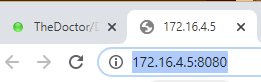
That would be the OVPN file correct? I also noticed that when VPN is on if i enter the custom port 8083 it will change to 8080 never seen it do that before
-
@binhexI starting having issues this morning with been running for over a year and all of the sudden this morning it would not load the internal URL. I Removed the Docker and the Config folder and started over and same issue. If i turn off VPN it works but if i Enable it then it wont load the page so i got it down to the VPN. My Network is 172.16.5.0/23 and that is configured in the LAN setting. Here my log any help would be great supervisord.log
-
I going to try moving the config folder from the working to the non working and start the docker to see what that does.
-
I deleted the docker and image then delete the /config folder. Then rebooted host reinstall docker from CA not using template. And used the same settings. But it I still have the same error. Then upgraded to RC and redid the steps above same issue
-
Also updating the server to 6.7.0 RC7 made no change. Can you think of anything else before I Nuke the server
-
So I deleted the docker and image and recreated it the same way I did the other and same issue. Not sure why supervisord (Dalek).log
-
Ok done the force update same issue. I have other dockers running on this server with no issues Your CP, Sonarr, and Ombi
-
Haha you meant the docker image my bad
-
Both Running 6.6.7 2019-02-22 I was planing on upgrading Dalek to the current RC
-
And this insmod: ERROR: could not load module /lib/modules/iptable_mangle.ko: No such file or directory BadWolf does not have that error
-
It does not load but as I may have mention I have 2 server so I deleted the /config folder and rebuilt it on there server and its working. Here is that log. The only difference I can see between these 2 server is the IP's BadWolf (Working) 172.16.5.x Dalek (Not Woking) 172.16.4.x supervisord (BADWOLF).log
-
Same sh-5.0# /usr/sbin/python2 /opt/sabnzbd/SABnzbd.py --config-file /config --server 0.0.0.0:8080 --https 8090 sh-5.0#
-
did I do it wrong this was what I got sh-5.0# /usr/sbin/python2 /opt/sabnzbd/SABnzbd.py --daemon --config-file /config --server 0.0.0.0:8080 --https 8090 sh-5.0#
-
Nope. Want me to delete the docker and config folder see what a new install looks like
-
Yes this server does not utilize a Cache. I did as requested here is the log supervisord.log
-
This was a new install as I originally believed it was a issue with the docker as it broke after a unraid reboot. Let me try again
-
Ok here a new log what am I doing wrong? also if you have direction on fixing the iptable_mangle.ko that be great supervisord.log
-
Will Do! I uses a VPN so I never attempted to connect to it via the outside world.
-
also the bridge is using 172.17.0.0
-
True! My Docker been setup and working for some time so what changed to make this a problem now! also changing to 172.16.0.0/23 also did not work

