





rguinn
Members
-
Joined
-
Last visited
Everything posted by rguinn
-
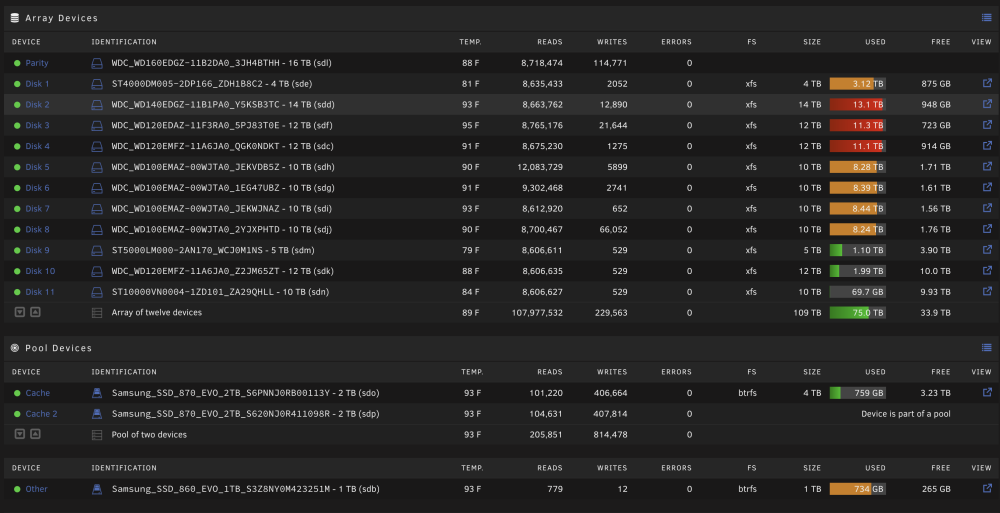
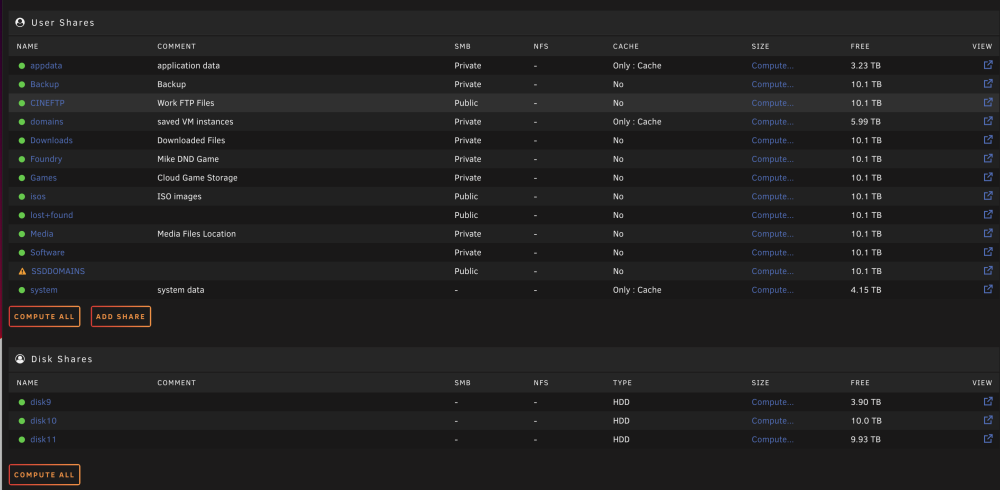
Hello All, I am in some need of help from my logs i am not seeing any issues but i am having a issue with unraid and docker it will stop working and the fix common problems will tell me it is Read Only but my drives are not Full. I have deleted my Docker Image I have verify all the shares are set to high water i am adding two diag and a few photo of the disk and shares showing free space Also when this happen i can't reboot/shutdown my sever via GUI or Terminal it does not do anything and only a hard boot solves it for a few hours. thedoctor-diagnostics-20221231-1018.zip thedoctor-diagnostics-20221228-2140.zip
-
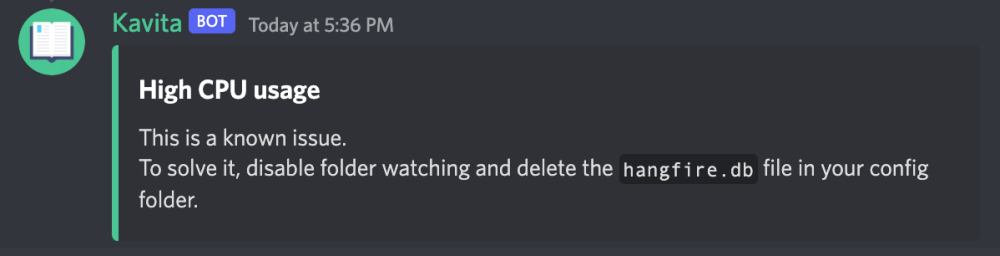
@Ikthayt @Neohering Its a Known Issue Disable the Watching and Delete the Hangfire.db (After You Backup) This did solve it for me
-
@Kizaing Have you seen any reason on why the CPU is Maxing out ?
-
Same I just installed and It Spike my CPU to 90% just running. I have limited to 6 Process core to keep my system from crash but any idea what is happening ?

-
Weird I just got a docker update and its now working with GPU again so woohoo for me hope my docker server is not showing signs of issues
-
@binhex Thanks I was on a old and updated to the new version so it must be a issues on my end ill may blow out he docker and trying again. its working with Emby so now i hunt for the problem - As Always thanks for the reply
-
@binhex is there a bug in this version that would break it if your using a GPU and the Nvida Drivers. Seems since the last update the docker wont start if i have a GPU added in the code. I get SERVER ERROR when trying to start. I added the GPU to another docker and it works fine so though i check in
-
Thank you
-
So i am guessing you know this but seems that i have to restart the service daily as it stop updating to the dashboard. May look at having user script restart it for me
-
Thanks keep up the great work
-
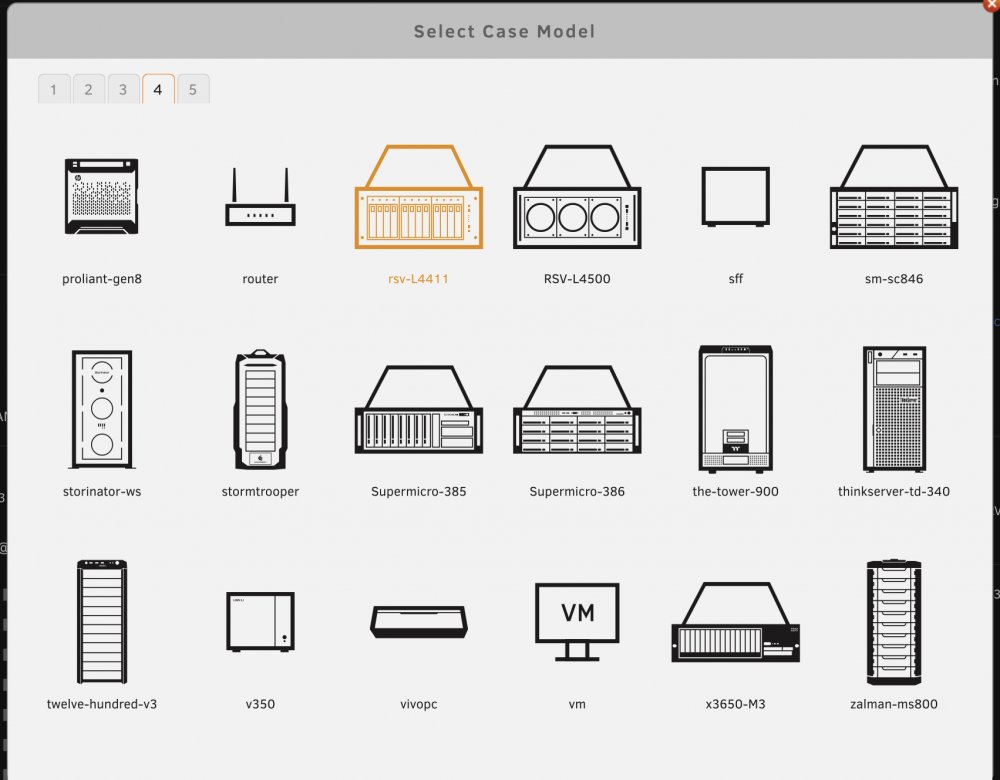
Thanks it for sure a issue with the icons on Page 4 only the first 2 work the rest just blank it out
-
That was one i picked from the options don’t believe its custom
-
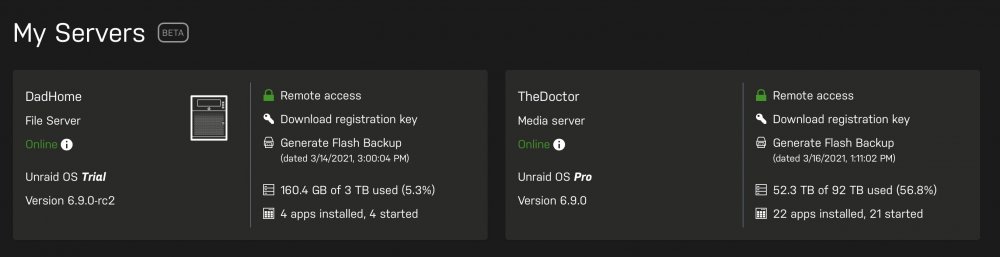
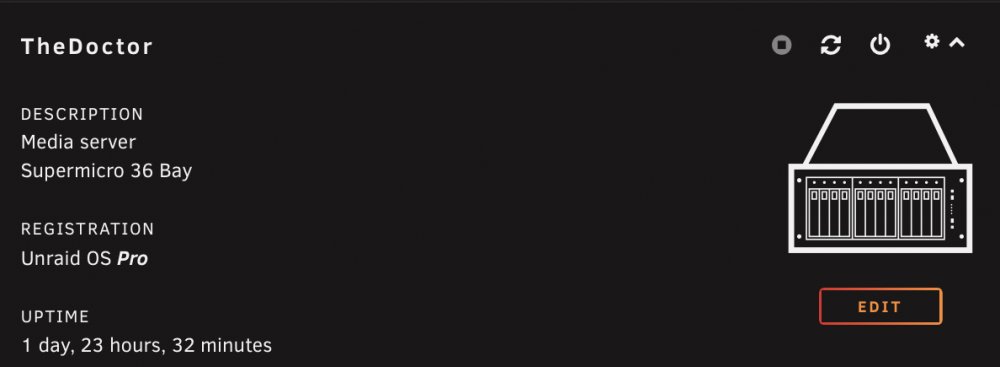
Little bug i noticed is the icon for my main server is not showing but one for my testing is. Can this be fixed on my end ?
-
I have 3 Unraid servers and 1 worked perfectly the others required me to run the cmd above to get working. love this new feature.
-
@diamkil Can you update to the current pull there was a bug they fixed for me in this one https://github.com/sct/overseerr/releases/tag/v1.20.1 Thank you in advance
-
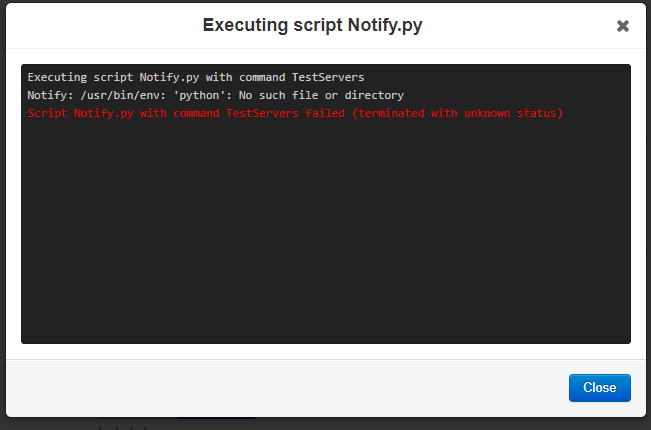
@Dyon Can you please add Python to the docker so I can enable scripts
-
Thanks but i dont but always want a VPN looking to move away from SAB
-
@binhexNot sure if this is the right place but do you offer a VPN option of this docker i though you did and cant find it
-
Yes it does! very helpful info thank you for your support and all you hard work
-
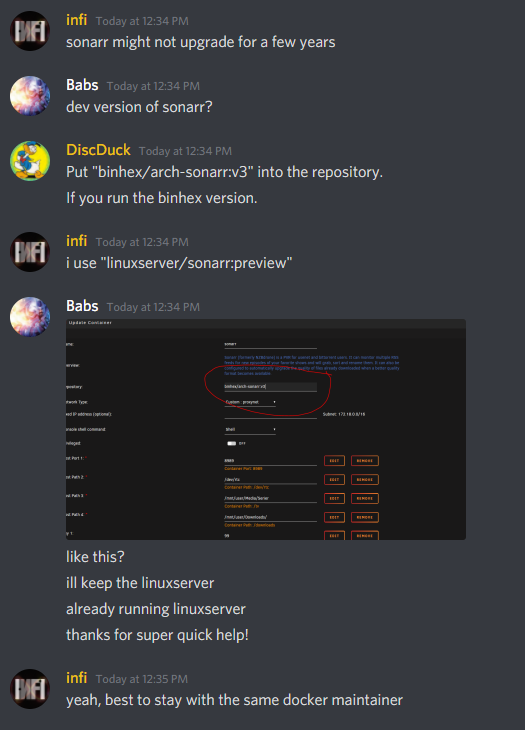
So the issue is with Sonarr version you need to update i was running BinHex and had to add :v3 to the repo and now working. @binhex Any chance you can update the old repo ?
-
Open GitHub Issues please if you experance the issues inform them Unable to Connect To Sonarr #1044 https://github.com/sct/overseerr/issues/1044
-
Yes I am experiencing this as well this morning i was unable to get it to work.
-
Anyone that is using PIA on Houston and getting this message i believe the SERVERS are Down I switched my file as a test and i am backup and working again
-
Hello after the new update i am having the following error. would you be able to help me 2021-02-20 16:31:30,273 DEBG 'start-script' stdout output: [warn] Unable to successfully download PIA json payload from URL 'https://10.1.112.1:19999/getSignature' using token 'hewyUuXHcPrXtJK3egb0wwwP4HbT2OJONHs5B0BjRrmAdlHBDP8+9nPPYNm53A2jTLEhb4IRXhFOQq4eGVjMAXHqU4Hum2UWoyi5qu3l4CuACCQPtZvEdEQc6VM=' [info] 12 retries left [info] Retrying in 10 secs..
-
I really want to get this up on mine any luck or would you help with the how you got it working ?





