





Slainor
Members
-
Joined
-
Last visited
-
yeah that won't help in the long run, i updated from 7.0 to 7.1.2 because i thought that i get "forced" to. With 7.0 i never had API problems until few weeks ago and it's really annoying because it slows down the webgui extremly. After updating to 7.1.2 it worked again for like 1 week or 2 until the API problem started again. I now uninstalled unraid connect and hope that in the future an update will come out and fix it.
-
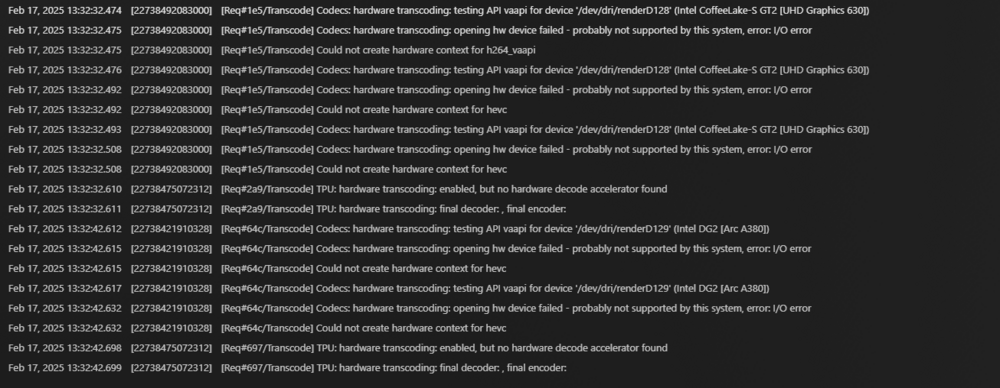
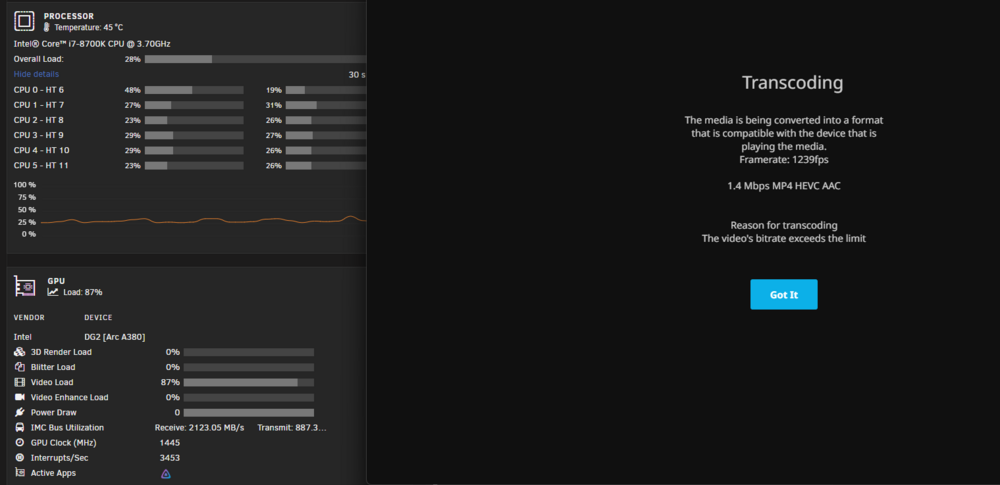
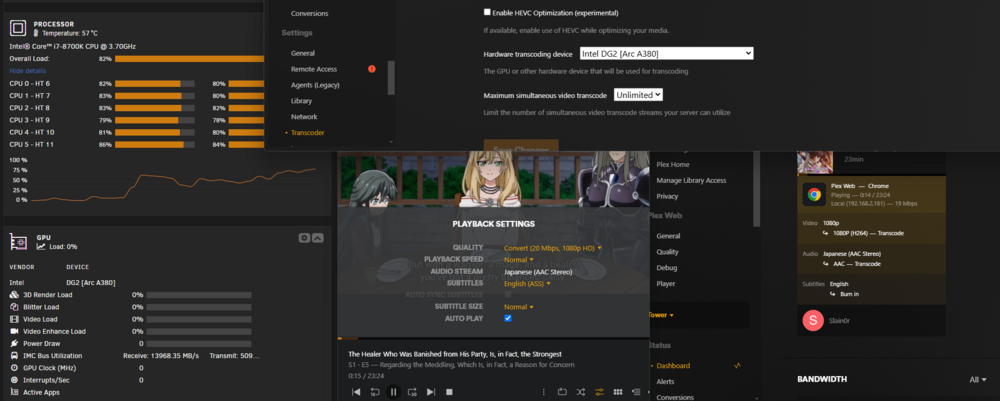
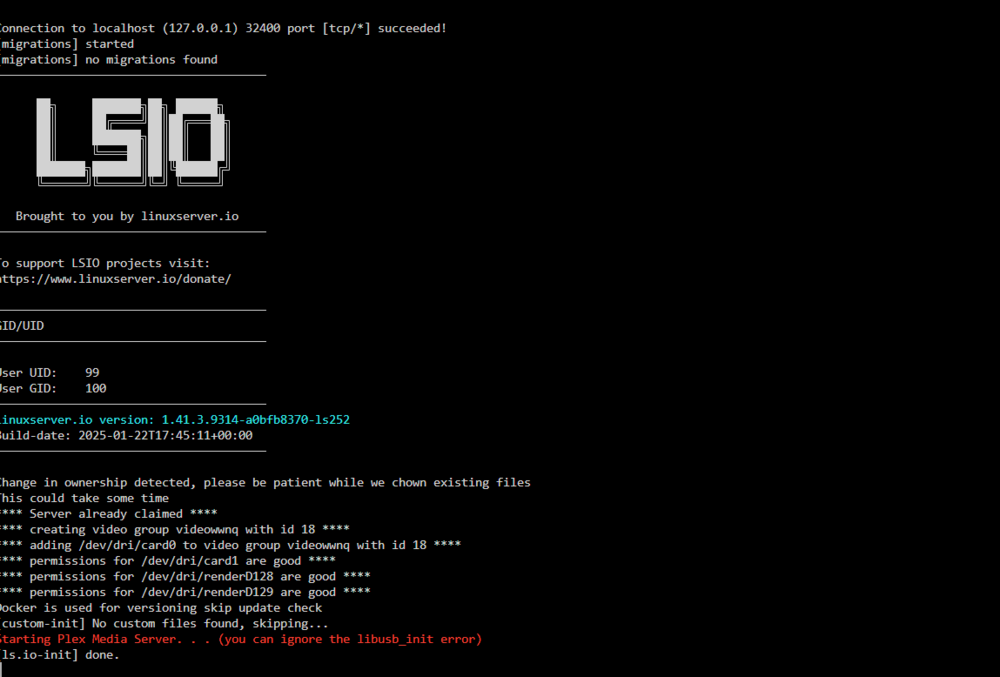
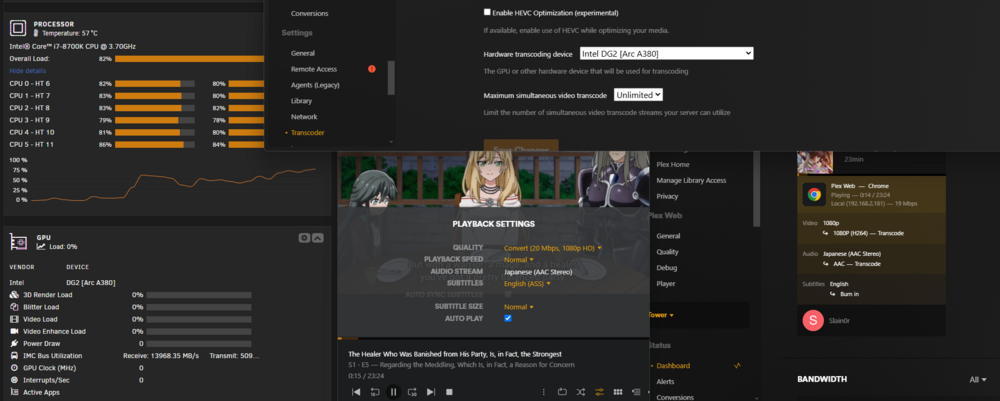
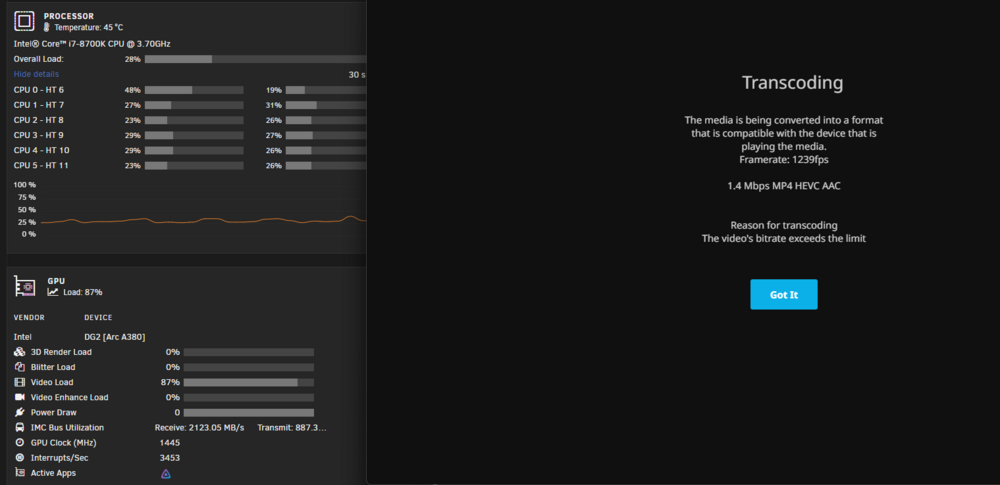
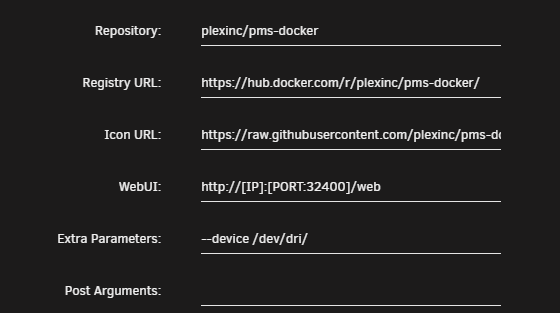
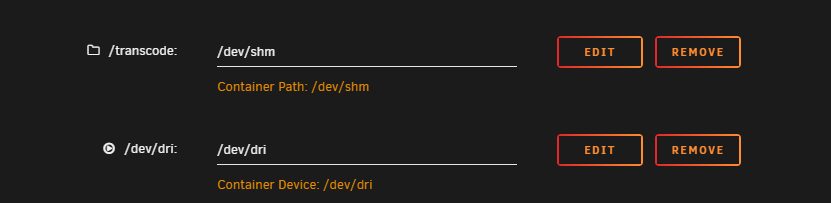
Hey guys i need Help with Plex HW transcoding. I tried every guide out there in the wild but Plex won't HW transcode i tried every container with a new config to make sure. In Jellyfin HW transcoding works to a degree (audio transcode is like 25% cpu) on an i7 8700k Plex gives me those with iGPU and Arc380 I tried in the extra parameters --device=/dev/dri/ --device=/dev/dri/renderD129 and D128 --device=/dev/dri/card1 and card 0 --device=/dev/dri/card1:/dev/dri/renderD129 and the same when adding a Device /dev/dri etc Plex sees my iGPU and Arc card but still can't access it somehow. Hope that somebody can point me in the right direction. edit: finally got it running, changed UMASK 000, PUID 99 and PGID 100 to UMASK 022, PUID 0 and PGID 0 and now transcoding works.

-
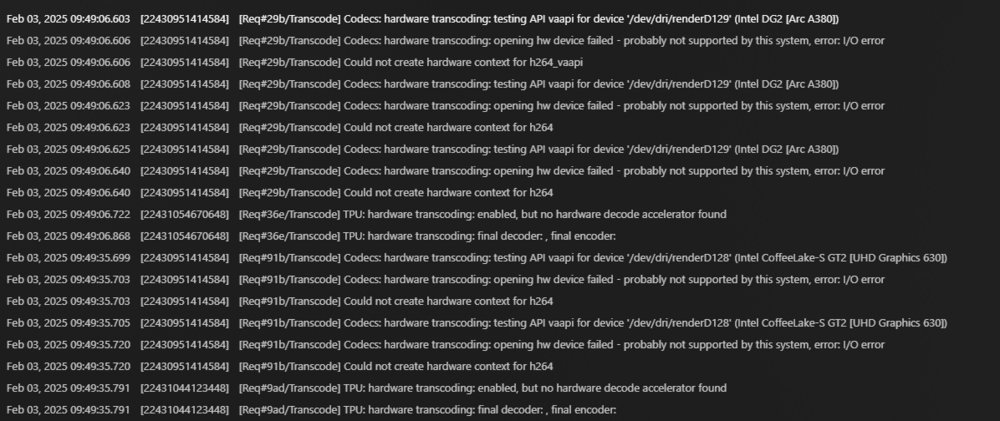
I followed this Guide and many others but still don't get HW Transcoding in Plex working in Jellyfin it instantly worked to a degree (still pegging the CPU to ~30%). I tried all possible Plex Docker in the CA i even createt a 2nd Plex account and bought an extra month Plex Pass sub because i thought that somehow my account were bugged. Also running the latest unRaid Plex is spitting those out when trying to hw transcode and this is with Jellyfin hw transcoding "working" Really hope that someone can help me in /r/plex nobody could help me and in /r/unraid i only got downvoted. edit: finally got it running, changed UMASK 000, PUID 99 and PGID 100 to UMASK 022, PUID 0 and PGID 0 and now transcoding works.
-
Had the same Problem in the past and it got to a point that even Krusader couldn't delete so i ignored it a few weeks/months until i couldn't any longer and then searched around and found the Solution i just entered in the Krusader config PUID and PGID a 0 and after that i could finally delete all those undeleteable stuff
-
Nothing major to report, can also be a me Problem since i updated yesterday finally from 6.7 to 6.9.2. The Sleep Button is greyed out but still works
-
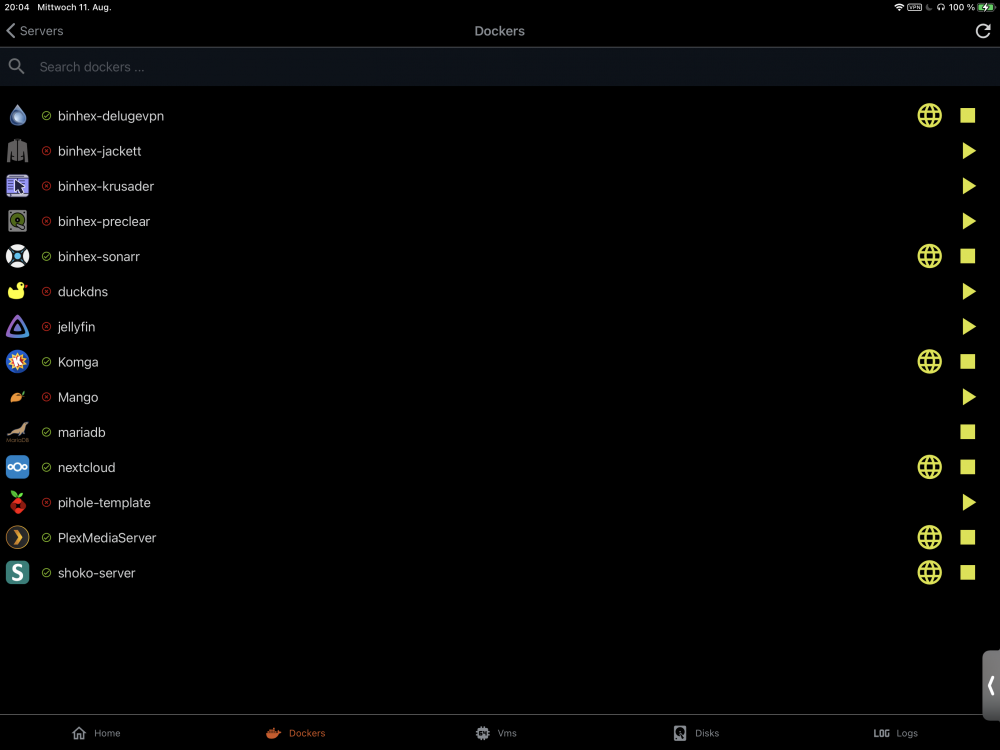
Updated to the latest version, the Sleep function works thank you for that and somehow since the last update the docker page changed. Since then you can’t click on that docker anymore where the coming soon page was before.
-
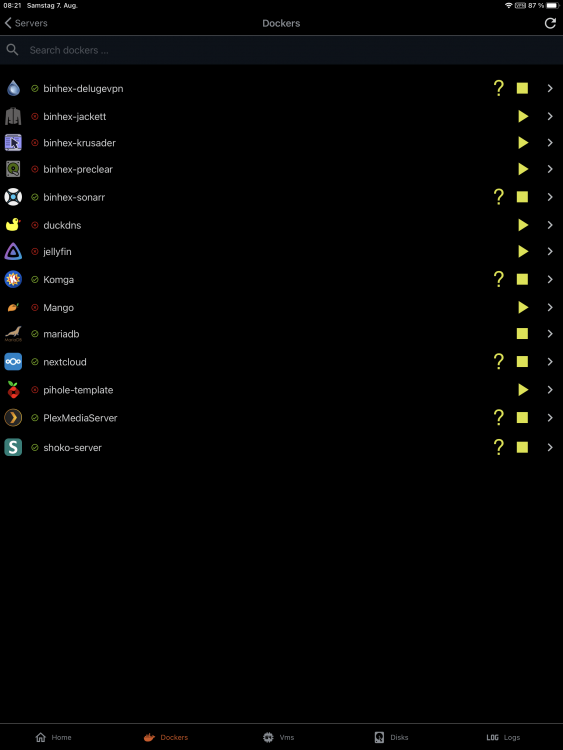
Updated to 5.0.5 didn’t test sleep yet but the docker detail page isn’t working. What does the discovery function do ? Since I’m unable to do anything with it other than seeing that there is a server.

-
sleep problem guy here again is this now a me problem or still from the new redesigned app?

-
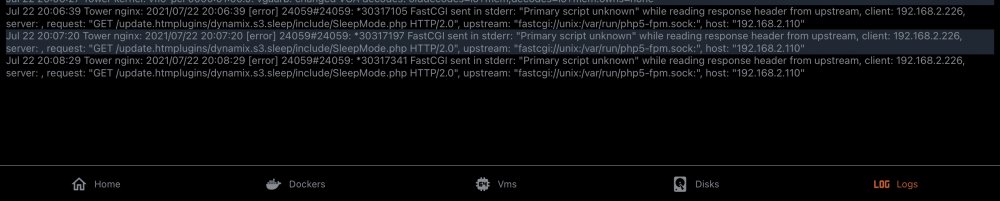
It’s me again I’m sorry I only tested what the sleep button said not what it does until I really put my server to sleep unfortunately it’s not putting my server into a sleep mode so I went into the log from the app and saw this hope this helps
-
Can confirm both issues i had, discovery and the Sleeping button is now working as intended, thank you very much.
-
looks like this https://imgur.com/a/ePvK3Wu edit: ControlR version 5.0.2
-
UnRaid 6.7.0 iOS 14.1 ControlR Version 5.0.0 and 5.0.2 Discovery didn’t work for me but manually adding worked. When using the sleep function it prompted the using mover function, thought it was just a typo clicked it anyways and it was just using the mover command . Would really be nice if that error could be fixed.
-
Ok the downgrade worked now, lost all the torrents in the list atleast i can download again from those trackers. Thanks again.
-
Upgraded to the latest version without a Problem but after a few hours i saw that latest version is not on the whitelist for some Trackers, my question is now how do i downgrade ? I tried changing the repository to binhex/arch-delugevpn:1.3.15_18_ge050905b2-1-04 didn't work won't start.
-
Hello, i got a problem with Delugevpn, VPN and Speed is perfect except for connecting from a Windows Thin client. It doesn't matter how many users i create i just can't connect to the docker to config the RSS Plugin. Sonarr works with the Docker but for my needs the RSS Feed auto add torrents would be better and no other Torrent Docker has RSS Support.





