





piratx
Members
-
Joined
-
Last visited
Everything posted by piratx
-
Ι have some 4TB spares yes. I need to move some files from one of those but it's not big deal. Let me know what you want me to do. Also I have the 500GB new NVMe on, I've tried to add it to Sys pool but something doesnt go well on this.
-
I'm sorry. eleven-diagnostics-20211209-1717.zip
-
Yes, I was trying to find a way actually.. cause right now and for 2 weeks this disk is working as emulated..
-
Didnt uploaded it then i did after 10 seconds
-
Thank you for your instant answer. Can I do that when the array has started or anything? eleven-diagnostics-20211209-1643.zip
-
Hello, I have installed the 500GB NVMe but the issue with the x On the disk 7 its still there/here. Any suggestions on how to fix it are welcome always. I have changed my cables and remove most of the splitters and now i mainly using the psu cables. i have checked and I can see the disk in BIOS. so i am a bit stuck there! Thanks in advance!
-
Well I am using it mainly for downloads. So yeah, downloads should be number one. I can use the old M2 for download post-processing, but then I am having a main share (eleven) and in there the downloads folder.. how could I do the downloads on different share The disk wasn't disconnected.. something else might happen.. maybe my PSU cant power all disks?
-
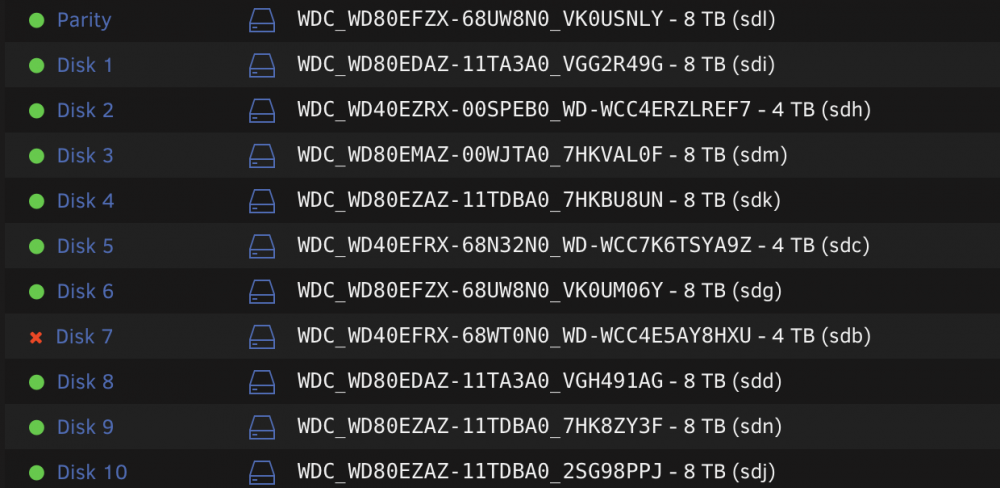
Hello @trurl OK! I have finally the new M2 (500GB) can I use MC to move the files from the old (small one) to the new one? My motherboard have 2 M2 ports so I guess I can do that and then remove the old one.. or another though is I could leave it for cache? And something I just saw Disk 7 is now disabled.. I've attached my diagnostics too eleven-diagnostics-20211129-1740.zip
-
Hello yes I saw some files stayed on the disks as well. I'll have to stop the docker/VM to run that again, but one of the VMs is my DNS though.. pihole. About Plex, this should be my first idea to have plex media on a share for backup, or it was the one from my old server moved to unraid and then added to the docker plex image. I have used MC (if you mean that) before. Or I can do it with cp -prnv? Thanks once again!
-
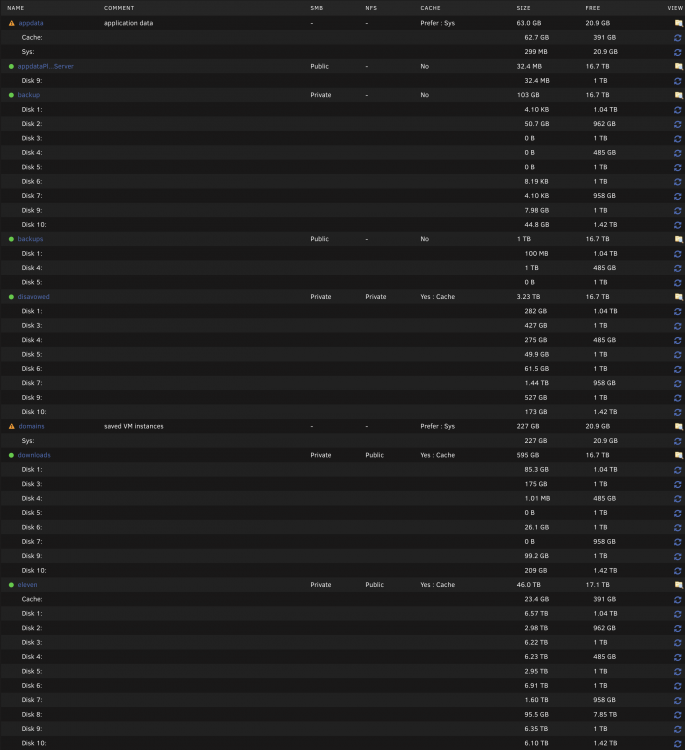
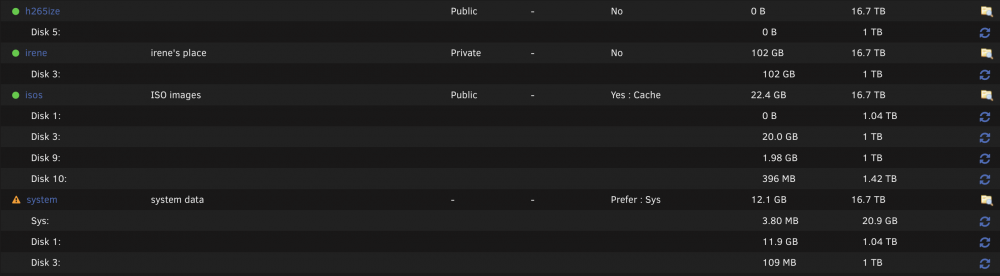
Yes of course.. sorry. Here is compute all
-
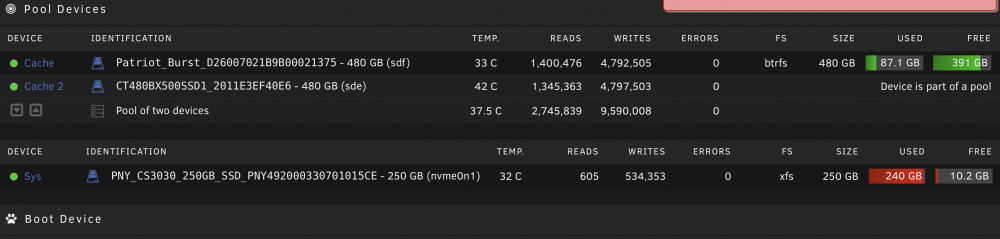
I've started the mover a minute after my post It took some hours and now I need a bigger nvme, but i'll kill one or two of the vms for now!
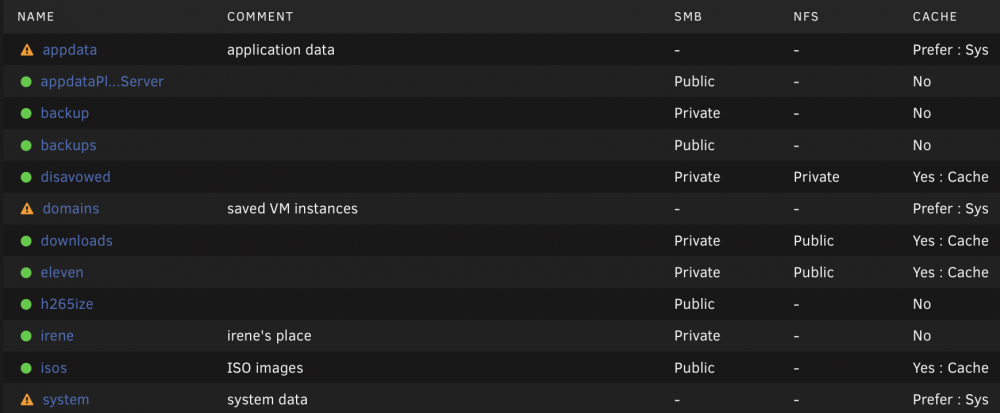
-
Should be ok now.
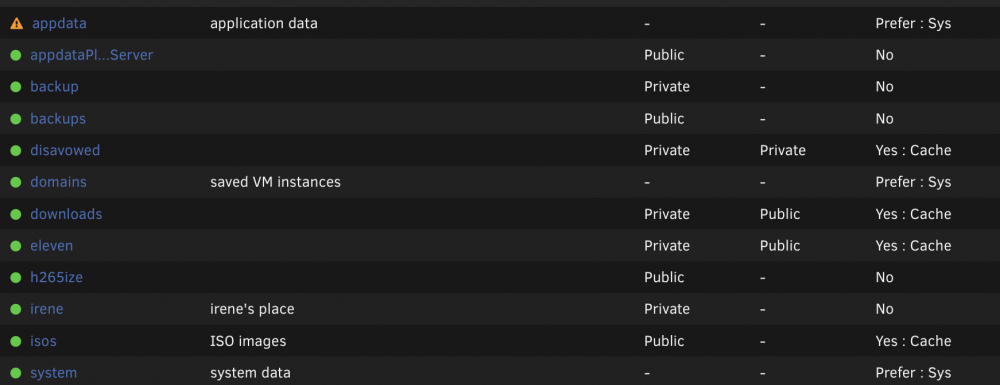
-
Okay, now it's xfs. Do I need to format it via this option?
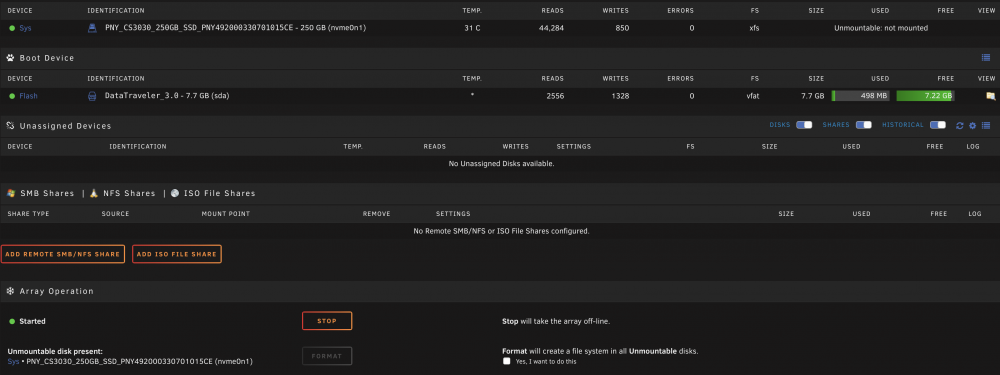
-
Sorry, I've done this. Nothing else except creating a new pool and adding the unassigned disk on it.. I suppose I needed to format it first..

-
ex-disk11, yes the nvme
-
eleven is the name of my main share.. i have media, apps, etc etc in there. I was thinking that maybe I needed to make a new share so I can have all the media from radarr/sonarr etc into their share.. i dont know if that will make the things better or not.. So I am deleting everything I have from the disk11 right?
-
Okay, here is disk8 root@eleven:~# ls -lah /mnt/disk8 total 4.0K drwxrwxrwx 5 nobody users 50 Nov 19 19:24 ./ drwxr-xr-x 17 root root 340 Nov 19 19:14 ../ drwxrwxrwx 14 nobody users 192 Apr 12 2021 appdata/ drwxrwxrwx 6 nobody users 61 Nov 11 10:29 domains/ drwxrwxr-x+ 6 nobody users 60 Nov 13 11:57 eleven/
-
/bin/ls: cannot access '/mnt/disk11': No such file or directory Last one is disk10 now root@eleven:~# ls -lah /mnt/disk10 total 8.0K drwxrwxrwx 7 nobody users 138 Nov 19 19:24 ./ drwxr-xr-x 17 root root 340 Nov 19 19:14 ../ drwxrwxrwx 4 nobody users 47 Apr 1 2019 backup/ drwxrwxrwx 3 nobody users 33 Apr 2 2021 disavowed/ -rw-rw-rw- 1 root root 647 Apr 21 2020 docker-compose.yml.bak drwxrwxrwx 6 nobody users 87 Nov 10 15:58 downloads/ drwxrwxr-x+ 11 nobody users 170 Nov 13 11:57 eleven/ drwxrwxrwx 3 nobody users 19 Apr 12 2021 isos/
-
Okay Array started.. now for the last part? New pool to have appdata and VMs on it.. Also this is still occurs as an issue
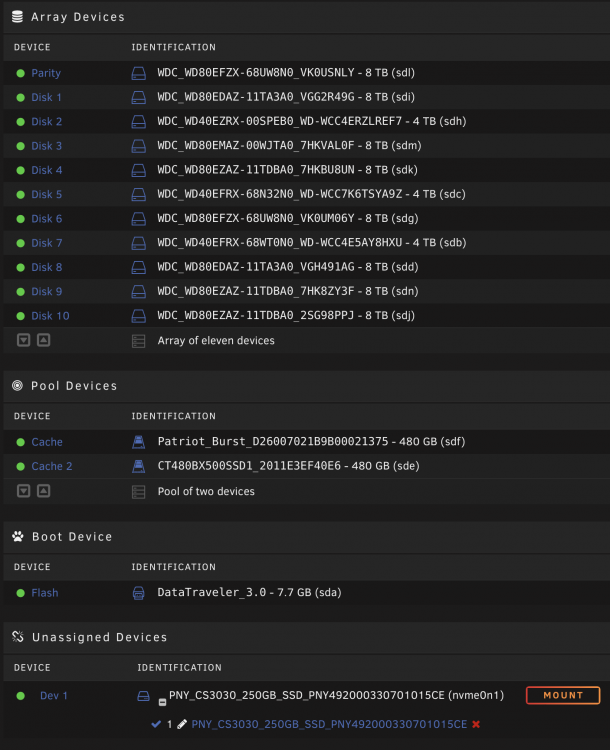

-
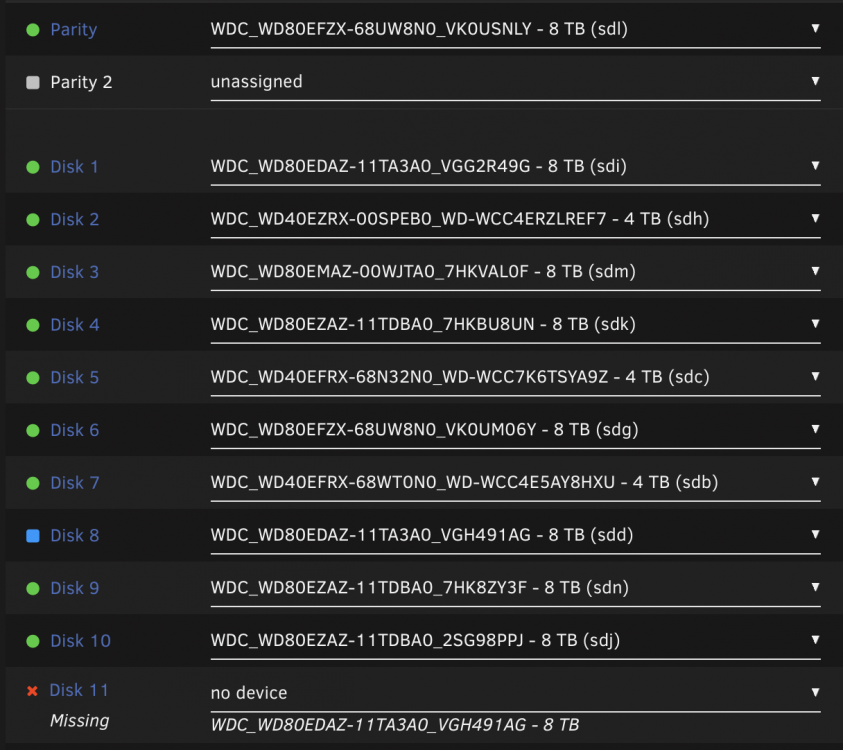
I should do something like this? set no device to Disk 11 and set the Disk 11 (8tb new) to Disk 8.
-
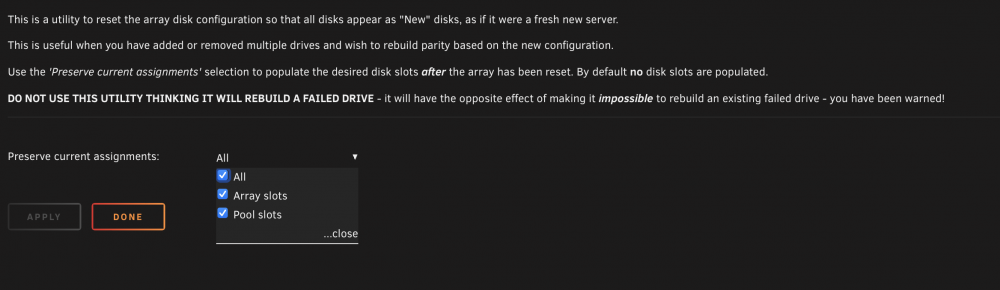
Stopped the Array and I am here now
-
Ah ok, so the job is done. I need to run New config now?
-
Original?
-
OK, I had issues when I installed the new 8tb disk, something with the hardware.. one time it restarted with the 8tb (new disk) and the 4tb (the crc error) disk and only needed to add the 8tb to a new slot in the array and when I did added the 8tb (new disk) I got an X into the slot the 4tb (crc error disk) was. So I changed the sata cables and tried again.. finally after 3-4 restart I added a splitter that sata cable and I saw the 4tb and the 8tb disk and all well. I've added the 8tb disk into the nvme disk place and let the nvme to unassigned disks. That's all I did. In short I have hardware (cable issues) but the story is the same I only moved the nvme out of the area and added the new 8tb to that slot. I've let the parity run and haven't touched anything else since then (a day ago) Thanks for helping again!
-
Yes, I have started the array and all is ok. I wanted to backup something so I needed to do so. I am attaching my diags once again for a better review. eleven-diagnostics-20211119-1627.zip


