radly82
Members
-
Joined
-
Last visited
-
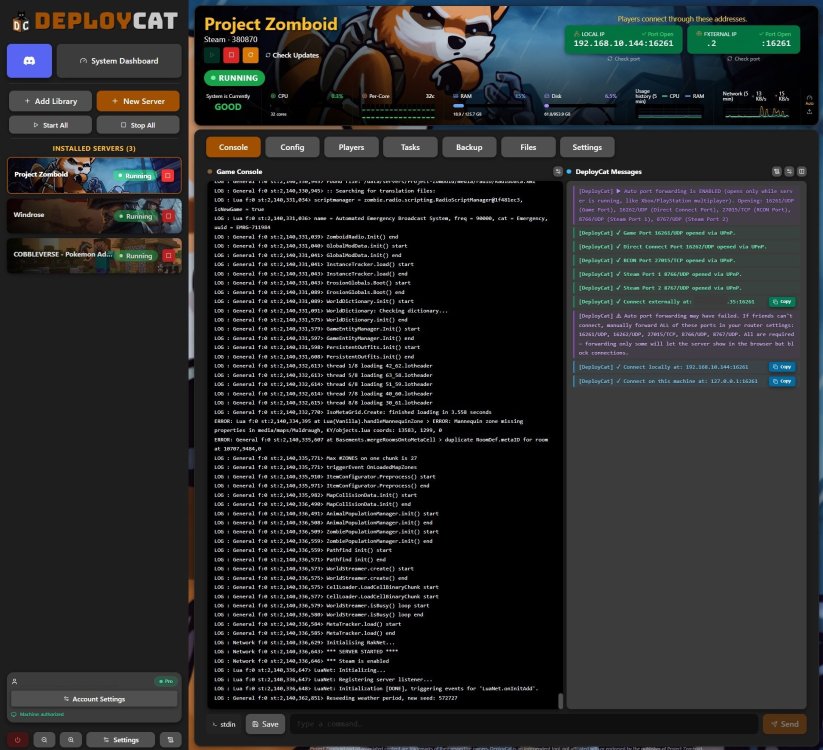
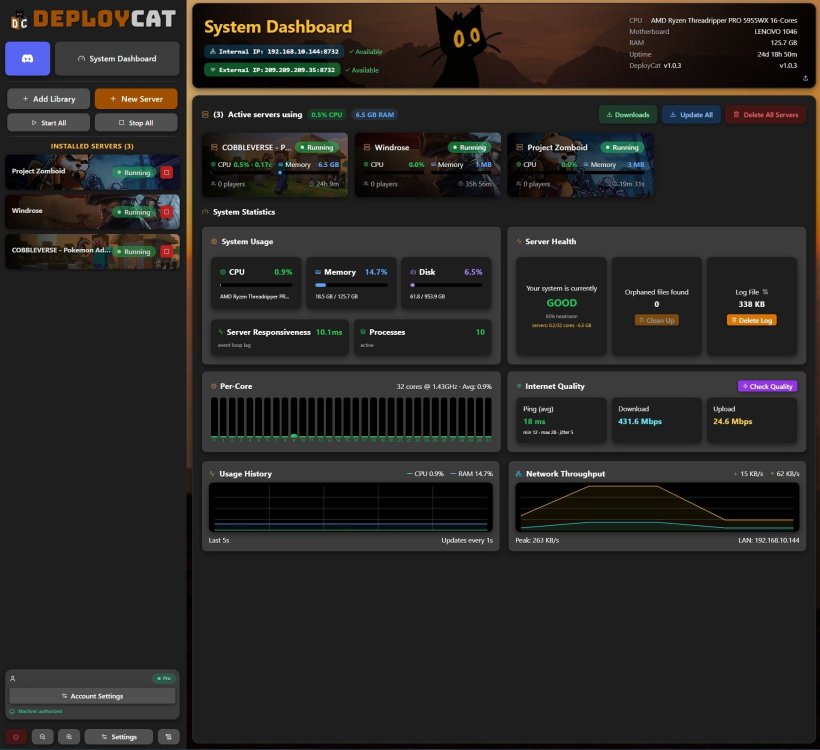
Hey everyone, We've been working on DeployCat — a simple tool for spinning up dedicated game servers on your own hardware. It currently supports a bunch of games (Minecraft Vanilla/Bedrock/modded, Palworld, Valheim, ARK, Project Zomboid, Satisfactory, Rust, etc.) and tries to make the setup process less painful with guided installs and sensible defaults. We just put together a Docker image for it and figured some of you running Unraid might find it useful, especially if you already host game servers or have been looking for a cleaner way to manage them. It’s free to use right now (early access until mid-September). Happy to answer questions or take feedback if anyone gives it a try. App is in community apps and also at www.deploycat.app Discord if you prefer: https://discord.gg/gVcjQHfhUS Cheers, -Rad
-
ATM 10 actually just updated to 5.3.1 for a hotfix.
-
5.3 out now.
-
alienraid-diagnostics-20251119-1621.zip
-
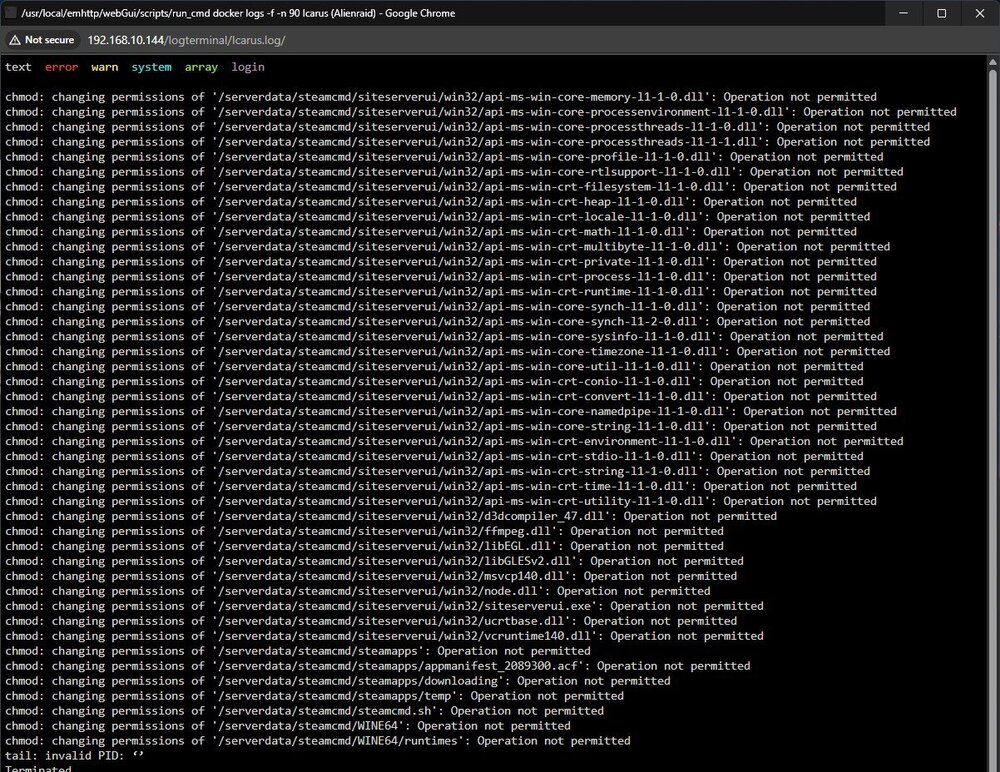
Suddenly my dockers dont work. when i try and launch game servers i get permission issues for files and i have no idea whats going on because this was not an issue before. Including picture.
-
Issue does indeed happen in the windows app as well.
-
my journey with this same issue. Ive been banging my head on my desk for a month trying to figure this out. Even tried to just use a laptop with plex and unraid on it as a stop gap. I see the same issues on the laptop... (has a 1080) Ive tried to blow away my build and start over (kept array) and still no luck. Ive been using unraid for about 8 years and i have neve had these issues and it has worked properly for years until now.
-
so just an update. I went ahead and bought another license for unraid and put it on this spare laptop i had with a 1080ti in it. SAME PROBLEM! Long story short, i just bought an ARC 310 for 90 bucks on amazon and everything works fine now. Something is up with unraid and nvidia cards for some people. Ive been looking around the internet and im not the only one that has this issue right now.
-
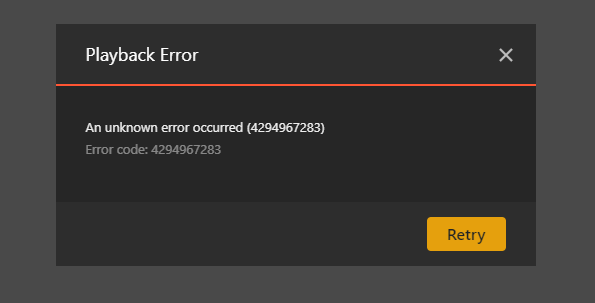
Have tried deleting the codec folder. Still issue persists. Issue also persists on plexapp on all the pc's in the house. On the plex app when i try and transcode i sometimes get this
-
I have taken it off auto and set it to the gpu. It does not help. I have been using to to transcode for various reasons for years, the 3060ti can transcode all my media just fine. It seems someone else has has a problem like mine and it never got solved?
-
are our issues related? Was there ever a fix?
-
As stated in start of topic, i have tried linux version of docker. Also the check mark you have next to Disable video stream transcoding..... Disables video stream transcoding option on clients end, and for the most part does what it says so it kinda is the opposite of what i want here. These settings did not work either.
-
Did not work. Still begins to transcode then stops. Funny thing is someone is transcoding remotely as i type this. It just will not work in my house...
-
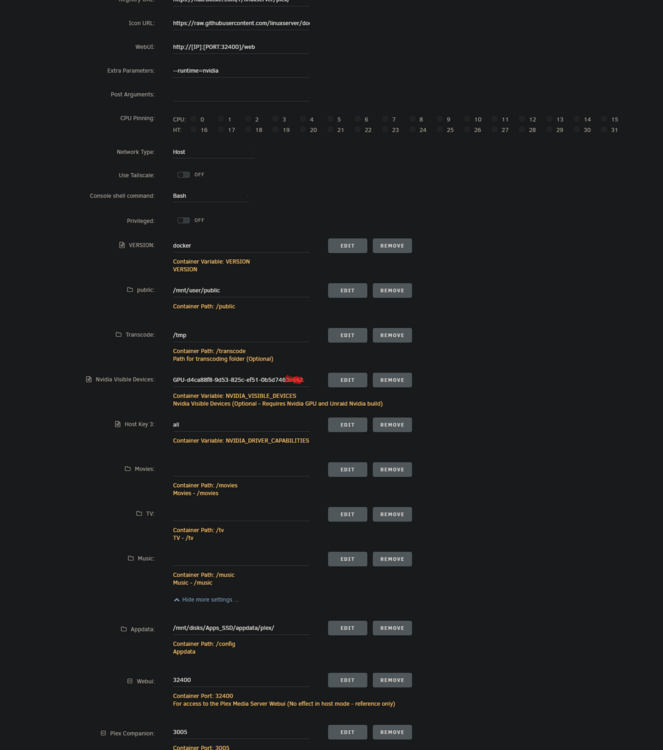
Will try and put --device=/dev/dri:/dev/dri in the extra peram. Already had the nvidia part. (this worked fine for me for years...) Unless im looking at something wrong , as seen in the pictures, i already have a /transcode path defined. also, after some reading "If you are using an NVIDIA GPU, you typically do not use /dev/dri; instead, you would use NVIDIA-specific passthrough options (--runtime=nvidia and --gpus all)."
-
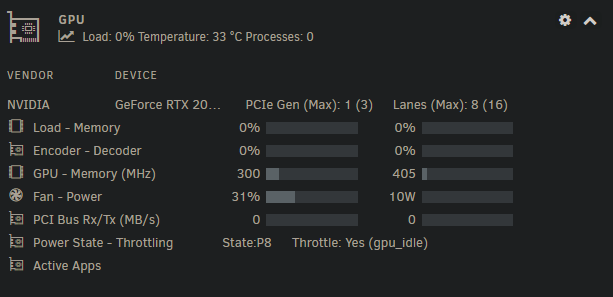
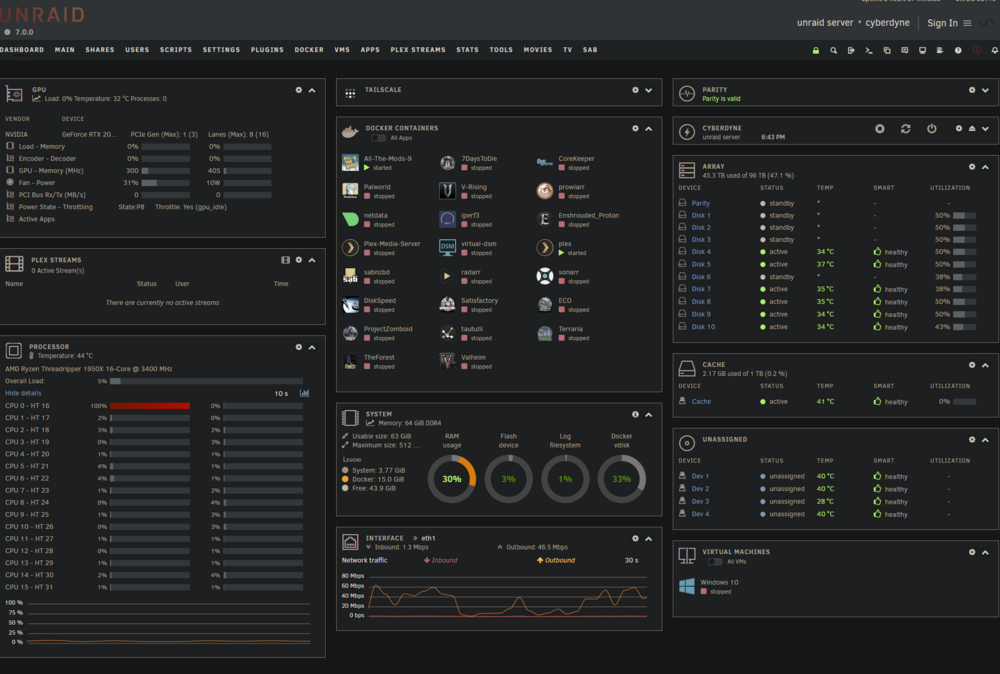
Threadripper 1950x 64GB Ram Using plex 7.0 Plex -Linuxserver Docker Nvidia Driver app GPU Statistics app All Dockers are on an SSD (SSD contains plex docker and all my game servers like minecraft and what not) When i am watching a movie/show, and i choose to transcode down at all (convert a 15mbps movie to 10mbps) The above GPU stat will show 1 Process and show plex in the active app. Then it will suddenly go to 0 and the active apps will show nothing. This will result in nothing but spinning on the end trying to watch plex. I can only really direct stream to my pc's and devices in my house if i down scale at all it does this. Things i have tried: 1) I've tried 3 video cards. A t1000, 2060 and a 3060ti. All with same results. 2) I've double checked settings for all apps involved. 3) Tried different dockers (official and linux) 4) Tried moving my /tmp folder from /tmp in docker to a tmp folder on the apps ssd. 5) You CAN transcode remotely though... Like on my phone on 5g or a computer not on my network. Docker settings look like this This worked for me for years. I have no idea what suddenly (i don't know how long its been doing this before I've noticed) made it do this. In the past this worked perfectly. Im going literally insane, i cannot figure this out. Dont know if this will help