






cracksilver
Members
-
Joined
-
Last visited
Everything posted by cracksilver
-
thats what I did before... still not reachable..
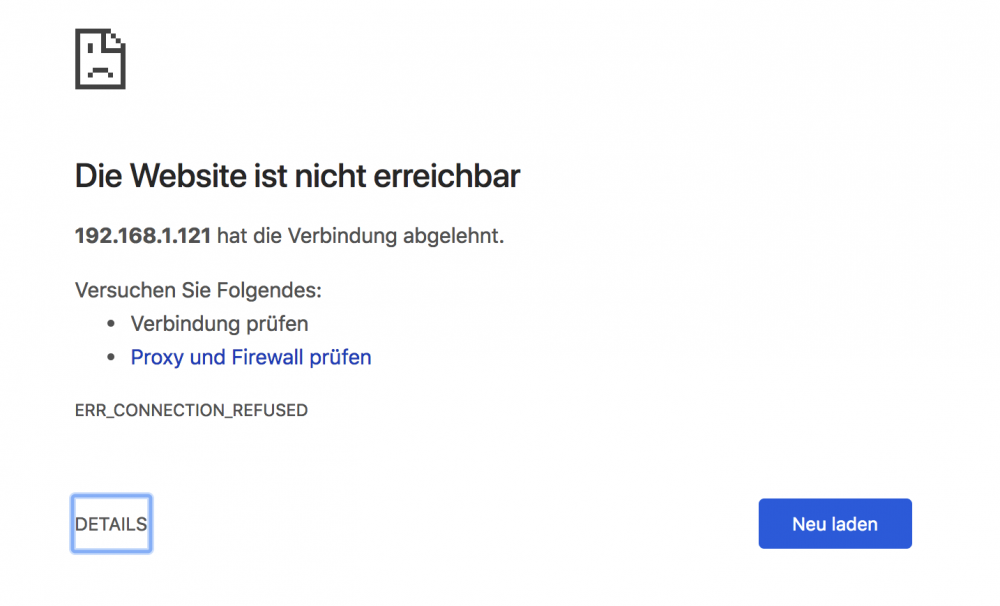
-
see here:
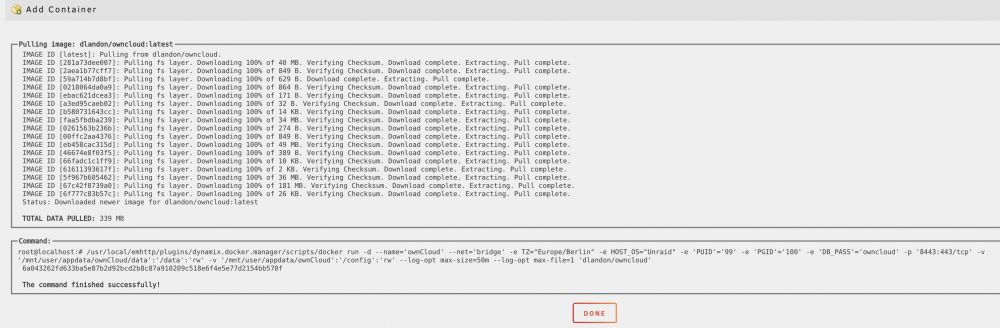
-
Did it. Same game. Shall I delete everything including DB and start again?
-
What does orphan mean? Is there somethin broken in the image? What the best way to solve, just reinstall plugin with the same name? thx
-
Now I reinstalled the docker: Choosed network type br0 and the IP 192.168.1.25 (it is free in my LAN) Ping from a client to 192.168.1.25 works fine Config Page looks like this: Same issue 504 gateway timeout. Just to say, everything else on unraid works fine. No problems at all.

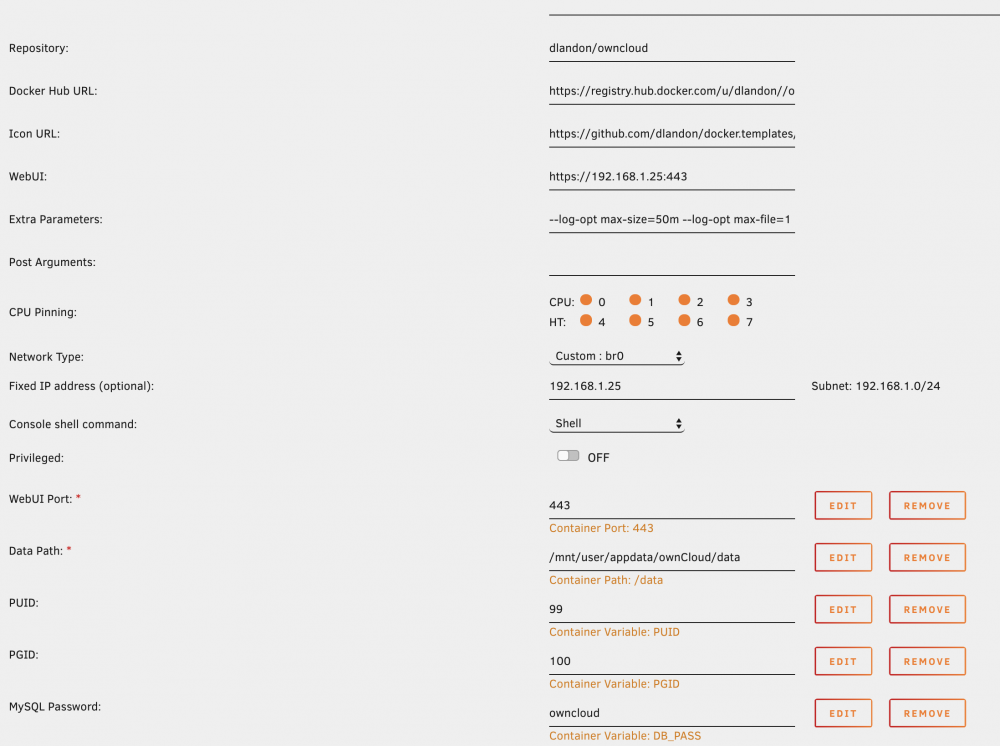 This is the orphan image after i changed to br0. Docker run command is not visible anymore..
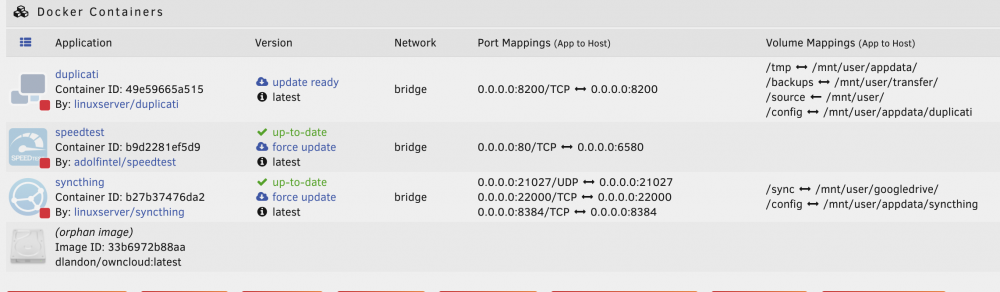 thx. just need internal networking. No worries. It is all behind 2 NAT and firewall. Did like you wrote. Now I get orphan image ... ;-(I did it allready. See attached. Also tested without https only with http. Is not working yet...
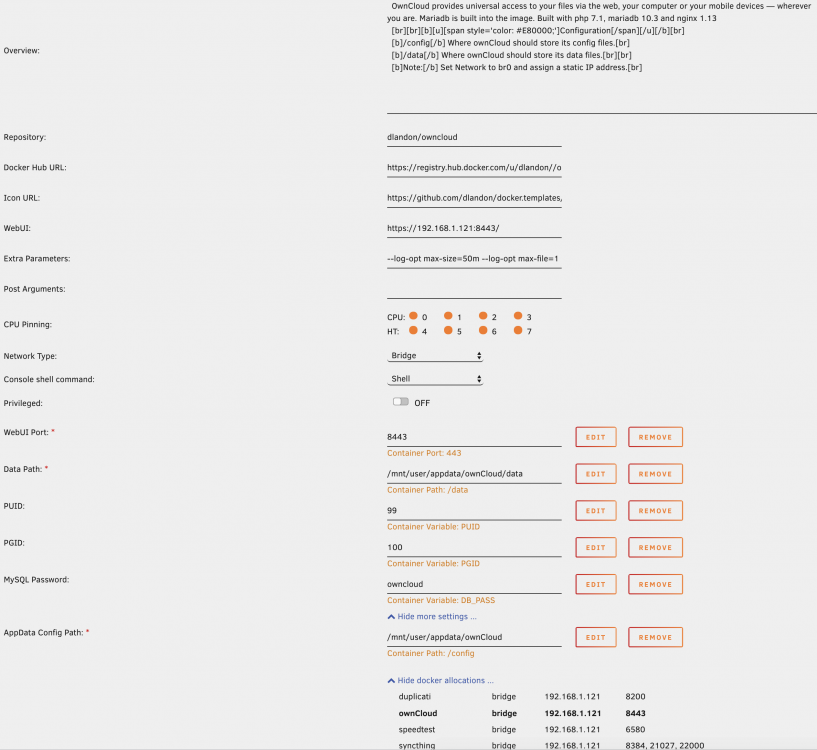 https://192.168.1.121:8443 Gesendet von meinem ONEPLUS A5000 mit TapatalkThats exactly the step it isn't working. Then I get 504 timeout.I think so. Did not anything change before I installed the docker. So where I can change that now? Gesendet von meinem ONEPLUS A5000 mit Tapatalkthx. see below. Both (server + client) are in the same network... error.log 2018/12/06 07:06:37 [error] 386#386: *25 upstream timed out (110: Connection timed out) while reading response header from upstream, client: 192.168.1.179, server: _, request: "GET / HTTP/1.1", upstream: "fastcgi://unix:/run/php/php7.1-fpm.sock", host: "192.168.1.121:8443", referrer: "http://192.168.1.121/Docker" access.log 192.168.1.179 - - [06/Dec/2018:07:06:37 +0100] "GET / HTTP/1.1" 504 569 "http://192.168.1.121/Docker" "Mozilla/5.0 (Macintosh; Intel Mac OS X 10_13_6) AppleWebKit/537.36 (KHTML, like Gecko) Chrome/70.0.3538.110 Safari/537.36" cracksilverHi there Just installed owncloud the second time with the same error. After setting user, pwd and db settings in the WebGUI the browser runs about 1 min. then I get 504 Gateway Time-out nginx/1.15.6 After restart docker there is the same story, no webgui at all... did I something wrong? thx for helping me cracksilver


