MadMartigaN
Members
-
Joined
-
Last visited
Everything posted by MadMartigaN
-
Update 6.10.2, same problem. New syslog and diagnostics. Coming from v6.10.0-rc8 to v6.10.1, unfortunately system shuts down without a warning after random hours. RAM is tested nothing wrong. No problem in v6.9.2. I tested new install on a new USB, v6.9.2 no problems, v6.10.1 system shuts down without a warning after random hours. Syslog server is enabled to USB but unfortunately no information about the shutdown. Help is greatly appreciated!
-
I now completely install a new unraid on a new USB and its working. Thanks for your time!
-
Thanks for your time! I didn't touch anything on the flash drive? I removed everything about binhex-krusader and a new docker.img. Reinstall it in a new folder. Unfortunately same problem?!
-
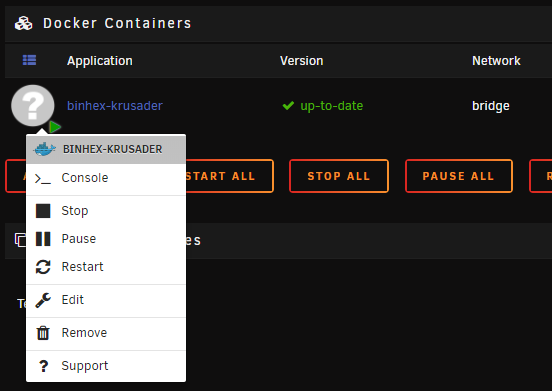
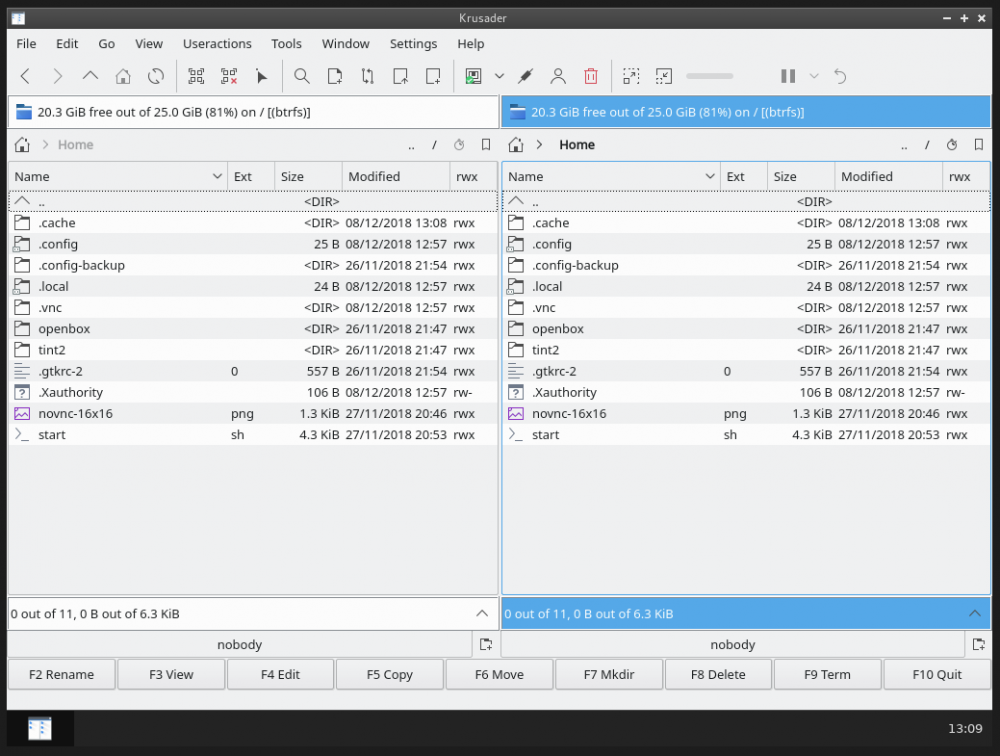
Hi! New to all this so please bear with me... New install of unraid (v6.6.6) and new install of krusader. I can't see the WebUI?! I can use the ip address... And I get: Directory listing for / I click the vnc.html and the noVNC shows up. I try to install binhex-emby, and the WebUI shows in that one. Big thanks in advance!