thescorpio32
Members
-
Joined
-
Last visited
-
Same here.
-
VPN بالنسبه حق الـ في عندك الحين اكثر من دوكر يسهلون لك الموضوع والتي تعتبر هي الاحدث WireGuard طبعا يستخدمون تقنيه 1- TailScale 2- NetBird وكان سهل للغايه حتى ما اذكر انه يحتاج انك تفتح اي بورت او اي شي يسهل عليك الموضوع TailScale للأمانه انا جربت واذا عندك اهتمام بالموضوع ممكن اشرحه لك مافي اي مشكله
-
Thanks, I had the orders messed up (ghost before the DB).
-
OH! - I feel terribly bad I haven't realized this isnt a 'ghost' thread - Sorry I was talking about the ghost container
-
oh my bad, im using your container 'cheesemarathon repo', couldn't get IBRACORP's to work
-
anyone knows how to fix this container to auto start with unraid? even thought i have it as auto-start in the GUI, doesn't seem to do anything cheesemarathon container
-
I edited 'config/ident.cfg' file off the flashdrive and changed SSL = Auto to SSL = Off and was able to access it locally.
-
when I try http://IP:Port says "400 Bad Request The plain HTTP request was sent to HTTPS port nginx" --------- when I try https://IP:PORT "404 Not Found nginx"
-
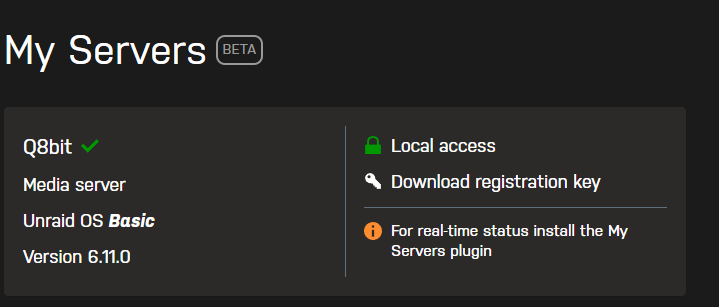
So I just updated my unraid to 6.11.0, but I am now unable to access the unraid webGUI, and the local access isnt available it just transfers me to the xxxx.myunraid.net which gives me a 404 error. however I do know that it is functional 100%, my VM/dockers are working. I just don't have access to the main webGUI. is there a way to edit files off the flashdrive or something to disable "my-server" and go back to Lan/local access? just to update the thing. Thanks.