





EricCharlotteNC
Members
-
Joined
-
Last visited
-
Anyone having issues installing on Unraid 6.8 rc0? I can't get into the admin UI and do see a PHP error. The only settings I've changed are server IP, config path (/mnt/user/etc) and Time Zone - America/New_York. I do see a PHP error in the log, not sure if this is because the different in Unraid 6.7 to 6.8
-
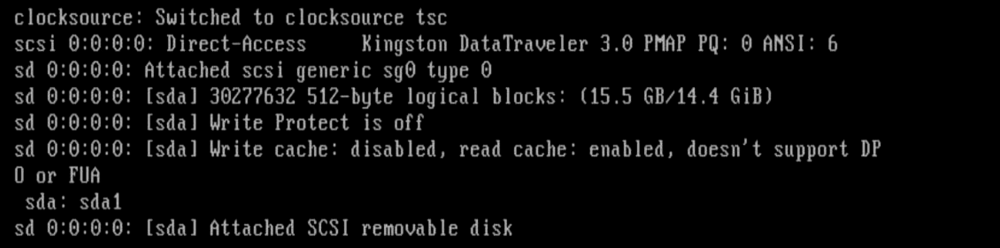
No, the last error message I see before it stops booting is: sda Attached SCSI removable disk. This looks like bad files on the USB key? I see posting to fix USB from another post here: https://wiki.unraid.net/Files_on_v6_boot_drive I'm wondering if I should just rebuild the USB key, after backing up config and move the config folder to the new key?
-
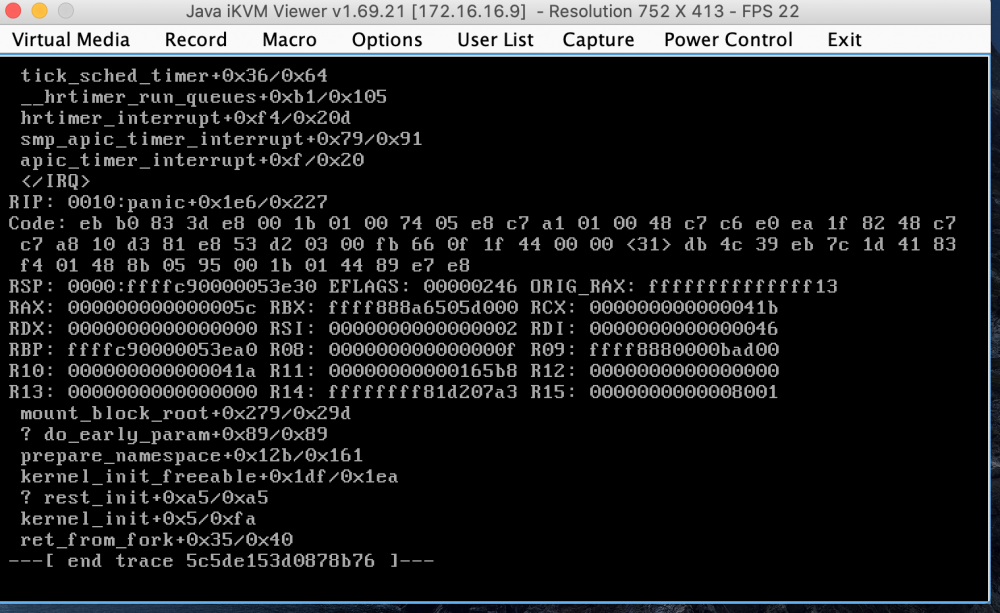
I had to reboot from the command line after replacing my router. I figured rather than try to reset the network I'd just reboot and have it come back up. I suspect there wasn't enough time before the reboot for all the dockers to stop. Anyway post boot and all I get is this error message on startup - how do I go about recovering?
-
EricCharlotteNC joined the community
-
Thanks so much for the work on this! I haven't migrated my homebridge configuration yet from the PI. Would it be possible to upgrade the node version to 10 in the next release? I believe that is the latest supported version and I have one plug-in for Lutron Caseta Pico's that requires node 10.

