





iXNyNe
Members
-
Joined
-
Last visited
Everything posted by iXNyNe
-
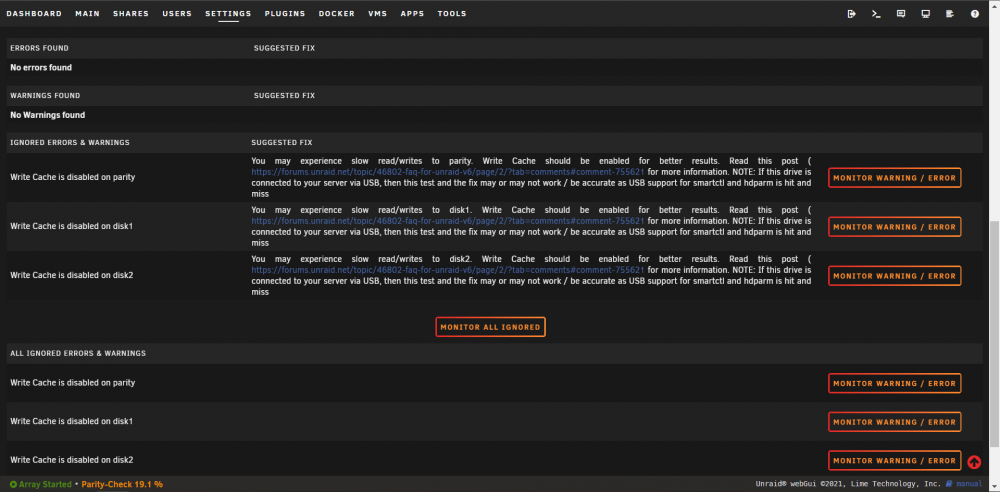
Would you consider adding the ability to collapse sections? (And maybe either collapse ignored sections by default, or make it an option to do so). Every time I open the page I see (the screenshot) all the items I've intentionally ignored. It would be nice if the only things that grab my attention were things I haven't ignored.
-
Sorry to necro reply to this. I searched the thread for the word collapse and found your comment. It doesn't seem like ignored items are collapsed or even collapsable. Is there a setting for this that I'm missing? Unraid 6.9.2 FCP 2021.05.03
-
Same story here. My PC doesn't have USB 2.0 ports (although I don't know if that actually matters). I bought a SanDisk cruzer ultra 3.1 and the USB creator can't see it, but manually setting it up worked fine and I've been using unraid for a few weeks now.

