IJke
Members
-
Joined
-
Last visited
Everything posted by IJke
-
Thanks, I’ve tried it with Safari on iPad, Chrome and Firefox on Windows and the issue remains.
-
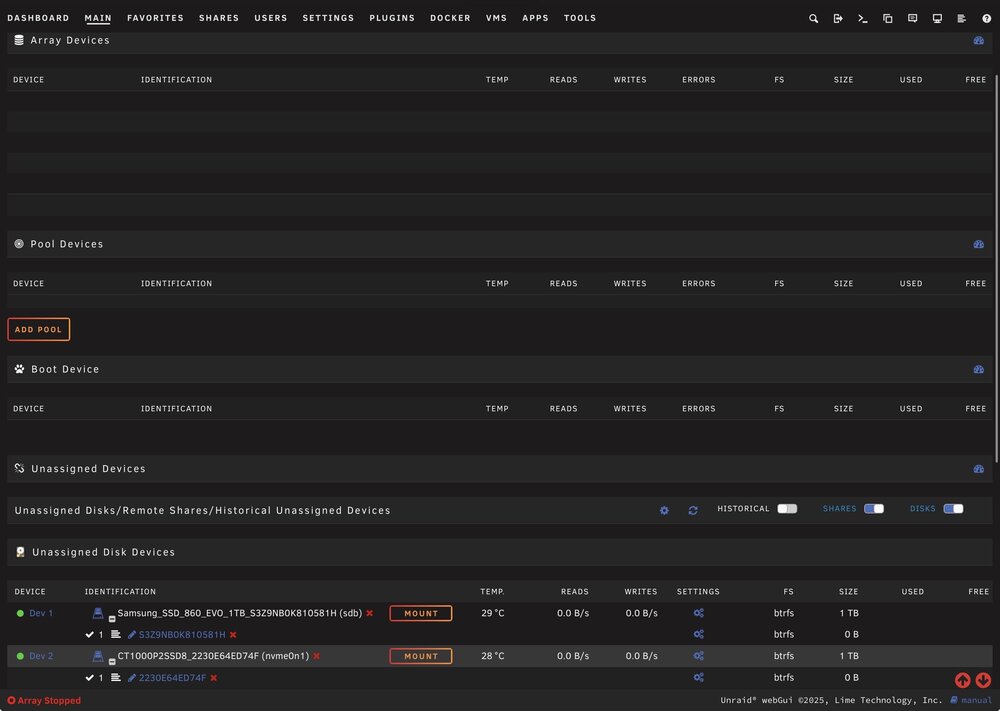
Hi all, I’m running into an issue where my cache/pool devices are no longer visible in the Unraid UI. Context: Unraid version: 7.2.4 I recently moved the server to a new physical location (same hardware, just relocated) After powering it back on, I started troubleshooting and the pools disappeared from the UI I’m unable to start the array without the pool devices setup correctly When I try to add a pool with the same name as the old one (cache) I get an error saying the pool already exists, though not visible in UI. What I’ve done so far: Booted into safe mode Checked /boot/config/ and confirmed: super.dat exists pools/ folder exists Restarted nginx (/etc/rc.d/rc.nginx restart) Rebooted multiple times Accessed Unraid through Safari on iPad, Chrome and Firefox on Windows. Current state: /boot/config/pools/ exists super.dat is present However: No pools show up in the UI Even the boot device appears empty in the UI Disks themselves appear to be detected at the system level Diagnostics: Attached Thanks in advance! tower-diagnostics-20260402-0023.zip
-
Thank you, should I still mount the drives and copy over bootloader with OpenCore Configurator?
-
Awesome, read it. So if i understand correctly my current config.plist is the issue because I used the wrong version of opencore configurator? Steps to resolve would be to put back the install media as primary/secondary disks, copy over fresh config.plist and edit in textedit rather than opencore configurator?
-
It's one of the steps in SpaceInvaders video, download OpenCore Configurator, mount the paritions, copy bootloader over to desktop, then to main disk. Why do you think that step is wrong?
-
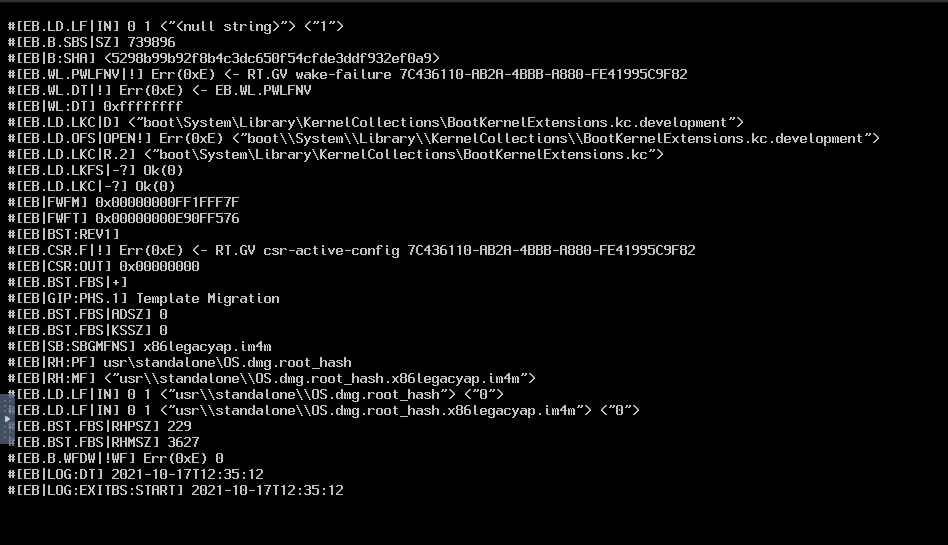
Hi all, I'm hanging on this screen after doing the install succesfully: Steps completed: Boot into macOS Big Sur with VNC Remote install OpenCore Configurator Copy bootloader to main disk Check macOS serial number I then shut down the VM and did these steps: Increase CPU cores (8) Increase RAM (8192MB) Remove install vDisks and use disk 3 for primary disk Helper script changes: FirstInstall = no I've found this resource but I'm unsure how to change these parameters: https://dortania.github.io/OpenCore-Install-Guide/troubleshooting/extended/kernel-issues.html#stuck-on-eb-log-exitbs-start Where do these parameters live? In the config.plist? I don't where to find the config.plist now that I can't login to macOS anymore. XML: Any help much appreciated