





LugoCloud
Members
-
Joined
-
Last visited
-
They are showing now, I add the pci=realloc=off to wrong file
-
This is the output of the lspci -k
-
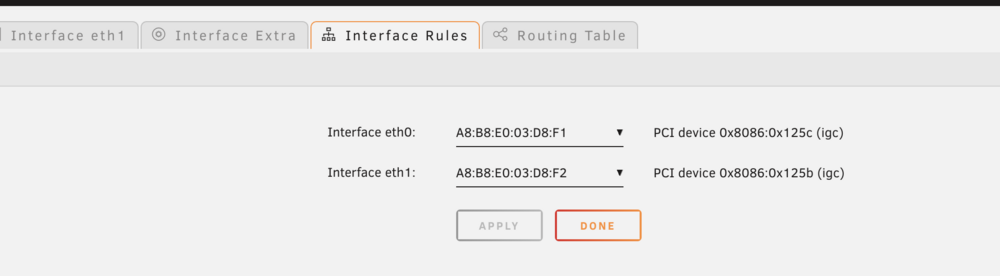
I'm having the same issue on Unraid 7, the server can see all 4 NICs on the System Devices page, but only the 2 internal NICs on the Network Setting page Any suggestions


-
That is the issue don't know when the issue started. 😁 I just deleted the config folder and started from scratch add the season by importing the TVshow folders and follow the prompts I don't see a way to change the backup frequency. This also happened to my Plex Server and Raddar, I think is the Backup/Restore Appdata plugin causing the database corruption. Wonder if there is a way to use external database fro Plex, lidarr, radarr and sonarr.
-
I'm having the same issue specially with Radarr now. Any solutions yet, I don't want to rebuilt again ;-(
-
-
How can I get new key for my USB or should I wait until I get a good quality USB
-
Tried a different USB now but is a very old (that worked) DOn't have any other that I can use at this time what USB model you suggest for me to get I can order Amazone Thank you
-
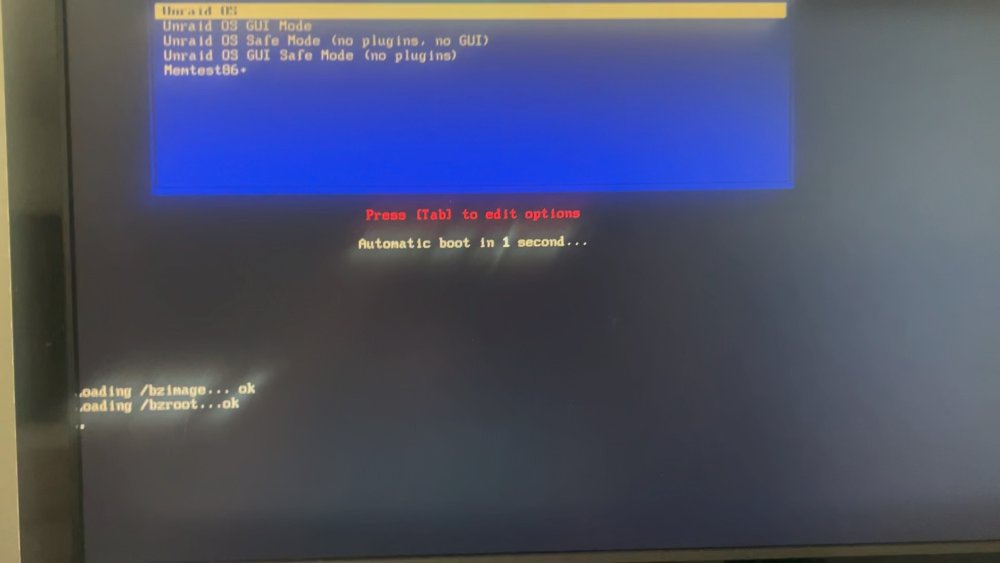
Done that Now after creating the USB agin it just hang on bzroot ok I also tried to boot on savemode and it pass the bzroot ok and it hangs on bzroot-gui ok its been there for 10 minutes or so
-
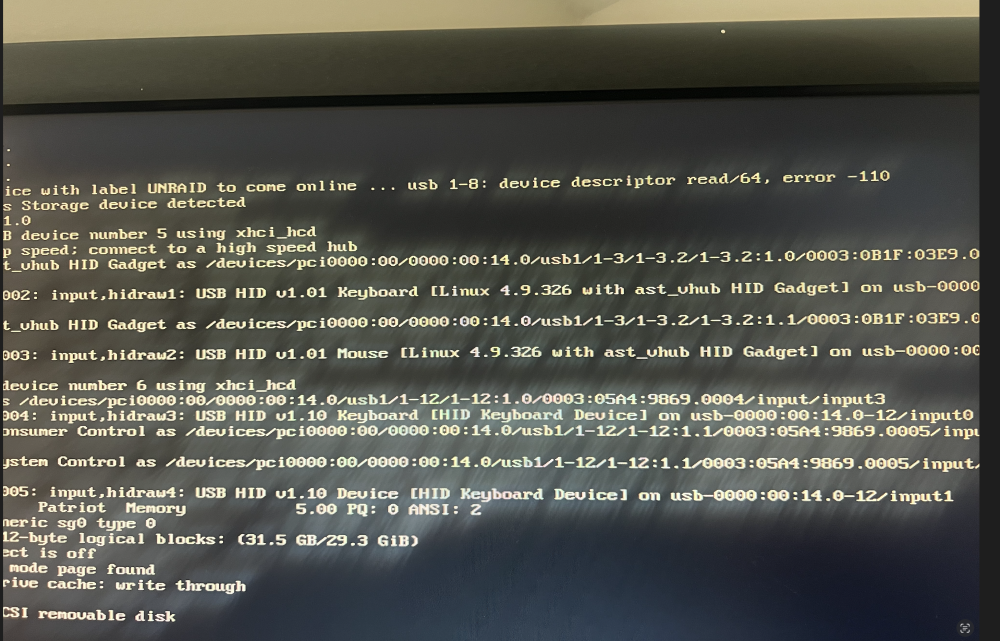
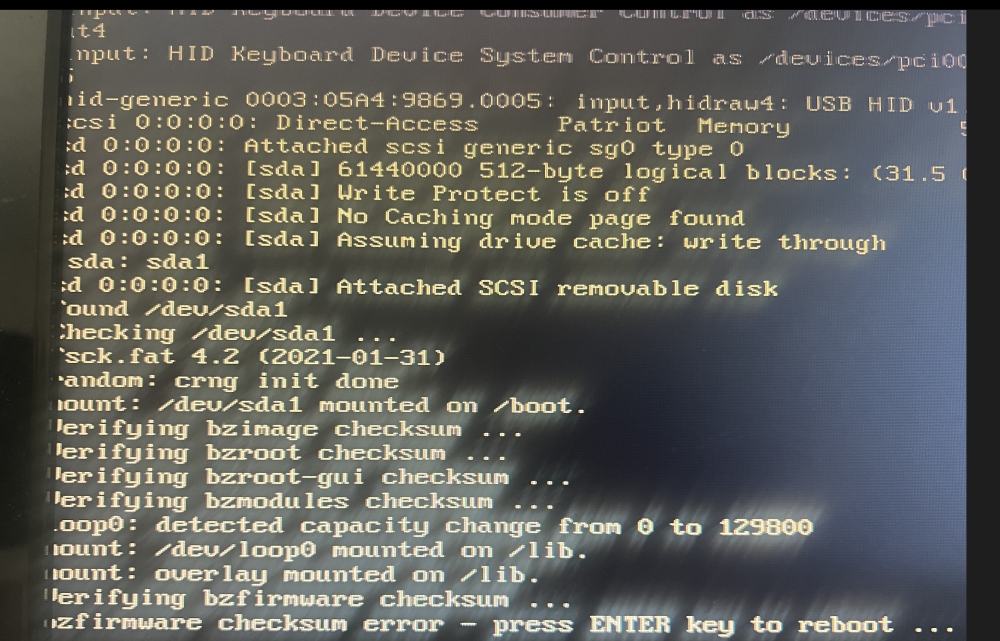
Now I have a bigger problem I decided to rebuilt the USB so I formated and created a new USB and the server is not booting up Getting error 110 IMG_3326.HEIC
-
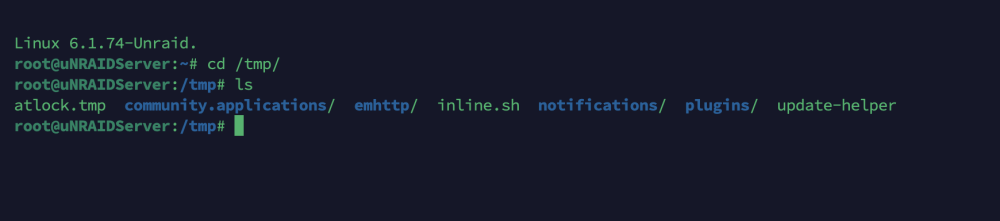
I check on unraid the directory /tmp/ and don't see a cache directory
-
Pardon my ignorance, but I don't understand Thank you this is my Docker config docker run -d --name='frigate' --net='br0.50' (VLAN) --ip='172.20.50.253' (STATIC IP) --privileged=true -e TZ="America/New_York" -e HOST_OS="Unraid" -e HOST_HOSTNAME="uNRAIDServer" -e HOST_CONTAINERNAME="frigate" -e 'TCP_PORT_5000'='5000' -e 'TCP_PORT_8554'='8554' -e 'FRIGATE_RTSP_PASSWORD'='******************' -e 'PLUS_API_KEY'='***********************' -e 'NVIDIA_VISIBLE_DEVICES'='GPU-8e704c73-6f19-b95f-12ac-a907b26a2221' -e 'NVIDIA_DRIVER_CAPABILITIES'='compute,utility,video' -e 'TCP_PORT_8555'='8555' -e 'UDP_PORT_8555'='8555' -e 'TCP_PORT_1984'='1984' -l net.unraid.docker.managed=dockerman -l net.unraid.docker.webui='http://[IP]:[PORT:5000]' -l net.unraid.docker.icon='https://raw.githubusercontent.com/yayitazale/unraid-templates/main/frigate.png' -v '/mnt/user/appdata/frigate/config/':'/config':'rw' (this is map to SSD Pool) -v '/mnt/user/CCTVStorage/frigate/':'/media/frigate':'rw' (this is map to a single drive Pool) -v '/etc/localtime':'/etc/localtime':'rw' --device='/dev/apex_0' (M.2 TPU1) --device='/dev/apex_1' (M.2 TPU2) --mac-address 02:42:ac:14:32:53 (STATIC MAC only change the last 2 digits) --runtime=nvidia --shm-size=256mb --mount type=tmpfs,target=/tmp/cache,tmpfs-size=100000000 --restart unless-stopped 'ghcr.io/blakeblackshear/frigate:stable' c8c50231d4c01b6c123b1f7928ddcef5f481a20c9637b06a28bb6f96d1aed8a5
-
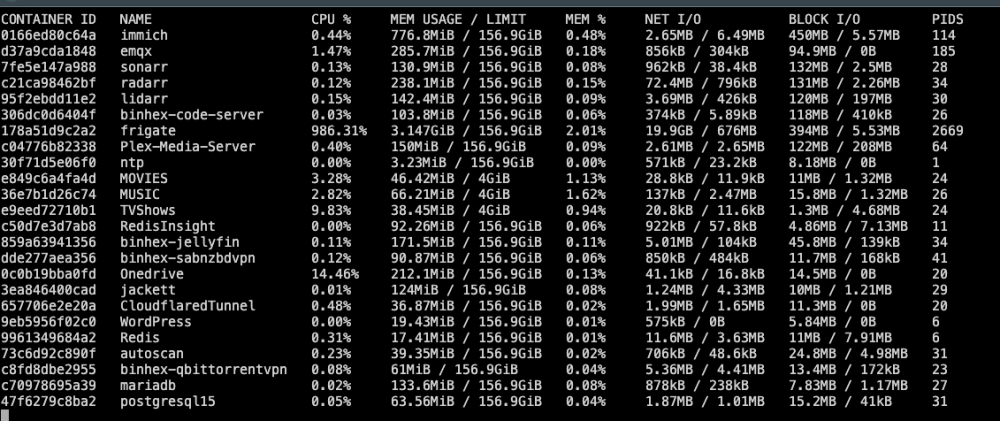
This are my Frigate and Immich Frigate Container ID: 178a51d9c2a2 Immich Container ID: 0166ed80c64a this is docker stats it looks like Frigate is is the issue Thank you for the information, need todo more digging, any suggestions will be greatly appreciated...
-
Thank you for the reply, I tried with IPVLAN and MACVLAN but the issue still happening with IPVLAN, something is causing the CPU to overload this wasn't an issue until I upgrade to 6.2.8. I have this server running for over a year and Frigate using GPU for the last 6 months, been having this issue for the last week or so Note: I also installed coral TPU to free-up the GPU that was 3 days ago. (issue was happening before TPU installation)
-
I'm using MACVLAN all of my Dockers are on a VLAN on my local network (can I use ipvlan) and assign local IP to the dockers?) I'm using Frigate and Immich can one of this be the problem All was working fine before 6.12.8



