





akyros66
Members
-
Joined
-
Last visited
Everything posted by akyros66
-
I had forgotten to change the path to use user instead of mnt. Everything is working now! Thank you for putting up with my newbie questions and helping me out!
-
I'm still getting the same error, although now it seems to be checking twice. I was attempting to use it with the same module, Contest Of Champions 0492. log.txt
-
Now it's stuck in a loop trying to start up.
-
/mnt/cache/appdata/nwnee
-
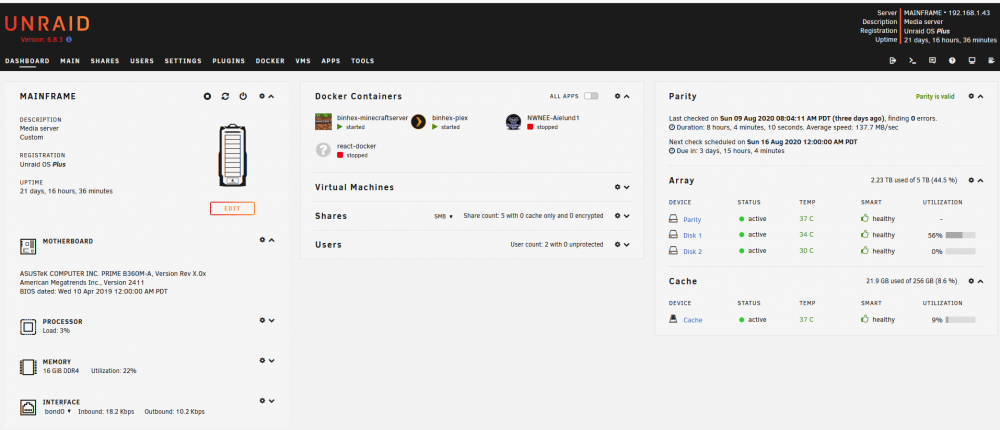
I'm using 6.8.3, and I have a 256gb nvme drive setup as the cache drive.
-
I hadn't installed those, so that might be part of the problem for the Aielund mod file, but I am also unable to get Contest of Champions 0492 to run, even after updating the container. Edit: I am still getting the same error of my modules folder being empty.
-
Trying to get NWN EE server running. It keeps saying the Modules folder is empty, despite the required module file being present. Run Script: Log Output: Files:

