Speedious
Members
-
Joined
-
Last visited
Everything posted by Speedious
-
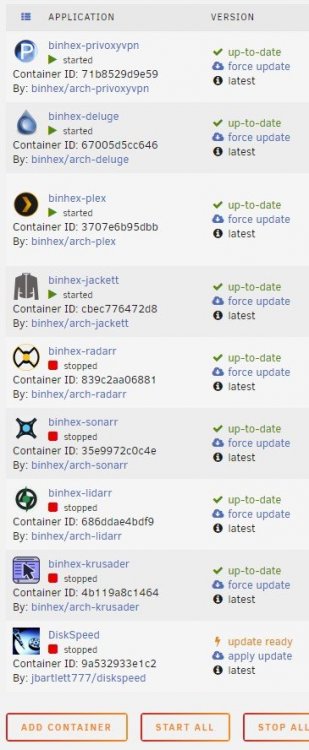
@binhex As of today I have been using UnRaid for one month. When I did the install and added the first docker containers I did not use any of yours. Oh how things change in time... Thank you for your efforts. Also, thank you for being responsive to questions about your containers, that is more meaningful to a noob like me than you may realize. *pokes the PayPal donate link* Funny button.
-
@binhex Is this the same Privoxy/VPN/IPTables solution you integrate into the VPN version of your other containers, like DelugeVPN and qBittorrentVPN?
-
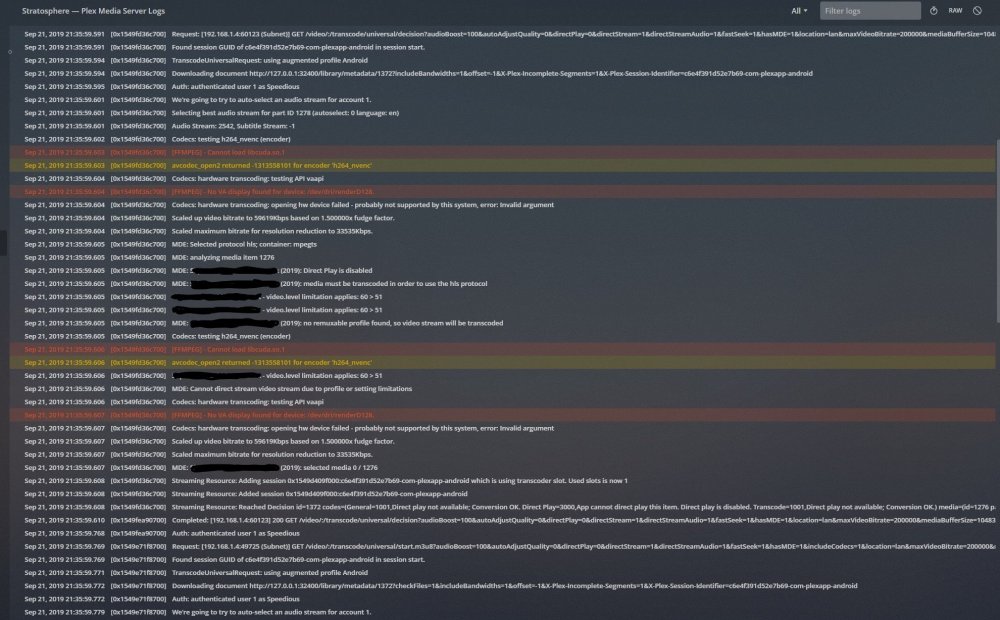
Excuse me gentlebeings. I have used Plex Server on Windows for a few months. Took the plunge and assembled a media server/NAS. I want to use the Intel hardware transcoding abilities on my CPU. I have been using UnRaid for two weeks now and am still a lost puppy. Plex server is giving me an error. I am pretty sure I have multiple issues at the moment. My GoogleFu failed me just searching the error. Permissions were the common solution but this container avoids those issues. Here is the Plex server log when I try to play a 5k mp4 video on a Fire HD10 from my server in my signature. I expect Plex to transcode the file down for the tablet. Extra parameter for device is set in the container. Go file is edited. What settings should I check or set? Thank you for your time.