DiniMuetter
Members
-
Joined
-
Last visited
Everything posted by DiniMuetter
-
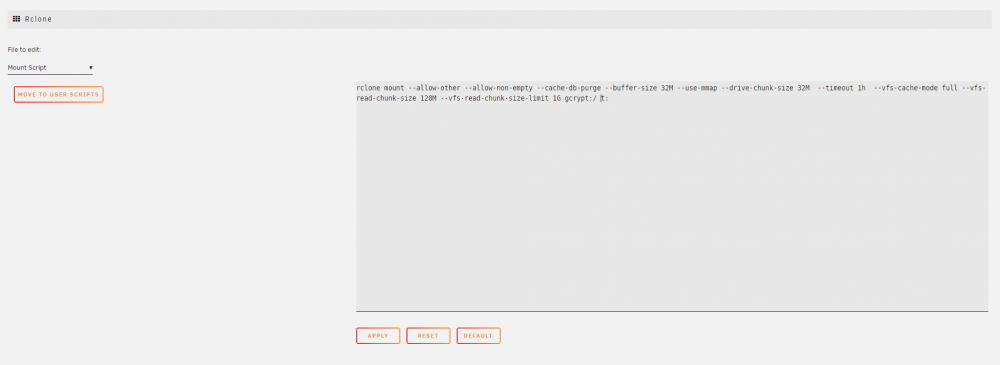
Hello all I could need some help. Did I do it correct? I asume the mount script is not fully correct. i have copied id from my windows Intel NUC. rclone mount --allow-other --allow-non-empty --cache-db-purge --buffer-size 32M --use-mmap --drive-chunk-size 32M --timeout 1h --vfs-cache-mode full --vfs-read-chunk-size 128M --vfs-read-chunk-size-limit 1G gcrypt:/ t: Feel free to adjust the mount comand. Thank you
-
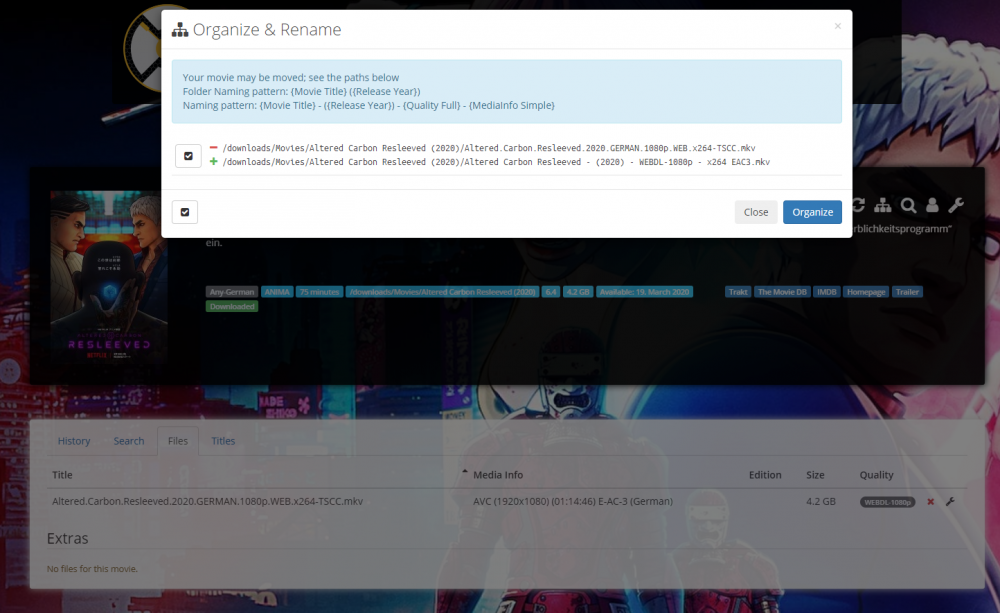
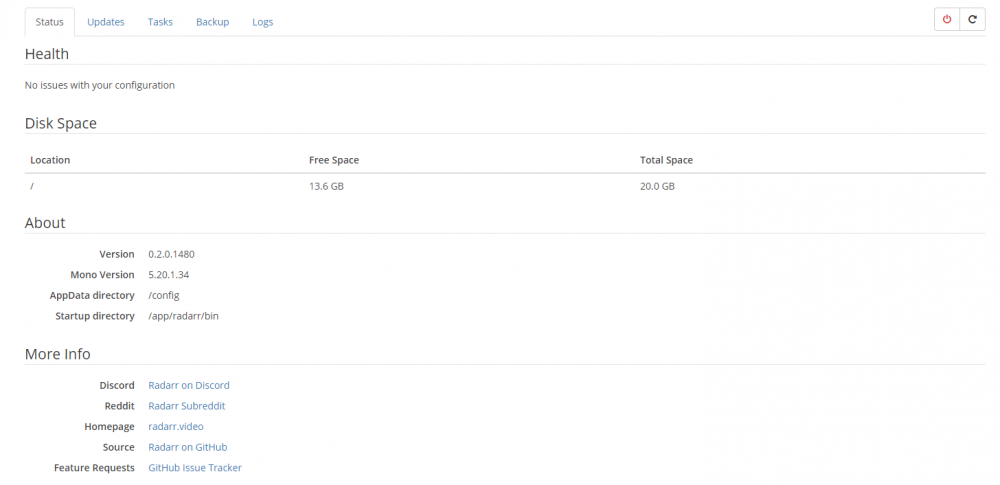
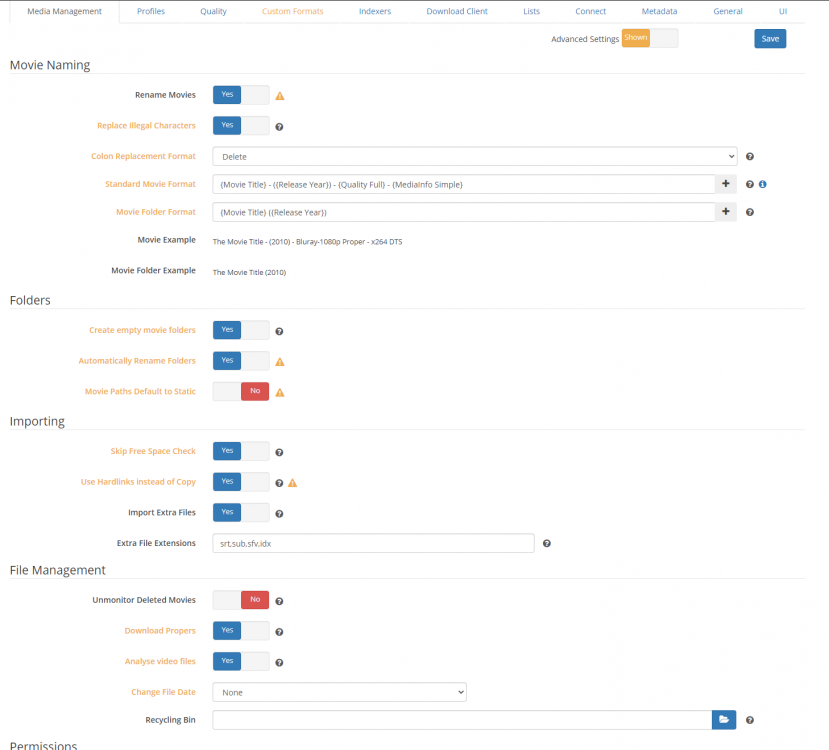
Hello all Can someone explain me, what is prevent Radarr from changing not only the path where the movie is stored during the import, because the video files itself are not getting renamed, based on my naming settings. Everythings works fine, when Radarr finds a movie via Indexer: 1. find the movie via Indexer, 2. Download via Sabnzb, 3. move files to the correct folder, 4. rename it, 5. delete the completed history in sabnzb. 6. sends signal to Plex Media Server to update the folder. I have to change the naming one by one. Is there a function to mass change the file naming (batch function)?
-
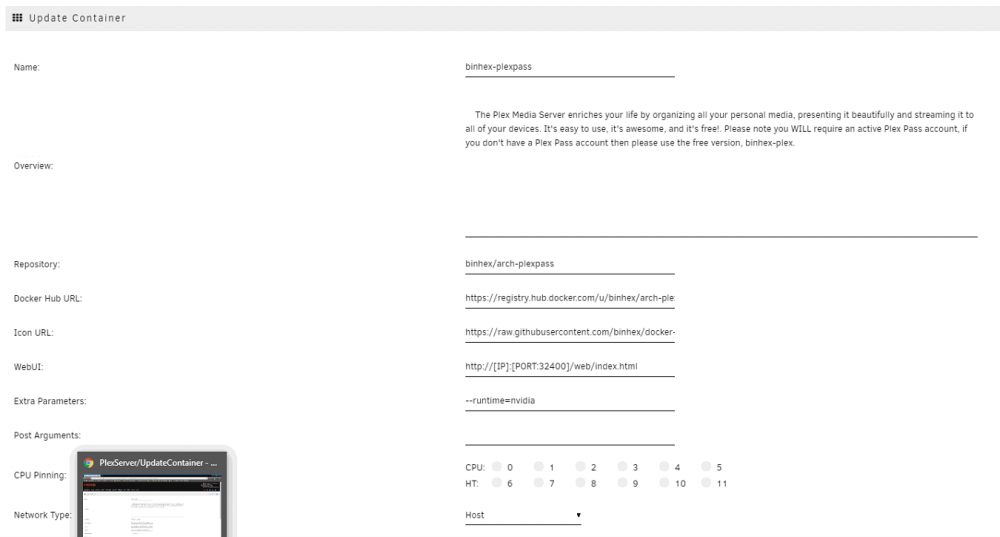
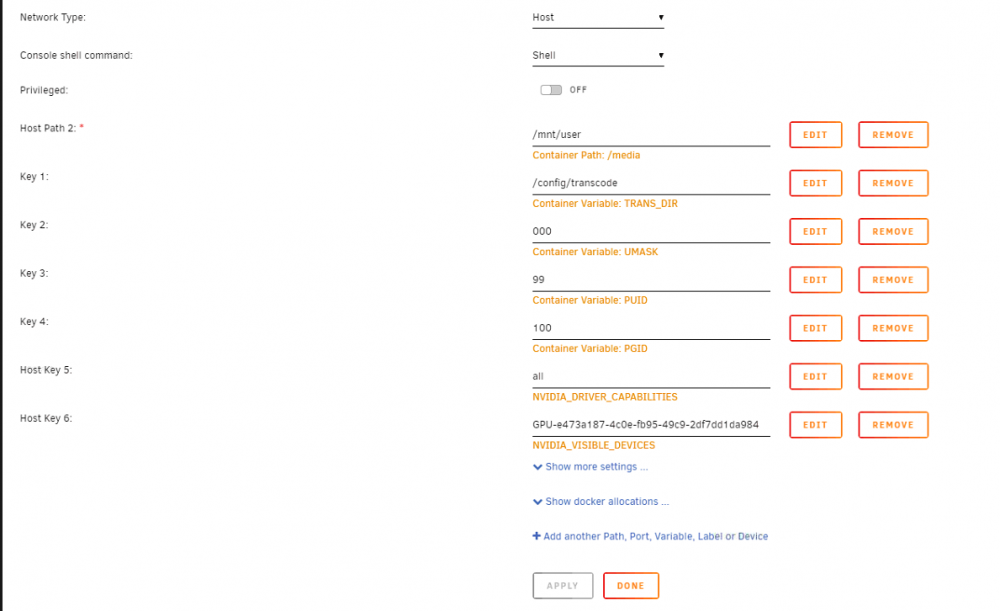
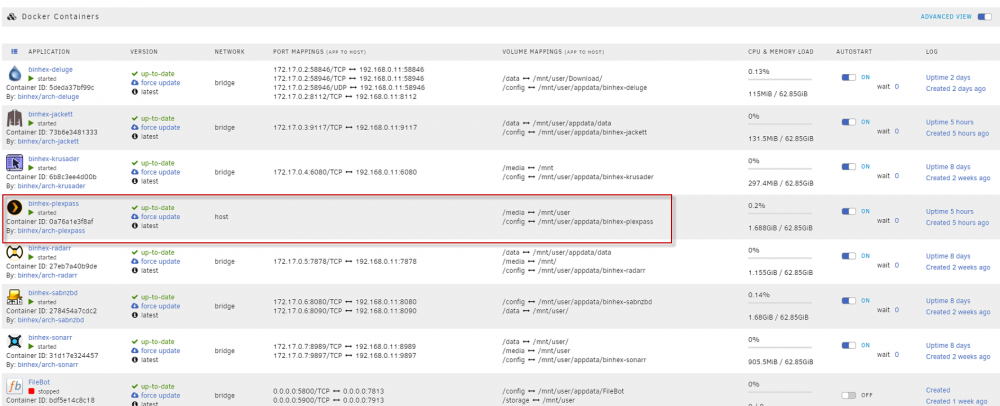
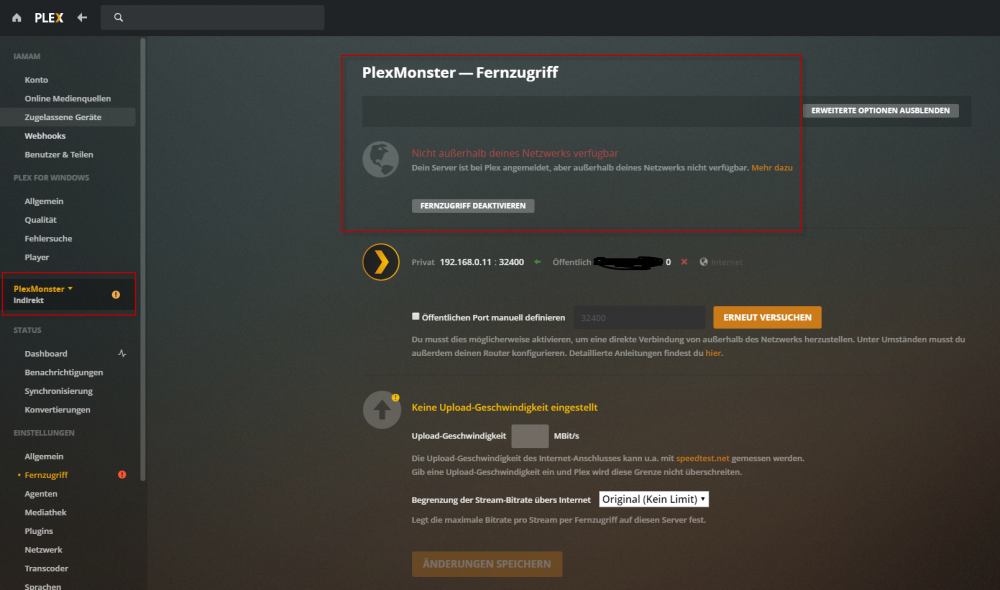
Hello all I could need your help. As you can see on the attached pictures, my PlexMediaServer is not accesable from outside. Did I missined something?