DaPedda
Members
-
Joined
-
Last visited
-
Conclusion: this was now my second HBA card which failed. With the Dell H200 and the old cable set I have no problems so far.
-
Last Friday I replaced the cable set and both HDD's were running all weekend, until 10:00 AM this morning. Tonight I have now installed another COntroller, a Dell H200. Now I wait again and report back 😉
-
Thank you for your help. I will move all Toshibas to a new case with new HBA cards and new cables this weekend. Then we will see. I'll report back and then close the post if all is well.
-
Here we go..... and thanks for Help Edit: Diag removed
-
Leider hat sich das Problem nicht gelöst, daher habe ich ein ein neues Topic in General Support. Viele Grüße, Peter
-
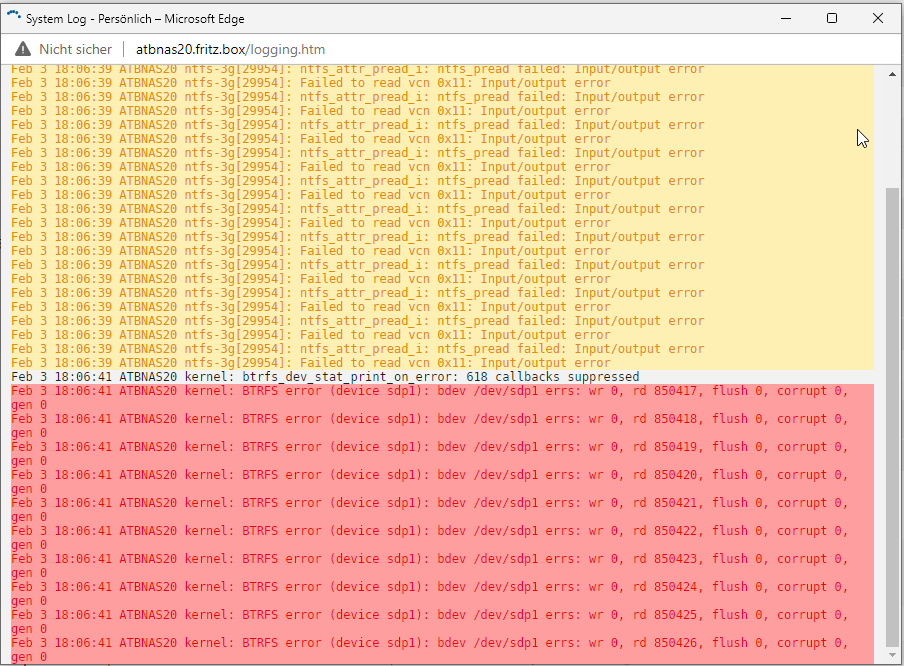
Hello Community, I have since some days this problem: two harddisks bring me after 2h - 8h Disk I/O Error (after Server reboot) These two harddisks are connected to a HBA 9211-8i with unRaid 6.9.2 Interestingly, my array (connected to the internal SATA port) has exactly the same read performance as the two failed disks. I created a new disk configuration yesterday, but the error is back since this morning. Please, who can give me a tip on how to narrow down the error further? Thank you very much Peter

-
Ich habe das Problem wie folgt lösen können: - Stop Array - neue Config eingeleitet, bis auf die Pools die ich hatte - Array Start im Wartungsmodus - Reboot unRaid - Start Array im normalen Modus Im Moment stelle ich noch keinen Fehler fest
-
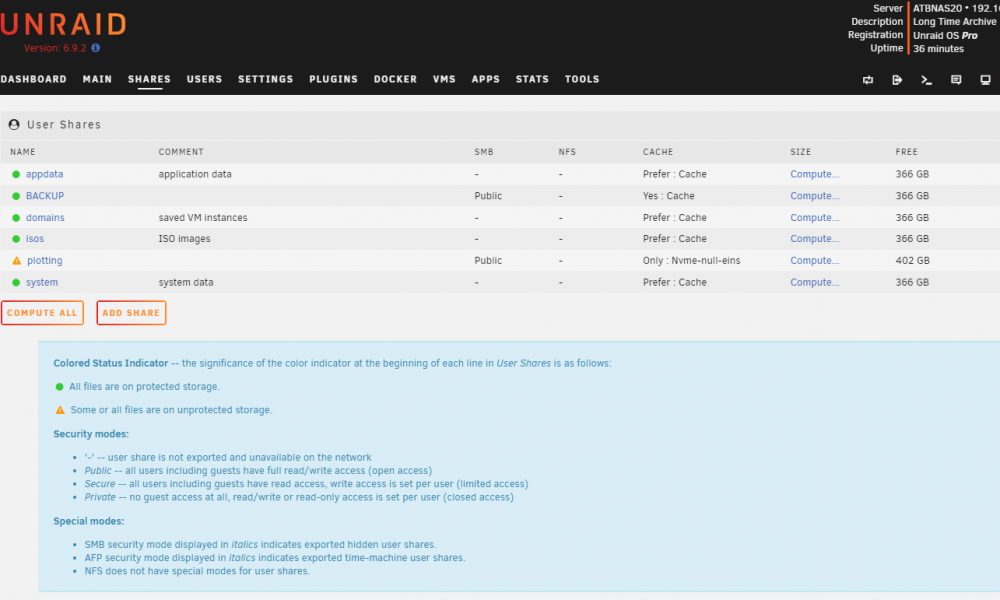
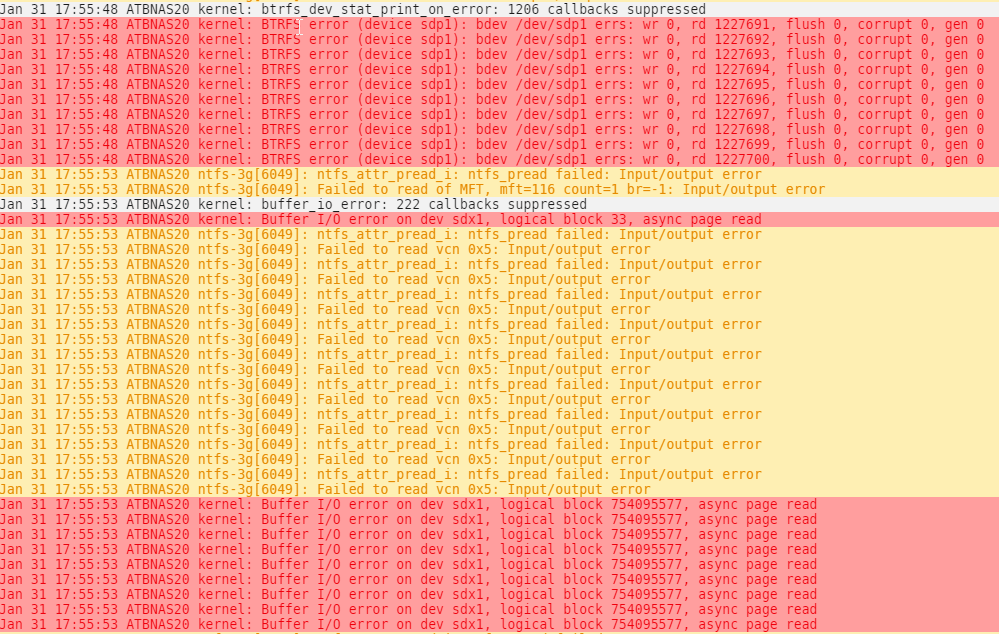
Hallo zusammen, seit wenigen Tagen werden mir bei zwei Platten folgende Symbole angezeigt: Die Platten sind als Unassigend Devices an zwei Dockercontainer mit dem Schalter - Slave durchgereicht. Diesen Schalter habe ich gesetzt, nachdem mir erstmalig beide Platten rausgeflogen sind. Im Disklog steht: Im Systemlog steht: Es handelt sich dabei einmal um ein NTFS Device und um ein BTRFS Device. Das wäre jetzt echt doof, wenn mir die zweite HBA Karte aussteigt. Komischerweise ist aber Aktivität auf den beiden HDD's. Ich würde mich um Hilfe freuen. Viele Grüße, Peter

-
Hi folks, I still have two problems: 1. I see my worker (harvester), but he doesn't give me any stats 2. Under "Connections" I cannot remove a host that is no longer reporting My worker is on another unRaid server. I created the template via the full node and created it on the target server via docker-compose. I see him in the full node. Under Alerts it says: "Your harvester appears to be offline! No events for the past 81187 seconds." I think it's because of the port mappings. Before the update, the port mapping on the target server said e.g .: Network = default and mapping 8926: 8926 Today it says machinaris_default and mapping = 172.18.0.2:8926/TCP <> 192.168.158.103:8926 Same for the Port 8927. At https://pool.space/ I see both harvesters, so the farming seems to be working for now. Greetings, Peter
-
It was a failure in the WebUI. I was able to fix ist with these Instructions:
-
Great,.... after Update my Farming is offline 😞
-
I just saw that all settings in plotman.yaml are gone. A backup from this morning is ignored. I am not amused 😞 Next surprise: no matter what I enter under Settings> Plotting: it doesn't work. It is reset to "factory settings" after i revisite die Settings Tabs P.S.: manuell Copy from plotman.yaml works, plotter do his Job. But when i revisited the Settings Page for Plotting, all Settings are gone. Wrong Path?
-
Hello, I'm missing something in the machinaris wiki. At https://github.com/Chia-Network/chia-blockchain/wiki/Farming-on-many-machines it says: Sektioon Harvester + Plotter: "Don't forget to copy your fullnode's ca certificates over as outlined above in the harvester section. " Unfortunately, there is no description of where I should copy the CA from the full node and then integrate it in the new worker. Can you please help me here?
-
My mistake ... has been dealt with 🙂
-
Hello Community, where please can I deactivate these blue boxes? For me they are very annoying. Many Thanks