vmax5000
Members
-
Joined
-
Last visited
Everything posted by vmax5000
-
I have been running the same server for more than 5 years without this issue, I did have problems in the past with hard drives which turned out to be a power supply issue. That is the only change I have made to the server in over 5 years, no bios changes and no config changes. The only change to the OS was when I upgraded to version 6.11.0 which is my current version. when I power up the server in the morning the log files only contain the data from startup so I didn't think the would be relevant. I don't know when the sever dies but I do know that I have stayed up until 2 AM and there have been no issues. Today I booted up and after running for a while I did see some errors so I downloaded the diags, hopefully there will something of help? ultimate-diagnostics-20221008-1614.zip
-
After reboot everything came back up. I apologize for not trying that first and causing grief in the support forum! I will carry on and if I need support I will try and be better at asking for help and I will be sure to attach a diagnotics file with any report. Thanks for all you help.
-
Ok, I will reboot and see if it comes back up and if so I will attach my diagnostics. Thanks for you help...
-
Sorry, I missed part of you question, no I have never tried using the restore function in the past, this was the first time. Thanks
-
I'm sorry I don't really understand some of your questions. Here is what happened: I was trying to get binhex-delugevpn to work with my sab and nzbget dockers, I followed space invader's tutorial and everything seemed to work as I did a curl command from the docker console of each and it was in fact giving me the ip address of where I wanted to use the vpn. I then went and added the port for each docker as per his instruction but in every case I could not get the webui to work. So decided I would remove the port from binhexdeluge and put everything back. When I made the change and clicked apply binhex-delugevpn had dissapeared. So I re-installed it again, then when I removed the changes in sab and clicked apply I lost that docker. Then if I made any change to binhex-delugevpn to try again I had the same problem where the docker would just dissapear and I had to re-install it again. So at that point I though I would just give up trying to get the vpn to work and decided to just do a restore (which I thought would put everthing back the way it was before) and I could try and get some help. So obviously I should not have done the restore, I thought that the restore would put everything back to where it was before I started trying to get the vpn to work. I was wrong, and now this is where I am. I hope that helps, I can't tell without seeing the severver as to exactly what app I chose because I can't visualize in my head and I have rarely looked at that screen. I can tell you that while watching the restore function I did see it putting in my plex data but I went to bed after that as it was very late. Thanks
-
Yes that is what I did
-
Sorry, I missed the ping question. Yes, it does respond to a ping. Thanks I really need to try to get this server running again. I am very grateful for any support, but it is difficult to wait when the server is completely dead. Short of pulling the usb stick I can't think of anything that could be done other than a reboot to see if it will come back up. Short of that it looks like a complete re-build from scratch. I will try and wait a bit longer before rebooting or shutting down and powering up again. Again, I really appreciate your support Thanks Another update: I installed putty on my pc and used ssh to try and connect to the server. I got a response for username and password. I entered the correct information, after putting in the password the cursor is hung, I get no response back. Thanks Are you saying there is no backup and restore function in unraid? Thanks
-
I went into the tools section (I think thats where) and under backup/restore I clicked on the restore from backup. I selected a backup from a few days ago and started the restore. Thanks
-
Sorry, I missed the ping question. Yes, it does respond to a ping. Thanks I really need to try to get this server running again. I am very grateful for any support, but it is difficult to wait when the server is completely dead. Short of pulling the usb stick I can't think of anything that could be done other than a reboot to see if it will come back up. Short of that it looks like a complete re-build from scratch. I will try and wait a bit longer before rebooting or shutting down and powering up again. Again, I really appreciate your support Thanks Another update: I installed putty on my pc and used ssh to try and connect to the server. I got a response for username and password. I entered the correct information, after putting in the password the cursor is hung, I get no response back. Thanks
-
Sorry, I missed the ping question. Yes, it does respond to a ping. Thanks I really need to try to get this server running again. I am very grateful for any support, but it is difficult to wait when the server is completely dead. Short of pulling the usb stick I can't think of anything that could be done other than a reboot to see if it will come back up. Short of that it looks like a complete re-build from scratch. I will try and wait a bit longer before rebooting or shutting down and powering up again. Again, I really appreciate your support Thanks
-
Sorry, I missed the ping question. Yes, it does respond to a ping. Thanks
-
yes, but the monitor is completely blank and the keyboard does not respond. Also I there is no response from the netowrk. Thanks
-
Last night I was having issues on my server and decided to do a restore. I started the restore and went to bed, when I got up this morning the system is completely dead, I can't access the drives on the network and I can't access the server through the web interface. I'm temped to reboot but I thought I should ask first. The version I have been running is: Version 6.9.2 2021-04-07. I am unable to attach any kind of log since I have no access to the system. Thanks
-
It looks like it's just a bad hard drive, I put in the second drive and it came up fine and I am now doing the parity rebuild with that drive. Thanks
-
I recently purchased 2 16tb enterprise hard drives to replace my 10 tb parity drives, I stopped the array and unassigned one of the 10 tb drives then powered down and replaced it with the 16tb drive. After power up the 16tb drive was not seen as an unassigned device or at all. Is there something I need to do or does unraid not support enterprise drives? Thanks
-
Ok, just unplugged and re-plugged cables after power down and then booted up, now things look different. By the way, interesting that you say they are on different controllers they are both plugged into the motherboard. Here is the new diagnostics file, I'm guessing that I can now mount them and then run a parity check? Thanks I stopped the array and added the disks back, when I started the array it went into a rebuild. I can't thank you enough for your very speedy support! Also I unfortunately I don't have replacements at this time, big drives are still pretty pricey, but I will be getting some asap.
-
Ok, just unplugged and re-plugged cables after power down and then booted up, now things look different. By the way, interesting that you say they are on different controllers they are both plugged into the motherboard. Here is the new diagnostics file, I'm guessing that I can now mount them and then run a parity check? Thanks ultimate-diagnostics-20220126-1049.zip
-
Ok here is the complete diagnostics as requested. ultimate-diagnostics-20220126-0927.zip
-
Not sure what to do, I just got errors on 2 disks at the same time and they are now showing as unassigned disks wanting to preclear! I am currenty running Version 6.9.2 2021-04-07. I see lots of errors in the logs but I would like to know what steps I should take to correct this issue. Luckily I have 2 parity drives. ultimate-syslog-20220126-1119.zip
-
I have been having the same issue recently, but I am also new to unraid an docker. If I rebooted the server everything worked for a while, but then it would stop working at some point. I would add a new movie to plex and it could not find a match, even though I could find it immediately in IMDB. I also noticed that the system could not connect to the apps store either. I did get errors from the Fix Common Problems app that suggested that my DNS servers were not responding and to use the google DNS servers. I set the DNS as suggested in my network settings but that did not seem to make a difference. So I just today plugged my server directly to my router and set the DNS in the router to use the 8.8.8.8 and 8.8.4.4 google settings and I'm trying that. So far it seems ok. Sorry, not much help, but I am new to this as well. V
-
Yup, that fixed it, I completely forgot about having to do that. I'll try and remember next time. Thanks again, V
-
Oh, thanks! I never even thought of that. Thanks!
-
Not sure, I might have, can I go back to 6.8.2 and try again? Thanks..
-
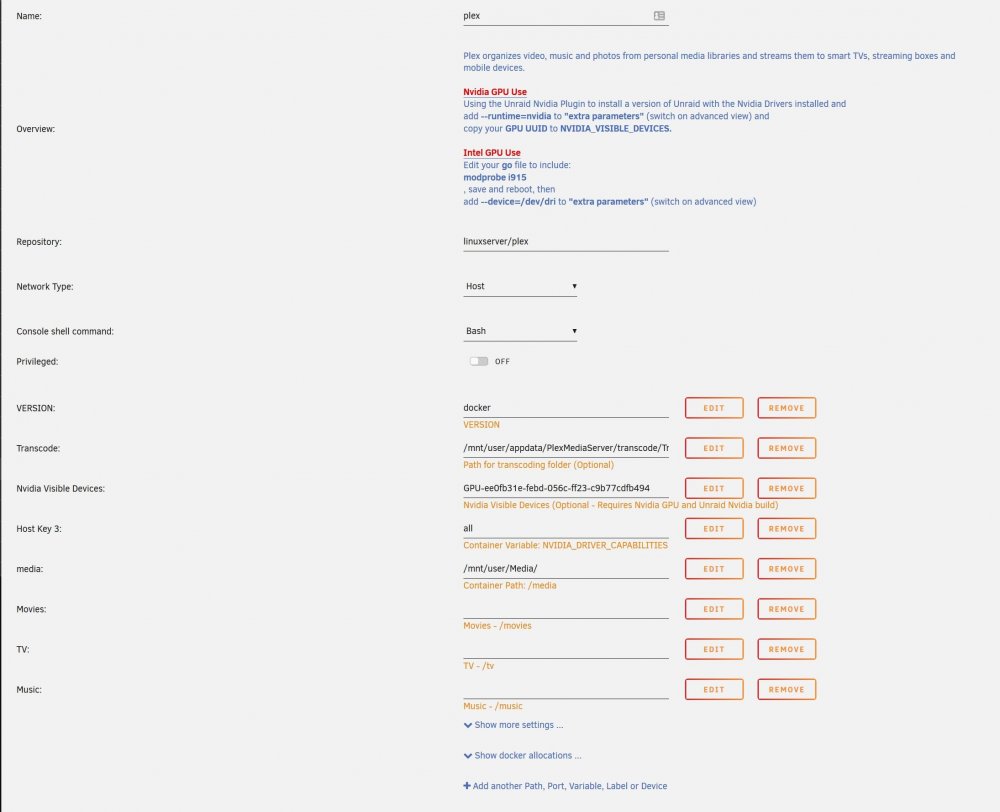
Not sure if this is the right place to ask, but I updated my unraid to 6.8.3 and now my plex server won't start. I did update the plex server software prior to the unraid update. Any help would be appreciated. Thanks..