chrismitt2002
Members
-
Joined
-
Last visited
Everything posted by chrismitt2002
-
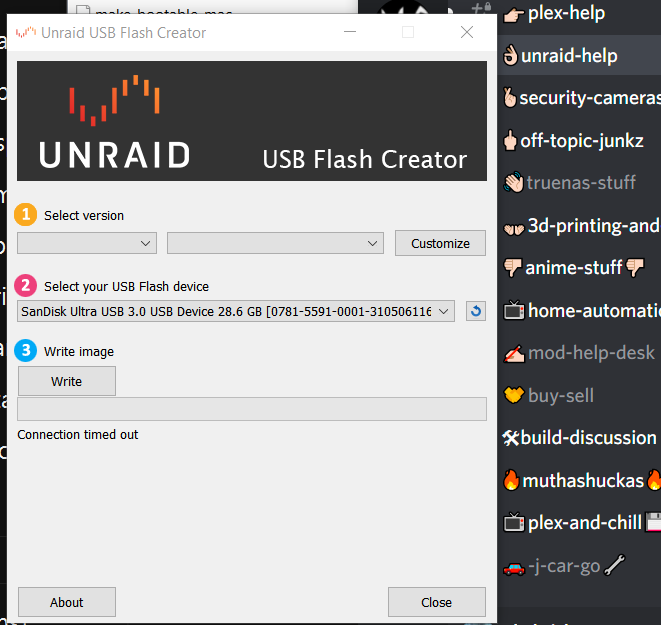
so i got my very 1st server grade hardware today waiting to get the power button fixed (long story ) anyway so i figured id @ least make the usb stick as i had bought the licence a long while back b4 getting the server( 202 0ish i think) anyway so i put my scan disk 32gb flash drive in and all i get is a grey box were your supost to select the version the box nxt to is is also greyed out and have no clue as to why bc im here typing this msg and streaming chicago pd on peacock so i know its not my net connection so i really have no idea as to why this is doing this bc i remember when i was playing around with it b4 i had NO PROB (2020) making the flash drive just a side note i did a test run on my old server windows 10 ryzen 3400g and 32gb ram comodo popped up asked if wanted to allow i said yes and the box ungreyed its self but seeing i will be retireing that rig (hds are going in the unraid server as i move the data over it would be nice to fix this prob so if i needed to use it i could