





Darrell
Members
-
Joined
-
Last visited
-
I played around with it a little... Seems like a decent FREE alternative to unraid docker management. Running it on something like Debian would make it 100% free vs paying for Unraid
-
That is the current version I'm running on both servers.
-
I think I figured it out. When I disable IPV6 on both of my Unraid servers, they both run without issue. When I enable IPV6 on both or my Unraid servers, the WebUI becomes inaccessible after a day or two.
-
Upgraded to 6.12.2 issues still remains. I've tried various other suggestions like changing ngix port. nothing has resolved it. Posting diagnostics in case someone is able to assist. downgrading to 6.11.5 until I can figure out a solution. apollo-diagnostics-20230702-0838.zip
-
Another update. I formatted the USB drive and reinstalled Unraid using the UnraidUSBCreator tool. Issue still remains
-
UPDATE: WebUI is not accessible after the DNS change I tried accessing through IPv4, IPv6 address as well as http://tower.local Docker's and SMB shares are still working.
-
Hi bonieni, Thanks for the quick reply. I am accessing through the ip address of the server. I'm using a couple of pihole devices and used IPV6 local IP DNS settings. I've updated the server to use Cloudflare DNS for both IPv4 and IPv6.
-
Since the last couple of RC's as well as the current stable release. the WebUI becomes inaccessible randomly. When this happens, I am able to access all unraid shares and dockers and everything else is working perfectly, but I am unable to view the WebUI. The Chrome tab just spins and displays nothing I'm able to resolve it by using the power button on the server which does a graceful shutdown. I then turn on the server again and all is fine. Any suggestions? apollo-diagnostics-20230617-0811.zip
-
It's been 10 days and I haven't had a kernel panic lockup (knock on wood). It appears that the change from macvlan to ipvlan has resolved my issue.
-
I came across this post which sounds a lot like the symptoms I'm experiencing I changed macvlan to ipvlan and I'll report back in a week or so
-
syslog server is enabled. I'll post the info after the next crash.
-
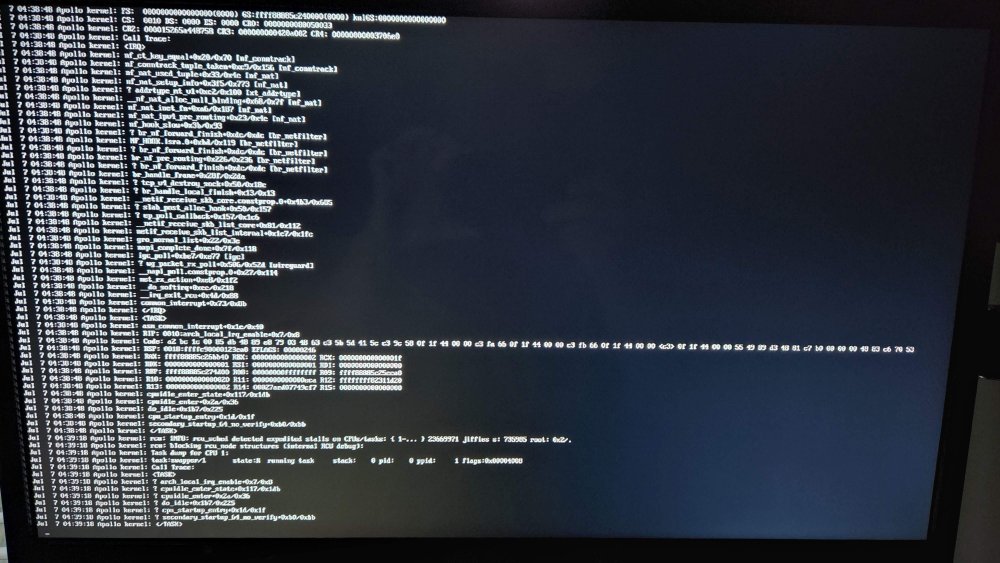
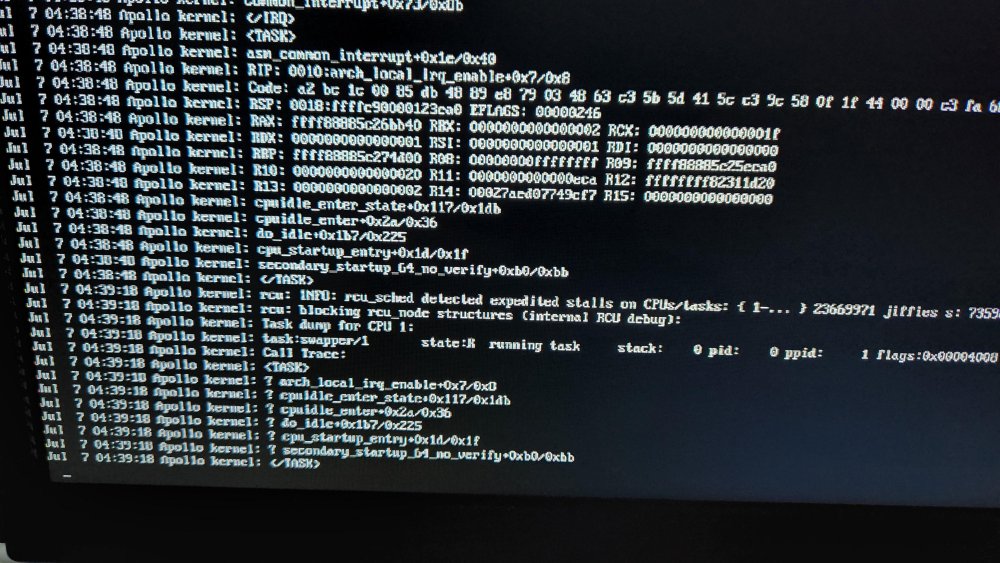
Hello fellow Unraid users, I noticed this issue over the past month or so. It may be related to an upgrade to 6.10.3, but I'm not 100% sure. Every week or so the server becomes unresponsive and requires a hard reboot. I am not able to to log into the terminal, or use the power button to have Unraid shutdown gracefully. The last time I did a hard reboot, I typed in this command: tail /var/log/syslog -f as suggested by this thread I've attached a picture of what was left in the terminal before doing another hard boot. Can anyone point me in the right direction on how to resolve this issue? Thanks
-
Hey everyone, I'm running into a strange issue. Since installing this docker, my unraid server has started randomly pinning the cpu at 100% and made the the gui unresponsive. I've had to do a couple of unclean shutdowns as the shutdown at terminal would hang. I didn't think it had anything to do with AudioBookshelf, but since disabling it in docker, I haven't had any issues. I'm currently running Unraid 6.10.0-rc3, but it was also happening on 6.10.0-rc2. Any suggestions?
-
I've noticed this issue since 6.9 RC1. The issue was not present in 6.8x When I reboot the server, the docker containers that have network set to br0 will not auto start. If I try to manually start the affected docker containers, I will get an error "Execution error no such container." Any applications that have network settings to "host" or "bridge" auto start without issue. The only way I can get the docker containers that have network set to br0 to start, is to go into settings disable docker and then enable docker. After doing this, all docker containers will start without issue. I've tried deleting the docker image and reinstalling all the docker apps to no avail. This is happening on both of my unraid servers Any suggestions? apollo-diagnostics-20210301-1957.zip



