





marionza
Members
-
Joined
-
Last visited
Everything posted by marionza
-
Once again, your suggestion fixed the problem. When a SATA cable goes bad, I wonder if it creates errors in the RAM that hang around and show up during parity checks. Once I reseat the RAM, the errors go away.
-
Ugh. I spoke too soon. I completed a parity check at a good average speed, resulting in 37,961 corrected errors. Eeep. Then, I started a non-correcting sync, which immediately resulted in errors. When I encountered this issue before, it was resolved by @JorgeB's suggestion to remove half of the RAM. I never put that RAM back in my machine. What do you suggest? Should I try purchasing new RAM? pterodactyl-diagnostics-20241209-0939.zip
-
I think I figured it out. I have been overloading the power cable's power rating. Once I swapped it out with a new one and distributed other drives across other power cables. the issue was resolved. Thanks for your help, @JorgeB! You're the best.
-
I should try swapping the power cable first though, right?
-
I swapped in a brand new SATA data cable, but not power. This resolved the read error, but the parity sync speed still runs at ~1–3 MB/s. pterodactyl-diagnostics-20241205-0828.zip
-
I walked away from my PC for a day with Adobe Premiere and Illustrator open accessing files on my server. When I returned, an error notification stated that my first parity disk had read errors. I ran an extended self-test on the drive, which came back clean. I then noticed that I couldn't load the docker tab and my apps were not working. Also, the server would not respond to shutdown or reboot. Eventually, I initiated a hard reboot from the console. When I powered on the machine and started the array, all seemed normal, but there was a notice that the array had detected an improper shutdown. The machine initiated a parity sync. I noticed that the sync had uncovered a few errors. Most disconcerting was that the speed of the sync was under 1 MB/s. Usually, the sync runs around 40 MB/s. I shut down the server and reseated the SATA cables to the parity drive that experienced read errors. I brought the machine back online and initiated a non-error-correcting sync. It immediately found errors (normal), but the sync was still sub 1 MB/s. I have ordered new SATA cables, but would appreciate any insights gleaned from my attached diags. pterodactyl-diagnostics-20241203-0836.zip
-
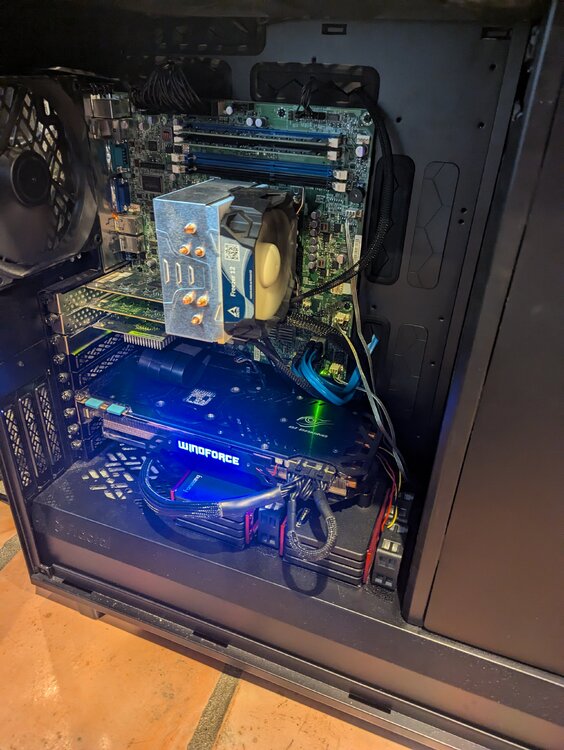
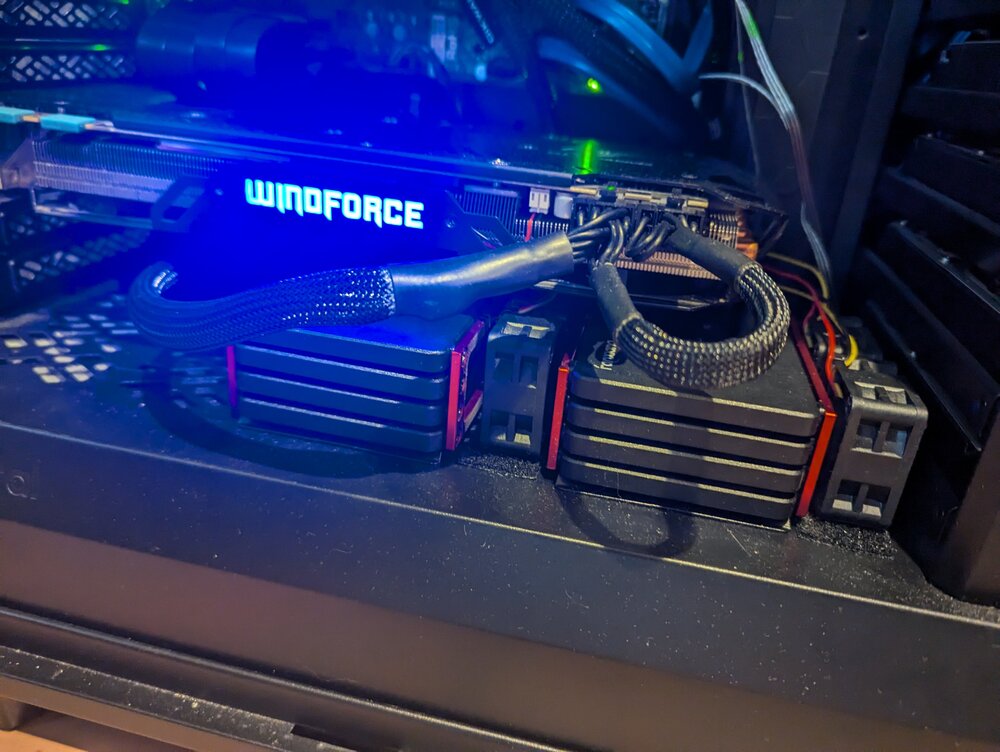
Poop. Okay. Well, I guess live and learn. These drives also run consistently hot, which may have more to do with my setup. Any brand/model you recommend?
-
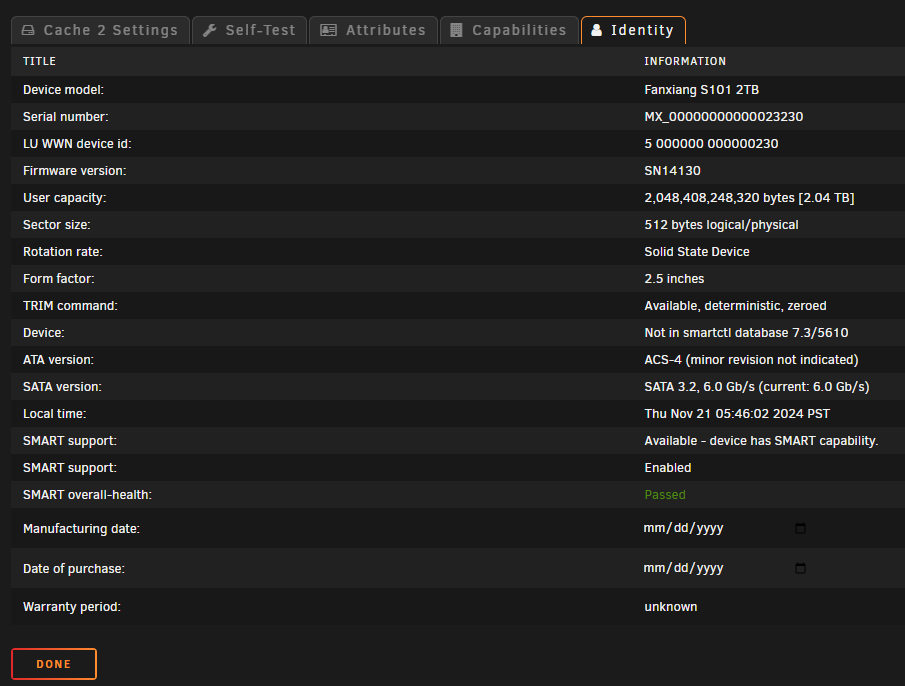
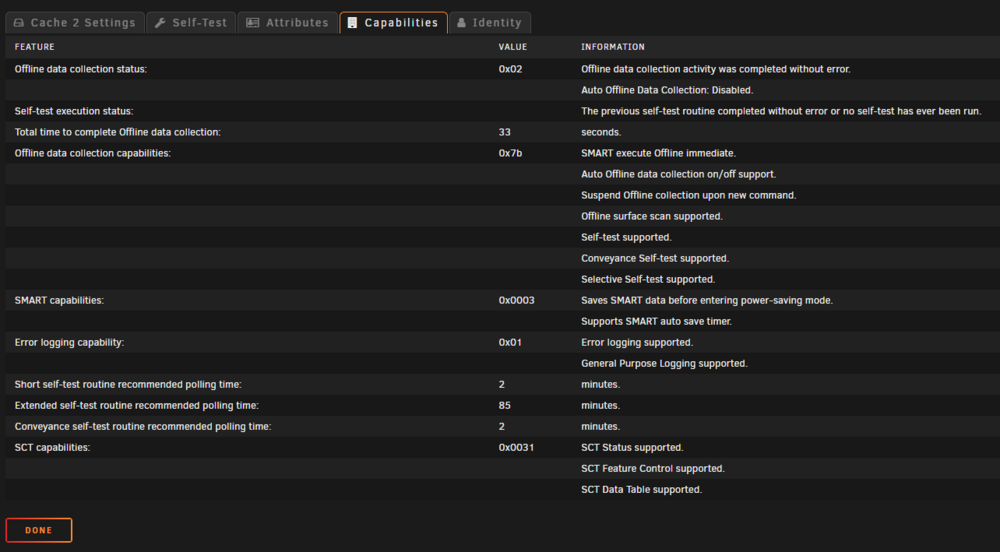
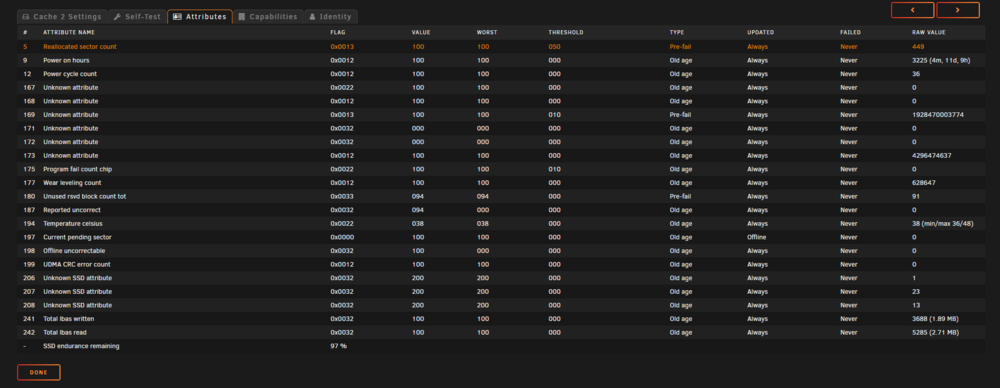
I don't see it, so maybe these drives don't have it? The reallocated sector count looks pretty high on this one...
-
Is there a way to check how much spare flash is left?
-
Lol. Do you think that's the cause or could it be a flaw in my setup?
-
I have a z-pool consisting of 8 x 2TB SSDs. A few months ago, I got a reallocated sector smart error on one of the drives. I replaced it. A few weeks ago, another drive in the pool presented reallocated sector errors. Today, 2 more drives also have reallocated sector errors. In total, 4 of the 9 SSDs I've ordered have given these issues. This is the make/model of the drives: https://www.ebay.com/itm/364219962090. pterodactyl-diagnostics-20241116-1728.zip
-
So to test, put the RAM back in and run another parity sync?
-
Good news! I am getting 0 errors after removing half of the RAM sticks. Should I consider these unusable?
-
Got it. I currently have 4x16GB sticks of RAM. If I understand you correctly, I will do the following: Remove two RAM sticks. Run an error-correcting sync, which will result in errors. Run another check. If no errors, culprit is removed RAM. If errors... Swap two RAM sticks. Run an error-correcting sync, which will result in errors. Run another check. If no errors, culprit is other two RAM sticks. All of my array disks are presenting as healthy. How do I go about diagnosing a disk or controller problem? Or should we cross that bridge when we get there?
-
Hi @JorgeB! Do the logs show which specific disk is getting errors? If so, I could try replacing the cables to that drive. Also, I noticed one of the disks in my z-pool is reporting reallocated sectors. I am backing up the z-pool to the array using a cron job. Could this lead to parity sync errors? I am open to any suggestions you have and can do a memtest in the meantime. The attached diags were downloaded after completing a non-correcting sync with 759 errors. pterodactyl-diagnostics-20241022-1208.zip
-
I ran an error-correcting parity sync yesterday that resulted in ~750 errors. I am now running a non-error-correcting sync, and the error count is up to 16. I have not yet run a memtest, but I don't think it is that. I think it's probably bad SATA cables. Attached are diags I downloaded while running the test. pterodactyl-diagnostics-20241021-1447.zip
-
That worked and we are now resilvering! You're the best, @JorgeB! Thank you!
-
When I unassign all of the pool devices, which I assume means setting them to "no device," the button to start the array is grayed out. There is an option to check a "Yes, I want to do this" box, so "Start will remove the missing cache disk and then bring the array on-line." Do I want to do this? Also, it appears the drive order in zpool import is reversed. The order in the Unraid GUI for my pool (named "Cache") looks like this: Cache - sdq (new drive) Cache 2 - sdr Cache 3 - sds Cache 4 - sdt Cache 5 - sdu Cache 6 - sdv Cache 7 - sdw Cache 8 - sdx If I follow your instructions correctly, should I assign the new order as follows? Cache - sdx Cache 2 - sdw Cache 3 - sdv Cache 4 - sdu Cache 5 - sdt Cache 6 - sds Cache 7 - sdr Cache 8 - sdq Thanks!
-
I used Unraid to create the pool. Here is the output from running zpool import after rebooting and not starting the array: pool: cache id: 3975473903692486089 state: DEGRADED status: One or more devices contains corrupted data. action: The pool can be imported despite missing or damaged devices. The fault tolerance of the pool may be compromised if imported. see: https://openzfs.github.io/openzfs-docs/msg/ZFS-8000-4J config: cache DEGRADED raidz1-0 DEGRADED sdx1 ONLINE sdw1 ONLINE sdv1 ONLINE sdu1 ONLINE sdt1 ONLINE sds1 ONLINE sdr1 ONLINE 12765205234715690366 UNAVAIL Also attached are the diagnostics after rebooting. pterodactyl-diagnostics-20241001-1632.zip
-
Here you go! pterodactyl-diagnostics-20241001-0632.zip
-
I am running 6.12.11. I have a RAIDZ1 consisting of eight 2TB SSDs. I started getting reallocated sector errors on the first disk in the pool. I added a new disk of the same make/model/capacity to my server. I stopped the array and replaced the old error-prone disk with the new disk in the pool. I started the array. This is now the pool status: pool: cache state: DEGRADED status: One or more devices could not be used because the label is missing or invalid. Sufficient replicas exist for the pool to continue functioning in a degraded state. action: Replace the device using 'zpool replace'. see: https://openzfs.github.io/openzfs-docs/msg/ZFS-8000-4J scan: resilvered 16.2M in 00:00:00 with 0 errors on Mon Sep 30 18:22:22 2024 config: NAME STATE READ WRITE CKSUM cache DEGRADED 0 0 0 raidz1-0 DEGRADED 0 0 0 /dev/sdx1 ONLINE 0 0 0 /dev/sdw1 ONLINE 0 0 0 /dev/sdv1 ONLINE 0 0 0 /dev/sdu1 ONLINE 0 0 0 /dev/sdt1 ONLINE 0 0 0 /dev/sds1 ONLINE 0 0 0 /dev/sdr1 ONLINE 0 0 0 12765205234715690366 UNAVAIL 0 0 0 was /dev/sdj1 errors: No known data errors How do I successfully replace the old disk with the new one and remove the DEGRADED state? Thanks!
-
Got it. I ran another sync this weekend. 0 errors! Thank you again!
-
Amazing! Thank you so much! This is such a relief. For my knowledge moving forward, I was curious how you knew parity 1 was the drive experiencing ATA errors. I found ATA errors in syslog, but I wasn't sure how to associate them to a specific drive.
-
It's done with what I think is good news. The correcting sync found around 2,700 errors, while the non-correcting sync found 0. pterodactyl-diagnostics-20240802-1402.zip
-
I replaced the cables. Parity sync speed is back to normal, around 90MB/s! I started the sync (without correction) and showed 11 errors at the outset. Should I let it run or restart it with write correction and let it complete? Thank you! Update: After 7m of elapsed sync, the speed has increased to 190 MB/s, and the error count has increased to 18. pterodactyl-diagnostics-20240731-1343.zip



