




-
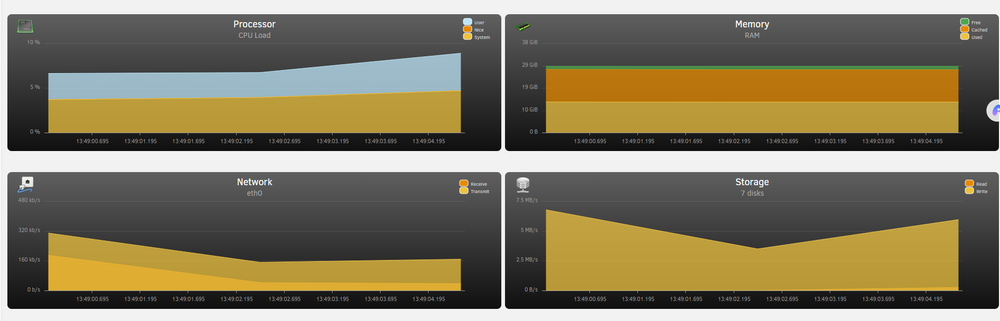
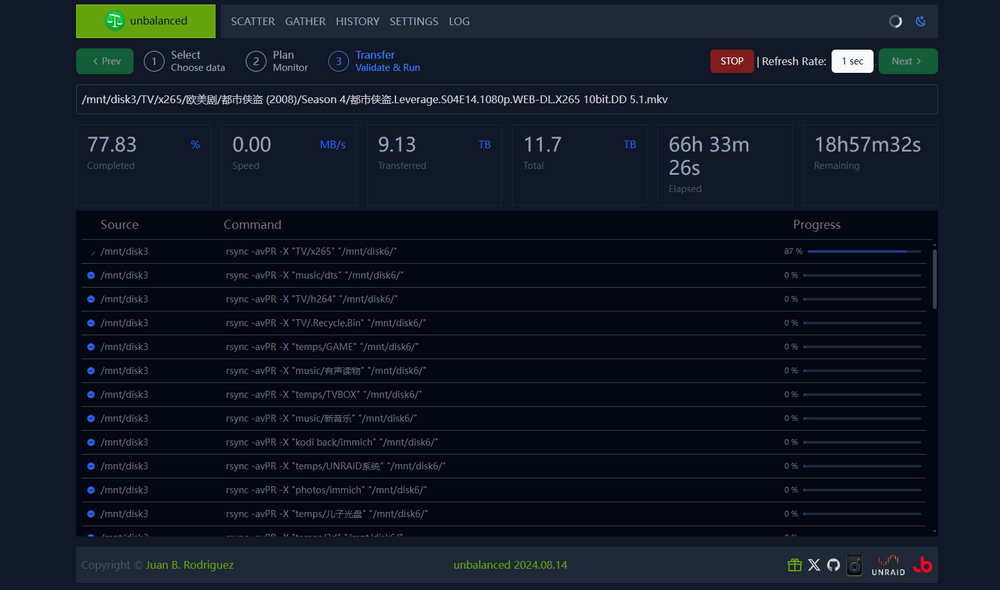
The problem is that the issue has not been resolved yet, and it is still slow. The files are being copied, but the time speed is only about 10M. The speed is not good now and it will take a long time
-
我认为这是 WA 太高的问题

-
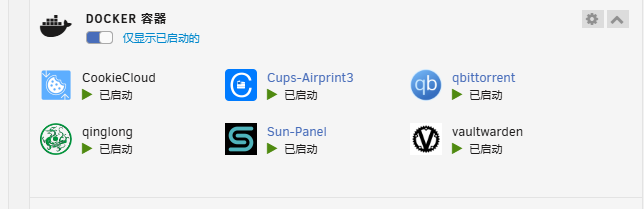
All have been closed,
-
Closing the associated Docker does not result in any changes, but the speed is still incorrect
-
I didn't understand earlier that there is a related anime, but the anime hasn't been reading the screenshot of Leverage. Does this also have an impact? I have now closed all Docker files associated with the TV directory, but the speed has not responded yet!!
-
I'm not moving now, I'm copying, right?
-
Got it, I'm observing it. Thank you!!!!!
-
The initial speed was about 120M, but now the speed is almost non-existent. It seems that the previous version did not have this problem. Please forgive my English
-
问下,每次跟新后安装的驱动都会丢失,需要怎么写命令,我的打印机是自己手动安装的,不知道怎么写命令可以保存安装的驱动,更新docker也可以保存,不需要每次都安装
-
那就是要主板来控制cpu转速,然后硬盘风扇unraid插件控制
-
后面怎么解决的呢?借鉴下,我也要用这个机箱
-
I also have a LBP6300 machine, and I need to install the driver myself to use it normally. However, my current problem is that the driver will be lost after upgrading and installing the Docker, and needs to be reinstalled. Therefore, I hope to add the driver. Thank you!
-
需要稍微等会,可以的 我测试可以了
-
这个位置需要填什么呢?我有原来的照片需要导入,是不是填这里,后续怎么操作,请帮助我一下 谢谢


View in the app
A better way to browse. Learn more.


