Skip to content
View in the app

A better way to browse. Learn more.

Unraid

A full-screen app on your home screen with push notifications, badges and more.

To install this app on iOS and iPadOS
  1. Tap the Share icon in Safari
  2. Scroll the menu and tap Add to Home Screen.
  3. Tap Add in the top-right corner.
To install this app on Android
  1. Tap the 3-dot menu (⋮) in the top-right corner of the browser.
  2. Tap Add to Home screen or Install app.
  3. Confirm by tapping Install.

Arxo

Members
  • Joined

  • Last visited

Everything posted by Arxo

  1. Arxo replied to Blofeld's topic in Hardware
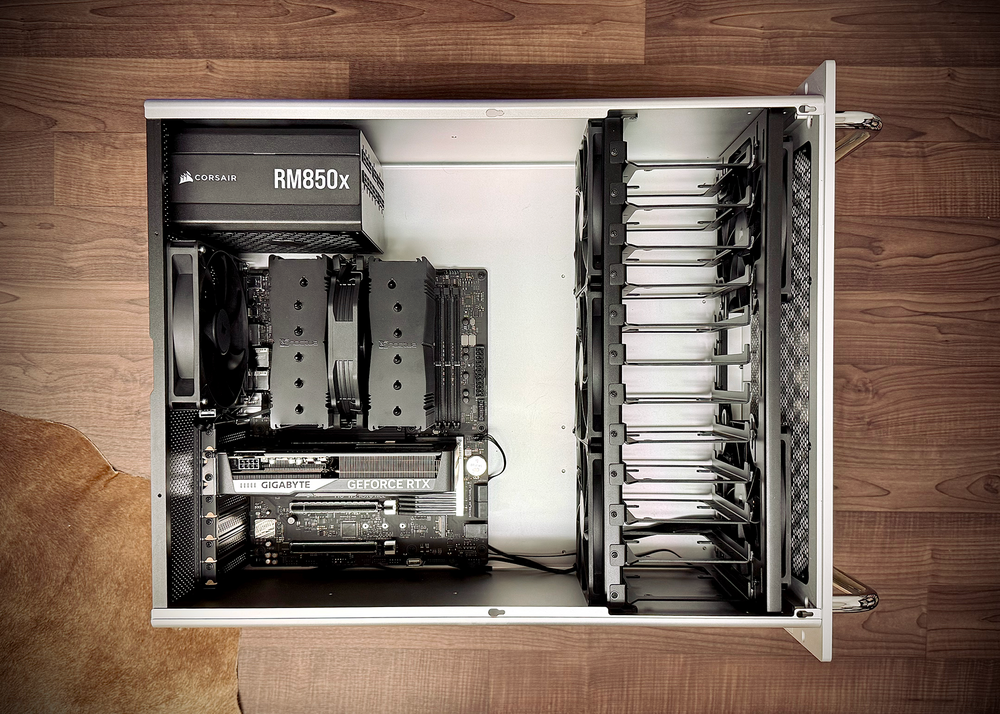
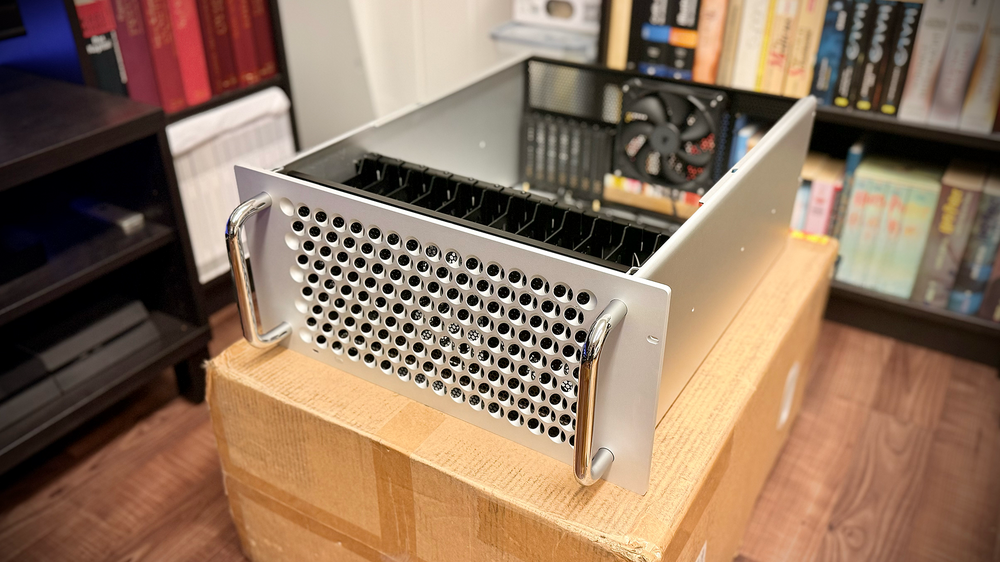
    I was lucky enough to get one of the last Apollo R v2 Cases from MCPRUE. Unfortunately, they are no longer being manufactured... It's a shame, as they were really beautiful made from quality materials.
  2. Made some icons for the Apple Mac Pro Server or MCPRUE Apollo R Case.

  3. Oh thank you, that's sad. Won't get temperatures values for all drives with the telegraf smart plugin. Thats why I choose to go with the hddtemp2influxdb. 😟
  4. Hello! Did you remove the hddtemp2influxdb Docker? Can't find it on Github anymore? Thank you for your response.

Account

Navigation

Search

Search

Configure browser push notifications

Chrome (Android)
  1. Tap the lock icon next to the address bar.
  2. Tap Permissions → Notifications.
  3. Adjust your preference.
Chrome (Desktop)
  1. Click the padlock icon in the address bar.
  2. Select Site settings.
  3. Find Notifications and adjust your preference.