zolointo
Members
-
Joined
-
Last visited
Everything posted by zolointo
-
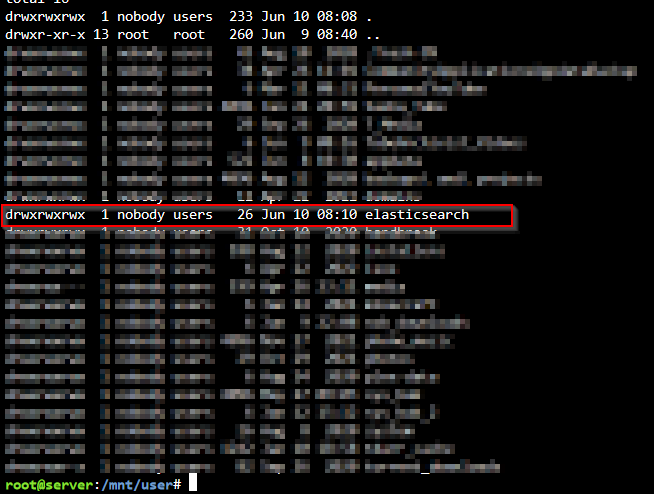
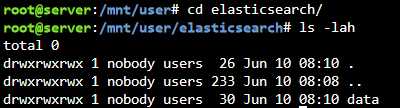
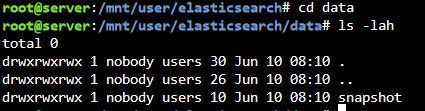
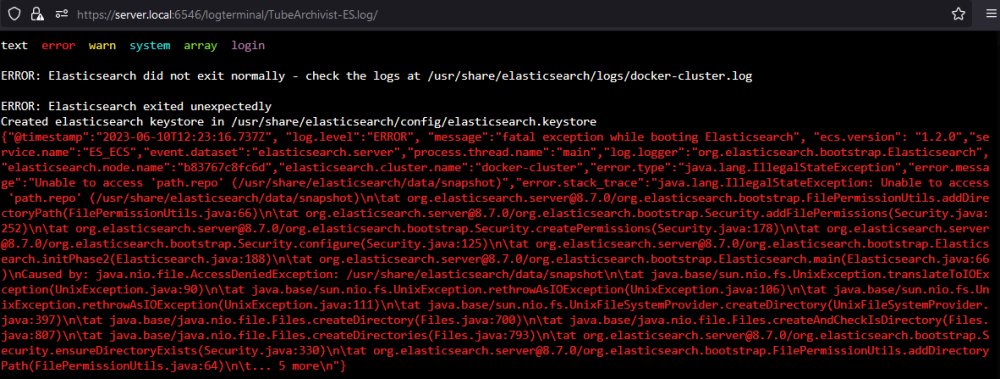
I'm stuck on path.repo permissions issues and am totally clueless as to what to do. I've chown'd everything to nobody:users, chmod'd to 777 across the board, but it still generates a permissions issue as seen in logs.png. What the heck am I doing wrong?
-
Figured it out. Instead of checking the tdarr logs on my Windows node, I went to the Event Viewer. Cause 1: My NIC dropped connectivity for a second or two. tdarr goes ballistic and flags queued transcodes as fast as it can with the 'source file cannot be accessed' until the NIC came back online. These can be batches of 100 - 200! Cause 2: I updated my Nvidia driver. While the Node was running. What an idiot! Might as well hot-swap a video card next time.
-
I've had tdarr plowing through my library doing h.265 transcodes and have nearly saved 2 TB of storage so far. I've got a server running on my UnRAID box and a node set up on my Windows w/ 2080ti. Problem: about 1/3 of transcodes end up in the failed queue with "The following source file cannot be accessed" when I click on the I button next to them. I've ready plenty of posts about having incorrect translate paths in the Window's node's config file, but this isn't my problem since the other 2/3s of transcodes are working fine. Node Translate Entries: { "server": "/mnt/media", "node": "\\\\192.168.1.100\\media" }, { "server": "/temp", "node": "\\\\192.168.1.100\\tdarr_cache" } I've scanned through some of the log files that I'm aware of and just see a string of "Processing file" entries on the node-side and 'everything's fine' on the server side. UnRAID array has plenty of space, cache drive has plenty of space, and the Windows node is mostly unused at the moment aside from grinding through transcodes. What else should I be looking into? Config: Health Checks: CPU only, 6, only on Node Transcodes: GPU only, 2, only on Node
-
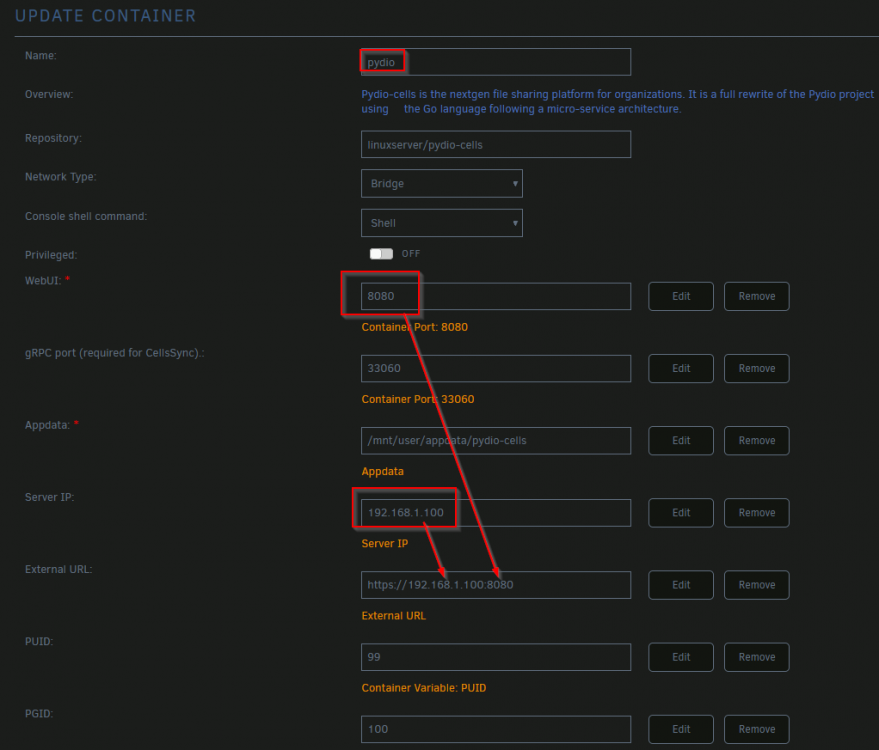
Thanks! I've been struggling to create a local environment for a week, and had neglected to check the forums. This wasn't the exact fix for me, but it go me on the right track. I ended up - changing the Name to pydio, as per your recommendation - leaving the WebUI port at 8080 - manually setting Server IP to the IP of my Unraid server, while creating this container in Network Type: Bridge mode - creating the External URL with https://[Server IP]:[WebUI Port] Screenshot of what worked for me attached. Thanks again!