





SHAHZAD KHAN
Members
-
Joined
-
Last visited
-
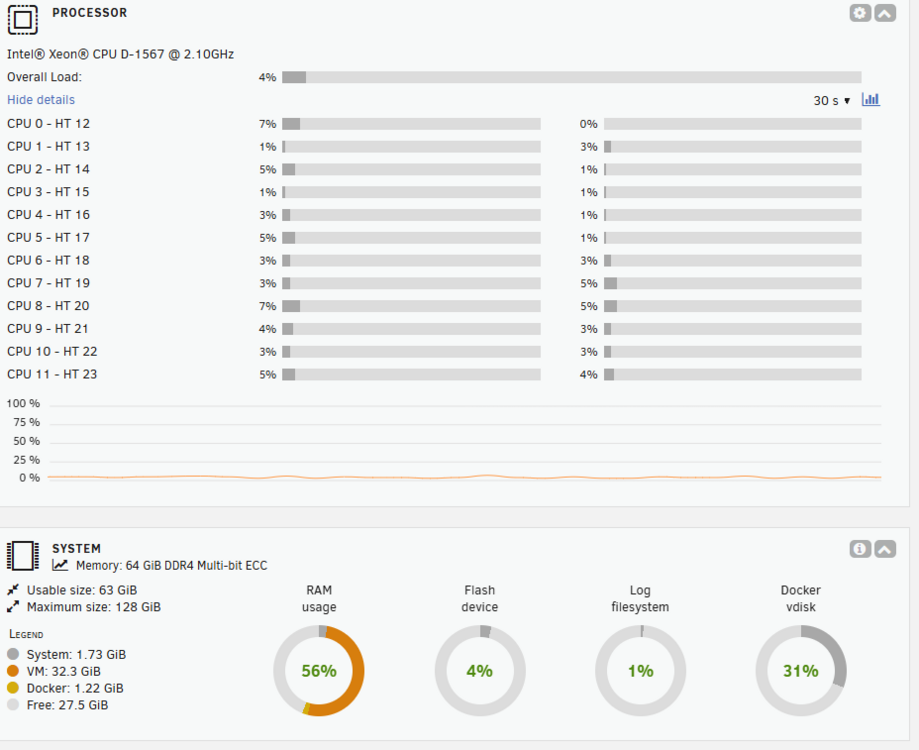
Dashboard and Main Pages are showing the items. Clearing the browser's cache (CTRL-F5) worked.
-
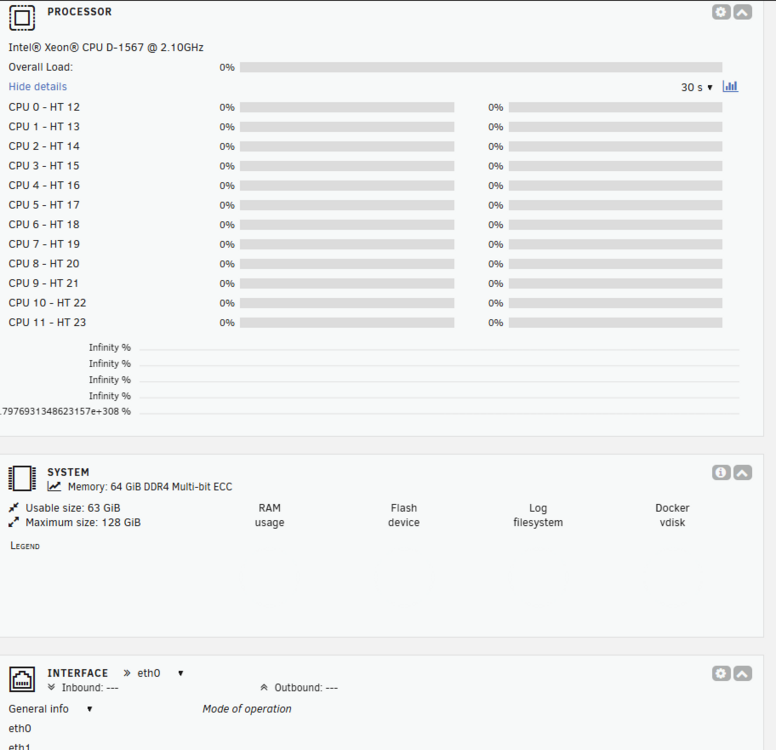
After upgrade to Unraid 7, My Dashboard view is empty; Though system is operational. I can get to my shares and VM. Why It is empty?
-
Running stable version 6.12.13. ZFS is not going to solve my problem. One Active HDD typically consume 7W. ZFS pool require at least two SSD. Power draw of single Active SSD is 3W so 2 means 6W. I wouldn't be saving on power draw and will increase complexity of Unraid server. Thanks for the Trim link.
-
Trim function on SSD or HDD? Can you elaborate on your answer please?
-
My server load is 80W x 24 hours = 1.92kWh. I am using 4TB 4HDD. I am thinking about replacing 3HDD with 3SSD and leaving 1HDD as Parity disk. My questions are; 1 - Would this help to reduce load from 80W ? 2 - Are there any other concerns from the software aspect that i should be aware of ?
-
Check the permission and ownership of your share
-
I figure out this problem, my USB Flash drive is dead. Unraid started sending me alerts "USB drive is not read-write". Guess, I am lucky enough to make the backup of existing Flash Drive and restored it on a new Flash Drive. On a System reboot, ask Unraid to replace it. Everything started working. Easy and fast. Problem solved.
-
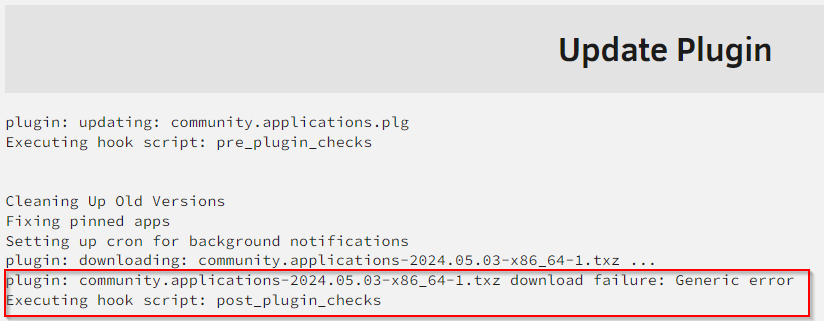
I am running unraid version 6.12.10. This problem started this week when i try to upgrade following plugins; Community applications Fix Common Problems Unassigned Devices All upgrades gave me this error; I can ping 8.8.8.8 from Unraid console so this does not seems to be a connectivity issue. Any help shall be appreciated.

-
Updated from 6.12.3 to 6.12.4 today with zero issues. All dockers and shares working properly.
-
Agreed. You can bridge two interfaces and use second one with containers. The traffic is coming in using second interface but outgoing traffic is still using primary interface. Dual interface is not optimally used. Am i missing something here?
-
What is the benefit of Dual interface in a single host running unRAID? I understand Link Aggregation. The host is running in a small home-lab.
-
I would like to replace my network adapter with this one; Amazon link https://www.amazon.com/gp/product/B072N84DG6/ref=ppx_yo_dt_b_asin_title_o08_s02?ie=UTF8&psc=1 ASUS XG-C100C 10G Network Adapter Pci-E X4 Card with Single RJ-45 Port Is it supported in unraid and support drivers are available (if any) ?
-
First, apologies if I am posting it in a wrong forum. My DNS provider is GoDaddy. I have their API's and getting a success response in console/command window. Here is an example; curl -X GET -H "Authorization: sso-key [Key value]" "https://api.ote-godaddy.com/v1/domains/available?domain=example.guru" I have created a CNAME in GoDaddy DNS, "local". My FQDN is local.example.guru. If I do nslookup, i am getting answer. My router has port 80/443 opened and pointed to SWAG container in unRAID. The problem; Where do I put GoDaddy API in SWAG to generate SSL Certificates ? Can someone point my in the right direction?
-
Thanks for your help.
-
I have changed unRAID GUI port to 8080 but haven't done anything with port 443. I am using port 80/443 inside swag. Am i doing something wrong here?




