






HubertusPrime
Members
-
Joined
-
Last visited
-
I did so now. Server is back online and everything looks good for now. Will start installing plugins one by one and give an update, if something gets out of control again. Thank you very much for your support
-
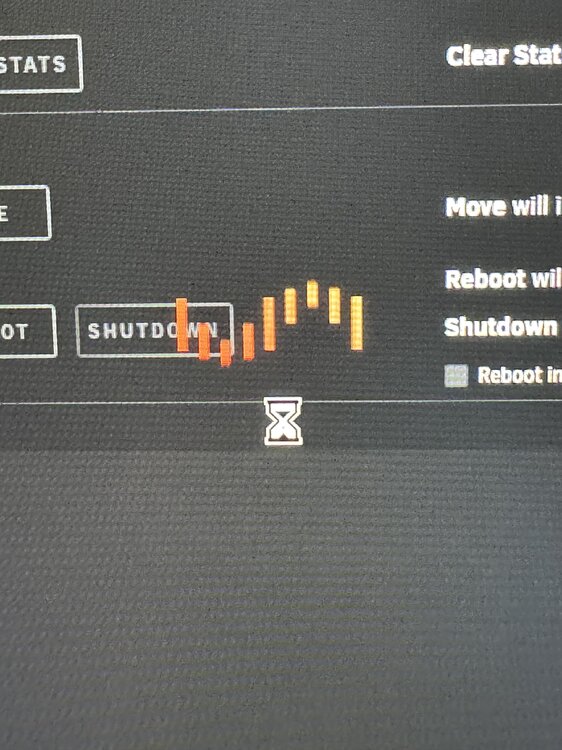
Thats the last thing i see, no matter what change i make.
-
Next try now. turned on the array. GUI working. Everything looks good (safe mode). Turned off array to change settings —> lost all connections and frozen gui. Power cycled the server. No luck. Restored flash drive from backup again. Gui is back running. But as soon as i change any setting, is looses connection and is stuck. i‘m really clouless
-
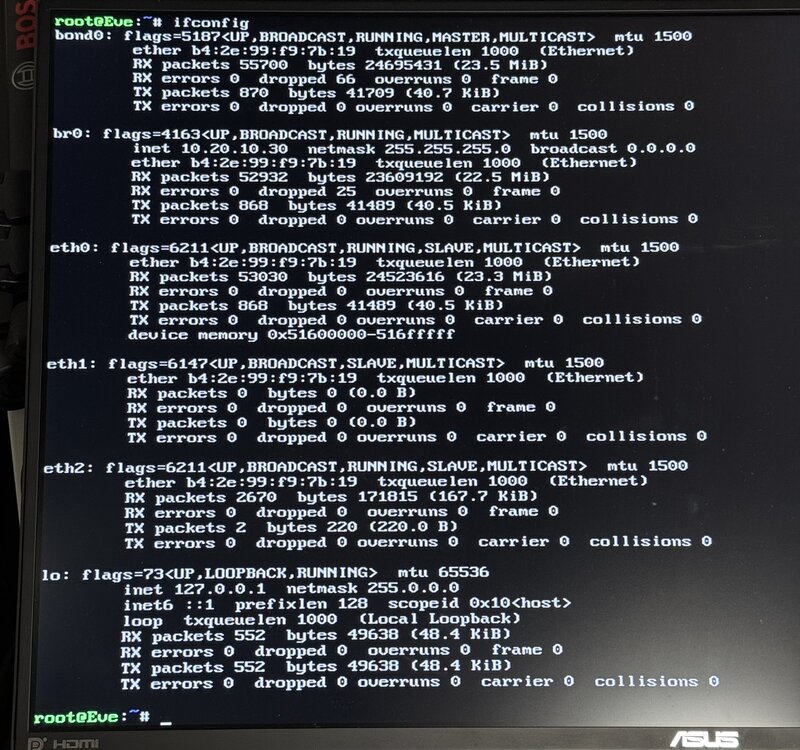
Shouldn‘t there be a ipv4 address at eth0?
-
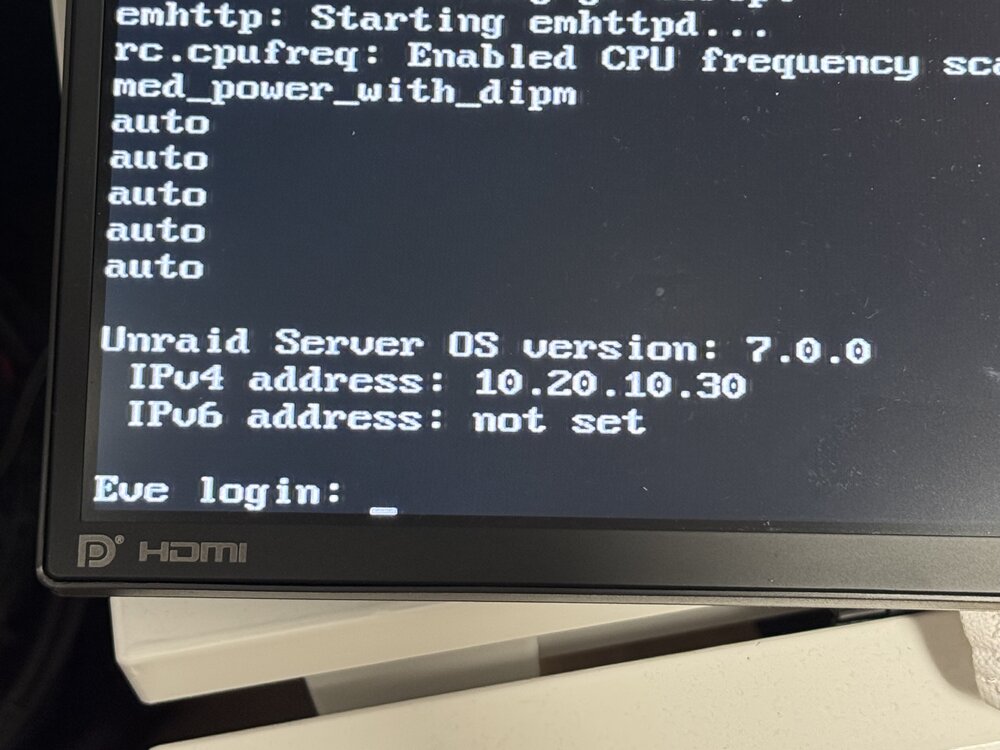
Can‘t log in anymore. Lost connection and all i can do in safe mode now is command line with monitor and keyboard. It tells me the ip address, but there is only timeout connection
-
@JorgeB @itimpi Thanks for your help. After pressing the big red button, i managed to get something on the attached screen and downloaded diagnostics. But this is from a start in safe mode. Don't know if you can see something wrong. But i hope so eve-diagnostics-20250213-1658.zip
-
Ok i see. So i have to edit the syslinux.cfg file. I will let you know later today and post some diagnostics
-
Thanks for your reply. I was hoping for you or Squid to take care of this^^ But how to do this? All i can find is "safe reboot" related things. Nobody showes up the command for this. Is it powerdown -r ? Other than this i would need to use the syslinux config thingi, i can not access
-
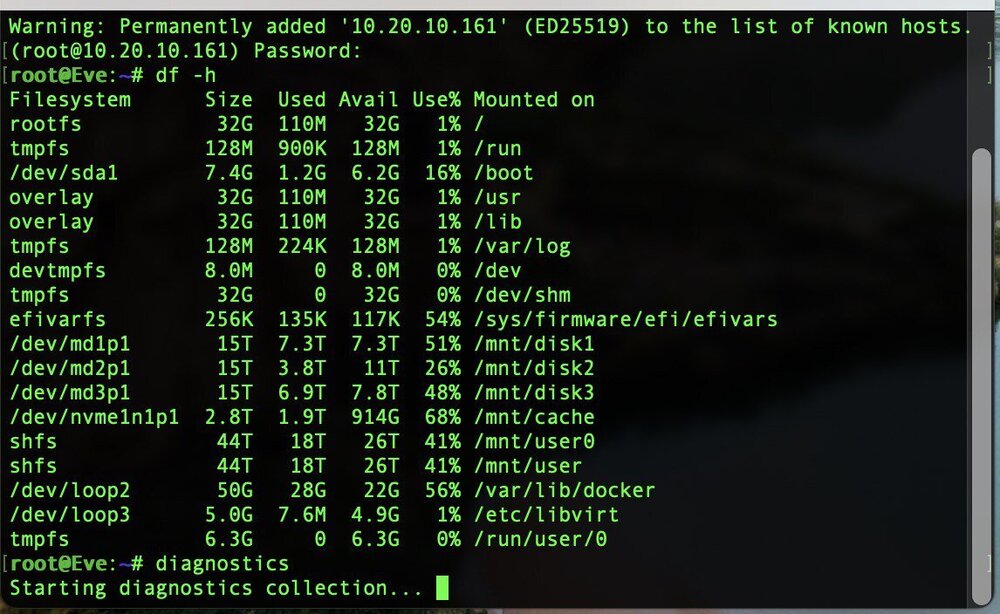
Hey guys I'm really frustrated and done googling solutions. Maybe one of you can help me to not burn my house down because of a tiny server issue^^ My special case: I waited a few week updating to 7.0 because every time i upgrade, my server was bricked in the past. So it is this time! Actually updating to 7.0 worked like a charm. No issues or elsewhat. Really smooth, BUT. A few times it told me to install a PATCH plugin and install the newest patch for safety and whatever. So i installed the patch and that is where all trouble started. From here it showed a lot of available updates for my docker containers and plugins. OF CORSE i did these as well. Suddenly all docker repos were "not available"... Tailscale was not working and cloudflare ddns docker stopped. After googling a huge lot, my conclusion was bad DNS settings of my server. This was pointing to my UDM SE (router). However this is stupid, i guess. So i changed it to be quad9. For this i had to stopp docker service and VM manager. i stopped docker and my browser was frozen. In that moment i received a push from my server, that my ISP has high latency + package loss and multiple clients using my servers IP. All devices in my network ended up without internet access and everything was EMPed... Since that happening, there is no way to access any interface to the server. Now.... to get you help, i need diagnostics. But i can't get them. Command line is sooooo slow. Logging in root takes around 45 minutes to show up with password prompt. No webUI is working. No shares are available. External screen directly on my server stays blank. It has a IP, as i can see from my Router GUI, with little traffic. But the rest is just dead. Creating diagnostics is stuck for 2h now... I put a backup on my unraid USB device from unraid connect, but no luck. I tried everything i found online. no luck. How can i ask you guys for help? Sorry if some things are not easy to understand, as i'm not even close to a native english speaking person
-
Vielen Dank für die tolle Anleitung! Funktioniert alles tadellos mit Adguard, unbound und Co. Eine Frage habe ich aber, was mir nicht ganz gelingt: Ich bin viel unterwegs und meist auch im Ausland. Habe dann immer mein VPN an den Unifi Router an, damit Seiten auf deutsch sind und ich auch eine gewisse Sicherheit im Hotel/Flughafen habe. Wie kann ich denn meine VPN Verbindung auch über meinen DNS Server zuhause auflösen lassen und die Blocks von Adguard nutzen? Aktuell habe ich das clientseitig per App gelöst. Aber eine direkte Lösung über meinen Server zuhause wäre natürlich toll. Vielleicht gibt es dazu ja einen Tipp
-
Hey guys I've built my server a few years ago. Back in the days i just wanted to do some standard stuff like Plex and Nextcloud. So i've built it ITX in a Fractal Node 304. But now i want to use it as a router as well (pfsense). Is there a solution you can think of to get my 10Gbe NIC and a Quad Gigabit NIC in there? My mainboard supports PCIe bifrucating. But all i read about it, it is mentioned for mining. Would this somehow work with two NICs? There is almost no space, but I (my wife) really don't want a big tower in my living room^^ So maybe somebody else got this solved somehow? Thank you
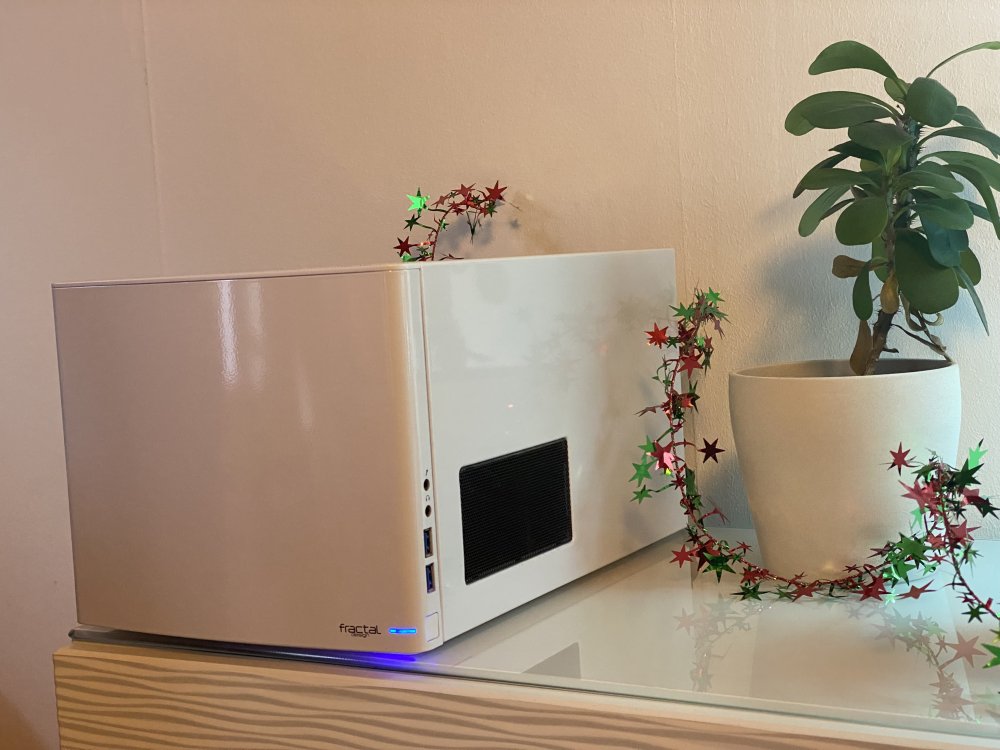
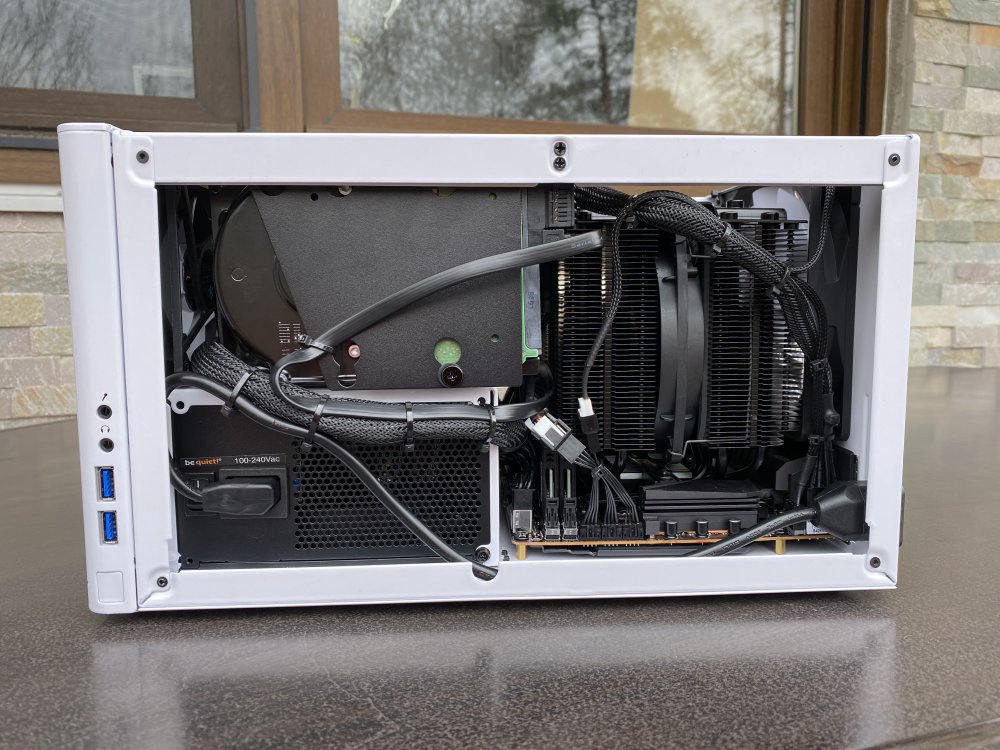
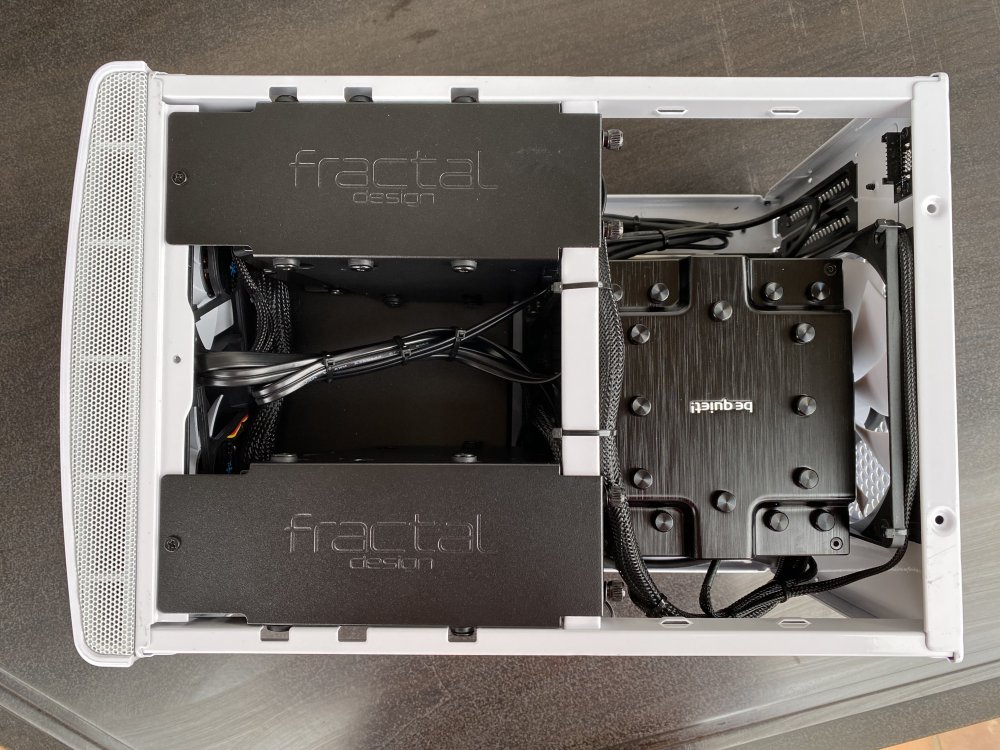
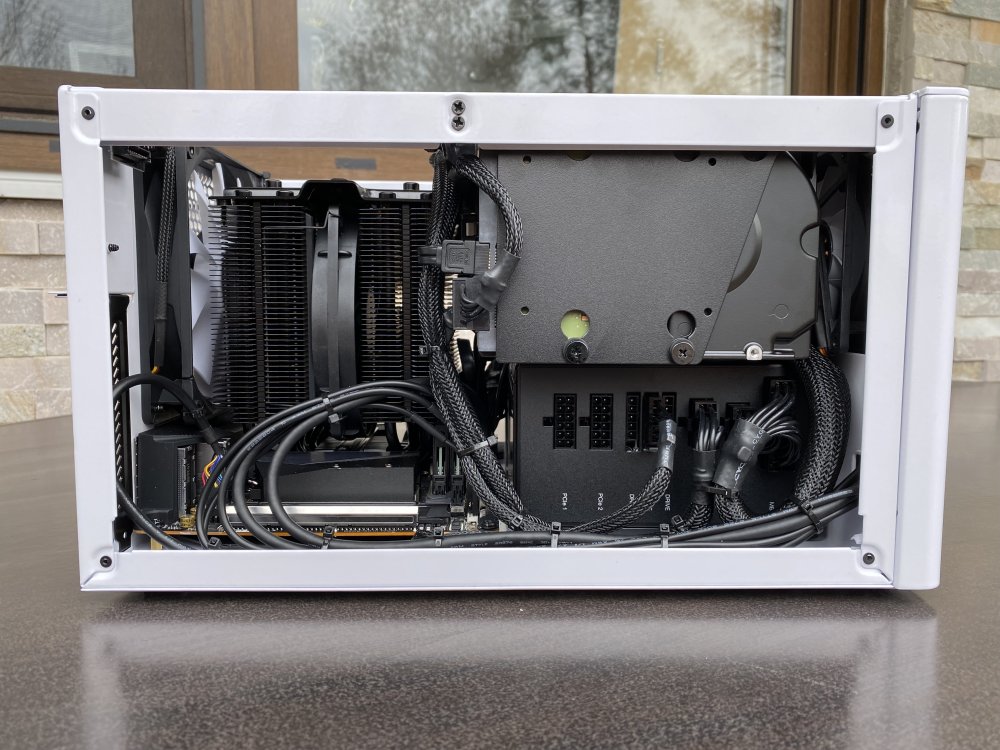
-
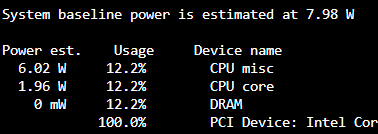
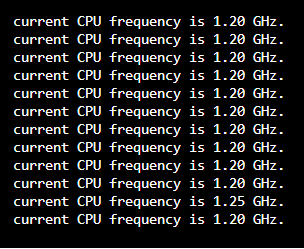
Updated my Bios to F21 version because of a problem with my 10G intel NIC. Now there is no "ondemand" or "conservative" option anymore in govenor settings. CPU runs way hotter than before (stuck to 4.5Ghz) even while set to powersafe mode and power consumption in idle with Array up is about 90Watts! This is like 70Watts more than before. Any ideas to troubleshoot this? and this problem came up after updating BIOS too.... crazy
-
eve-diagnostics-20220830-1537.zip There you go. Thank you
-
Hey guys I bought a set of Intel X520-da2 NICs to connect my unraid server directly to my workstation. But I ran in some issues. I found out, these cards only work with intel transceivers or cables OR you change some bits in the cards EEPROM to make this possible. First problem. Not THAT bad. Maybe I‘ll need some help later on… but for now my problem is, that the NICs are not showing up in unraid at all. Ethtool, system devices etc. are not showing anything. The cards port flashes as i plug a cable in. But thats all. where to start troubleshooting? My first thought was that it‘s the PCI slot. Because i use a Gigabyte Aorus iATX Z490 with only a single PCI slot. Like it is dedicated to a GPU? Both NICs show up in my windows machine and are testable with intels Proset. No issues detected. But on my unraid machine i‘m just clueless. I really appreciate any tipps or help
-
Yes. Each time to gain access again




