SageTX
Members
-
Joined
-
Last visited
Everything posted by SageTX
-
OMG Thank You!!! This needs to be put SOMEWHERE in an upgrade sticky. THANKS!!!!!!
-
OMG Thank you so much!!!!!!!!!!!!!!!!!!!!!!!
-
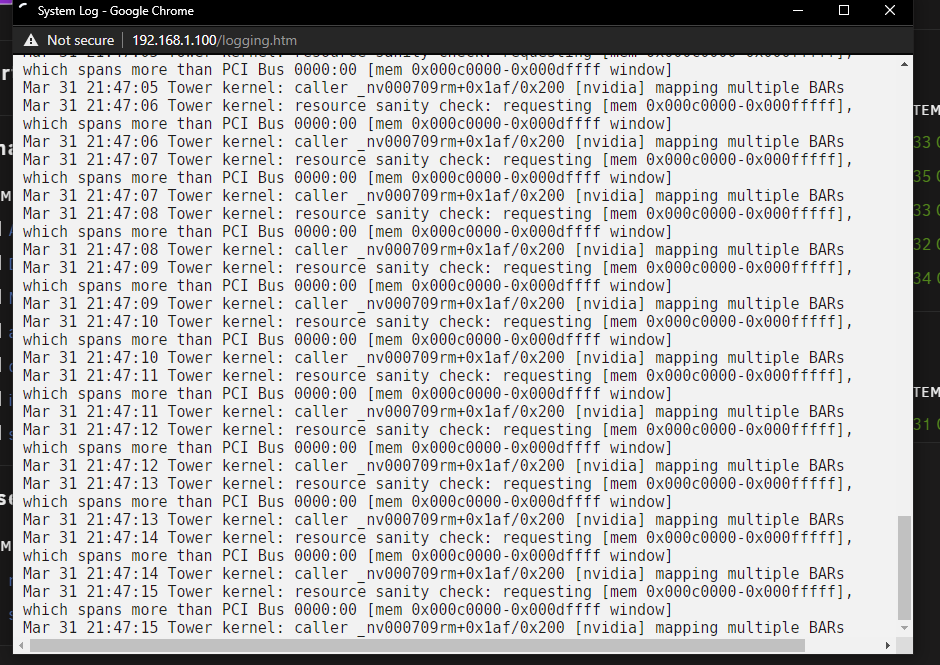
Those log entries have ceased. So one of those things above fixed it. Either an update or turning on the iommu.
-
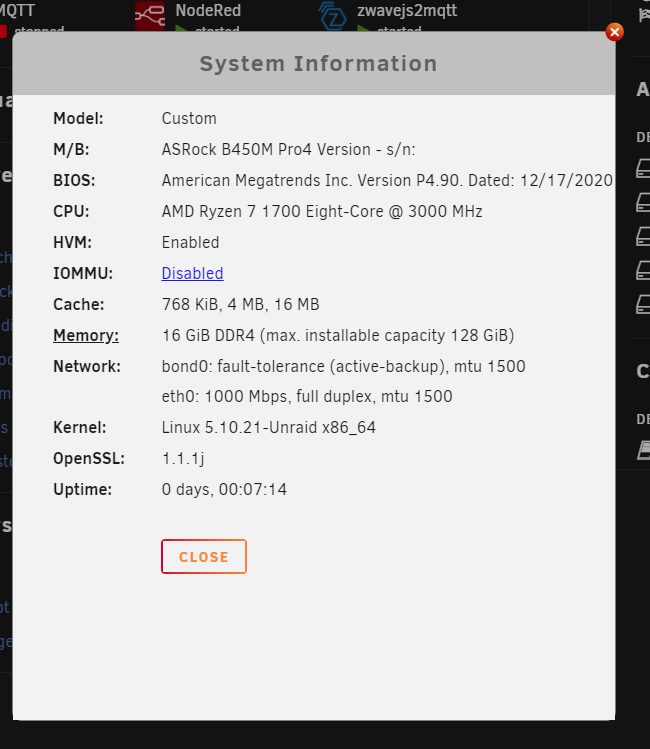
I haven't. I actually forgot about it as I finally got the system to stop freezing. However just this week I encountered another freeze. Can't get to it tonight but I'll try to see if it's still posting those to the log tomorrow. Things I've done since though that may have changed things - updated the nvidia driver. Updated the gpustat addon. Turned on iommu in the bios (that was a pain to find) and passed through the GTX 950 to plex docker for transcoding. I have no idea what the lockup was about this time but it had been up over a week this time.
-
Wow. Thanks for the in depth answer. I HAVE been experiencing lock ups. Which is the reason for the updated BIOS. I have been searching for the low power idle setting and just can't find it. Updated the BIOS trying to see if the option was added. I guess that was a mistake. Just found that same thread yesterday. I did disable the global c state control. I hear you on the advice that it is not necessary. However I am just going to see if I get the lockup again. Hard to try and wait each change since it takes so long for the lockup. I am on the road all week and just have to deal with it bit by bit when I get through to the house.
-
Occurs every second or so. Trying to catch why my Ryzen system is crashing. Noticed this. Is this a concern?