





Adonis
Members
-
Joined
-
Last visited
Everything posted by Adonis
-
I managed to make it work by deleting all, delete custom bridges, and recreate from scratch. Thanks for advices!
-
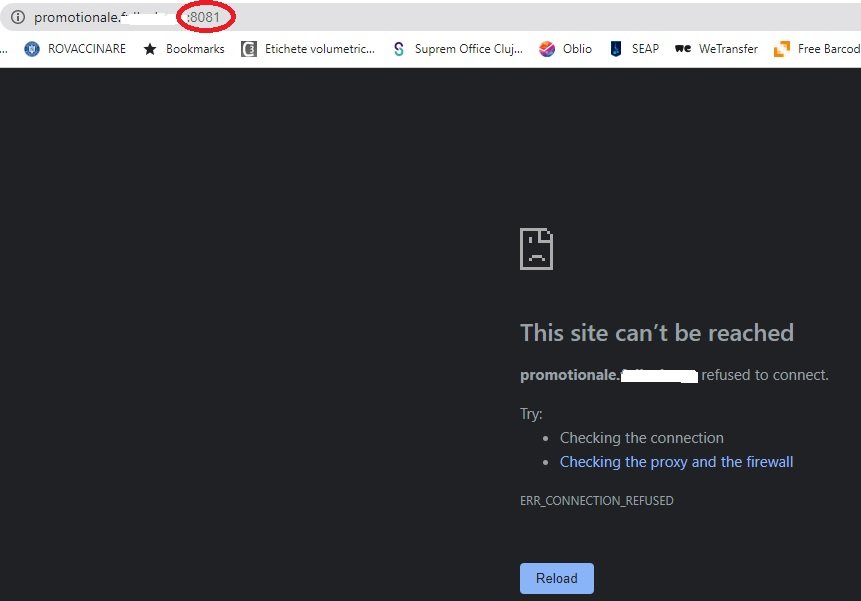
The only open ports to this unraid server are 80 and 443, that are used by nginx to redirect traffic to the specified internal ports. 8081 is the wordpress container but the port is not opened on router. cloudflare dns is pointing the https://wordpress.example.com to the external fixed ip address and nginx should redirect to the worpress container. that's why is weird that browser is adding the 8081 port at the end of the link. this is not the first time doing this, but this time I have no ideea why is not working, i did this before last unraid update, not sure that is the cause. i did reinstall wordpress container, nginx container, nothing changed, they are on the same network it's probably me, but I just can't figure it out
-
I tried without the https and it's just adding the port at the end of it. Same result on different browsers or pc.
-
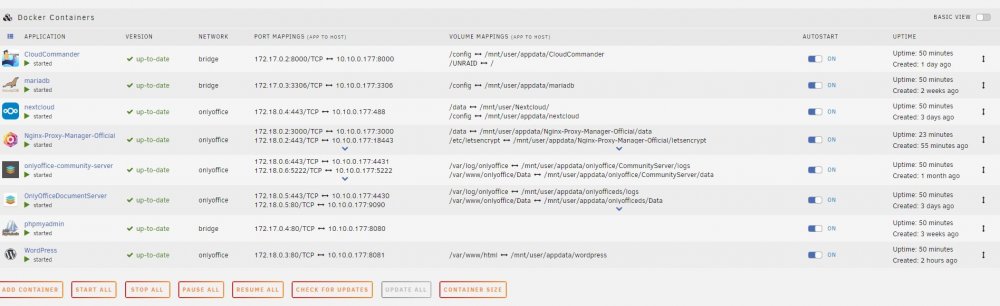
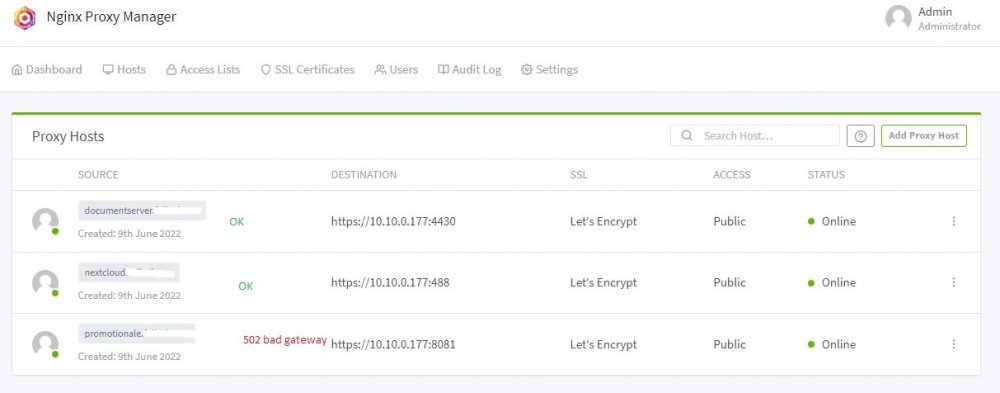
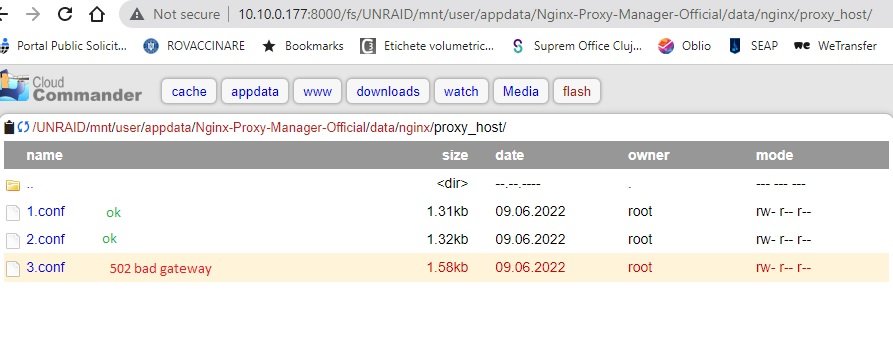
Hello, Not sure if anyone an help me with the infamous 502 bad gateway openresty error, I tried all the solutions in the last 2 days. What I need is to access a worpress docker site from internet using nginx proxy manager. The wordpress docker is running fine, is accessible from local network, the nginx proxy docker is also working fine, there are also another 2 dockers that works fine from the internet. I attached some printscreens with everything and the error in nginx log is: 2022/06/09 14:01:05 [error] 366#366: *281 SSL_do_handshake() failed (SSL: error:1408F10B:SSL routines:ssl3_get_record:wrong version number) while SSL handshaking to upstream, client: 86.xxx.xxx.xx, server: promotionale.example.com, request: "GET /favicon.ico HTTP/1.1", upstream: "https://10.10.0.177:8081/favicon.ico", host: "promotionale.example.com", referrer: "https://promotionale.example.com/" not sure if is apache server not accessible by nginx Can anyone figure it out? Thanks! 3.txt default_host.txt


-
Thanks! Working great.
-
Great work with conan container. Can you tell us how to autorestart server/container at fixed time? Thanks!


