




-
As I said, there are no hardware issues. Rolling back the installation to the previous 6.11.5 version fixed the issue. So, if anyone faces this issue, I recommend rolling back the update. Thanks for the support, but I'll wait for the next bug-fixes release before update it again.
-
Ouch... so, the update process destroyed all my cache data?! I'm pretty sure that the issue is not cables as you suggested... It was working perfectly before the update to version 6.12
-
draco-diagnostics-20230620-1309.zip Hi @JorgeB Here it is. Thanks
-
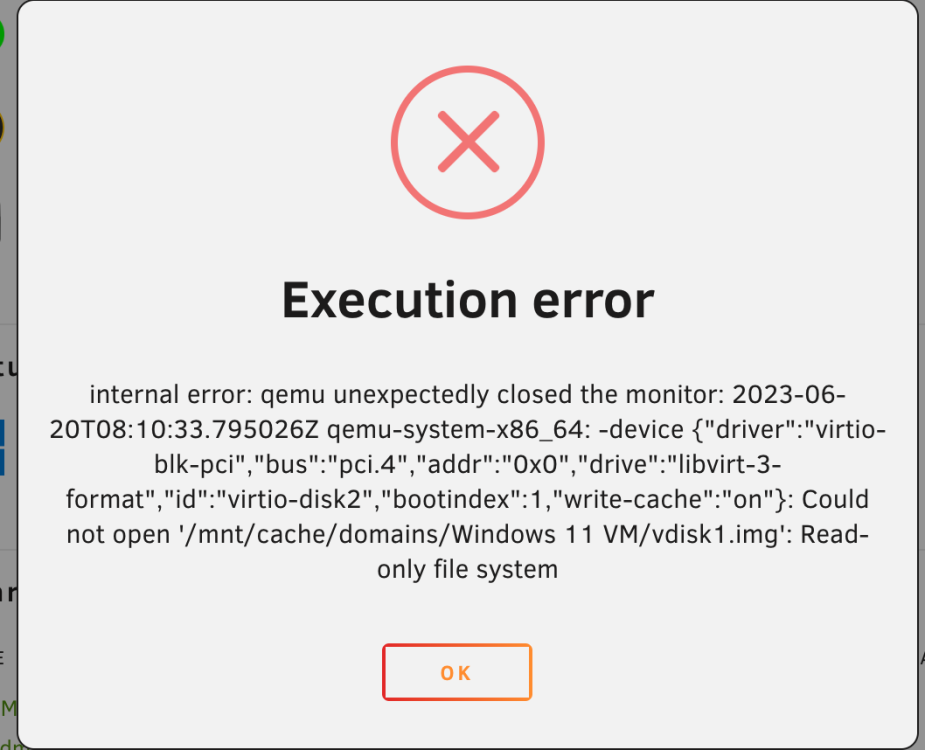
After update Unraid to latest 6.12.0, my MS Windows VM is not starting anymore. I checked the disk permissions, but seems ok. I tried to change the ownership to "nobody" and got the same error (as you can see below). Any help on how to fix this? root@draco:/mnt/cache/domains/Windows 11 VM# ls -la total 50609848 drwxr-xr-x 1 nobody users 20 Mar 30 15:09 ./ drwxrwxrwx 1 nobody users 46 Mar 30 15:09 ../ -rwxrwxrwx 1 root users 68719476736 Jun 20 01:08 vdisk1.img* root@draco:/mnt/cache/domains/Windows 11 VM# chown nobody:users vdisk1.img chown: changing ownership of 'vdisk1.img': Read-only file system root@draco:/mnt/cache/domains/Windows 11 VM# ls -la total 50609848 drwxr-xr-x 1 nobody users 20 Mar 30 15:09 ./ drwxrwxrwx 1 nobody users 46 Mar 30 15:09 ../ -rwxrwxrwx 1 root users 68719476736 Jun 20 01:08 vdisk1.img* root@draco:/mnt/cache/domains/Windows 11 VM#
-
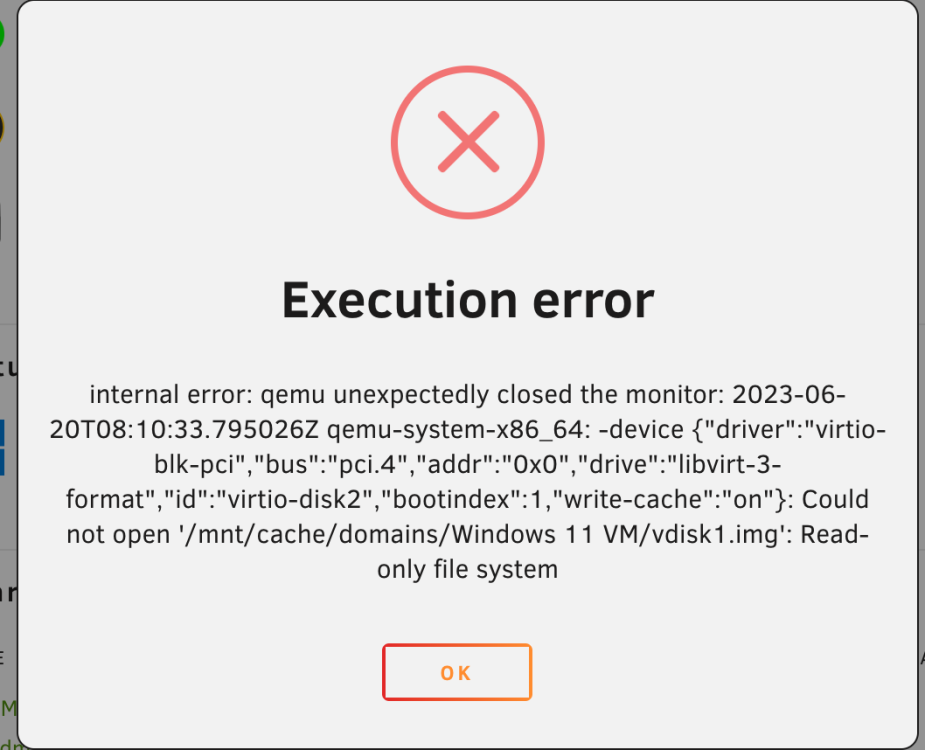
After update Unraid to latest 6.12.0, my MS Windows VM is not starting anymore. I checked the disk permissions, but seems ok. I tried to change the ownership to "nobody" and got the same error (as you can see below). Any help on how to fix this? root@draco:/mnt/cache/domains/Windows 11 VM# ls -la total 50609848 drwxr-xr-x 1 nobody users 20 Mar 30 15:09 ./ drwxrwxrwx 1 nobody users 46 Mar 30 15:09 ../ -rwxrwxrwx 1 root users 68719476736 Jun 20 01:08 vdisk1.img* root@draco:/mnt/cache/domains/Windows 11 VM# chown nobody:users vdisk1.img chown: changing ownership of 'vdisk1.img': Read-only file system root@draco:/mnt/cache/domains/Windows 11 VM# ls -la total 50609848 drwxr-xr-x 1 nobody users 20 Mar 30 15:09 ./ drwxrwxrwx 1 nobody users 46 Mar 30 15:09 ../ -rwxrwxrwx 1 root users 68719476736 Jun 20 01:08 vdisk1.img* root@draco:/mnt/cache/domains/Windows 11 VM#
-
Wow! Great news. I'll be testing this in the next days! Many Thanks!
-
Try this plugin. it woked to me: https://raw.githubusercontent.com/DanITman/unraid-nvidia-vgpu-driver/master/nvidia-vgpu-driver.plg
-
Same issue here.
-
So you are saying that we should not trust on the Unraid's top banner telling us to "update" the system because it can be a Malware?! This is a joke, right?
-
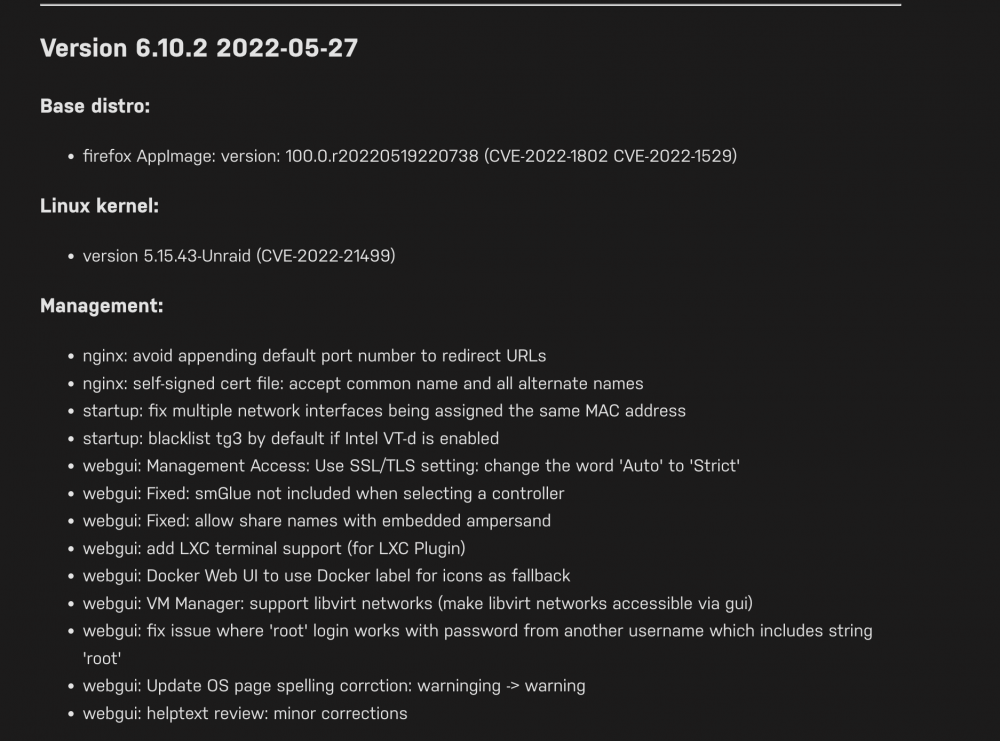
Sorry... This is not true. The release notes shown on web-gui is this one: And again... I do not think that it is wise to not put such an important note, that the release MOST PROBABLY will break your eth connection, in the release notes that 99% of the users will read.... I do not have more time for you. I'm just trying to alert other users about this BAD RELEASE VERSION! But unfortunately, most of the users are not ADVANCED users that always read all the forum posts before clicking on the top button suggested by their Unraid web-gui interface to update to this BAD RELEASE.
-
I read the changelog.... and there is nothing there saying that your Network cards will not work anymore
-
Anything that do not work as a "single update click" button, should not be offered in the web-gui to the final users, am I wrong? Or are you saying that Unraid is only for Advanced Users that reads the 1st forum post before click in the button that shows in their web-gui interface?
-
What has an issue is this VERSION, that do not work for most of the users as far I can see here Please, do a better work next time.
-
How is possible a company like Unraid, where everyone trust to buy a license of use and store their data, relase such BAD RELEASE?!?!?! I do not have problems with my CAPS! I'm just cannot believe that UNRAID can create such mess with their users!!! HOW DO I ROLLBACK THIS UPDATE?!? Can some one from real support let me know clear how to do this?!?!?!??!
-
HOW DO I ROLLBACK THIS UPDATE??!?!?

View in the app
A better way to browse. Learn more.



