





sunshine59
Members
-
Joined
-
Last visited
-
Hello, Since few hours, I have been struggling to mount the remote SMB share called "Audio Studio E". When adding the remote SMB share, I entered the username (which is 5 letters) and pwd (combination of letters and numbers), and I had to enter the shared folder by hand (because it didn't detect it). The corresponding Unraid user is created with the same credentials. The log shows the error: CIFS: VFS: cifs_mount failed w/return code = -13 I'm attaching the diagnostics file. Could anyone help me? This is very frustrating. sunlightprime-diagnostics-20230513-2050.zip
-
thanks @JonathanM, this is a clear answer.
-
This is maybe a very simple question but I didn't find the answer by myself. When the array has "started" status and that we want to do a clean shutdown of the server, will pressing the Shutdown button (under Main Tab) initiate stopping the array or not? I basically want to know if we can reduce the the number of steps by pressing 1 button (Shutdown) instead of 2 buttons (Stop and later Shutdown).
-
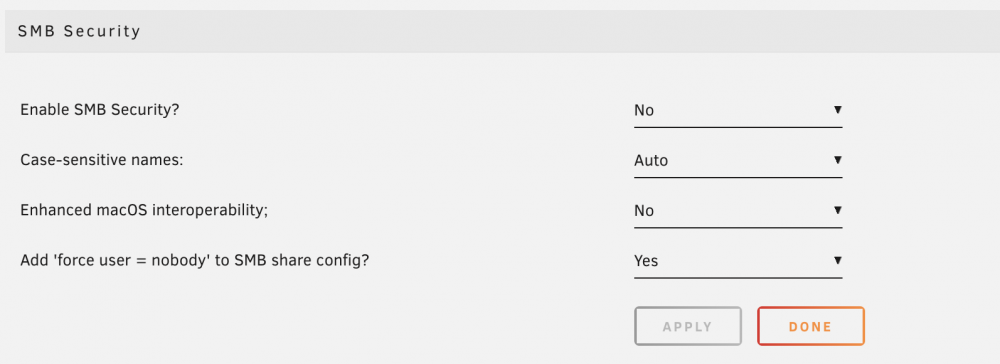
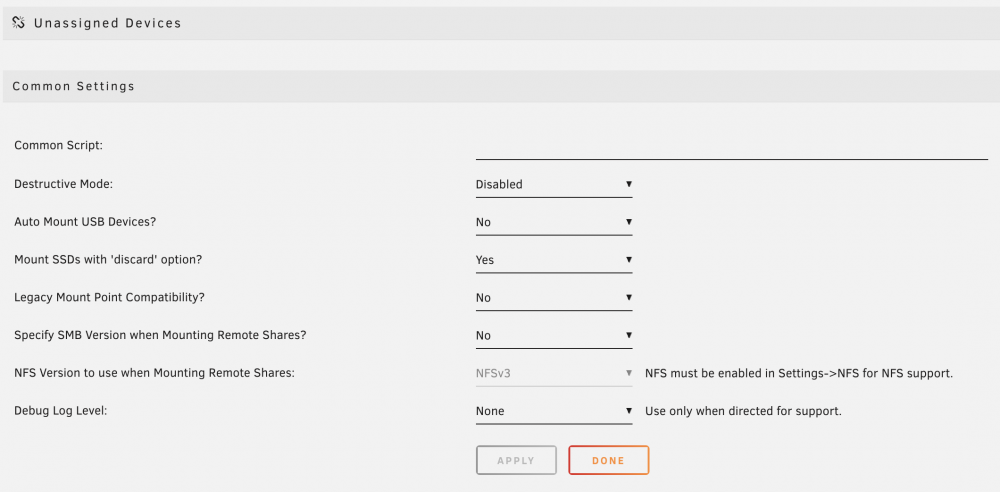
Issue: REMOTE SHARE CAN'T MOUNT BUT HAS MOUNT POINT NAME I’m facing my first problem with Unassigned Devices plugin. Not so sure if the problem is really from UD but some of you will probably be able to help me. This is the first time I’m using Unraid and this is in an office context. I’m an self-trained network technician (but still struggle a bit). Yesterday I succeeded in mounting a SMB remote share (from a shared folder located on Windows PC) to my Unraid server. But today I wanted to mount a shared remote drive from the same Windows PC to Unraid. I used the same Sharing settings (in Windows drive & folder) than previous day. I didn't update do any plugin update in the last 2 days as everything is up to date. Here is my problem: On the 2nd day, I was not able to mount the remote SMB share (drive or any new folder from Windows desktop) but I got a mount point name (see picture and share point called "PRODUCER-HELENS_audio"). I removed the SMB remote share and added it again but the result was the same (drive or folder was not able to mount to Unraid). I have no clue why this happens. Hopefully one of you will be able to guide me towards a solution. sunlightprime-diagnostics-20220628-1018.zip


-
@dlandon, should I add my post to the "Unassigned Devices - Managing Disk Drives and Remote Shares Outside of The Unraid Array" thread or keep it here for ease of following the topic?
-
Thank you @dlandon. I'm talking about the SMB shared folder called "audio" (2nd position in the list). This morning after restarting the server, and the Win PC called "producer-helens", the result is the same as I explained above. The auto-mount does not happen and when clicking on "Mount" button nothing happens as well. Same result even after removing the automount option for that share. I attached my diagnostics file. Thank you for your help. sunlightprime-diagnostics-20220628-1018.zip
-
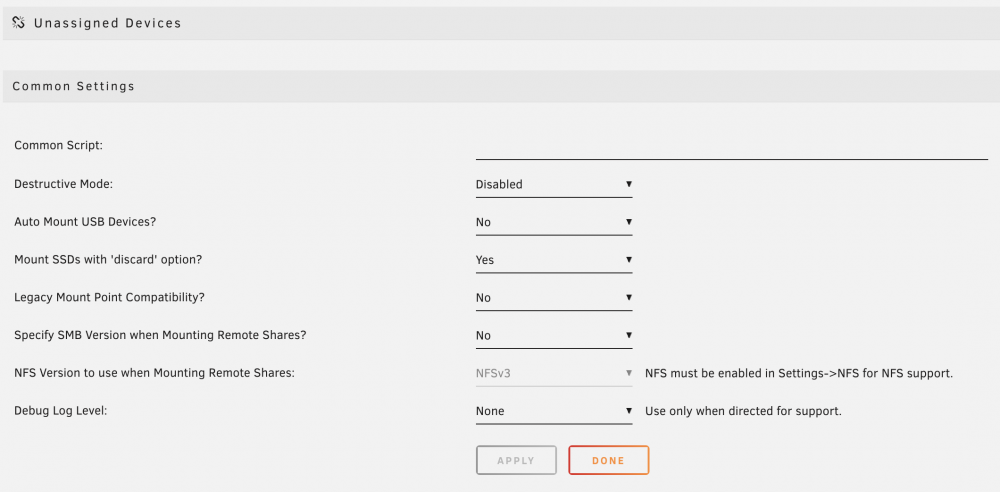
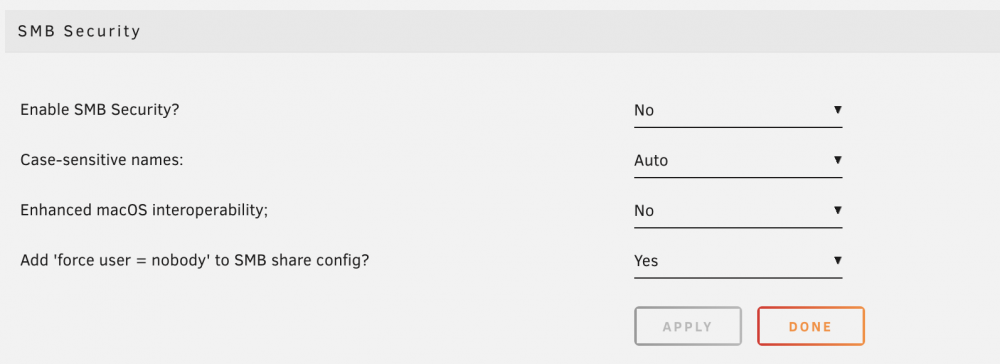
Hello, I’m facing my first problem with Unassigned Devices plugin. Not so sure if the problem is really from UD but some of you will probably be able to help me. This is the first time I’m using Unraid and this is in an office context. I’m an amateur network technician. Yesterday I succeeded in mounting a SMB remote share (from a shared folder located on Windows PC) to my Unraid server. But today I wanted to mount a shared remote drive from the same Windows PC to Unraid. I used the same Sharing settings (in Windows drive & folder) than previous day. I didn't update do any plugin update in the last 2 days. Here is the result and the problem: On the 2nd day, I was not able to mount the remote SMB share (drive or any new folder from Windows desktop) but I got a mount point name (see picture). I removed the SMB remote share and added it again but the result was the same (drive or folder was not able to mount to Unraid). I have no clue why this happened. Hopefully you will help me see through and guide me for a solution.


-
Hi Spencer, As I didn’t yet set the remote access to the server, I will be able to look at it again on Friday or Saturday… but what I can say is that the server is behind Pfsense. Is this a problem for what I’m concerned about right now? I will try to remove all AD blockers that I have.
-
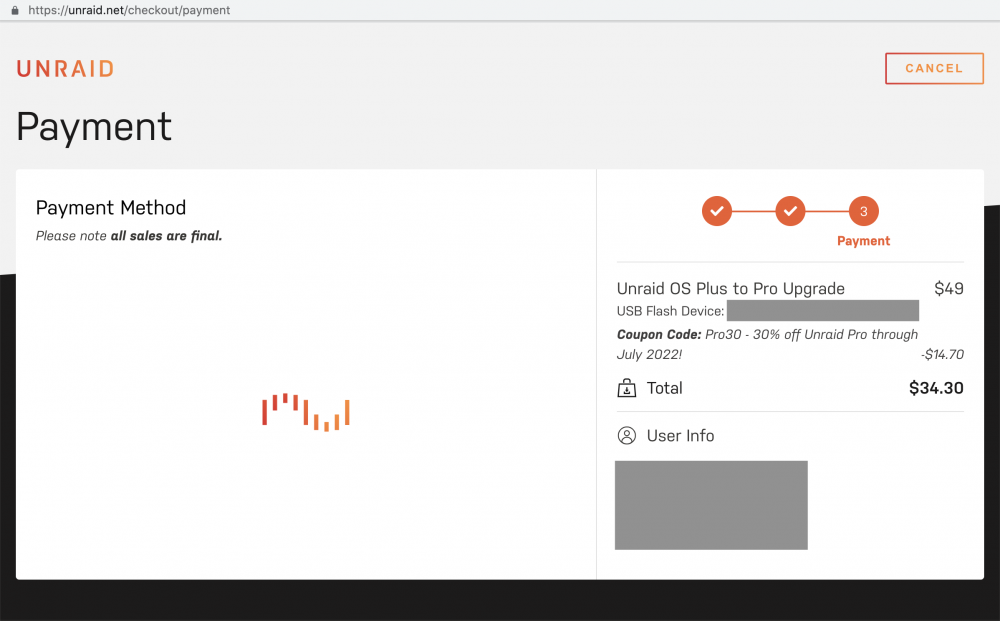
Thanks for @jorgeB, but I didn't find my answer there. I kept on trying.... but the Unraid logo animation moves forever and no payment methods are being displayed. I tried with different browsers (Brave, Chrome, Firefox) and without the discount code as well but the problem remains the same. What should I do to buy the upgrade? How to solve this problem?
-
I wanted to upgrade the license from Plus to Pro but I can't see the Payment method info coming.... I updated Unraid to 6.10.3 and reboot server prior to upgrading the license. I tried to Brave browser and with Chrome but it's same result and I can't see the payment method options. How can I do the payment? Is there another way to do it? Thanks for helping!!
-
thanks a lot @ChatNoir, you guided me to the right place I think. I will study this and i hope it will make sense for me.
-
Sorry if this question could maybe be solved if I was in front of the Unraid server. At the moment, I'm thousands kms away. My next step in setting up the office Unraid server is to create users and shares, transfer data to the Unraid shares, schedule for future similar transfer and set up online backups. As I will create my transfer tasks with User scripts and with Rsync command, here is my question (assuming that the Unraid server stay on during the night and that Rsync command will be run for the 2nd time) : In the situation that the office PC (on the same network, from where the remote SMB share was created) shut down at the end of day and restart next morning, will this SMB share be automatically (without human intervention) re-mounted to Unraid server? If not, what could be the solution to do such thing? Thanks for your help.
-
Thanks at lot @Frank1940, this all make sense now.
-
Thanks for saying this. I was not sure how to do..
-
Hi there, Thanks for sharing how you handle your local syslog server. I'm talking about the option 3 you described here. When choosing to implement the option 3, do we need to have the remote computer (in your example 192.168.1.242) always turn ON as in the option 2? Does that IP really exist in your network? If we set the "local syslog rotation" to enabled, will we be able to get error logs when the system can't reboot, or does unclean shutdown? What does Enabling "local syslog rotation" really mean, how often will the old logs will be erased? thanks for answering those questions..


