





aguilaair
Members
-
Joined
-
Last visited
Everything posted by aguilaair
-
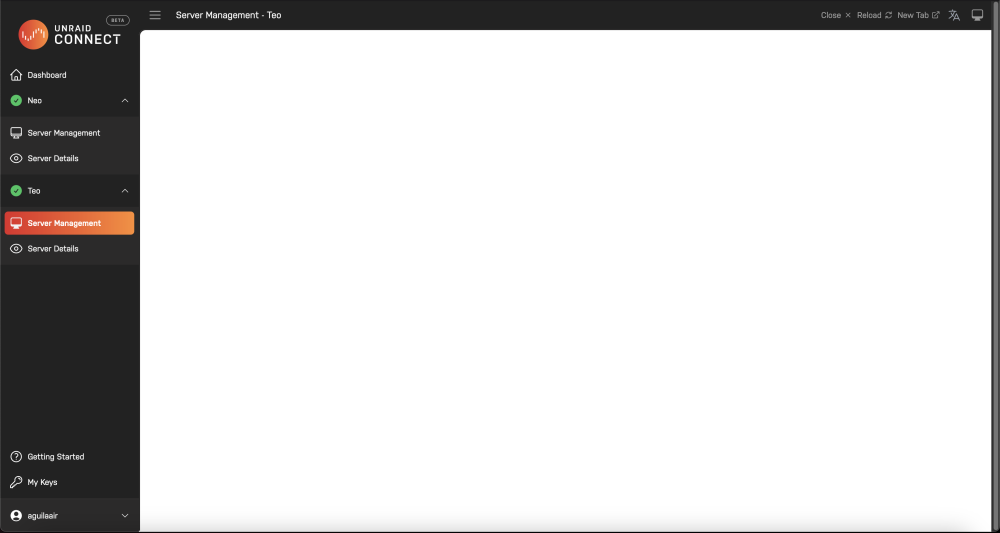
Hello, I have been using the WebGUI all day today and all of a sudden it has now stopped working. I did not change any setting and assumed a reboot would help it buit it seems to not have been the case. When I go to my domain I can see the login screen, but once I enter my credentials it goes blank. nginx and php log were both empty so I am not sure what could be causing it. I have tried from all of the possible domains (Noth through Unraid Connect and in specific tabs). Only thing that I changed today in server settings was passthing through `dev/dri` for frigate to get GPU accel, but I don't think that should affect anything. Thank you in advance! teo-diagnostics-20230627-0946.zip
-
Hello, Since 6.10.0-rc1 a USB device I have passed through to a HASSIO VM (deCONZ Conbee II) has stopped working, with Home Assistant not being able to establish a connection although it does appear in the system. This worked fine in 6.9.2 and also works fine when passed into a HASS Docker, a new VM with a brand new install did not solve the issue either and a different Conbee II which is also working fine does not work when passed into the VM. Steps to reproduce: Plug in Conbee II, pass-through to VM, attempt to communicate (/dev/serial/by-id/...). Any help would be appreciated. Please let me know if you need more info. Thanks! edit: Also happening in safe mode and 6.10.0-rc2d neo-diagnostics-20210829-1721.zip

