





knights_of_pine
Members
-
Joined
-
Last visited
-
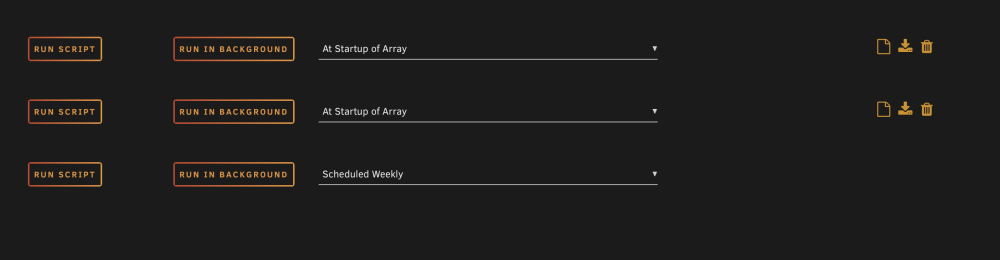
I will try this weekend the steps above to try to narrow it down. I have two user scripts that are running, could this be the cause?
-
this worked! thank you! been twoish days and the error isn’t popping up anymore. just so i understand is this masking the error or actually changed how something functions so the error doesn’t occur?
-
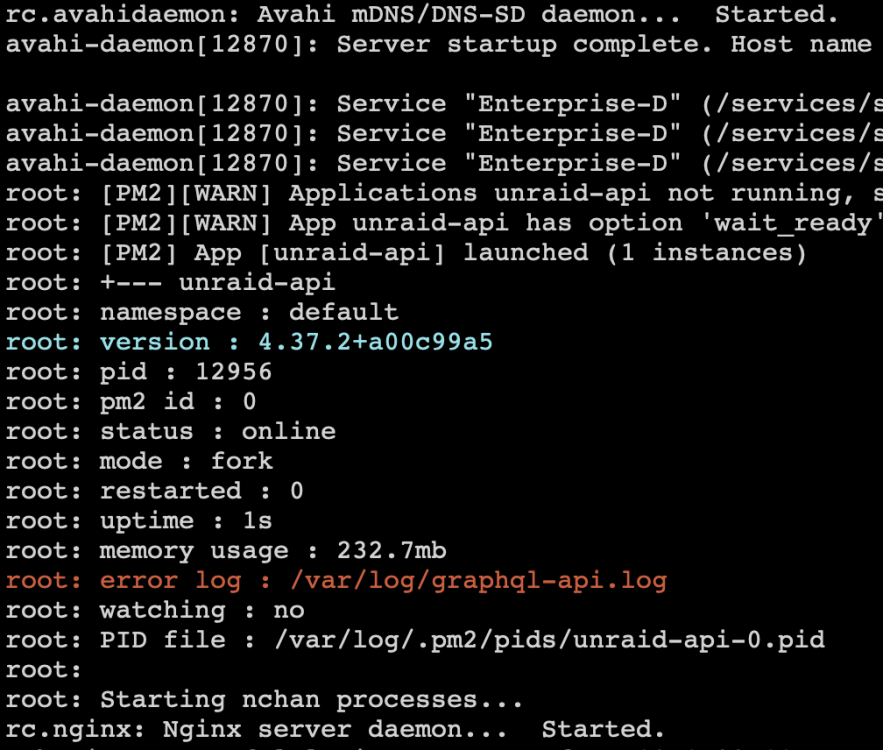
when starting up my 7.3.2 unraid server i get the error log: /var/log/graphql-api.log pictured below. any idea what this is and how i can remedy? thank you. enterprise-d-diagnostics-20260823-1918.zip
-
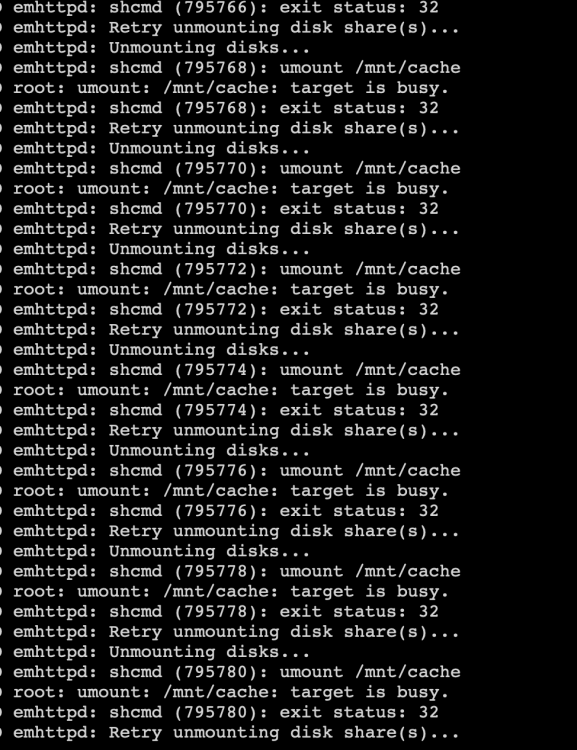
when i try to shut down or reboot the process hangs and i get the log spammed stating that it can't unmount mnt/cache. all my containers stop but then it just keeps repeating the attached error message. after about 20 or so minutes it will finally continue. but it is alway dirty and wants to parity check the next time it starts up. any help figuring out what this is and how to correct? i am on 7.3.2. enterprise-d-diagnostics-20260823-1918.zip
-
thank you for the help... enterprise-d-diagnostics-20260823-1918.zip
-
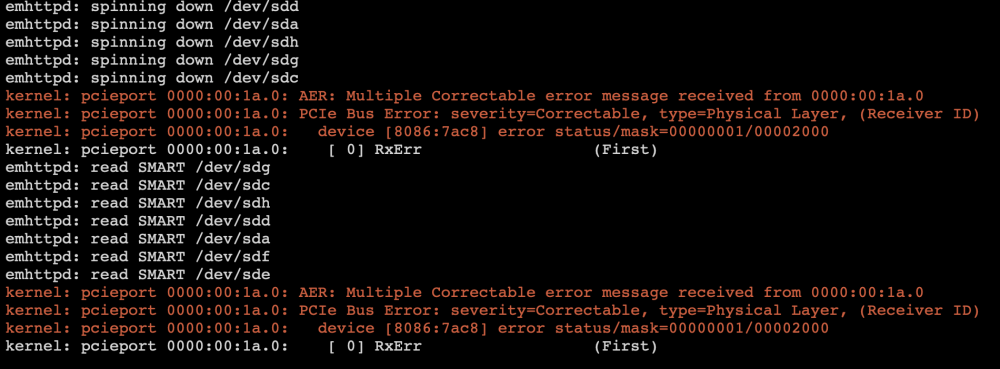
hello all, I am getting regular error messages in my log. screenshot below. mostly with 00:1a.0, occasionally with 00:6a.0. these are my samsung 990 pro 2tb mirrored cache drives. i have updated my gigabyte B660M DS3H DDR4 mobo to latest firmware and updated both samsung drives to latest firmware. Can someone help me troubleshoot. this is somewhat recent, i am guessing in the last monthish. i have run several extended smart tests on both drives with no errors. on unraid 7.3.2. i would appreciate any help on this. thank you.
-
latest version I think. maybe I am totally blind but I do not see the option in the mover settings.

-
Sure: where is this option i do not see it. thank you.
-
I was looking to exclude a specific folder from the mover. I do not see this option any more. is there any way to do this?
-
sorry im new to this... when you say something wrong with the stack do you mean the actual compose file i am using?
-
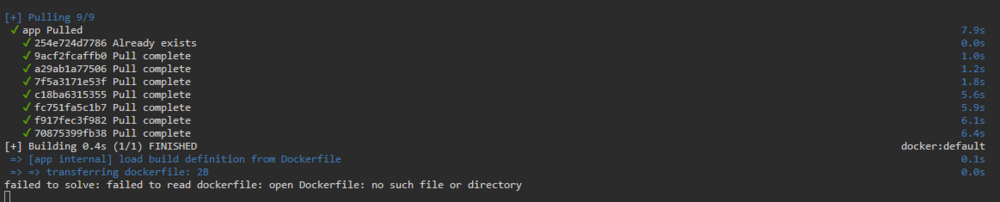
i am using the docker compose plugin to run the lublogger container. whenever i update stack i get the above error and it leaves and orphan image. any idea why this happens or how i can correct? please and thank you, i appreciate any help!

-
another container is on 5800 and i can reach it fine. i passed the jdownloader through to deluge vpn and have the port mapped from 5800 to 5801 in that container... i do this exact same thing for another container, but it isnt working with this one...
-
i did not change it. i try to reach it on 5800. i am passing it through to binhex deluge VPN. i haven't had this issue before though which is weird?
-
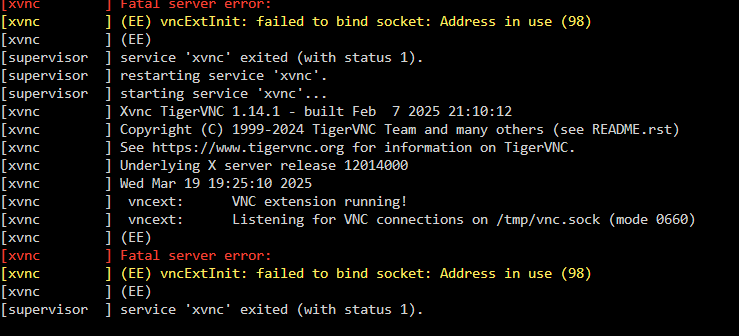
Getting the error over and over again. havent changed anything... any ideas?
-
i ended up rebooting the server twice and now it is reflecting the correct size? not sure why i had to reboot twice more.


