





ControlsMC
Members
-
Joined
-
Last visited
-
gerard6110 Have you heard any update if Limetech has implemented this? Or if this the purpose of this thread is possible yet?
-
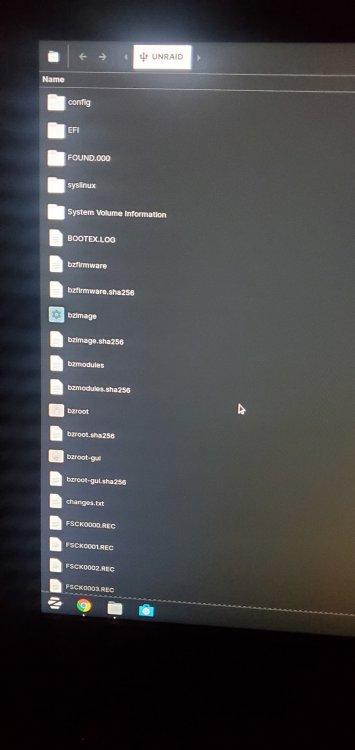
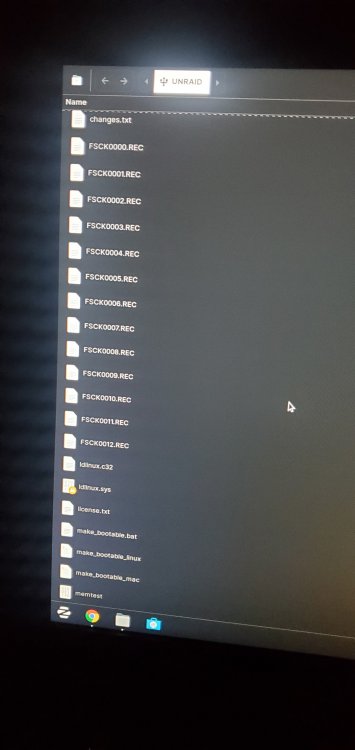
I have tried yet another usb drive. Built it with the windows tool. Same results, with no log files present. Any thoughts?
-
ControlsMC changed their profile photo
-
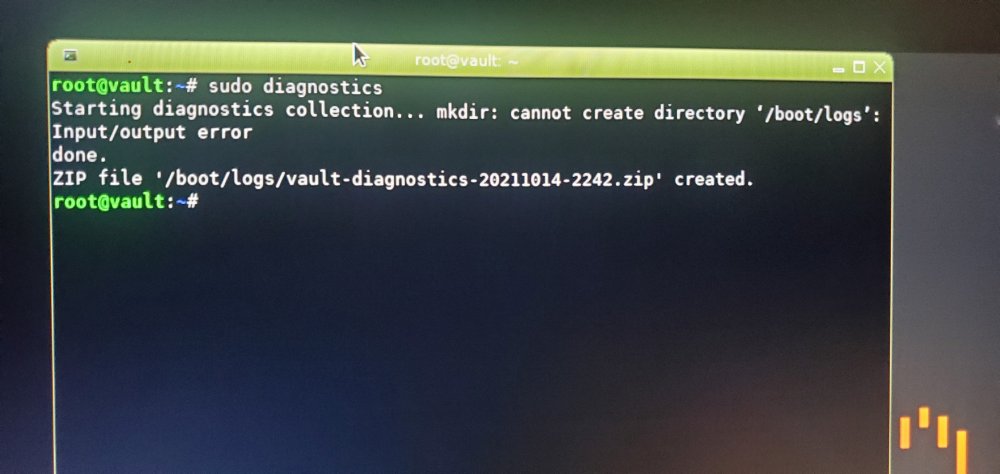
Another attempt. still no log file
-
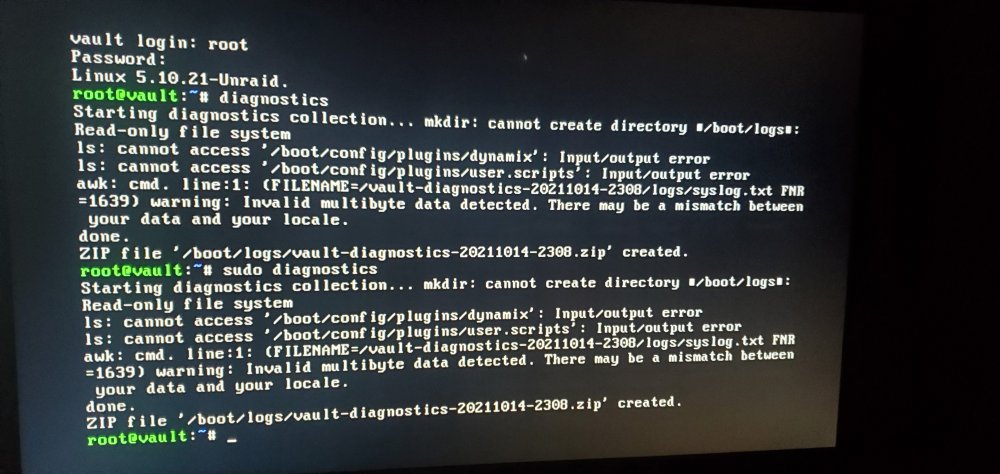
This is the output I get when I run the diagnostics command. I cannot find a .zip file called Logs.
-
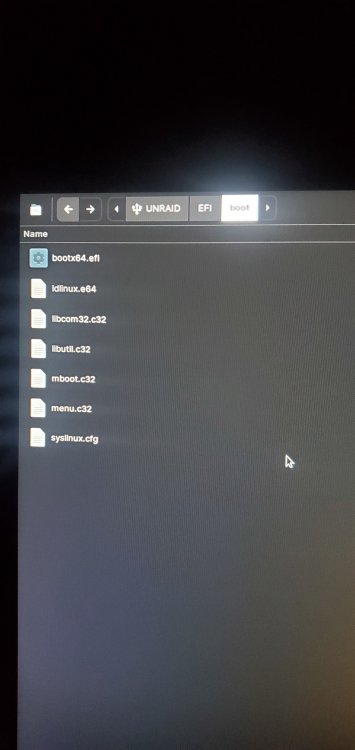
Short time lurker, new poster. I've run Unraid successfully on an old HP xw8600 workstation for a little over a year. Recently, I bought a 64GB ram kit and a Quadro FX5800 to use for Plex Transcoding. After inatalling the Nvidia Drivers plugin and restarting the server, I can no longer connect to the GUI over the network or locally. Things I've tried: 2 new flash drives 2.0 with the same config 1 new flash drive 2.0 with 6.9.2 with same config 2 new flash dribes 3.0 (computer doesnt even see 3.0) Original Ram Removing Quadro Graphics card Create usb with windows Create usb with Linux Boot is safe mode GUI with no plugins The system boots fine, I select GUI, and can login in fine, but its like the program never starts. I cant connect to local host or over network. I do see the server IP on my router, and I can access my router's homepage from my Unraid server, but I can't connect to other websites either. Willing to follow any guides/tips/tricks even if you think I've done it already. I'm handy-ish with a terminal, but not an expert.
-
Sounds like a better idea. Thanks!
-
ControlsMC joined the community
-
Bumped, as this hasn't been resolved yet, and I am currently running into this issue as well. Any further development?


