





Bili
Members
-
Joined
-
Last visited
Everything posted by Bili
-
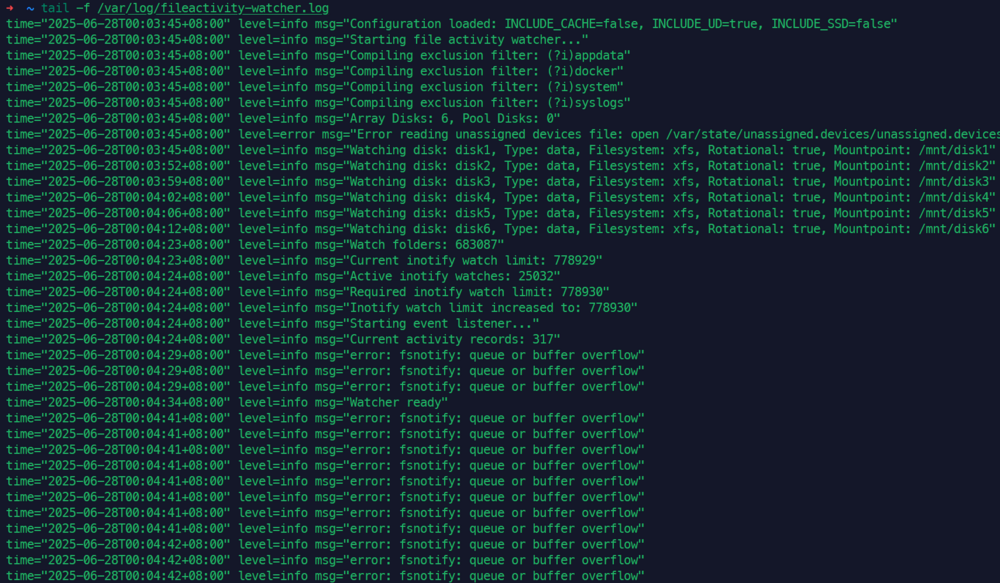
The fileactivity-watcher.log file has filled up my log space
-
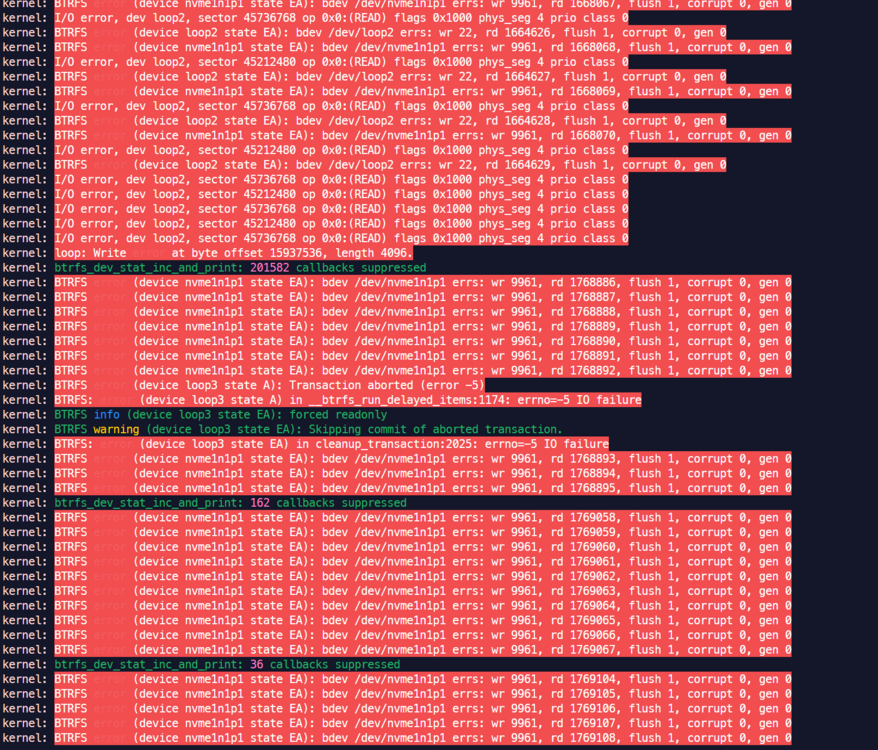
SSD1 is currently in read-only state. I plan to fully copy the contents of /mnt/cache to /mnt/disk6, then unmount SSD1, and finally start the array. Is this feasible?
-
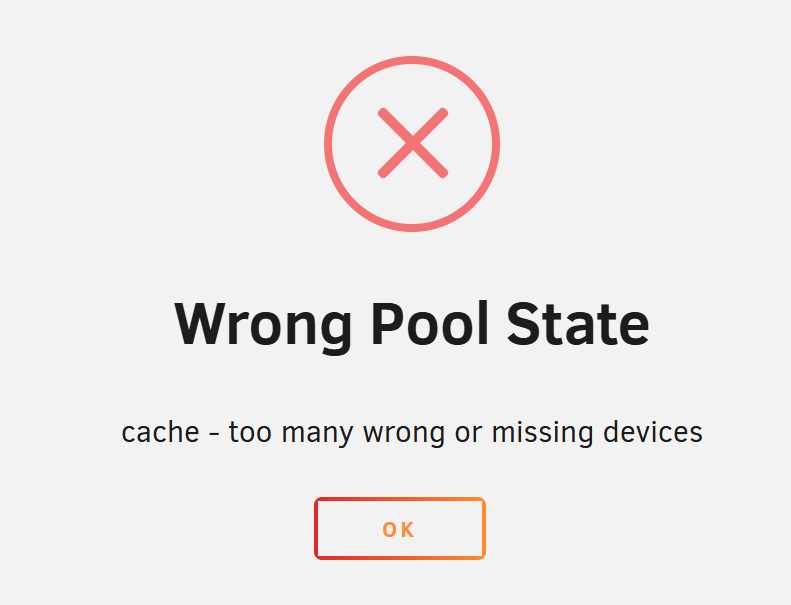
I have basically confirmed that SSD1 is faulty. My SSD2 is newly installed and has not successfully completed the balance operation before. I plan to recover data from backup, How can I start the Array with only SSD2 after removing SSD1? Currently, there is this prompt: Wrong Pool State. nbox-smart-20250605-0839.zip
-
There are some errors reported,Is the SSD dead ?
-
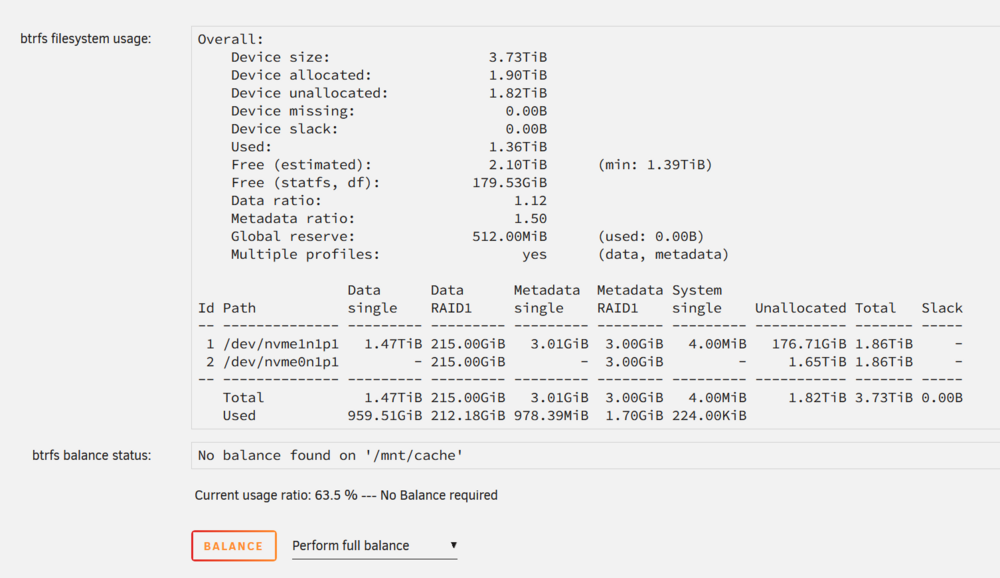
Balance finished,thank you.
-
It's normal now, I didn't do anything同样的问题,从7.1开始
 Great work, very useful to me. Some datasource uid need to be changed to "${Datasource_Telegraf}",Such as “VxKS81dnz”. There are also a few queries that can use aggregateWindow to improve query speed: |> aggregateWindow(every: v.windowPeriod, fn: mean, createEmpty: false)I am also using influx2, and I spent several hours converting only a few queries. It is really difficult to complete them all. I wonder if your project has been released? Maybe I can help a little bit.The openssl version (1.1.1v) that comes with unraid is too old. I encountered problems when using user scripts to create pkcs12 certificates. Is there a way to upgrade openssl?<cpu mode='custom' match='exact' check='full'> # Add a row in the CPU node to disable SVM <feature policy='disable' name='svm'/> </cpu> https://github.com/vagrant-libvirt/vagrant-libvirt/issues/667 I did this, solved it


