





Drowsy
Members
-
Joined
-
Last visited
Everything posted by Drowsy
-
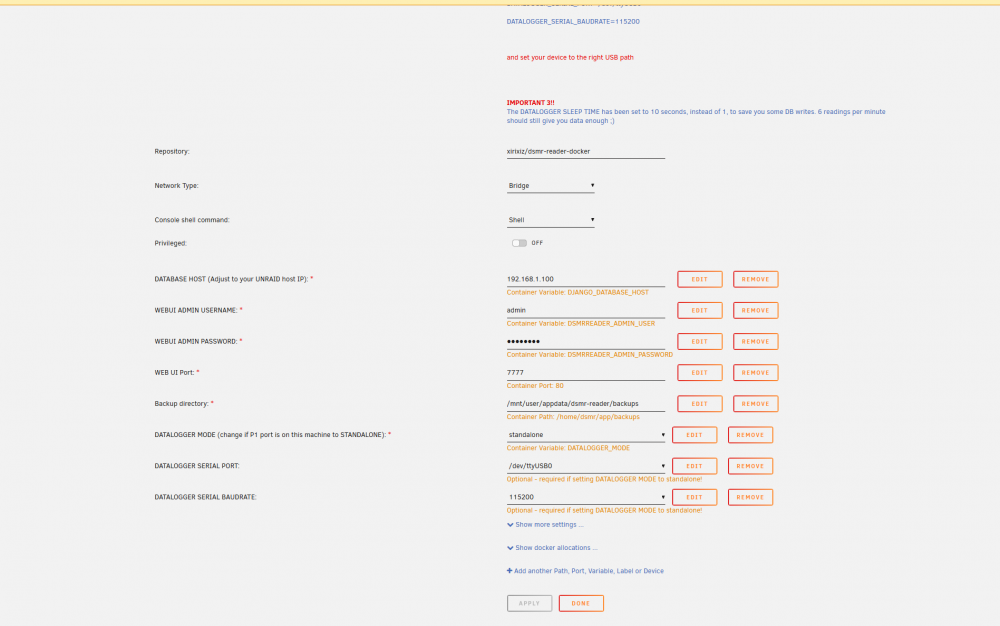
I cannot get it to work sadly and i am not sure where the problem is. I have a p1 cable hooked directly into unraid. According to the unraid logs its recognised. Landis Gyr E350 Screen; It does capture data on /dev/ttyUSB0 postgres logs; Seems ok But the dsmr log is full of errors: I've read the topic, i tried to delete the serial reference in the docker settings but that was already removed when i installed the image. Can anyone see what the problem is? Feels like dsmr docker can't really access /dev/ttyUSB0 even though there is a path.
-
binhex-delugevpn stopped working out of the blue so i installed binhex-deluge and copied the data over with binhex-krusader and it was working again. binhex-deluge now stopped working too (webgui doesn't load) . If i backup my current deluge data, wipe the dockers and re-install them how do i prevent it from happening again? I'm still on 6.8.3
-
2 weeks ago i updated the container and my torrents where gone so i reverted to 14.2.5.99202004250119-7015-2c65b79ubuntu18.04.1 which fixed everything. Is it safe to update? Which instructions should i follow to correctly update?
