




Skip to content
View in the app

A better way to browse. Learn more.

Unraid

A full-screen app on your home screen with push notifications, badges and more.

To install this app on iOS and iPadOS
  1. Tap the Share icon in Safari
  2. Scroll the menu and tap Add to Home Screen.
  3. Tap Add in the top-right corner.
To install this app on Android
  1. Tap the 3-dot menu (⋮) in the top-right corner of the browser.
  2. Tap Add to Home screen or Install app.
  3. Confirm by tapping Install.

syngin

Members
  • Joined

  • Last visited

Everything posted by syngin

  1. I also would like to confirm that it's working! Many thanks!!!
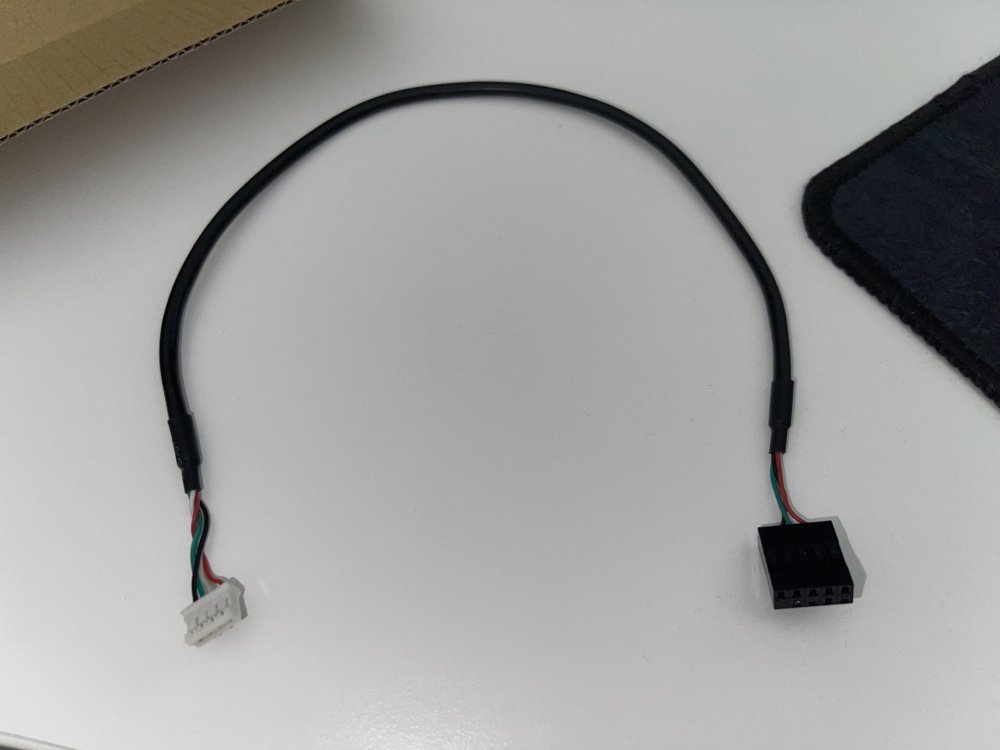
  2. Hey, what cable are you using for the connection? It does not look like the original one which is being delivered and I can't find it on the internet. The original has 4-pin to 9pin USB header. Yours is 4-pin to USB Type A. Thanks, syngin
  3. Hey, This thread has been started with the first hardware revision of this card. There are two newer revisions now. The revision B also features PCIe Gen3 x 8 interface. Revision A and lower has only PCIe Gen2 x 4. - QM2-2P10G1T - QM2-2P10G1TA - QM2-2P10G1TB Are there any updates regarding the 10G NIC compatibility with unraid? Thanks!

Account

Navigation

Search

Search

Configure browser push notifications

Chrome (Android)
  1. Tap the lock icon next to the address bar.
  2. Tap Permissions → Notifications.
  3. Adjust your preference.
Chrome (Desktop)
  1. Click the padlock icon in the address bar.
  2. Select Site settings.
  3. Find Notifications and adjust your preference.