





d_buster
Members
-
Joined
-
Last visited
Everything posted by d_buster
-
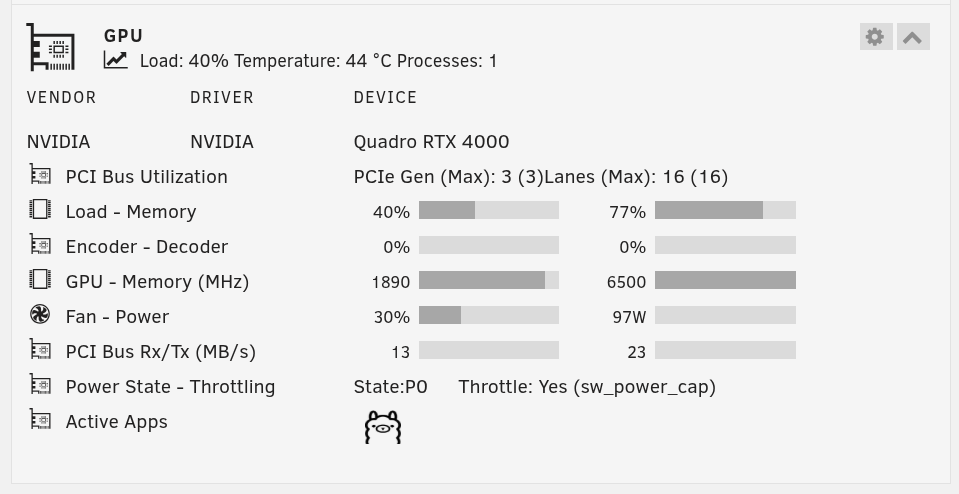
That makes sense, I appreciate the feedback. The original reason why I ask is because the sw_power_cap triggers around 98-100 watt, the RTX4000 has a 160 watt TDP rating, I guess I expected throttling to kick on closer to 150 watt.
-
I'm trying to figure out if this is the right solution for me. I'm hitting a sw_power_cap even under ~50% load on my RTX 4000 running Ollama. What would be right solution to fix this? Running on unRAID 6.12.15 with the latest Nvidia driver 575.51.02 (I'm super new to managing my hardware down to this level so bare with me please)
-
This solved my issue. Thank you @timae146
-
Anyone know if this issue is being worked on? Seems like there are a few folks with the same problem.
-
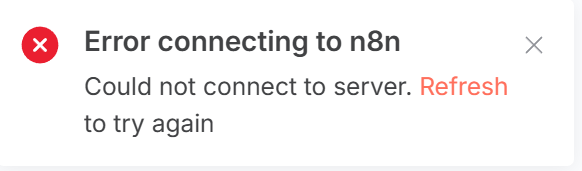
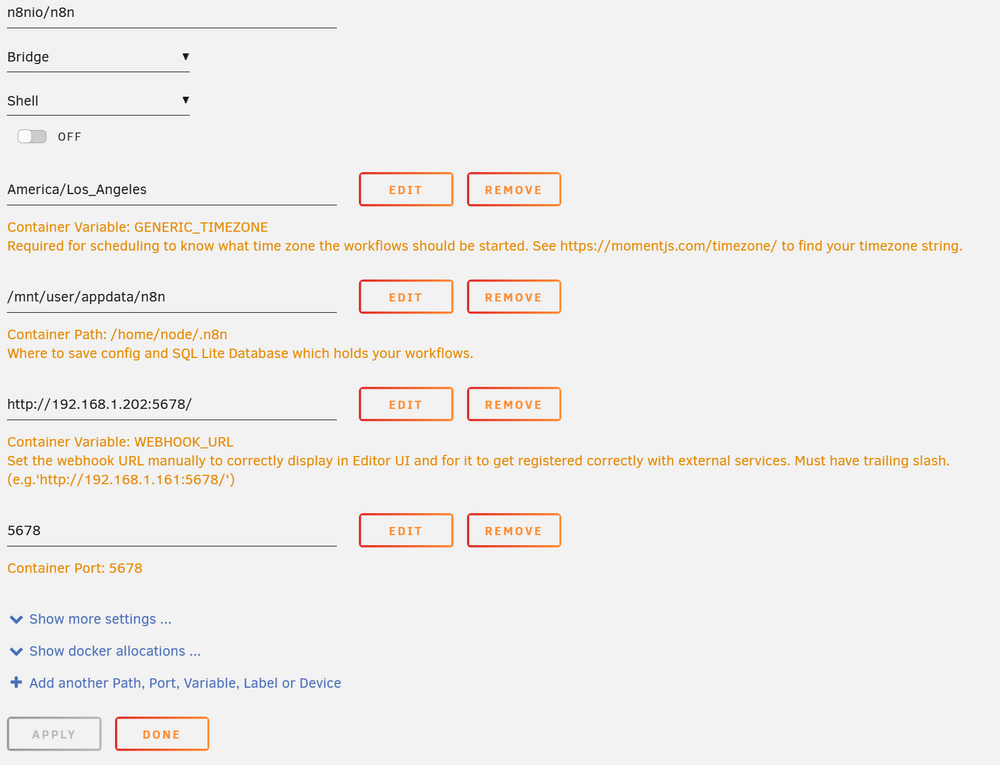
I'm receiving the same error on v1.120.4: My setup is local only.
-
Hi all, have a DayZ local server running and now the game environment is frozen, all zombies frozen (not moving, only making sounds), can't shoot anything, all loot missing. Tried restarting the server, doesn't help. What can I do? Thanks.
-
I have not yet, will try within the next couple days.
-
My server runs on my LAN, it's not available externally.
-
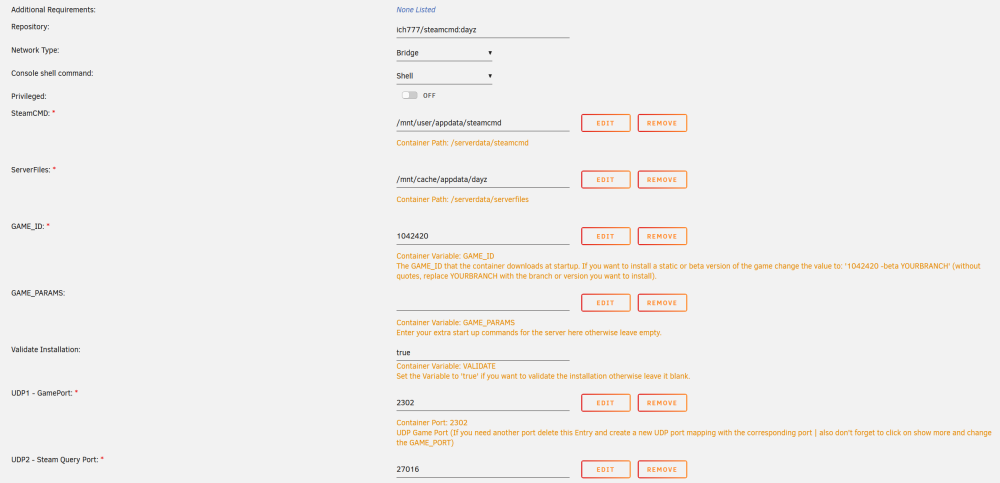
(I'm running 'experimental client' version of the game, not the regular version. The regular client version has never worked for me, always getting the error of 'Steam authentication failed. Ticket is not for this game', so I stuck with the experimental client which has worked up until this latest server update on Steam) I just had a change to try adding 'true' to the VALIDATE field, restarted server and nothing, same error for old version. Here are my current container settings:
-
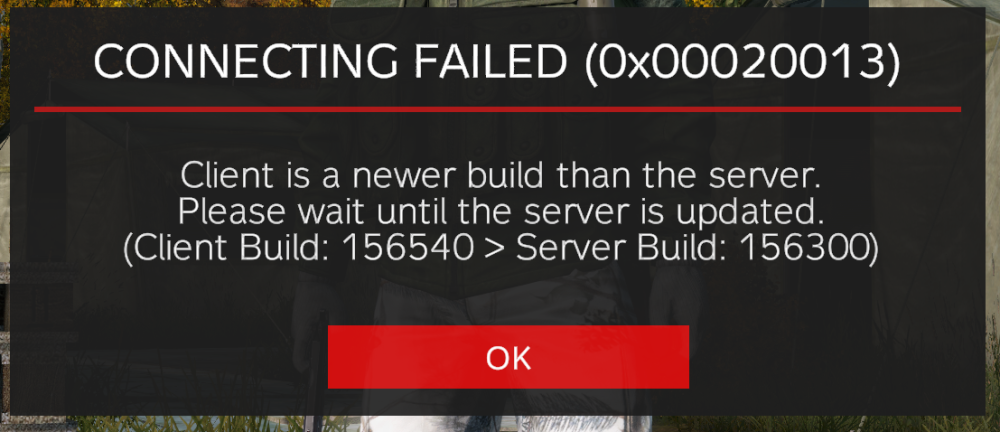
This is the second time this has happened to me, just that last time it fixed itself somehow. I believe the issue is that the client and server do not update to the same version at the same time, or else this error would never come up. Just need to figure out how to force the one that's older to update, this is the help that I'm searching for. For your client update, I would restart Steam and see if that forces an update on the experimental game image (This is just something I would try, not sure if this is the actual solution).
-
Yes, 1042420.
-
Super noob question but I just had my client update but no available update on the server. How do I force an update on my docker server to match my client version? Thanks.
-
I don't have a dedicated network firewall. Marking 'validation' to 'true' and restarting multiple times does not help. I there anyway to find and force and update?
-
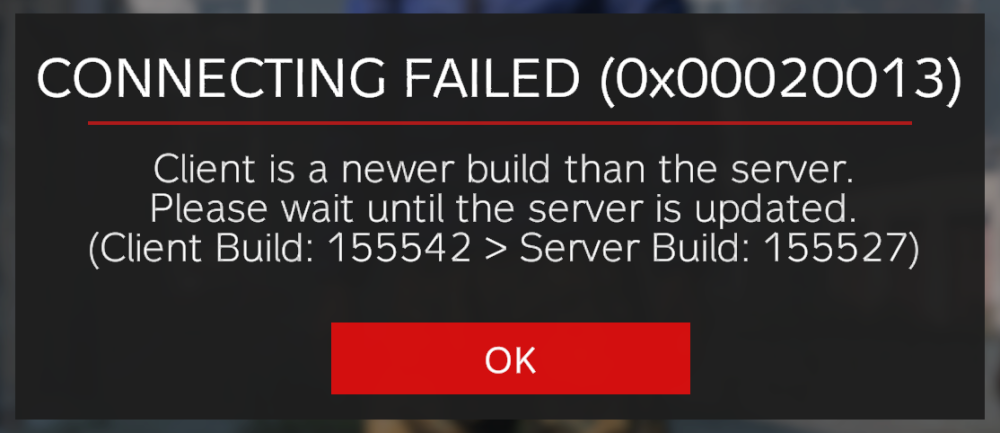
I get an error, please wait for server to update but when I go to update the server, it says the server is 'up-to-date'. Client version: 155542 Server version: 155527 How do I update my Docker Server?

-
Just installed Dayz server and can't figure out how to get the thing running...can someone please point me in the right direction?




